Week - 8 - Morphing
Objective: To practice all the Morphing techniques and to increase the height of the doghouse and ribs.
Procedure:
Model1:
- Go to Morphing module and create a new ortho box
- Select the surfaces which has to be morphed
- Click on align and select the orientation to orient the box accordingly
- Go to Box Morphing - Move
- Select entities and right click on the surfaces to create local coordinates
- Select the end points and move to morph
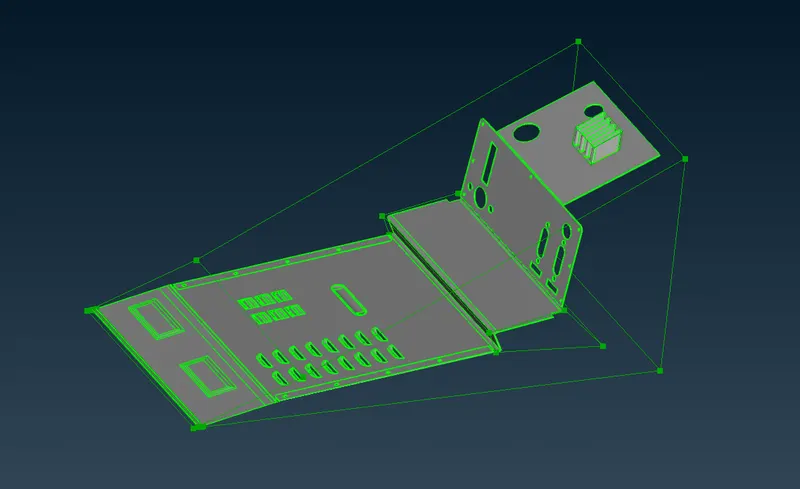
Model2:
- Carry out the same procedure as previous model.
- Split the morphing box so that the base remains static and only top portion of the dog house and ribs are affected to increase the height
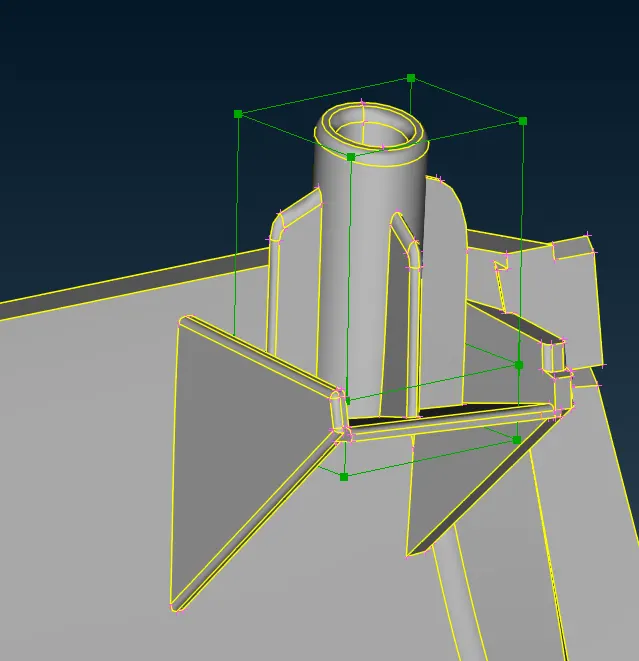
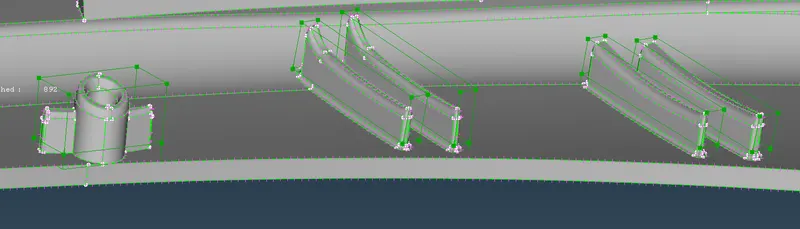
Conclusion: Morphing techniques has been performed and the height of the doghouse and ribs are increased.