Week 4-1D Element Creation Challenge
Objective: To Mesh the Given component with the Size of 5 Units. Create 1D elements on the following component with given cross-section and DOF.
Procedure:
- Create the midsurface for upper and lower bracket (Geometry - auto midsurface and select upper solid - extract)
- Click return and create a new component and create a midsurface from the bottom solid
- Delete the two solids
- Move the bottom midsurface to the new component (Tool - Organize - select the bottom surface and click move)
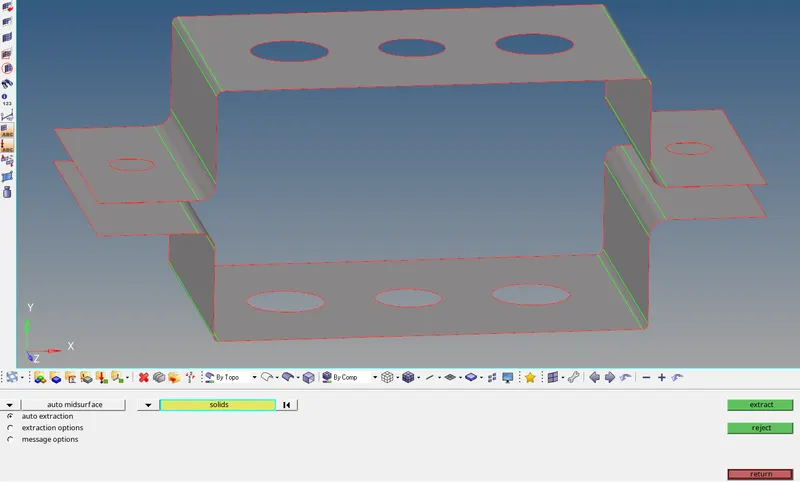
- Create washer split for the holes with offset of 5
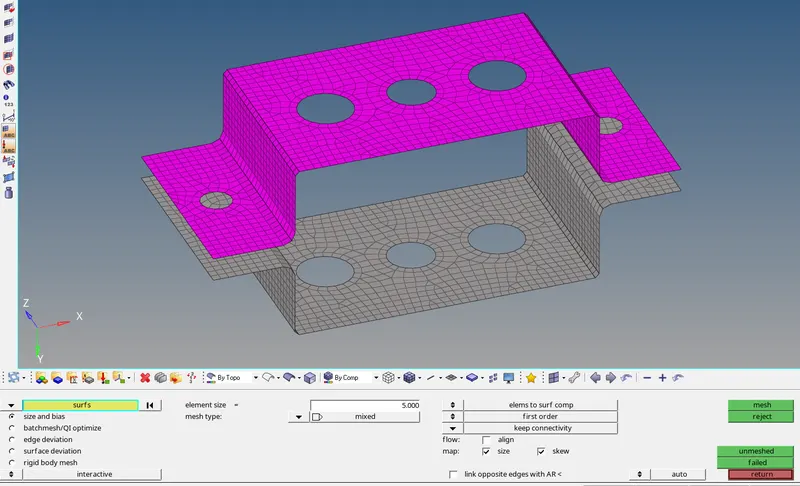
- Generate 2D automesh with element size of 5 and make the number of nodes around the washer equal
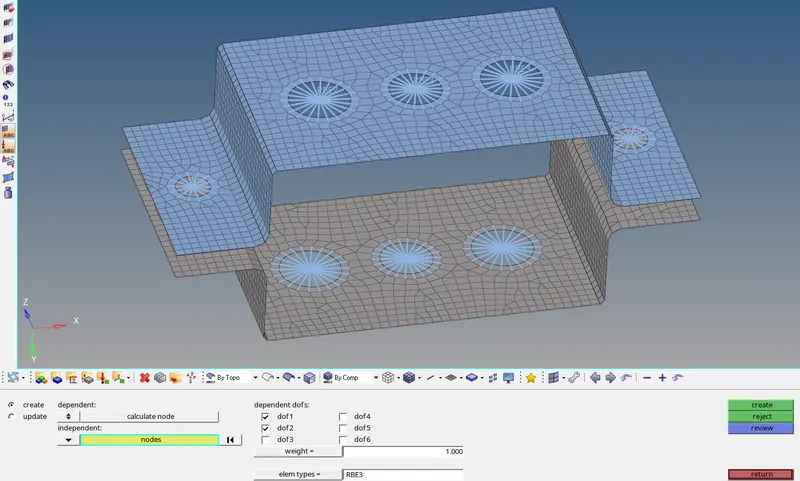
- Generate RBE2 and RBE3 links and assign DOF as per the given problem
- Create Rod, Beam and Bar element by giving the cross section as per the given data (1D - Hyperbeam - standard section)
- Create Rod (Hyperbeam library - thinwalled box)
- Create Beam (Hypermesh - Standard I section)
- Create Bar (Optistruct - Cross)
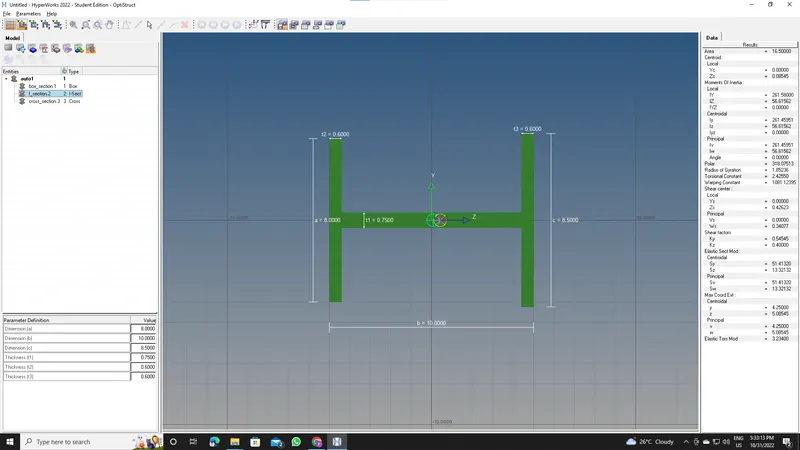
- Create properties for all 3 elements (Bar - Card Image - PBar - Assign appropriate Beam section)
- Follow the same procedure for others
- Create 1D Bar, Rod and Beam element and apply properties)
- Apply mass of magnitude 10 for d & e region
- Join the two components with spring element
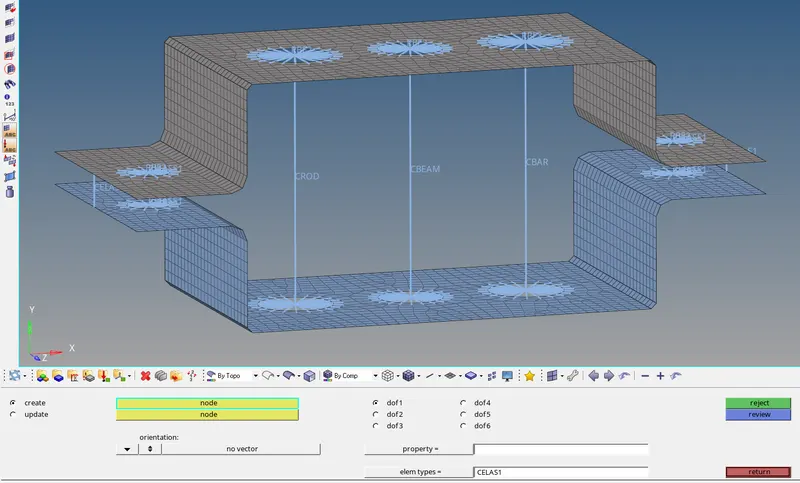
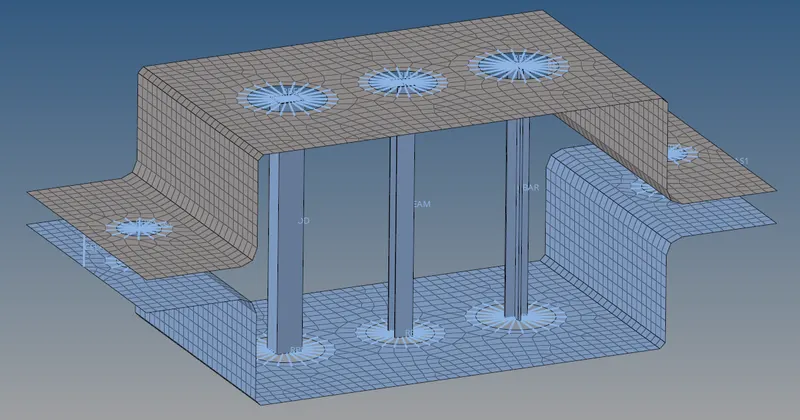
Results: The given component is meshed with size of 5 units and 1D elements with given cross-section and DOF is generated.