Week 12:Project-1-Meshing of Door Inner Panel Challenge
Objective: To generate midsurface and generate 2D mesh with the criteria mentioned and assign thickness.
Procedure:
- Measure the offset distance by projecting and duplicating a point in the gap region (tool - project - point - duplicate - select the surface and measure the distance)
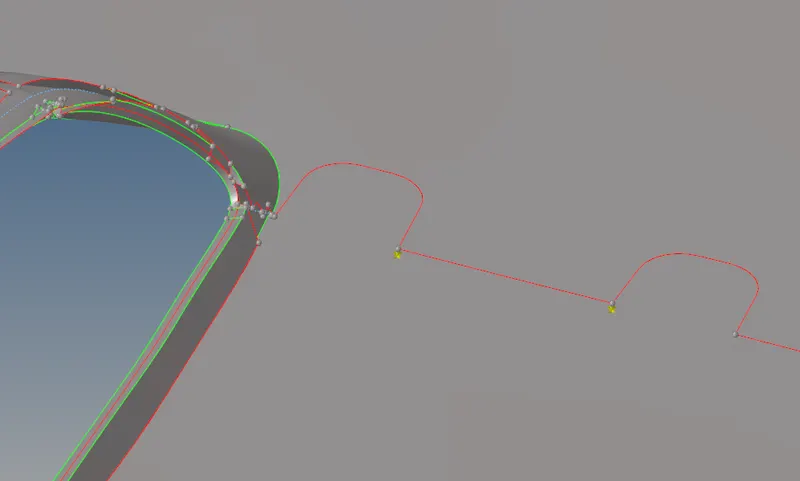
- Offset the component 1 to distance of 1.4 (geometry - surface edit - offset)
- Project the details on the offset surface manually
- Use (geometry - midsurface - final edit tools and select the opposite faces to create midsurface). Do this for following ribs.
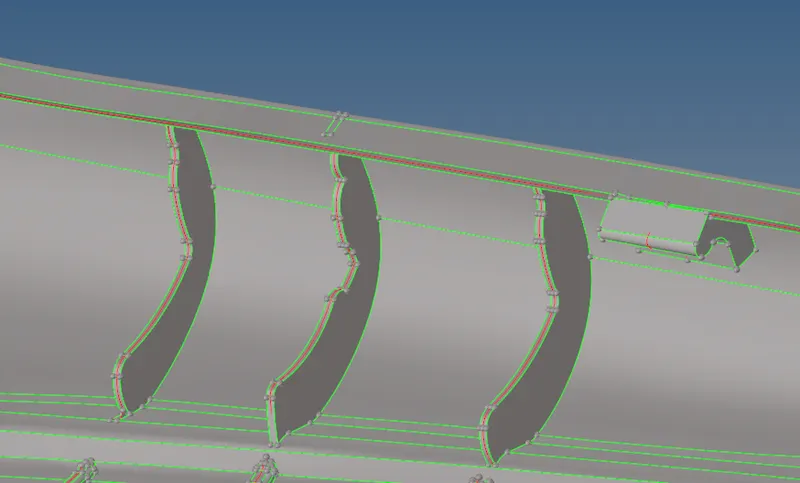
- For the below surface details, create a midline and trim the midsurface with that line and then create surface with lines (Geometry - line -midline), (geometry - surface edit - trim with lines), (geometry - surface - ruled)
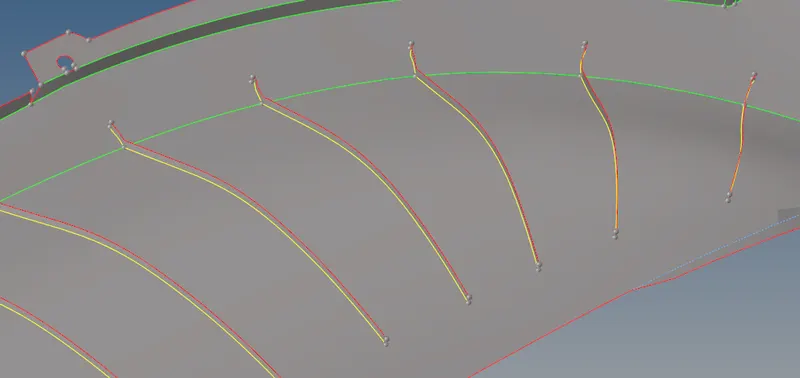
- Use offset option and then trim the surface for the following geometry.
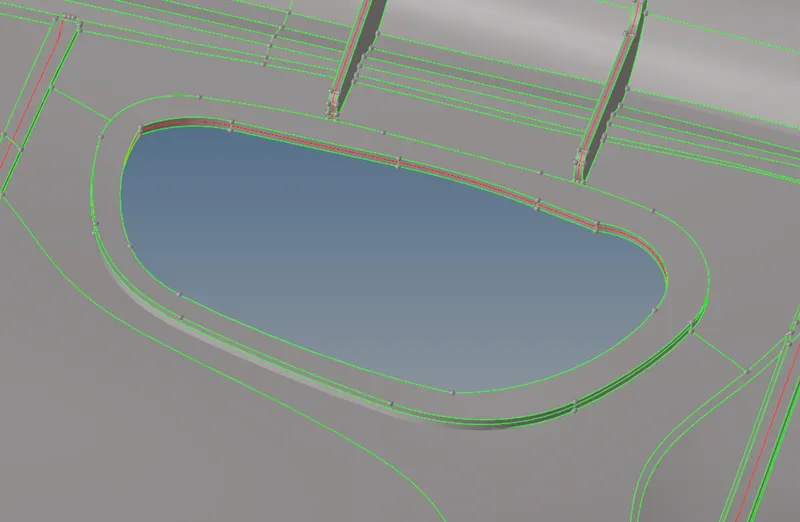
- Capture the following geometry with orthogonal surfaces.
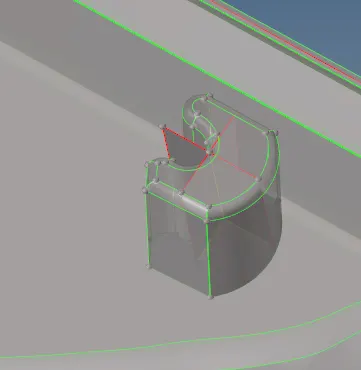
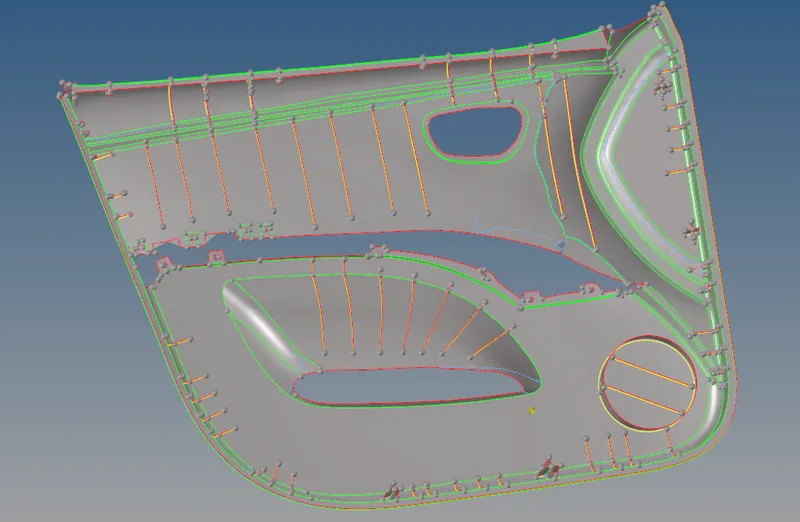
- Do topology corrections on the midsurface to avoid failing elements.
- Generate automesh on the midsurface and rebuild.
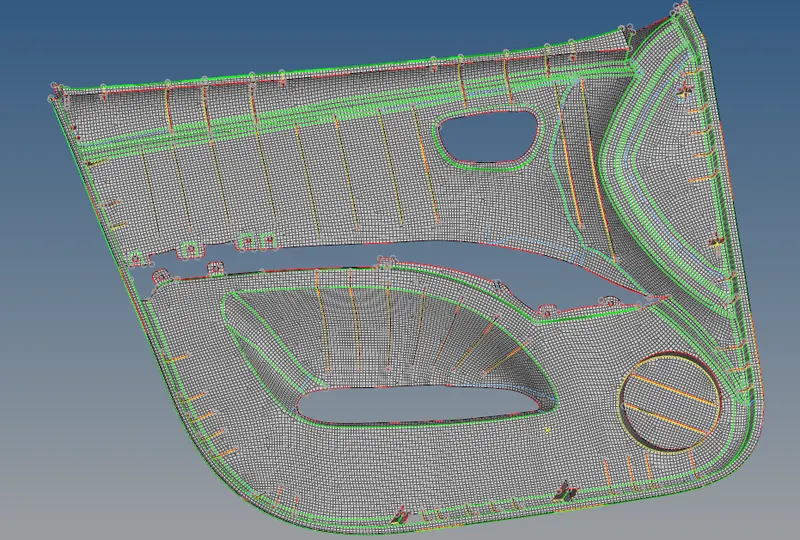
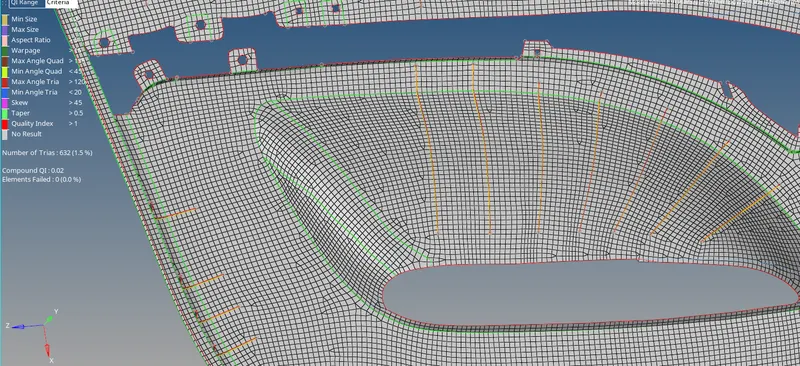
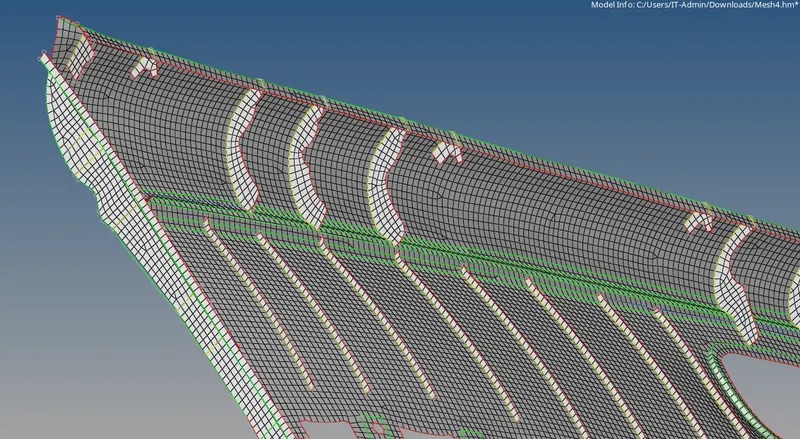
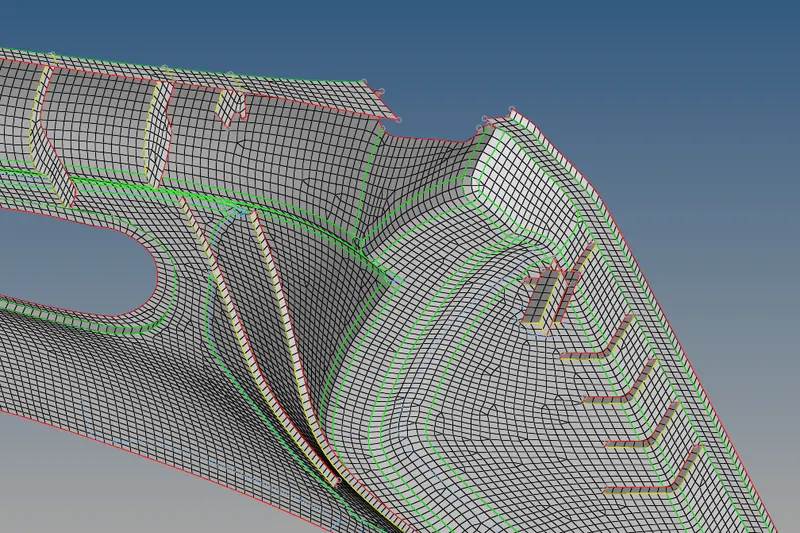
- Assign thickness (Toolbar - mesh - assign - midmesh thickness - select both the parent surfaces - select all elements - properties on components)
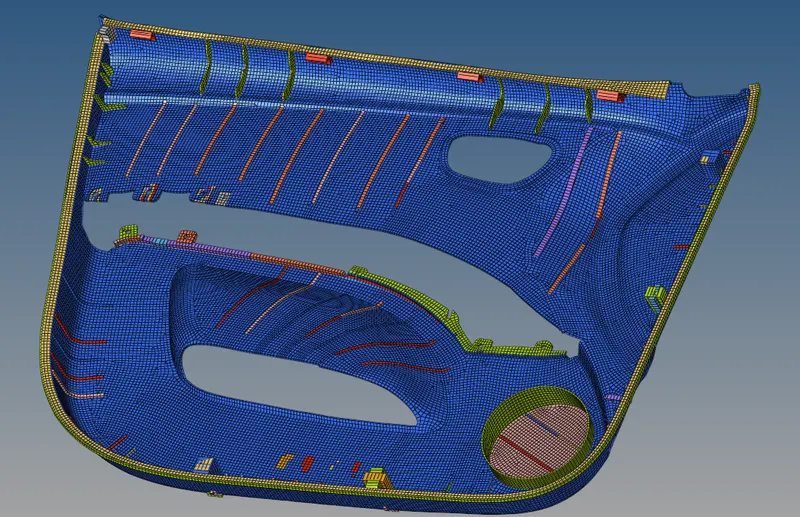
Result: The back door midsurface has been created and meshing is done. Thickness is assigned to the elements to match the parent geometry.