Week - 8 - Morphing
Week 8 – Morphing
ANSA July Batch
Aim:
1) Practice all the Morphing techniques that were shown in the video for Model-1.
2) Perform morphing for the Model-2 and Increase the Height of the Dog houses and Ribs.
What is Morphing ?
ANSA brings to the CAE world its ‘one – of – a kind’ tool for CAD geometry morphing. This pioneering concept allows the user to utilize the inventory of all the familiar FE morphing functions to perform equivalent operations in a CAD environment on geometric entities.
The main advantage of morphing is that only the node location or the location of the surface is changed while their information i.e. the node id, element id, surface id, and any association such as contact groups etc. remains the same, thus allowing the user to modify the mesh and meet the new design requirements.
Morphing is mainly used when there is not a big design change or when only the shape of the model has to be changed while all the other parameters are to be kept constant. This is mainly seen when there is a new iteration of the existing product.
If a new iteration of a product which exists in the market has to be made, the morphing tool is used. This process/tool gives a brief idea about how the model will look like with the specifications and the features same as the previous product.
This feature is fast, easy to use, and large number of applications. Using this tool, any kind of shape can be achieved with the existing model. Then this morphed shape can be further used for design considerations and a new model can be mathematically designed from it.
The major examples of this technique in the automotive world are the vehicles like ‘Dzire’, ‘Xcent’, ‘Amaze’, and ‘Etios’, wherein there is a design modification to their predecessors or hatchback versions, ‘Swift’, ‘i10’, ‘Brio’, ‘Liva’ respectively.
Procedure:
- Import Model in ANSA. File > Open > select > ok.
- Now for model one we are going to perform different morphing operations.
- Now go to Classic Morph > Box > Move.
- Select geometry you want to morph by drag selection.
- Now move by point or line.
- Also for second model select the dog houses by drag selection.
- Now select the guide points and increase the height of doghouse.
Results:
Model 1:
Before:
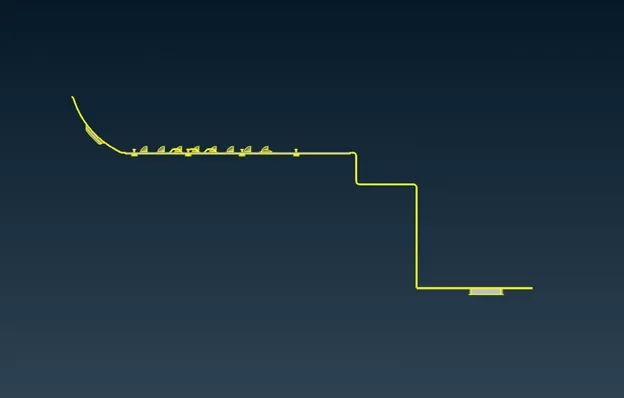
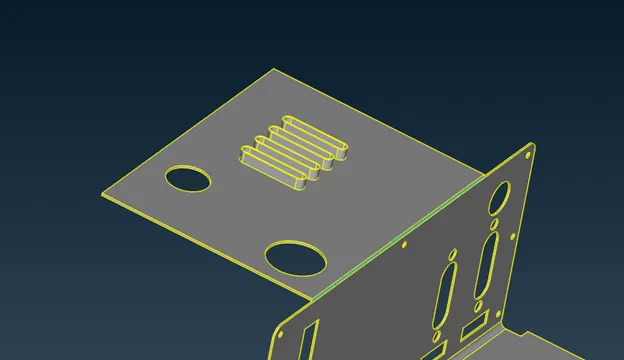
After:
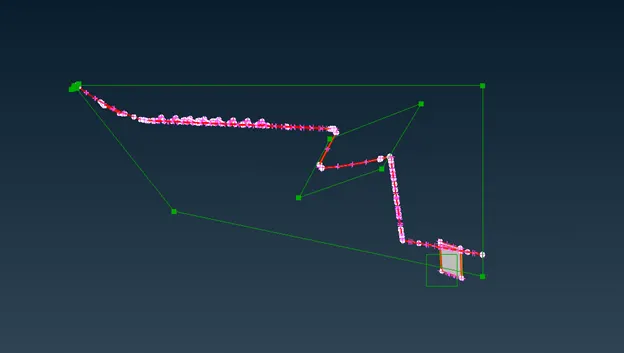
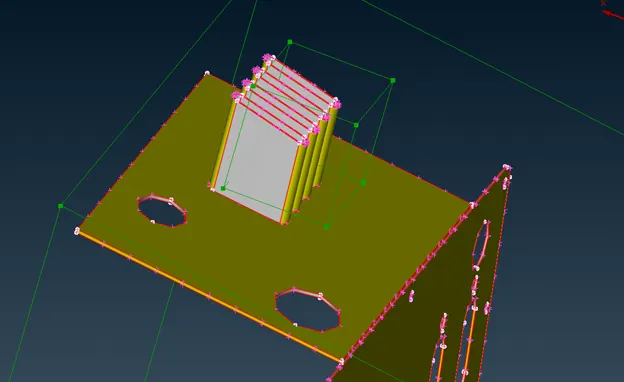
Model 2:
Before:
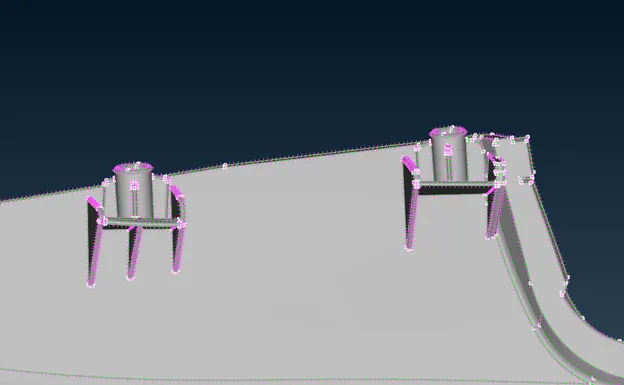
After:
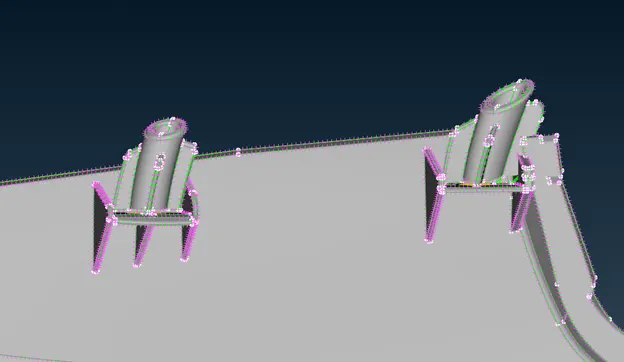
Before:
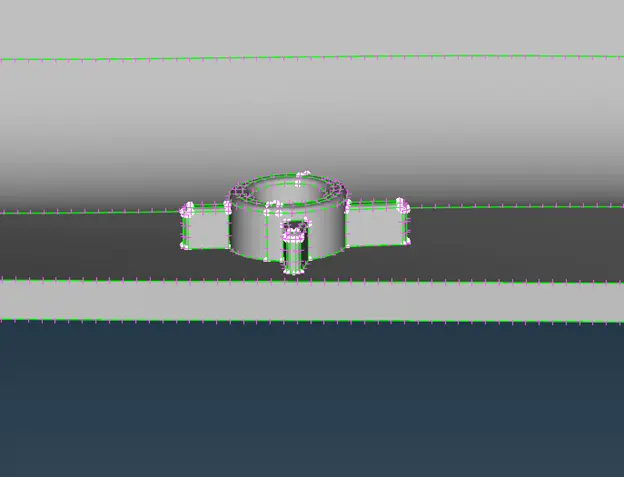
After:
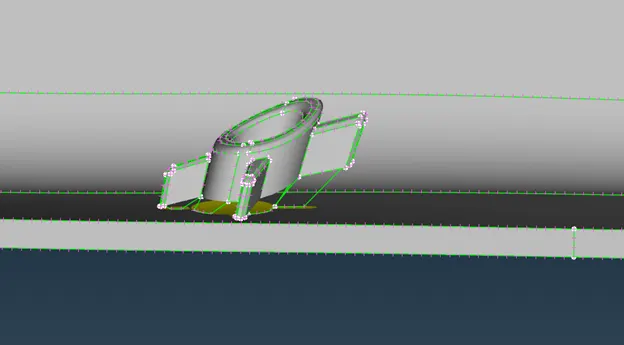
Learning Outcomes:
- Here we learn Geometry morphing.
- Learn how to select the geometry and morph.
Conclusion:
Hence we perform different Morphing operation and also use the morphing technique to increase the height of doghouse in second model.