Week - 8 - Morphing
Aim- Perform morphing module on model.
Morphing- Morphing means reshaping the model without disturbing the FEA and cad model and its boundry conditions.
It is used to change the diamensions and size only.It will save lot of time we can modify the cad in the ansa by morphing we should not go for devoloping new design and geometry .
Application of morphing is used to change the vahicle model into diffetrent passenger class vehicle(Honda brio to Honda amaze).
Procedure-
1.Import the model- In the left corner go to open and import the model.
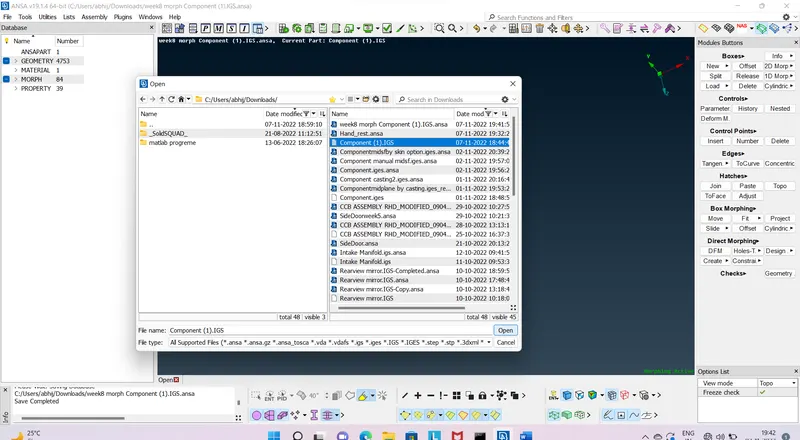
Fig 1.0
2.Morphing module-Go to morphing module which is on the right corner.
After that go to new in boxes command new>select geometry>ortho>select the which we would like to morph and click middle click.
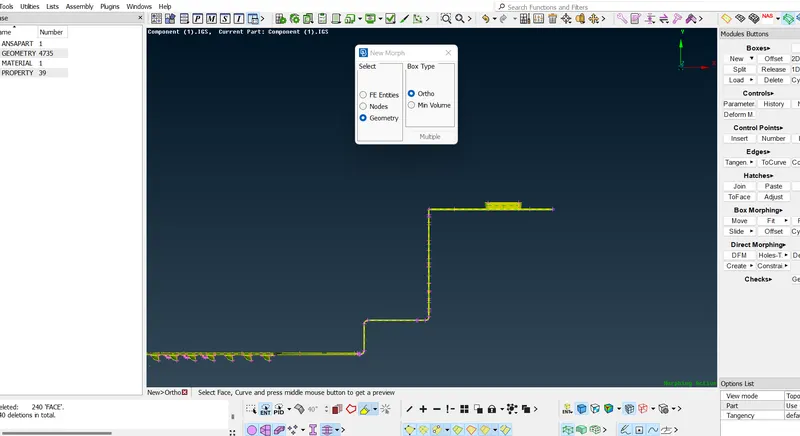
Fig 2.0
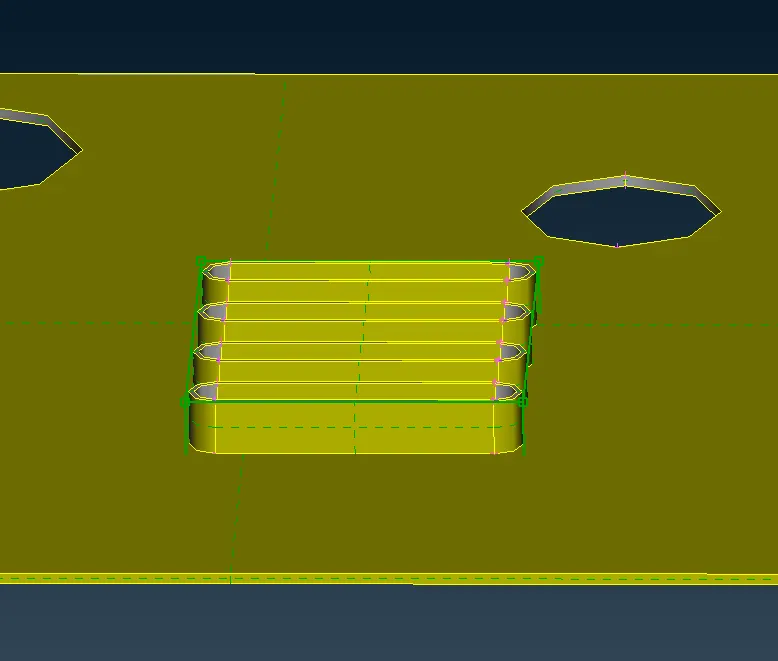
Fig 3.0
3.Move -Go to box morph command and choose move option and select the morph box point and middle click and move in what we want to do in that direction.
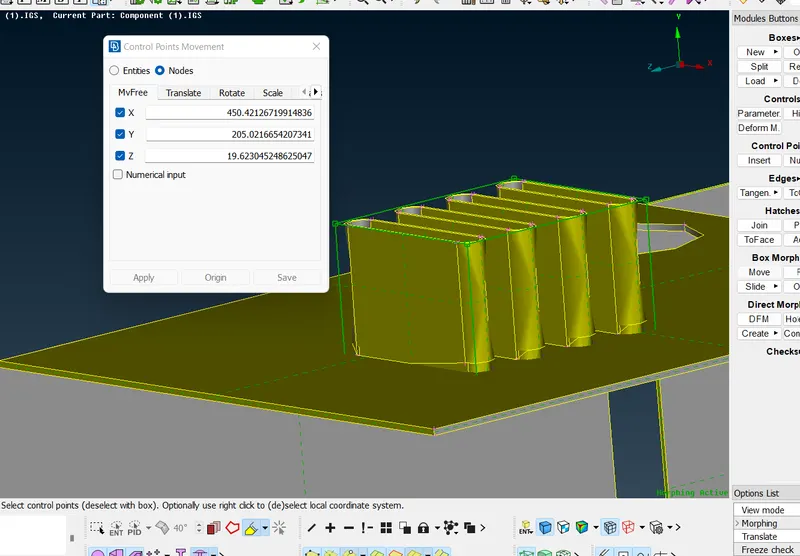
Fig 4.0
Completed component 1-
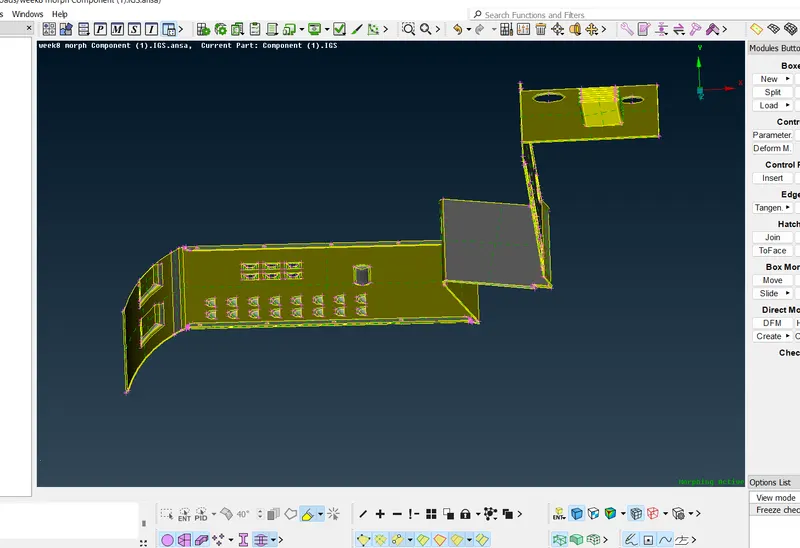
Fig 5.0
4.Morphing module-Go to morphing module which is on the right corner.
After that go to new in boxes command new>select geometry>ortho>select the which we would like to morph and click middle click.
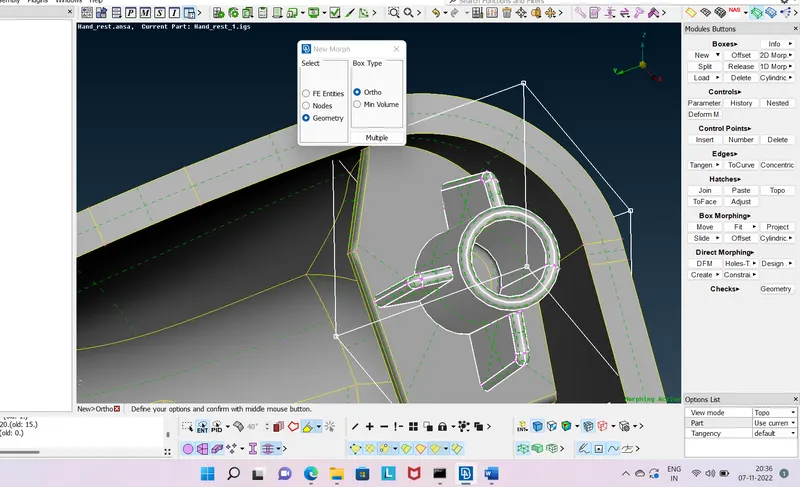
Fig 6.0
5.Move -Go to box morph command and choose move option and select the morph box point and middle click and move in what we want to do in that direction.
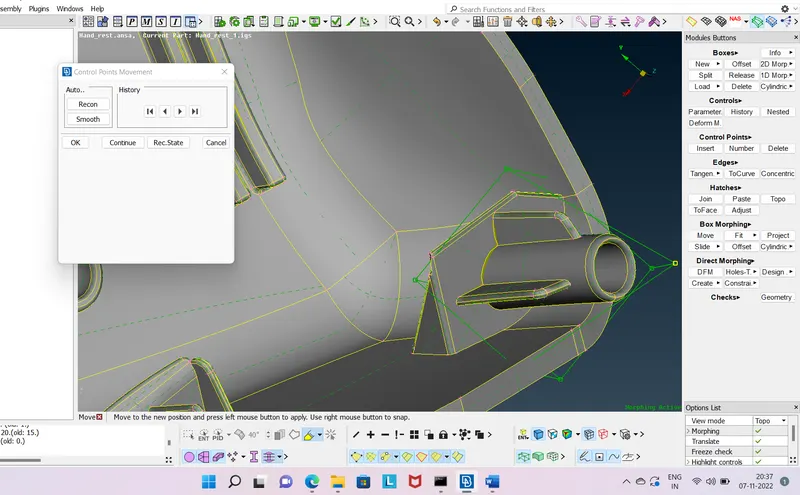
Fig 7.0
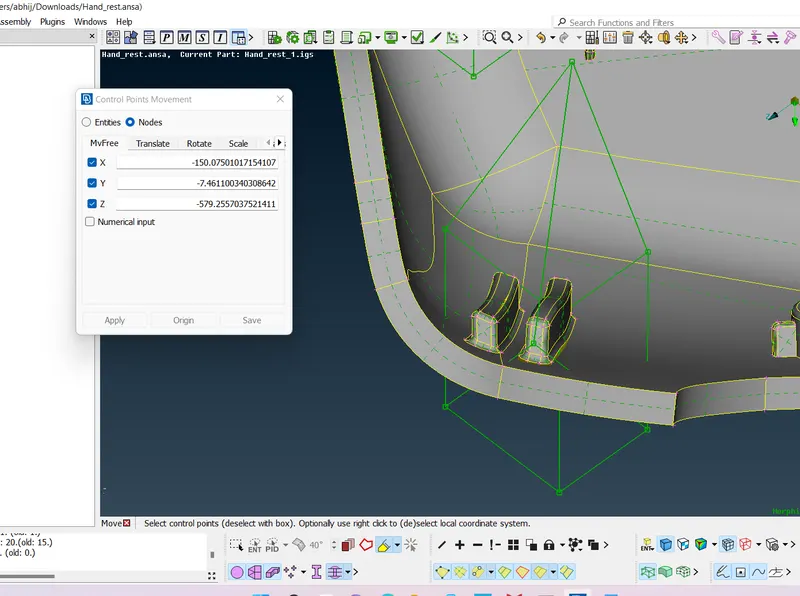
Fig 8.0
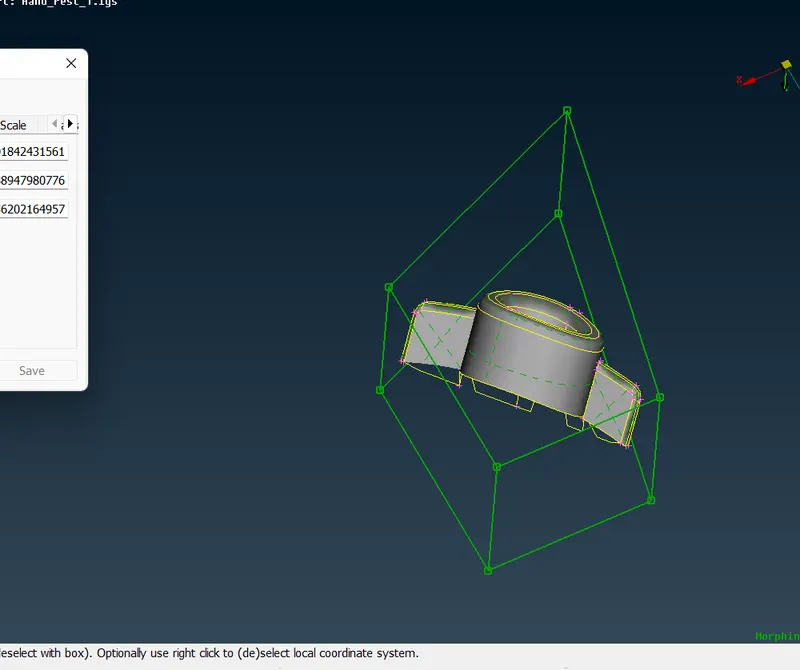
Fig 9.0
Completed component 2-
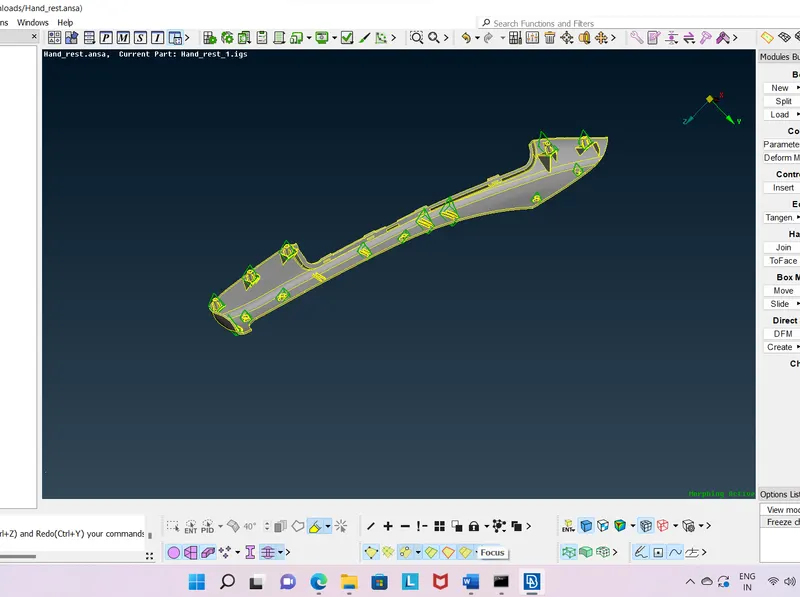
Fig 10.0
Outcomes- Learned about morphing module.