Morphing of 2 components using ANSA
OBJECTIVE
This challenge has multiple objectives and they are:
1. To practice morphing techniques discussed in the week 8 video, on the given sheet metal component called ‘Model-1’
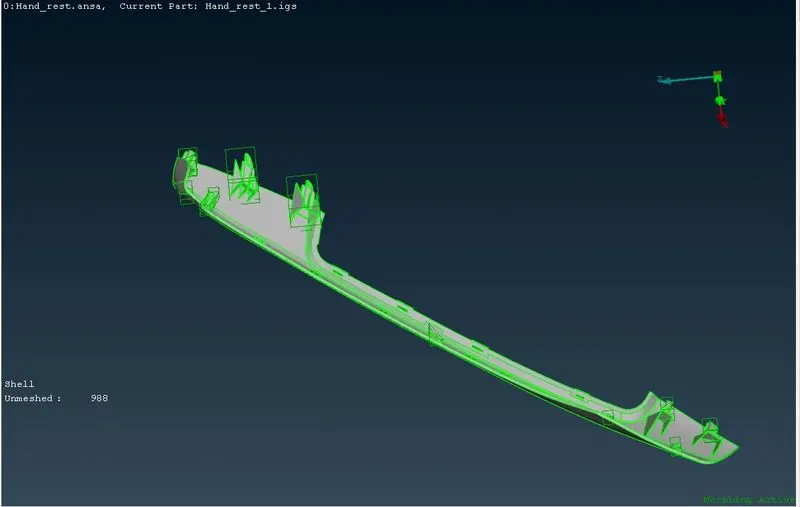
2. To morph ‘Model-2’ by increasing the height of the doghouses and ribs marked in the following screenshot: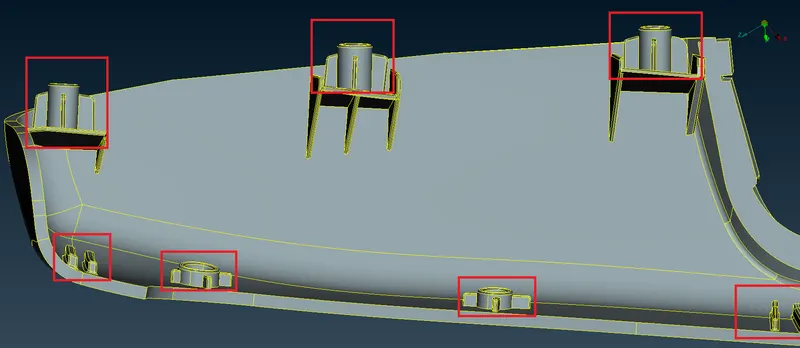
MODEL IMAGES
MODEL-1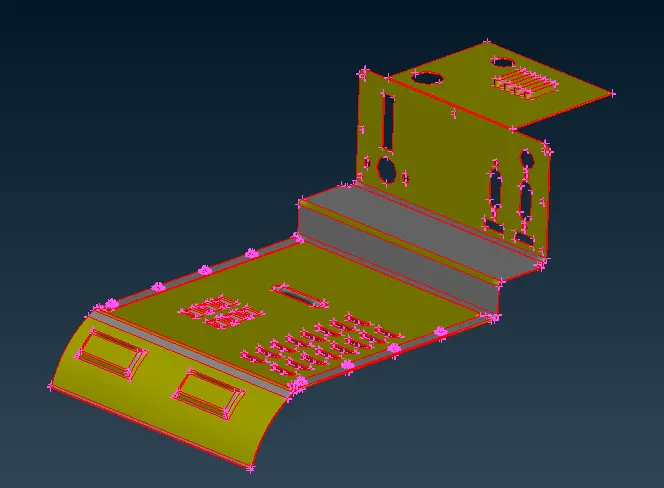
MODEL-2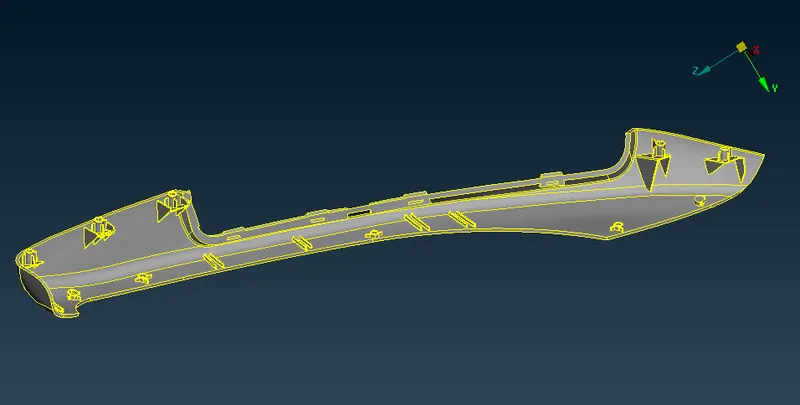
PROCEDURE.
Model 1
- Import the model to ANSA.
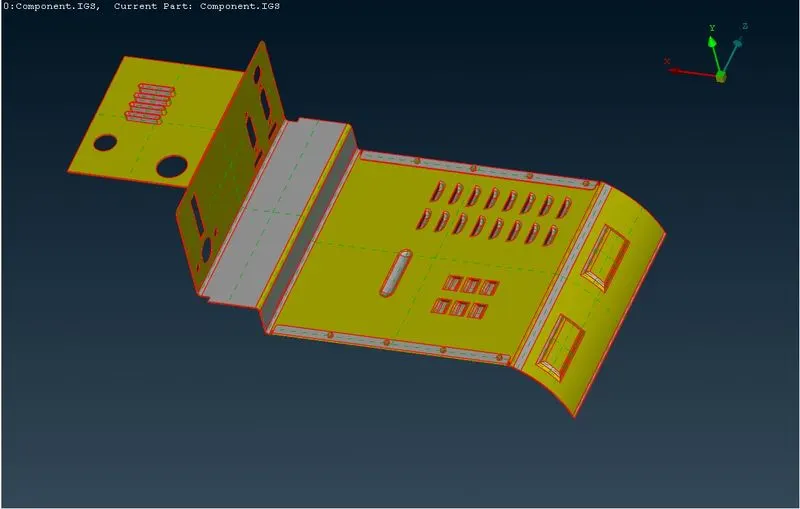
- 2.perform Cons resolution and set element length to 1 ( done by going to Classic mesh>perimeters>length > select the model>set length as 1).
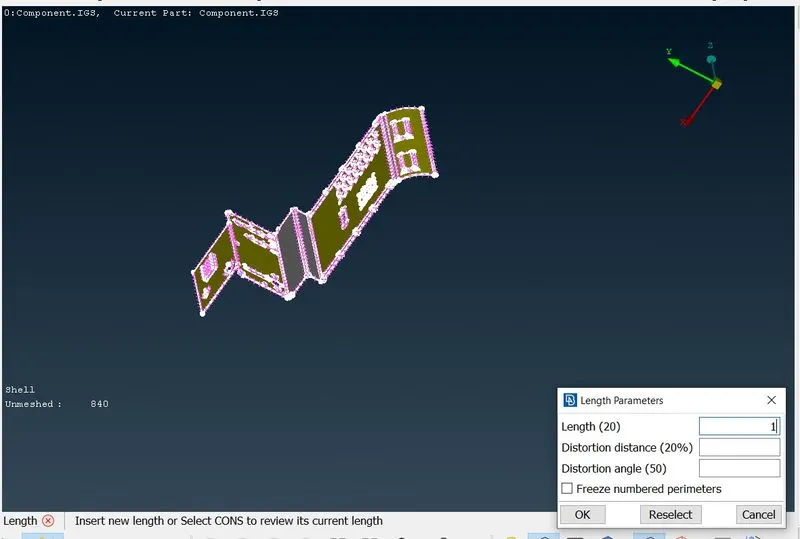
- 3. After the cons resolution go to the topo module>daces>topo and select the entire model and give the middle mouse click.
- 4. Perform orient on the entire model by going to topo module>faces>orient.
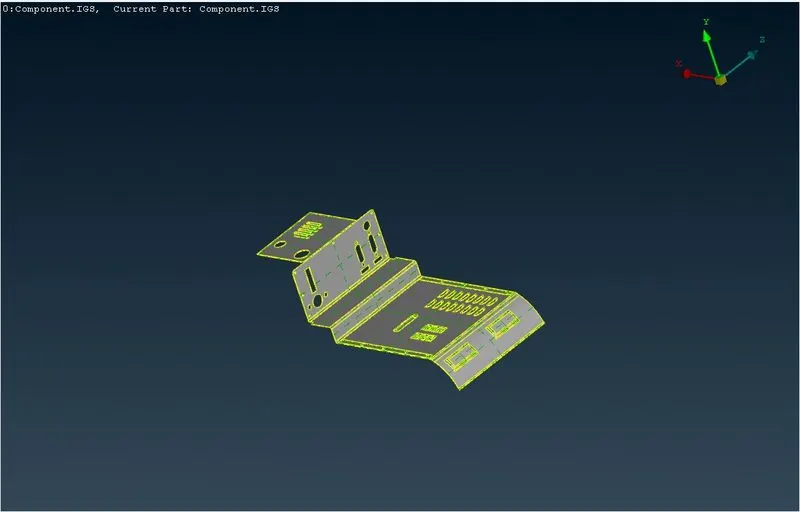
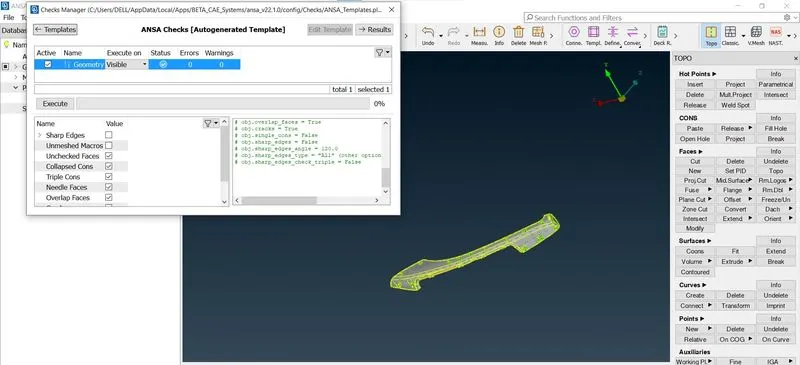
- 5. Perform geometry check, and check for the single cons. Resolve any errors by selecting them >right mouse click> fix.
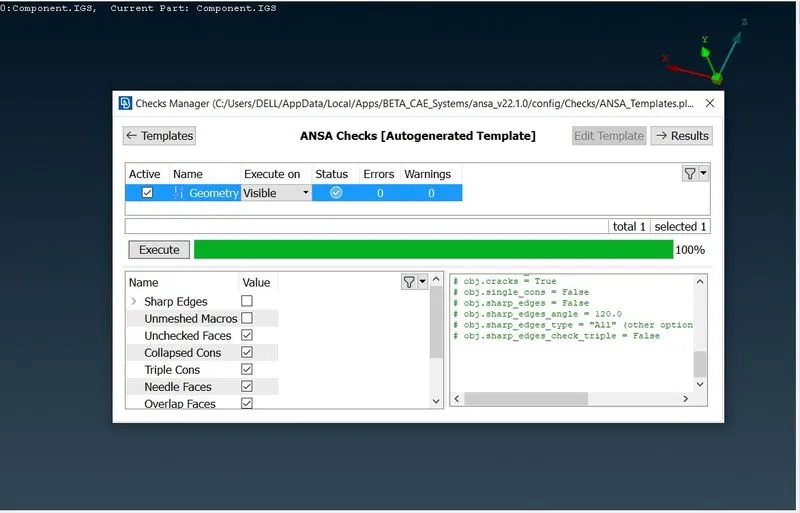
- 6. Go to the morph deck
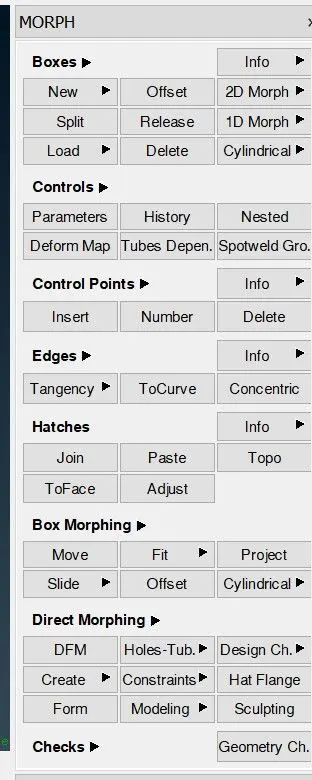
- 7. Select the new option in the box section i.e. box>new.
- 8. Select the area or the feature to be morphed and press the middle mouse click.
- 9. Split the morphed box into 2 parts by going to new>split.
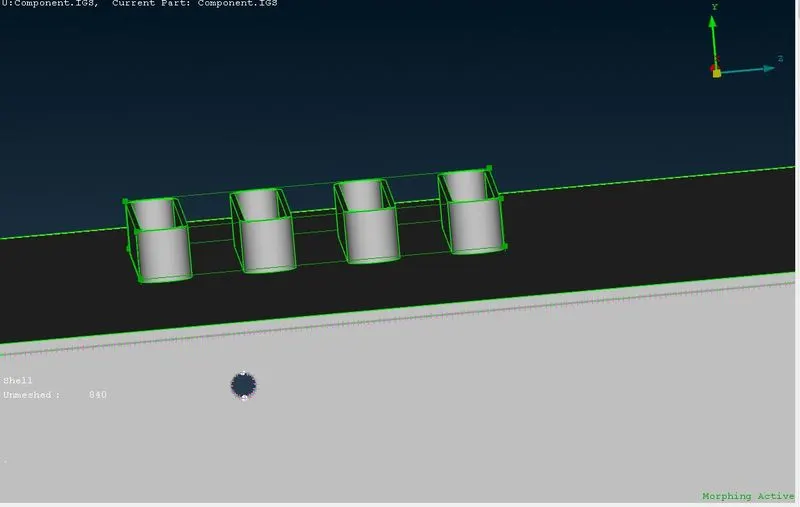
- 10. Go to box morphing>move and select the entities to be moved or morphed and give the middle mouse click.
- 11. After the options box opens, select the entities option and select the two entities(lines) on the morphed box (in the desired direction of change or movement).
- 12. Check/uncheck the axis required(as the desired movement) and give a middle mouse click.
- 13. Enter the desired value for change in length or height(in this case it is up to the user as no specific height is mentioned in the question.
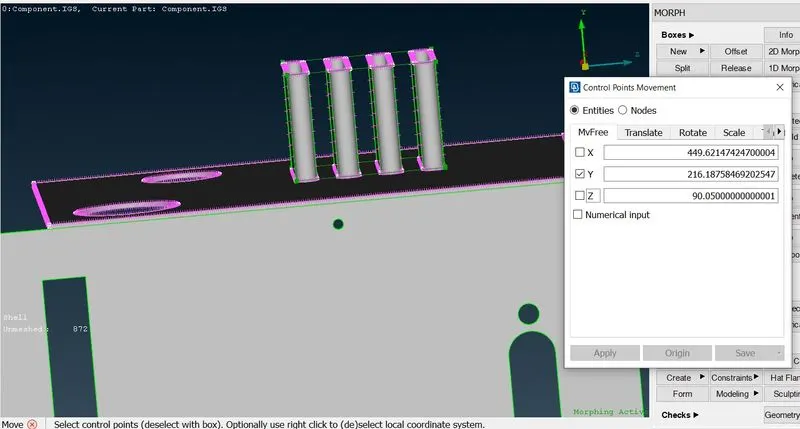
14. The above steps have been repeated 3-4 times on the model in different places and are also used on features.
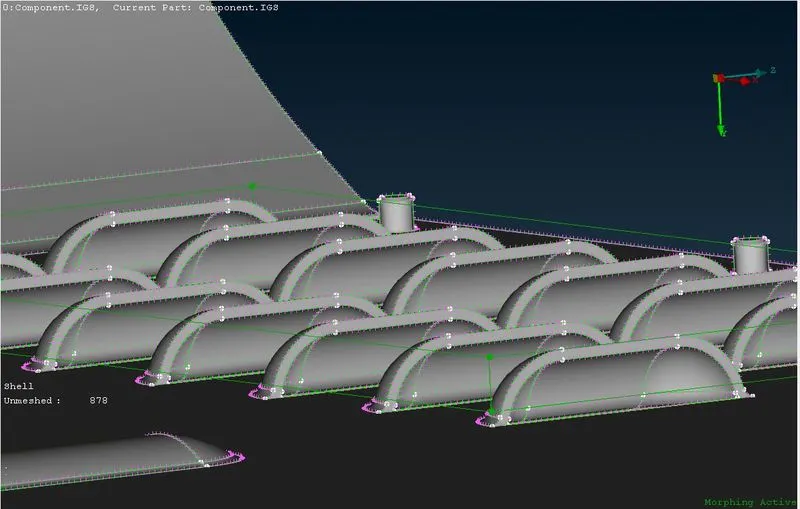
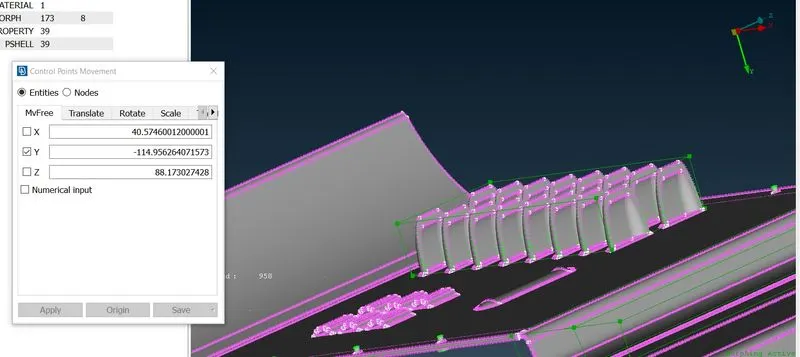
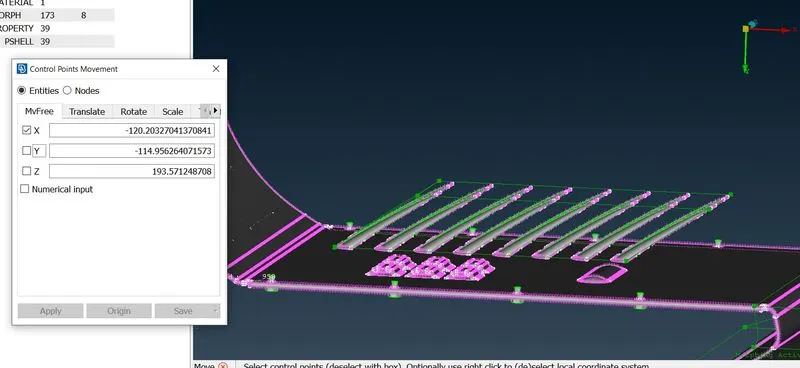
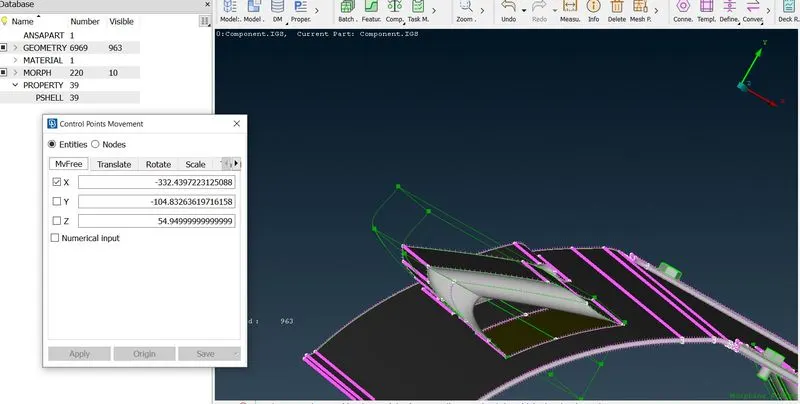
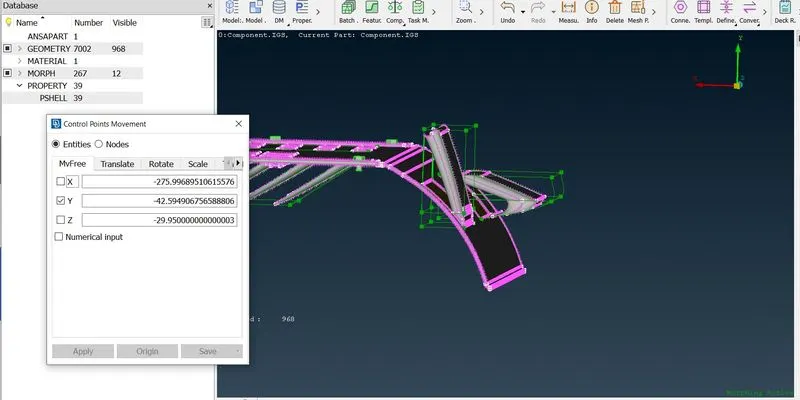
The Morphed features/parts are as follows.
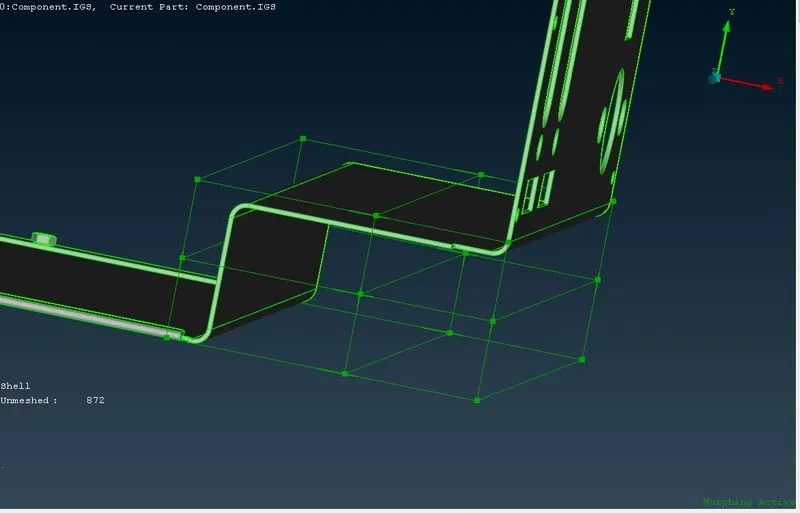
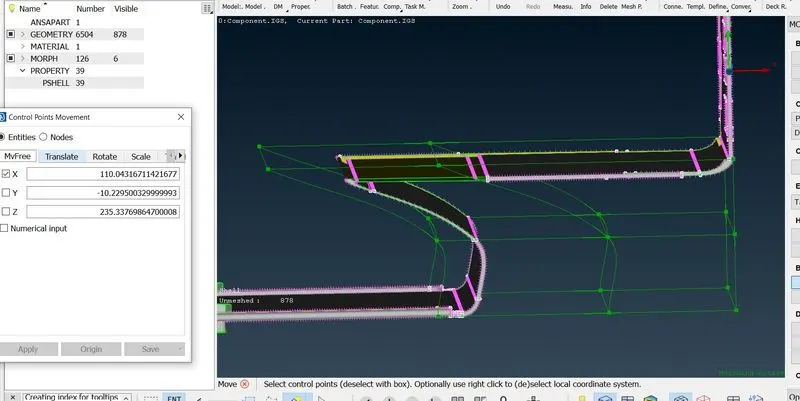
Feature variation:
MODEL 2
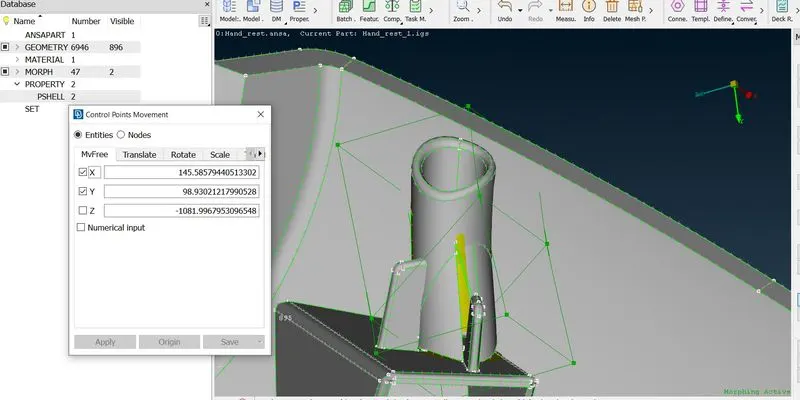
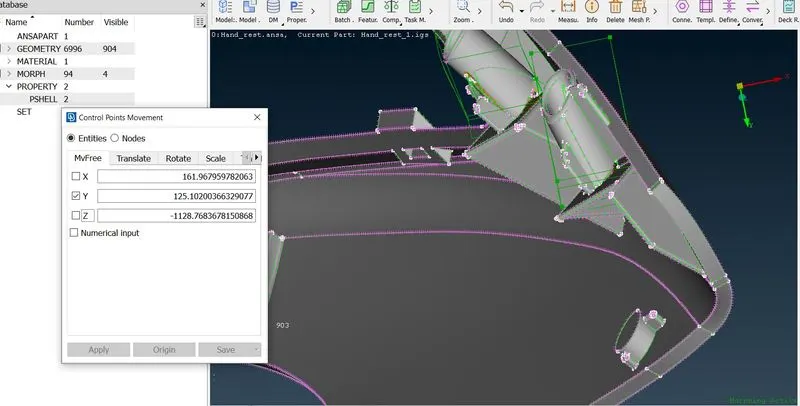
Similar steps to model 1 were followed.
starting from importing to cons resolution>topo>orient>geometry check.
Later the morphing process similar to model 1 was followed and executed
LEARNING OUTCOMES
1. Learned the concept of morphing and morph tools available in the morph deck.
2. Learned about the applications of morphing.
RESULT
Both the given models were morphed as per requirements .