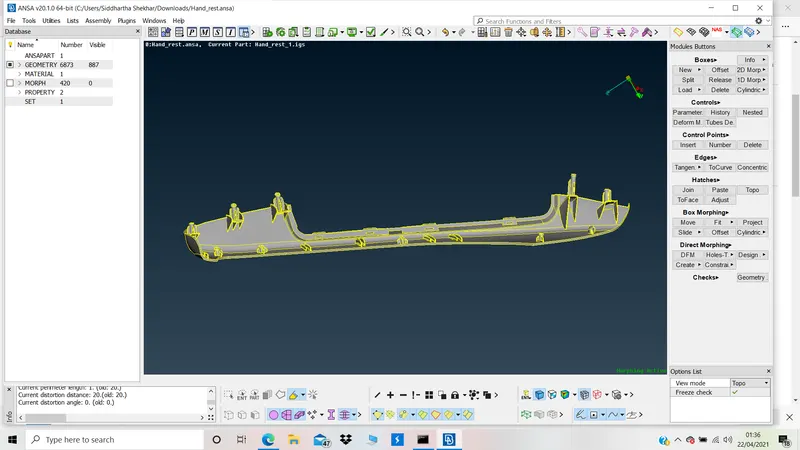
Week - 8 - Morphing
MODEL 1:
OBJECTIVE: To morph the given model.
PROCEDURE:
1. Forming a Morph volume.
Morph deck>>Boxes>>New>>Ortho>>Geometry>>Select faces>>middle click
2. Moving and manipulating captured Morph volume.
Morph deck>>Box morphing>>Move>>Select corner points to move>>MV free/Translation/rotate/scale.
Morph1:
A. Translation in y direction
magnitude=10
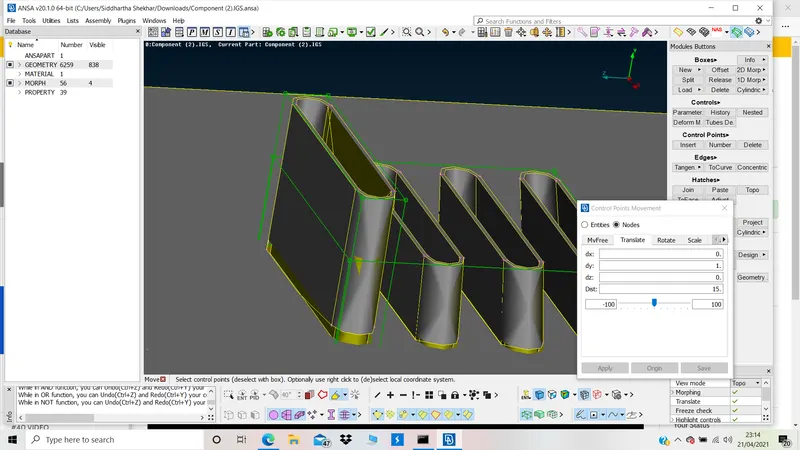
B. Translation in y direction
magnitude = 5
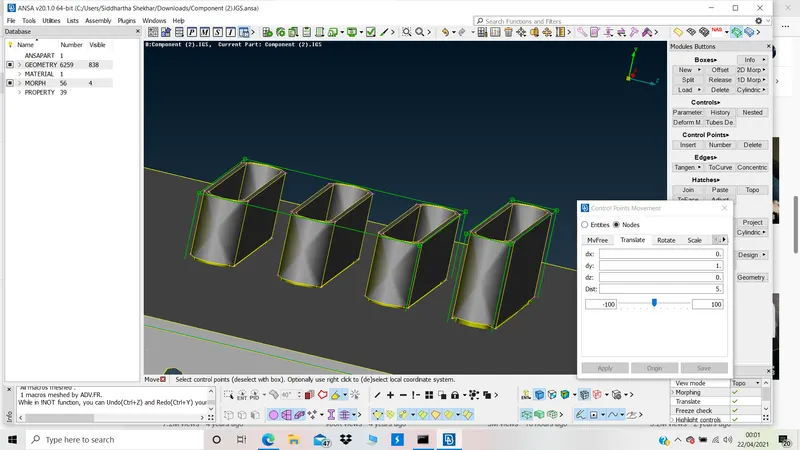
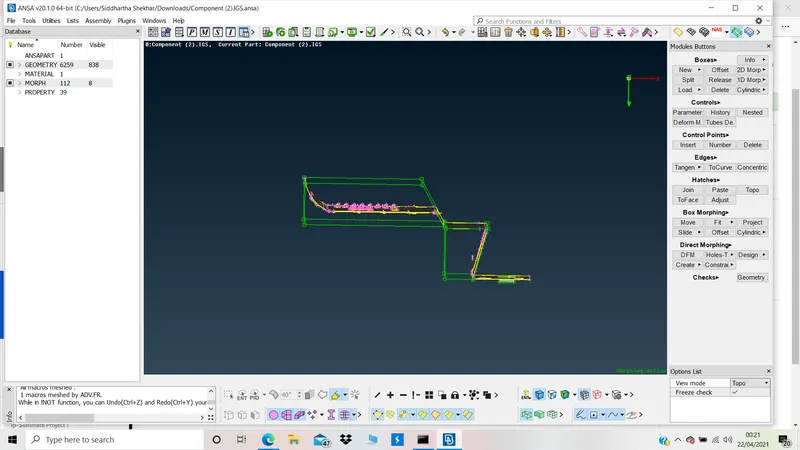
Morph2:
A. Translation in x
MV Free
Morph3:
A. Morphing of features. (complete feature)
MV Free
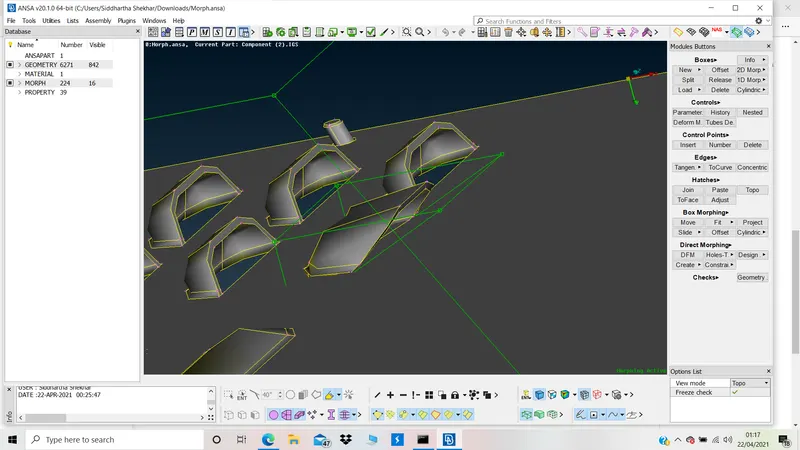
B. Morphing of partial feature:
MV Free and translation
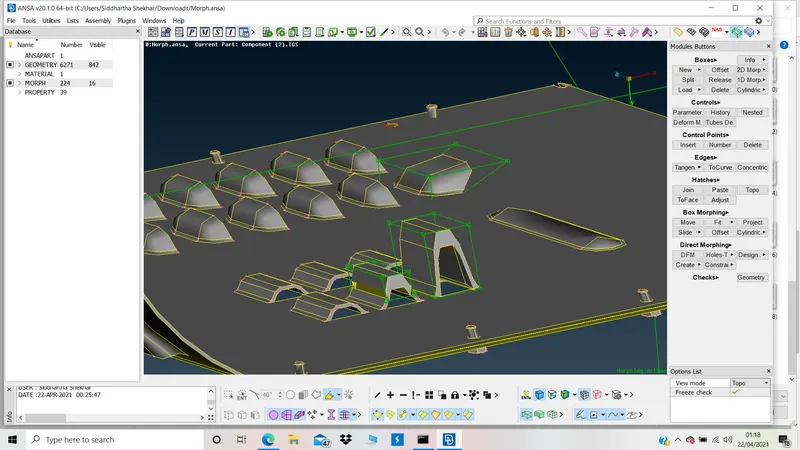
FINAL COMPARISON:
Without Morphing:
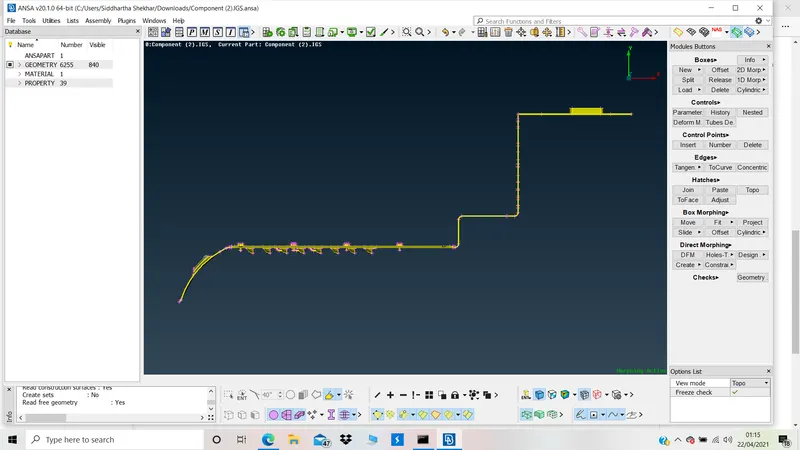
After Morphing:
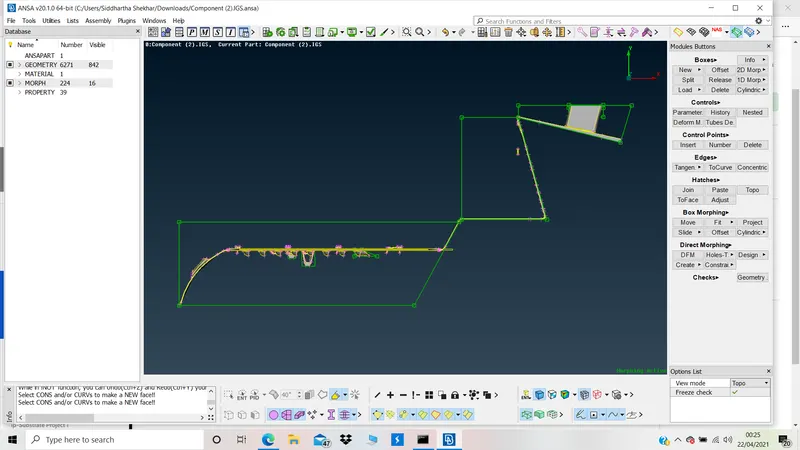
Deleting morph volumes:
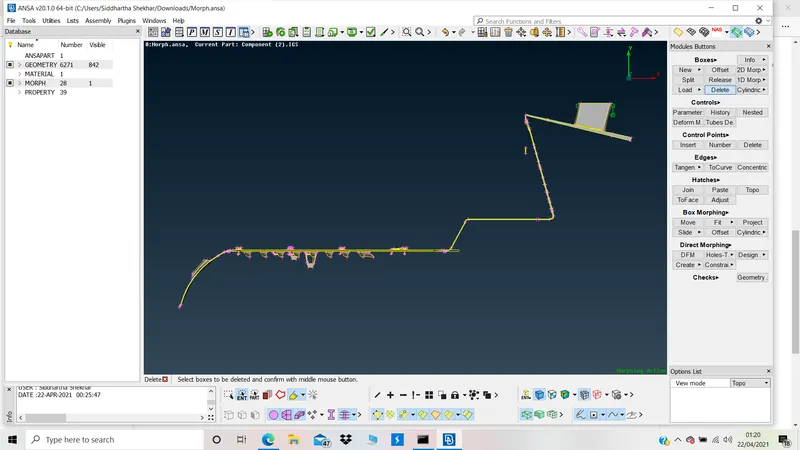
Model 1 is attached
MODEL 2:
Without Morphing
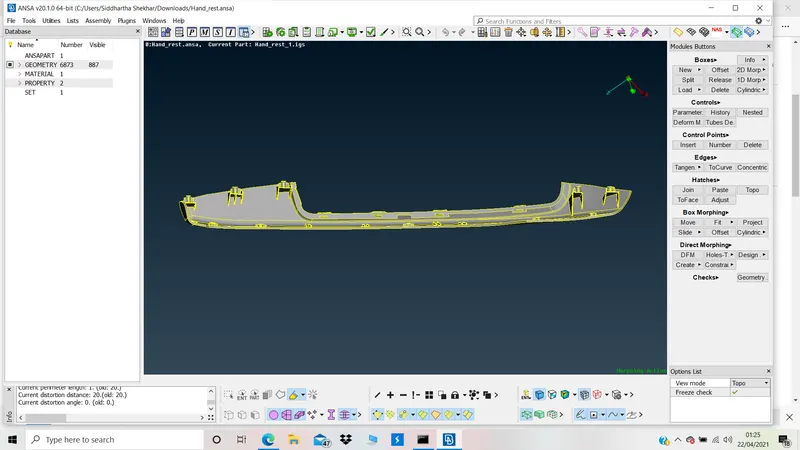
After Morphing:
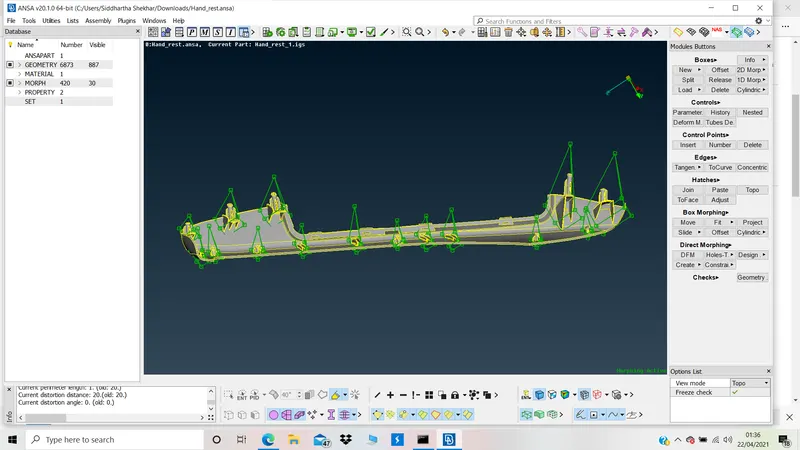
Without volumes: