3D Mesh (Tetra mesh)
1. CREATE TETRAMESH FOR HOUSING
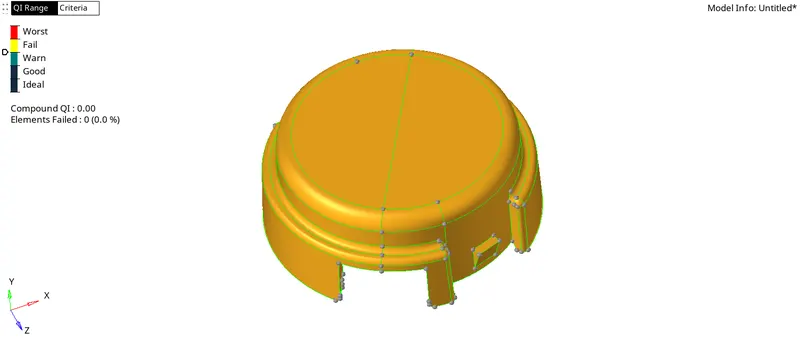
A. Geometry:
B. 2D mesh
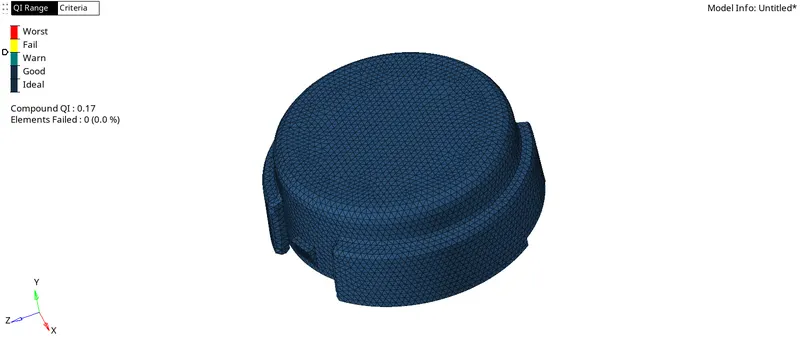
Criteria settings:
Max size: 7
Min size: 2
Target element size: 5
Checked for connectivity. duplicates. normals and projection of elements on screen.
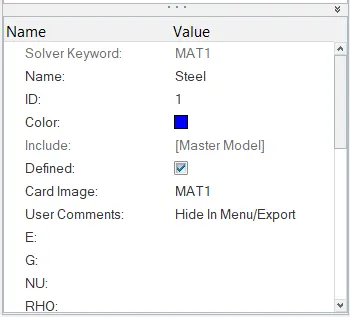
Material card:-
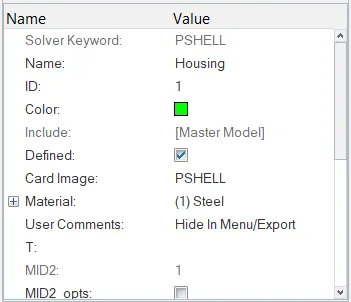
Property card:-
C. Conversion of 2D Mesh into 3D Mesh:
3D > Tetramesh > Tetra mesh parameters > Max size = 7, Min size = 2 and Tet Collapse = 0.15
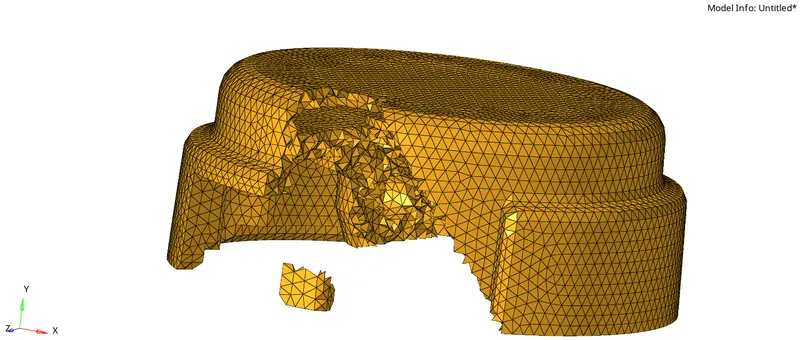
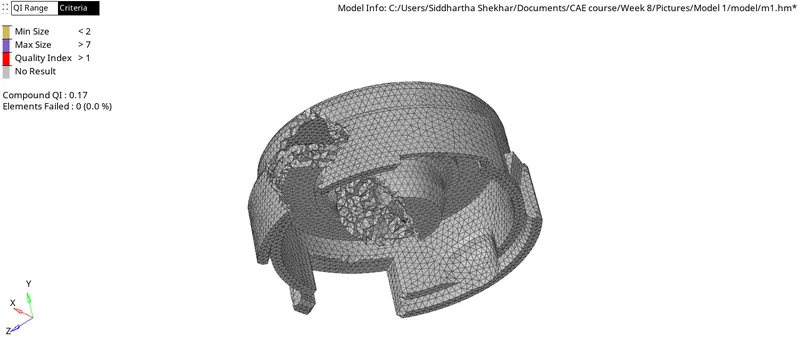
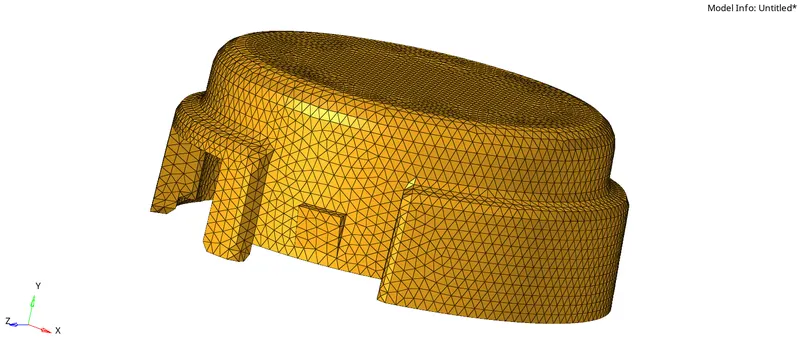
Housing.hm is attached.
C. TETRAMESH FOR 6mm TARGET ELEMENT
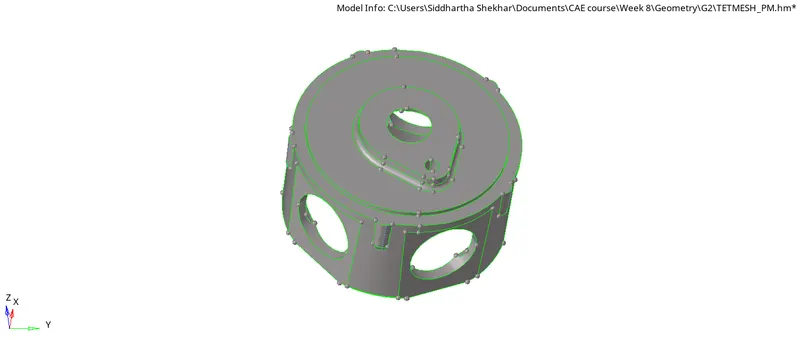
A. Geometry
Geometry was cleaned for small features where meshing could be a problem.
Pin holes were removed.
B. 2D Mesh
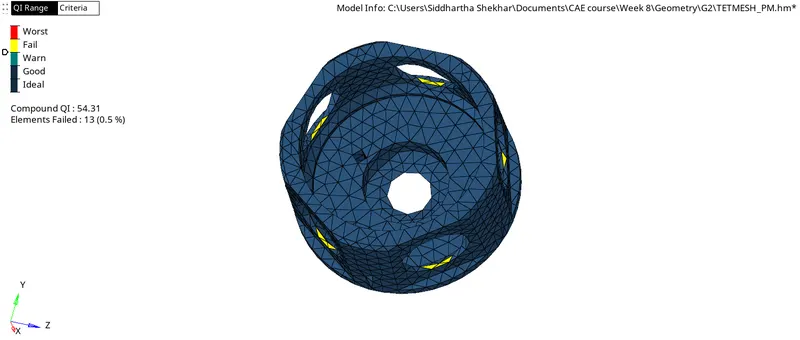
There were few features which were difficult to mesh with target element and so some fail elements exist.
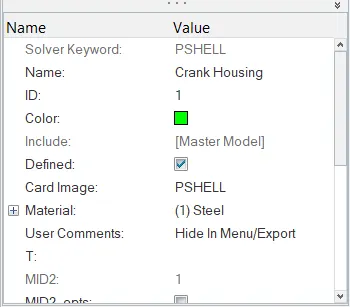
Property card:
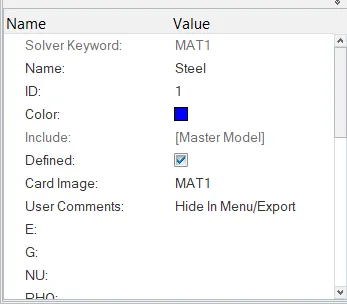
Material Card:
C. 3-D Mesh
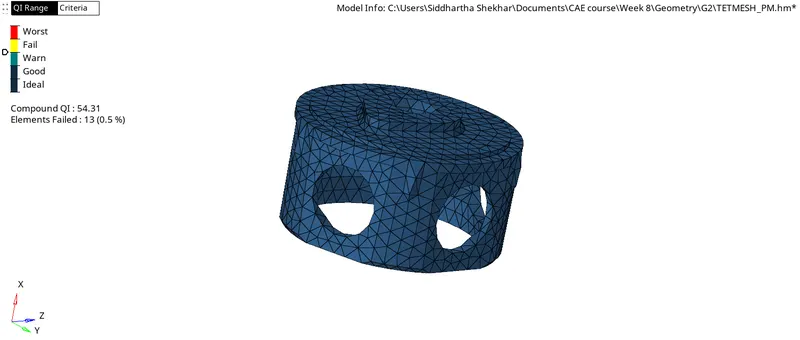
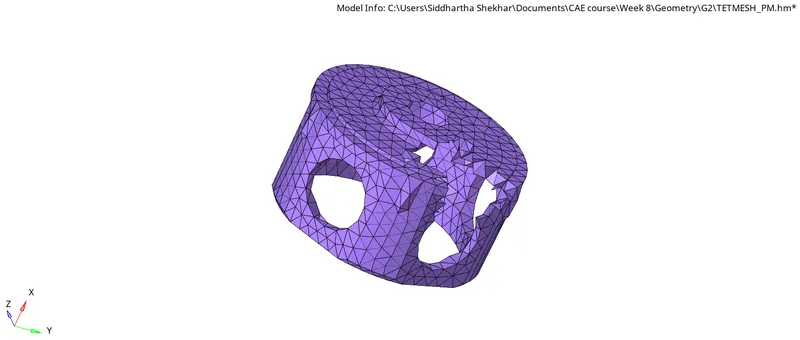
Checked for dependency, edges, connectivity.
Crank.hm is attached
C. TETRA MESH WITH 6MM ELEMENT
There are total 4 components.
Volume Mesh with 6 mm element size.
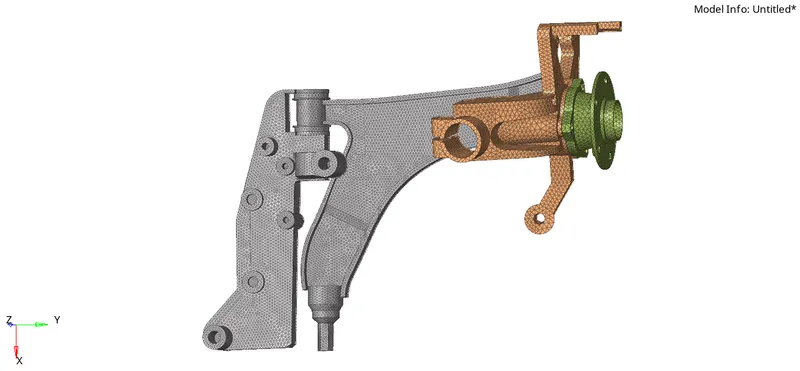
Final.hm is attached.