2D Meshing of Hood of car using mid surface.
Objective: For the given components,
- Extract mid surfaces with geometry and topological cleanup.
- Assign thickness to the mid surfaces.
- Mesh the surfaces as per given quality criteria.
Pre-requisites:
- Importing the Geomtry into Hypermesh
- Geometry and topological cleanup
- Extraction of mid surface
- Assigning material and property card for the mid surface
- 2D mesh element quality criteria settings
- Mesh cleanup
- Check the mesh
Given Geometries:
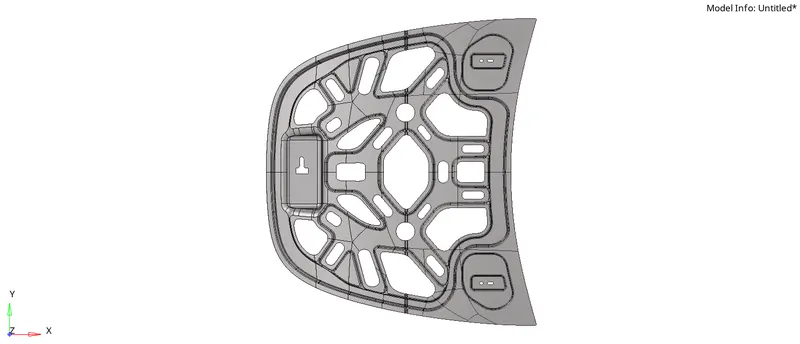
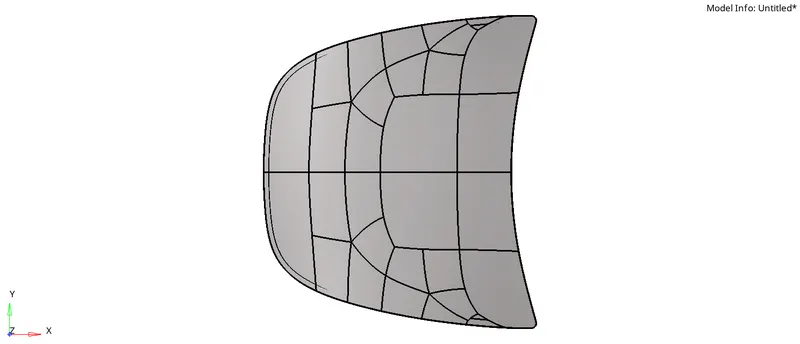
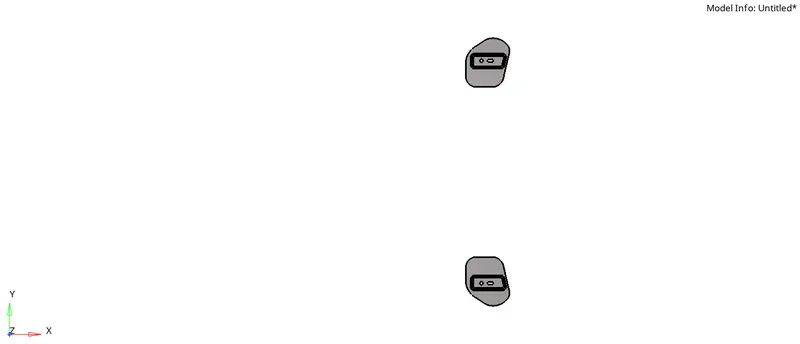
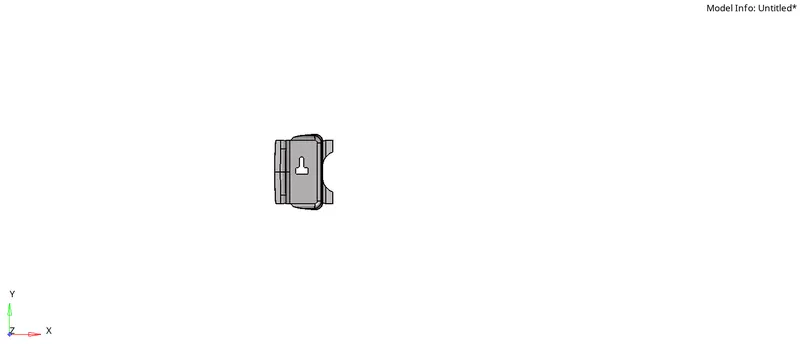
Geometry imported by parts. i.e given STEP file had 1 body which comprised of 4 parts so while importing the body user needs to import the geometry by parts using "import options."
1. Inner extract (BIW)
2. Outer extract (Sheet panel pane)
3.Hinge re inforcement
4.Latch reinforcement.
Operations:-
1. Geometry cleanup
a) Inner extract (BIW)
Since we are meshing 2D elements on extracted mid surface hence, delete the solids.
So imported wireframe of the part is:
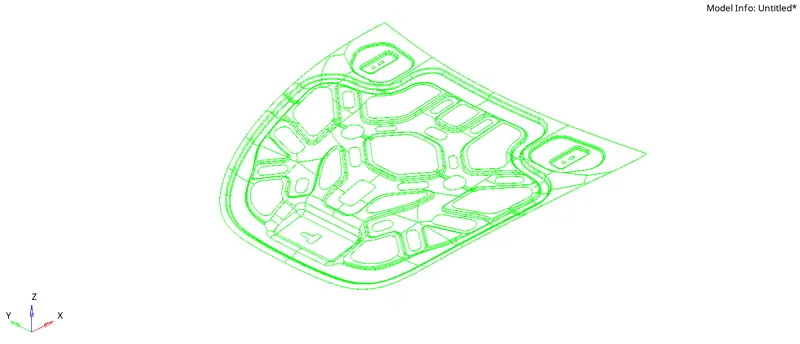
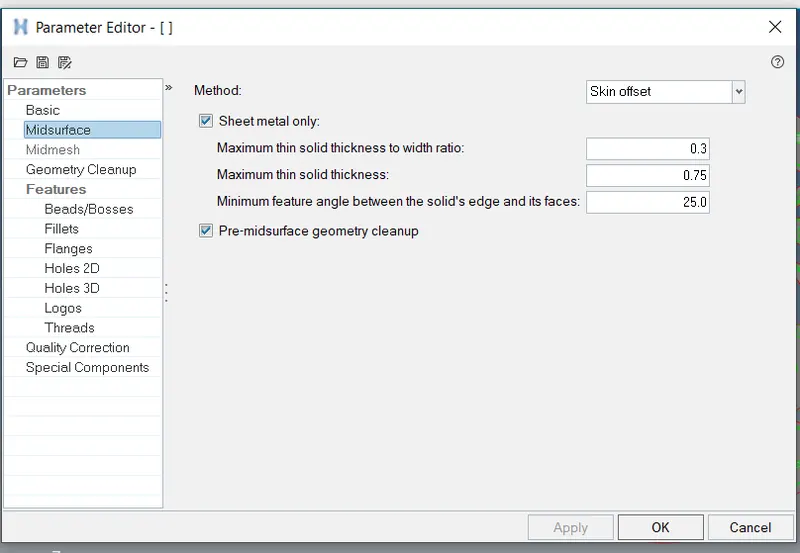
Thickness of the part is 0.75 mm.
Hence, Extracting mid surface for maximum solid thickness 0.75 mm
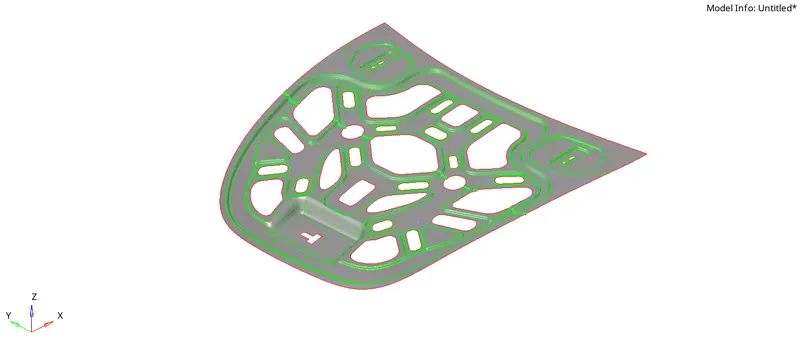
Extracted mid surface is as below:
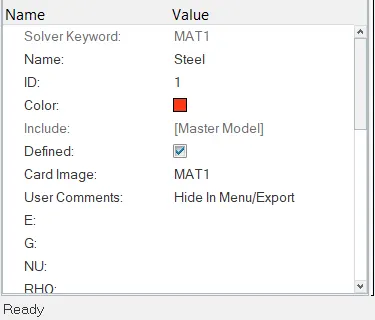
Material card:-
Property card:-
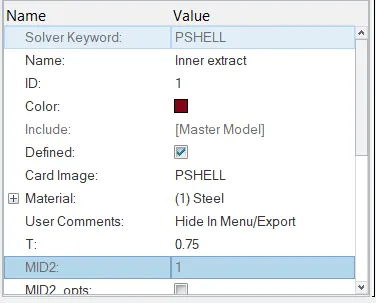
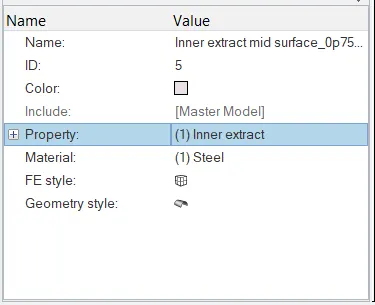
Hence for 1st mid surface created, assignment is as below:-
b) Outer extract (Sheet panel)
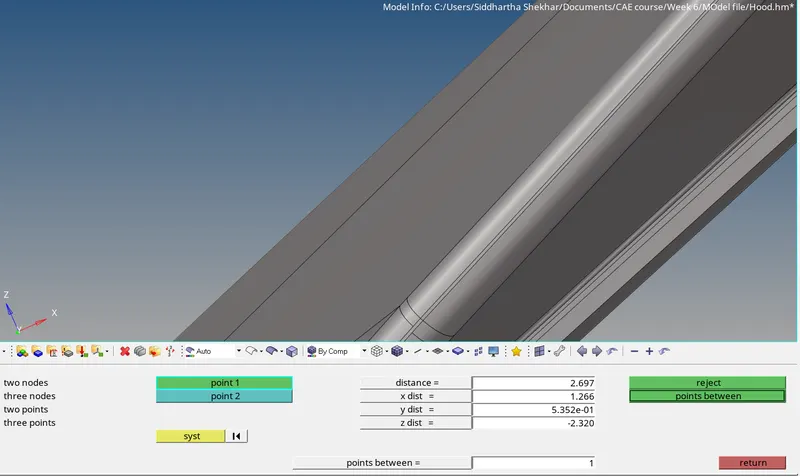
The maximum thickness observed in the part model was 2.697 so auto cleanup maximum solid thickness taken is 3 mm.
Imported wireframe is
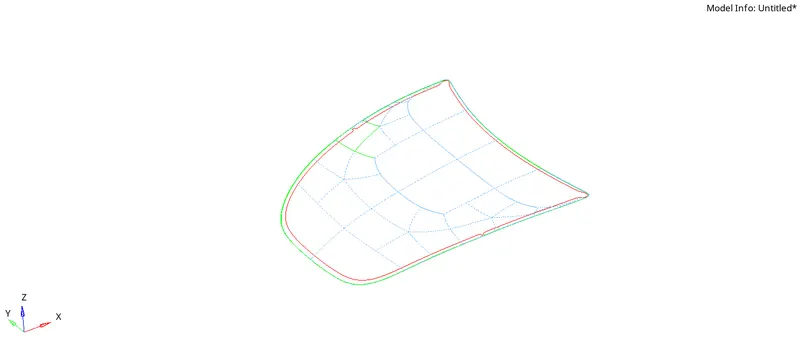
Extracted mid surface is below:-
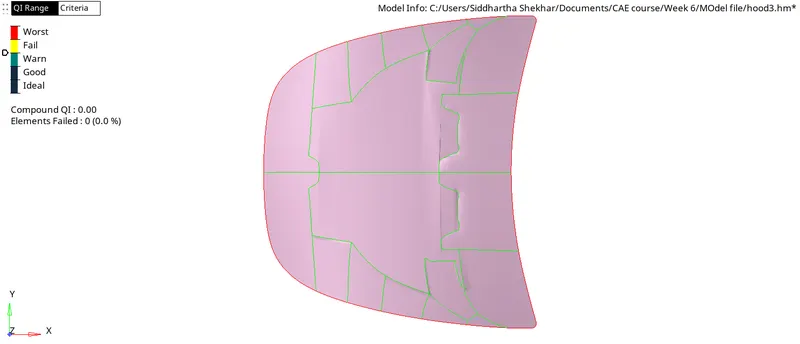
Material card for the Outer extract is same i.e Steel
Property Card:-
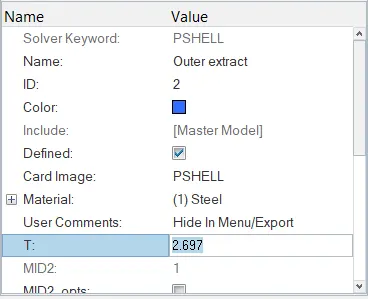
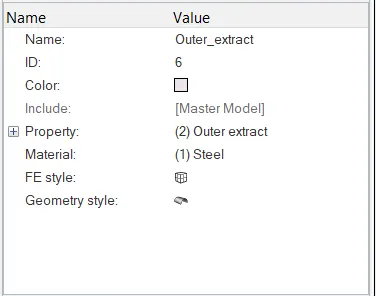
Hence, assignment for this mid surface is as below:-
C) Hinge reinforcement exact
Extracted mid surface is as below:-
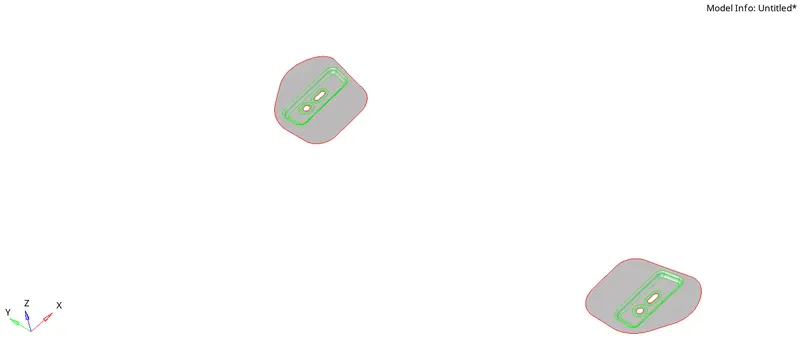
Material card is same i.e Steel
Property card for hinge surface is as below:-
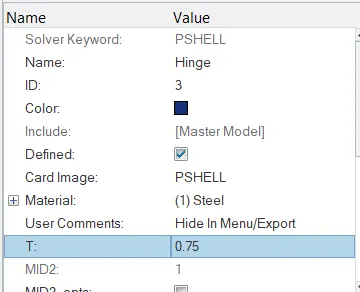
Hence, surface assignment for hinge is as below:-
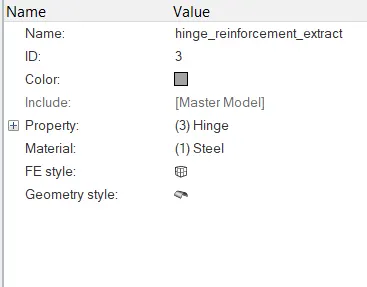
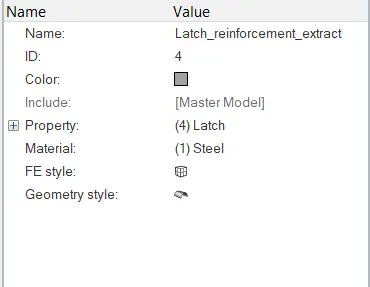
d) Latch reinforcement extract
Extracted mid surface is as below:-
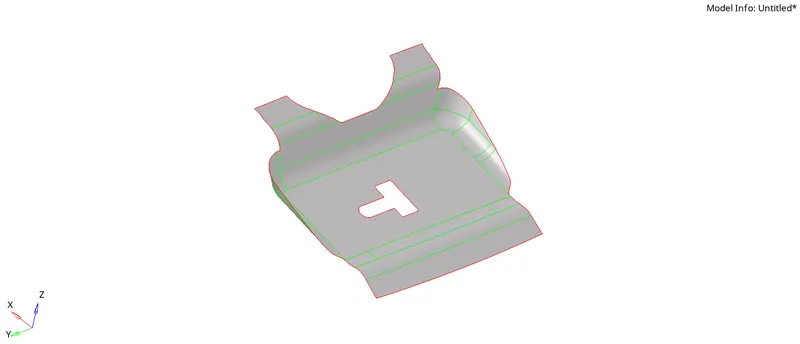
Material card is same i.e Steel.
Property card is as below:-
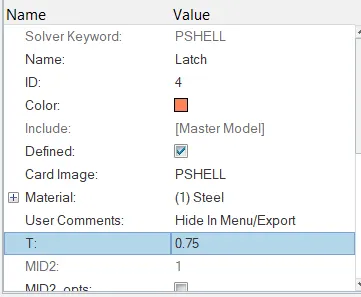
Hence assignment for latch surface is as below:-
2. Meshing the surface.
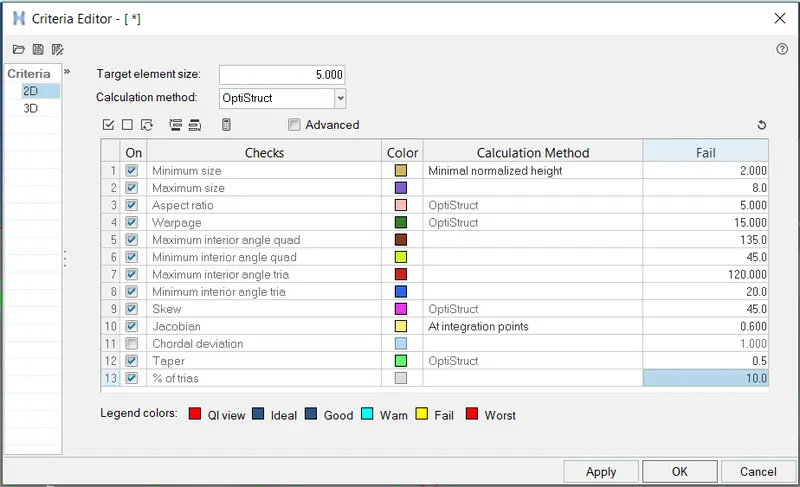
Given quality criteria is entered in the Preferences>>Criteria file settings.
a) Inner extract.
Meshing half component.
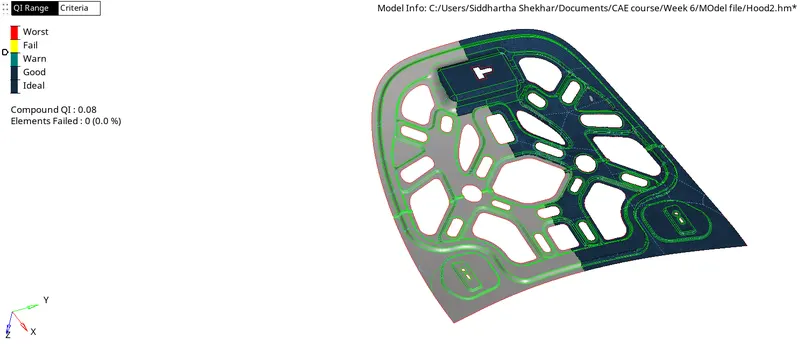
Reflecting along Y-axis
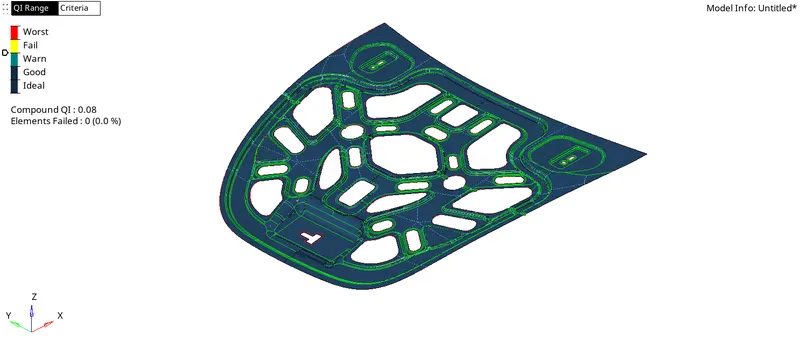
Mesh with warning, fail, and worst elements,
Fail elements = 0.
Worst elements = 0
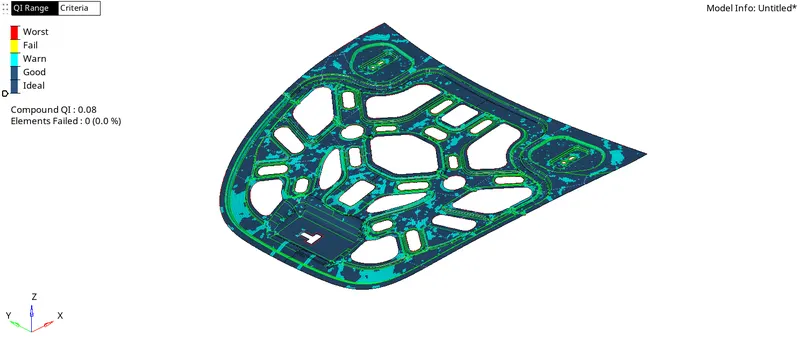
FE quantities are as follows:-

Post meshing checks:-
Go to Tools > check elemensts
1. Check for warpage, Aspect, skew, min and max length, Jacobian, taper, min and max quad angle, min and max tria angles.

2. Check for connectivity and duplicates.
3. Check for edges.
4. Check for Mesh > checks > elements > comparison
Project elements on the required surface which are out of surface.
5. Re number nodes if required.
6. Check for penetration.
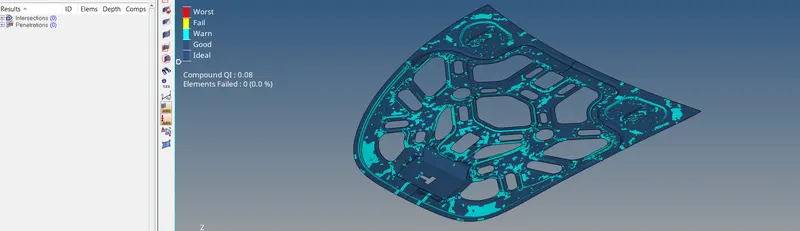
b) outer extract
All parameters ae entered.
Had to stitch the CAD model for meshing.
Using quick edit > filler surf > toggle edge.
Below is the mesh obtained.
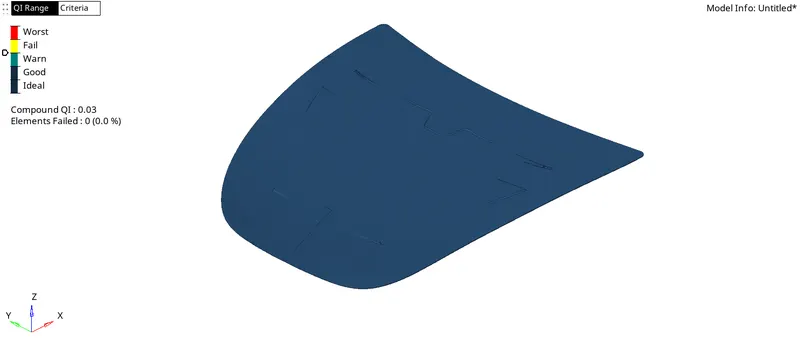
Checked for duplicate nodes, connectivity and all out of surface elkements were projected back on associated surfaces.
Nodes were renumbered.
Starting from 91565
Tools > Renumber
c) Latch
Under the same criteria settings,
The following is the mesh:-
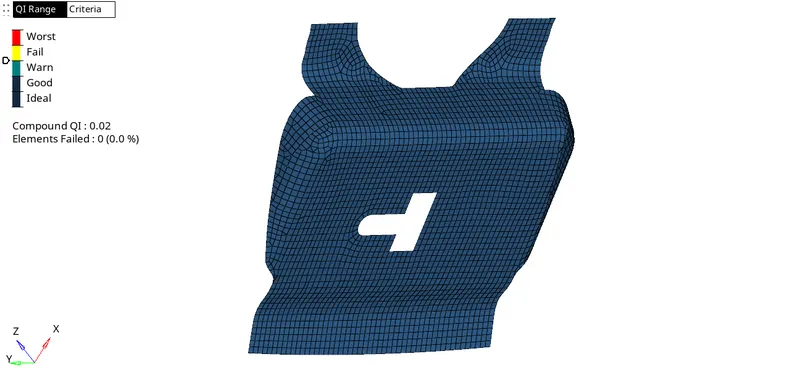
Checked for all criteria settings, checked for duplicate, penetration and connectivity.
Nodes are renumbered.
d) Hinge
The below is the mesh,
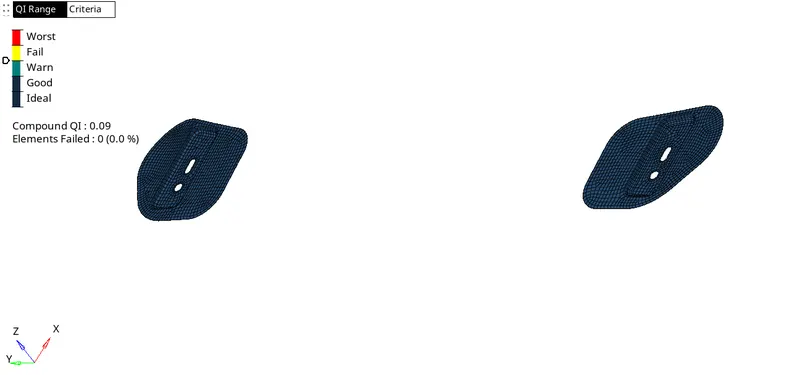
All the checks are done and nodes are renumbered.
Attached is the .hm file.
For outer extract .h3d file is attached.