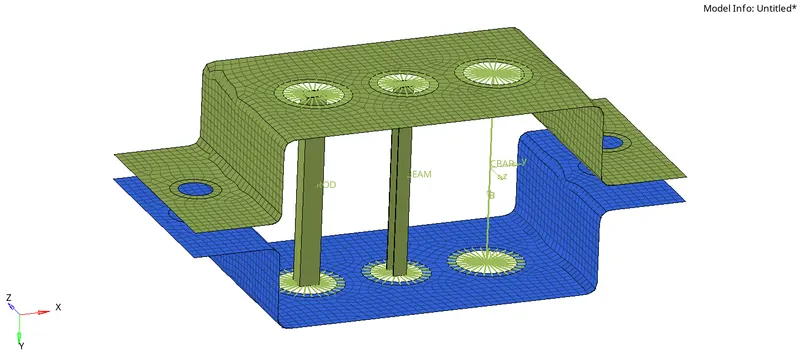
Creation of 1D elements(ROD, BAR and BEAM) for an extracted mid surface.
Geometry resoved for meshing using Mid surfacing:
Target geometry: 3D symmetric with uniform thickness throughout.
Meshing surface: Mid surface.
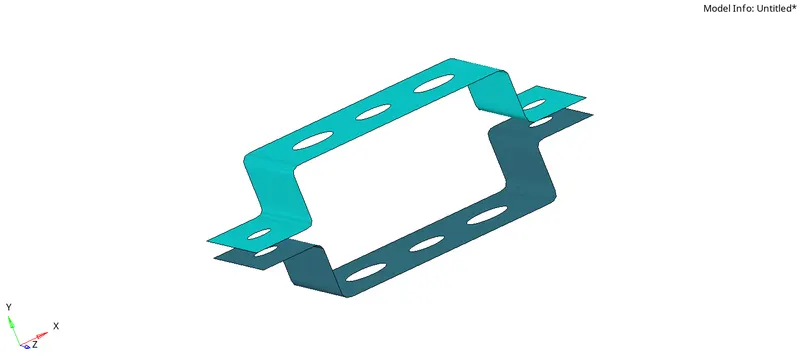
Property assigned:
Name: Bracket 1, Bracket 2
Property card image: PSHELL
Material assigned:
Name: Steel
Card: MAT1
Meshing procedure:
1. Washer split the complex stress concentration geometries on each surface i.e 5 holes on each surface.
Fillet regions arenot considered as stress concentration areas and so not enough attention is paid in meshing them or while creating mid surface smooth at fillet region.
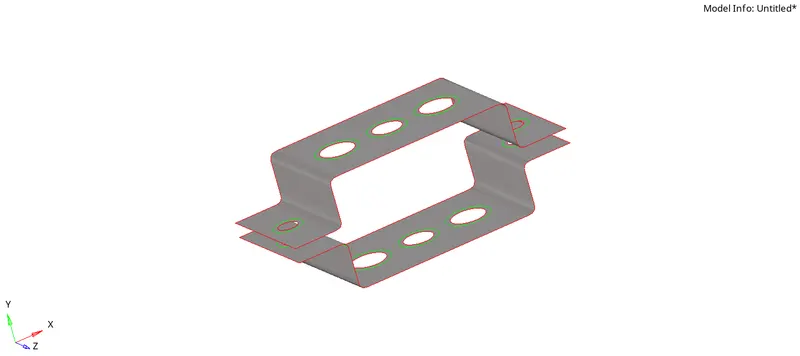
2. 2D mesh on given surface.
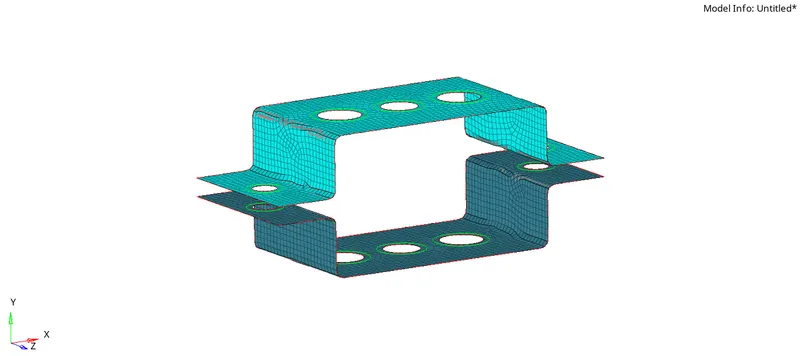
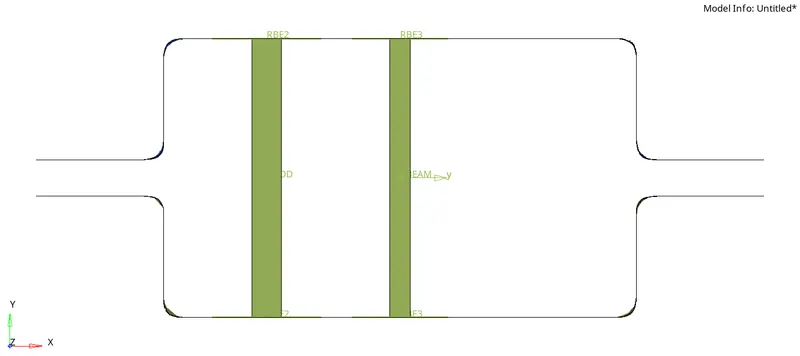
Element 1: Create 1D Rod element on given component with given cross section and DOF.
Solution:
Operations procedure:
1. Creating Rigid RBE2 link on given nodes with transational dof to create ROD element of given cross section.
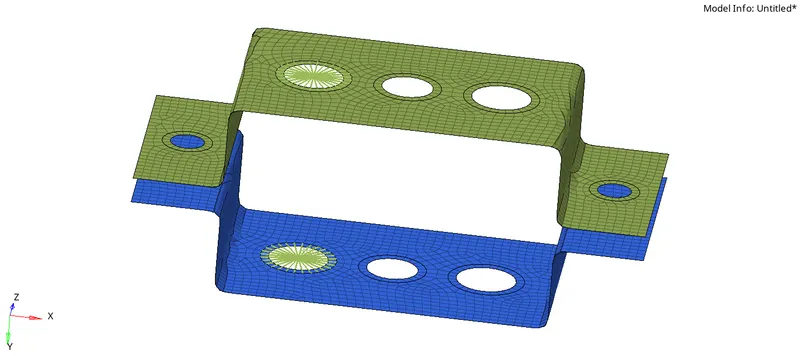

Degree of freedom:
translation in x, y and z.
2. Creating Rod element.
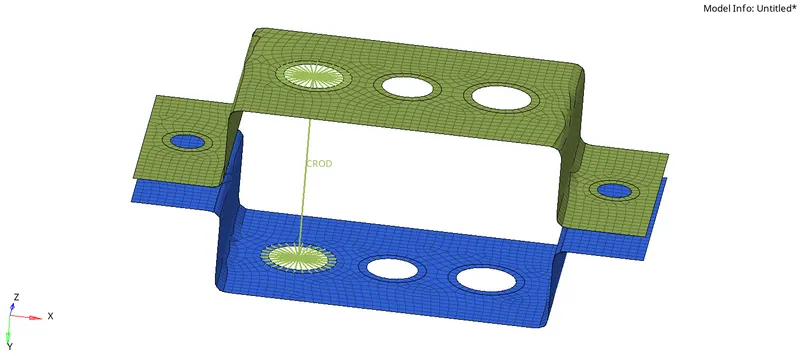
Property Assigned:
Property name: ROD
Property card image: PROD
Material Assigned:
Material name: Steel
Material card image: MAT1
3. Creating cross section of rod.
HyperBeam > standard sections > Hyperbeam > thinwalled box
Beam section name: ROD
Cross section details: Box with a = 12 units, b = 10 units and t = 0.75 units
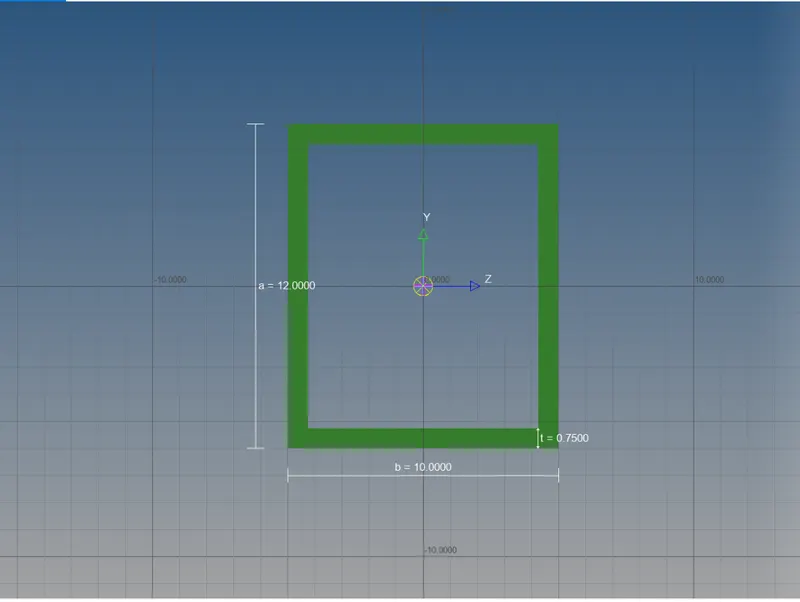
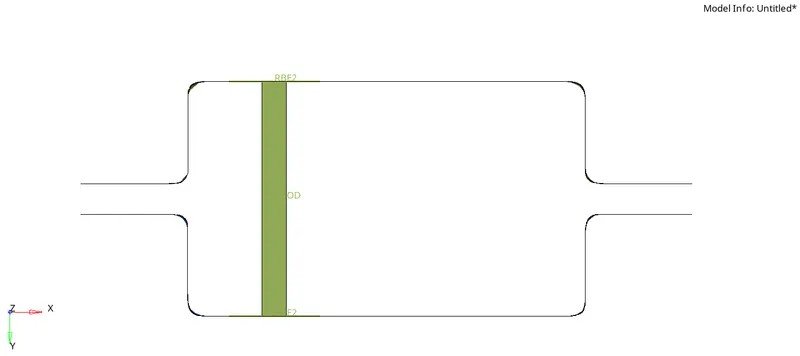
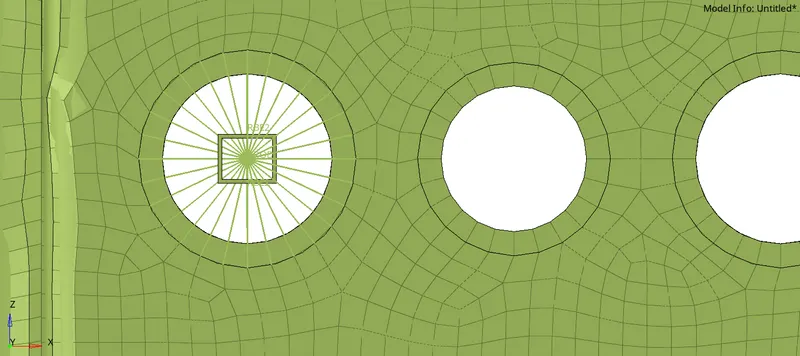
Summary:
Rod element with transational dofs with dimensions a = 12, b = 10 and t = 0.75 units using RBE2 link.
Material card: MAT1, Property card: PROD, Beam c/s: standard section>>Hyperbeam>>thinwalled box.
Element 2: Create 1D Beam element on given component with given cross section and DOF.
Solution:
Operations procedure:
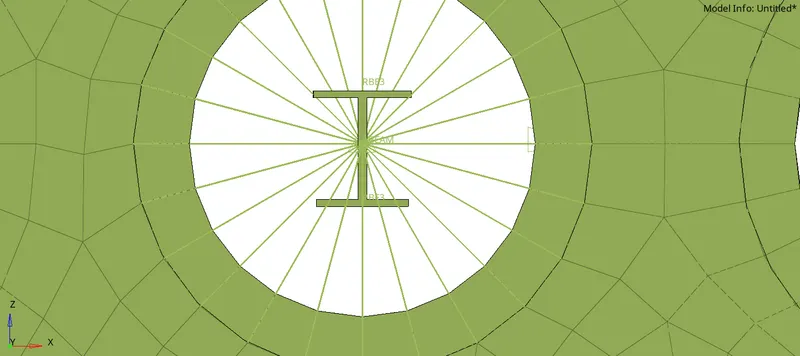
1. Creating Rigid RBE3 link on given nodes with all dofs to create BEAM element of given cross section.
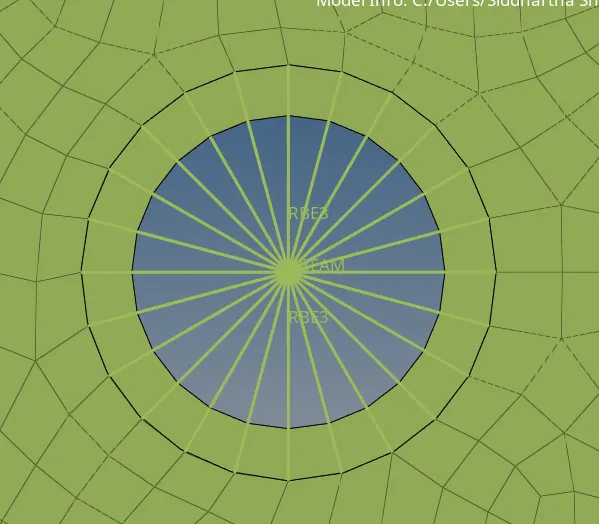
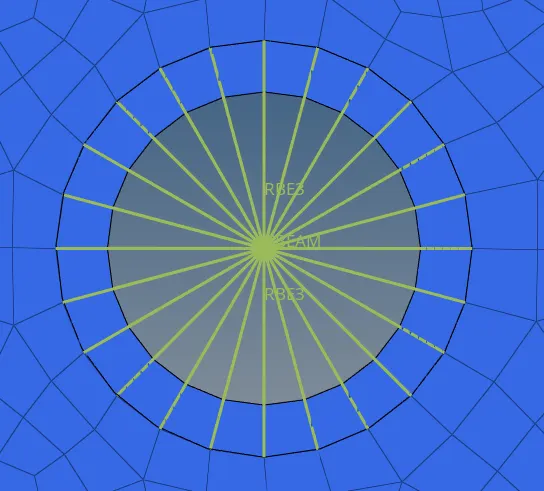

Degree of freedom:
All
2. Creating Beam element.
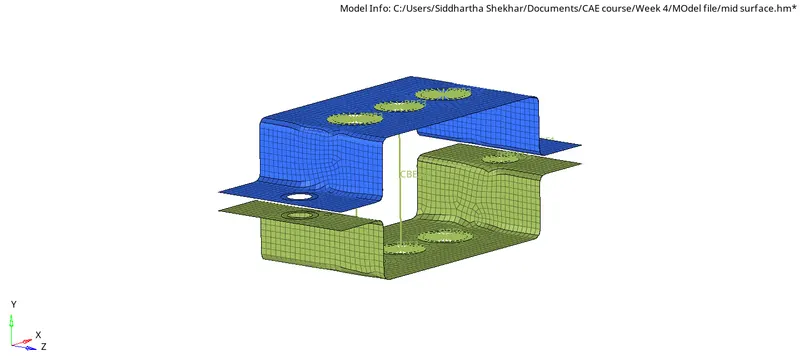
Property Assigned:
Property name: BEAM
Property card image: PBEAM
Material Assigned:
Material name: Steel
Material card image: MAT1
3. Creating cross section of Beam.
HyperBeam > standard sections > Hyperbeam > stand I section.
Beam section name: BEAM
Cross section details: Box with a = 8 units, b = 10, c = 8.5 units, t1 = 0.75 units, t2 = 0.6 units, t3 = 0.6 units.
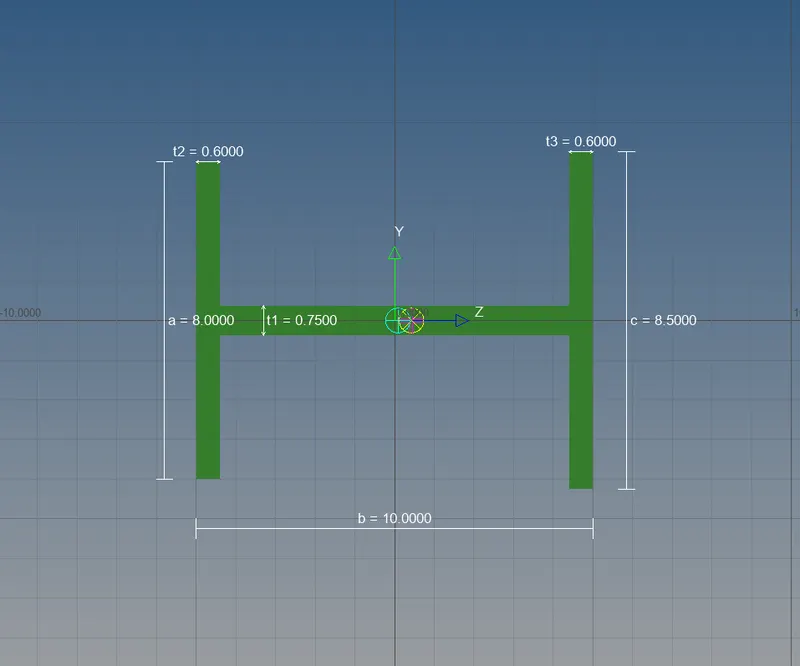
Summary:
Beam element with all dofs with dimensions Box with a = 8 units, b = 10, c = 8.5 units, t1 = 0.75 units, t2 = 0.6 units, t3 = 0.6 units with RBE3 link
Material card: MAT1, Property card: PBEAM,
c/s: standard section>>Hyperbeam>>standard I section.
Element 2: Create 1D Bar element on given component with given cross section and DOF.
Solution:
Operations procedure:
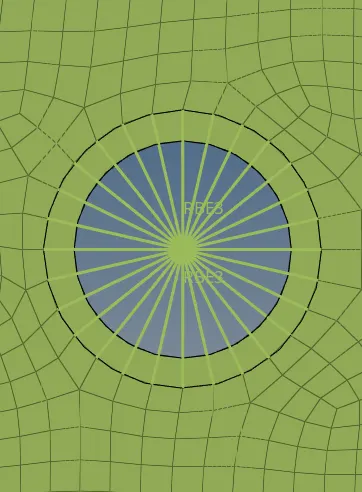
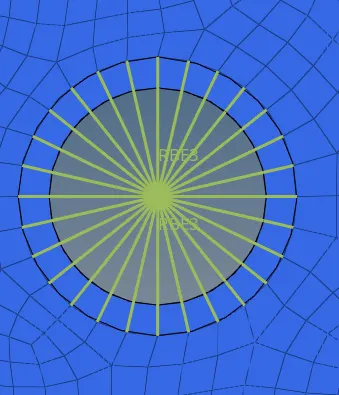
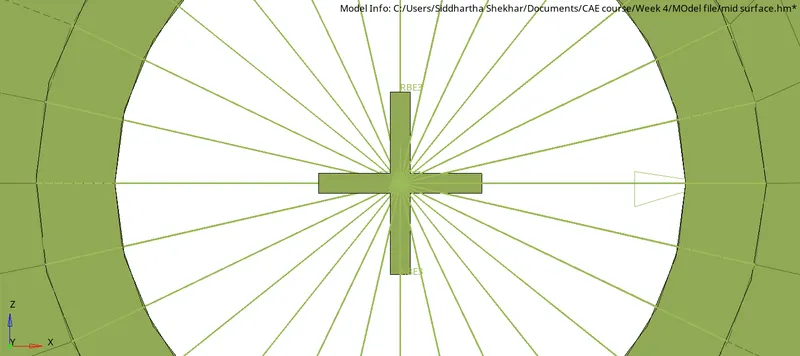
1. Creating Rigid RBE3 link on given nodes with x and y dofs to create BAR element of given cross section.

Degree of freedom:
x and y
2. Creating Bar element.
Property Assigned:
Property name: BAR
Property card image: PBAR
Material Assigned:
Material name: Steel
Material card image: MAT1
3. Creating cross section of Bar.
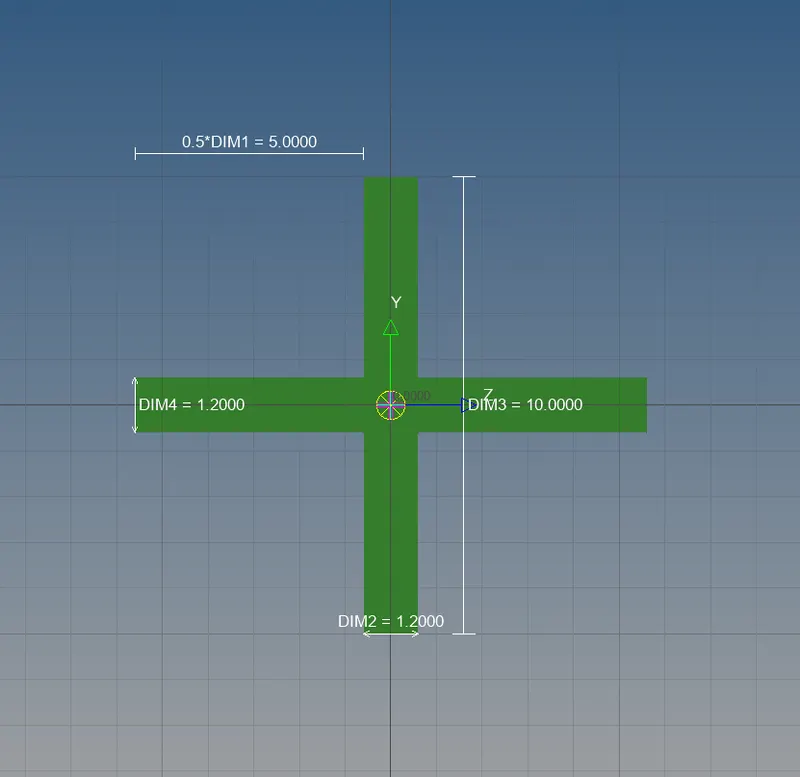
HyperBeam > standard sections > Optistruct > Cross.
Beam section name: BAR
Cross section details: Box with Dim1 = 5 units, Dim2 = 1.2 units, Dim3 = 10 units. Dim4 = 1.2 units.
Summary:
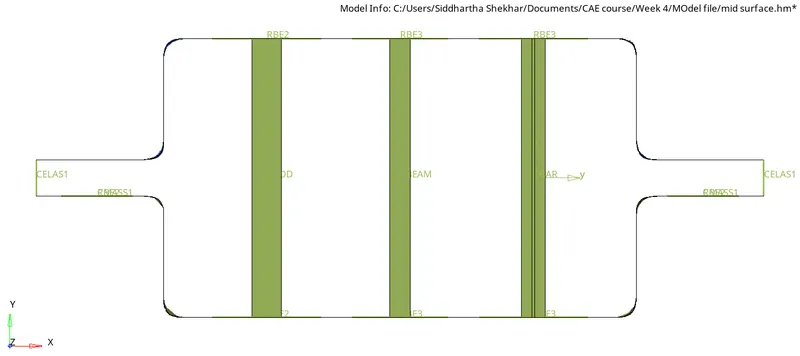
Bar element with x and y dofs with dimensions Dim1 = 5 units, Dim2 = 1.2 units, Dim3 = 10 units. Dim4 = 1.2 units. using RBE3 link.
Material card: MAT1, Property card: PBAR, Beam c/s: standard section>>Optistruct>> Cross
4. Apply the mass of magnitude of 10 units with RBE2 link.
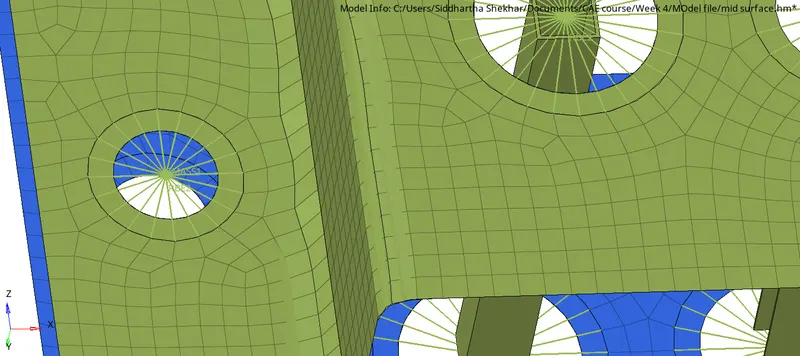

Property assigned: Bracket 1
Material assigned: Steel with card MAT1.
Link used: RBE2
5. Creating spring elements to join both brackets.
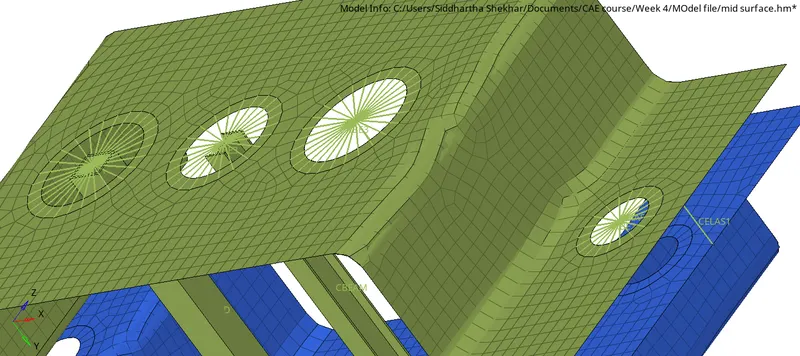

Element assigned: CELAS1, Property assigned: Spring, card image: PELAS, Material card: MAT1.
Complete Model
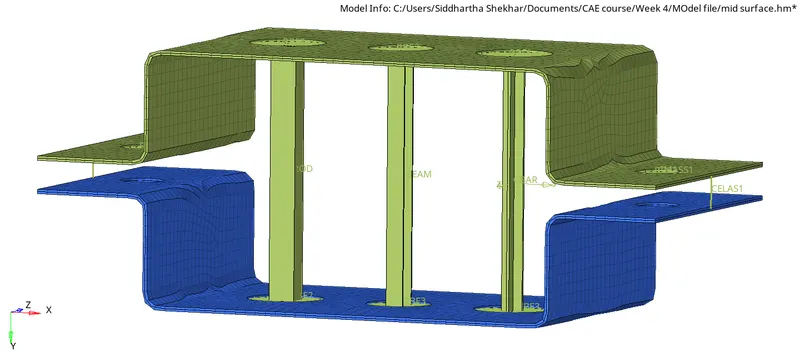
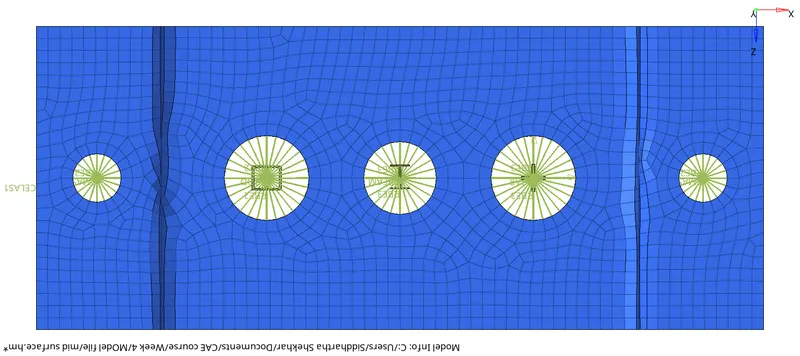
Beam sections, Property assignment:, Material and componenets:
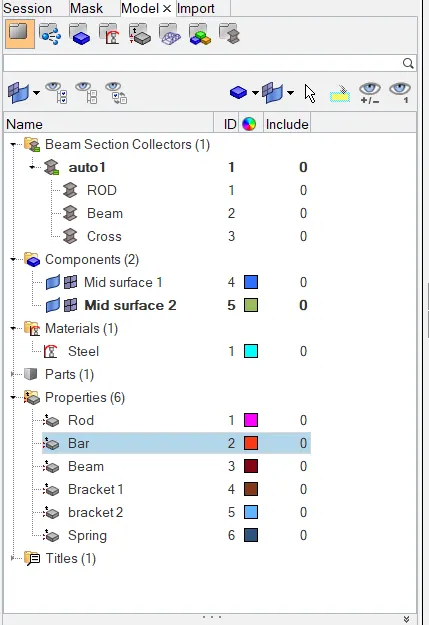
Complete model is attached.