Week - 8 - Morphing
1. AIM: Get knowledge about ANSA Morphing Basics.
2. OBJECTIVES OF THE PROJECT:
Practice on Morphing Techniques for given model - 1 & Perform morphing task for the Model-2 and Increase the Height of the Dog houses and Ribs.
3. BODY OF THE CONTENT:
Let's Explore whole process step by step.
- IMPORTING THE FILE: Importing the given .IGS & .ansa file using a path file > open
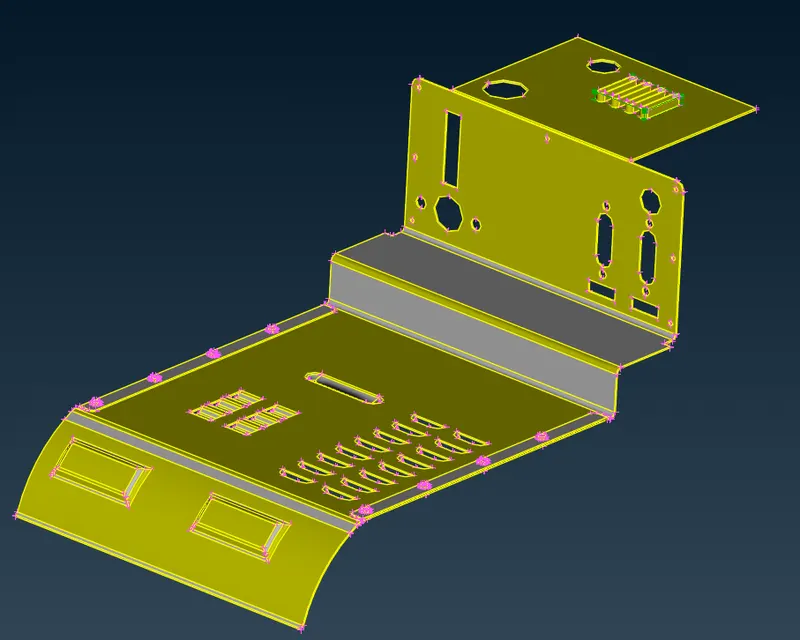
Fig: 01 Model_1.IGS
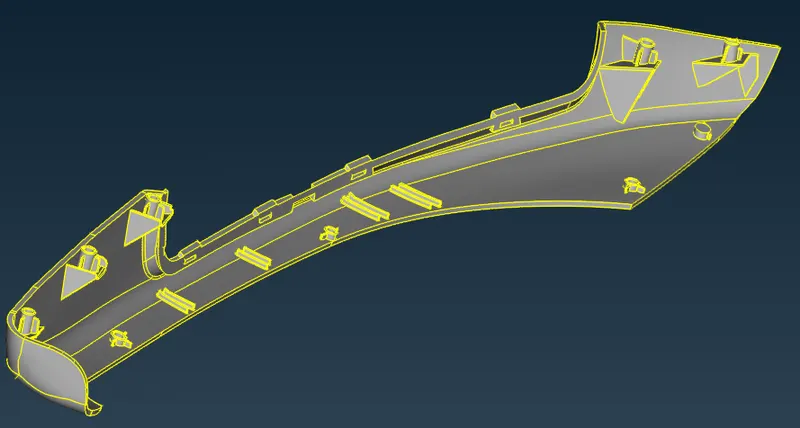
Fig: 02 Model_2.ansa
After importing the file. Checking the geometric error. Now, Here we are going to do only morphing operations. So no need for such processes like, check Thickness, Mid generation of surface, Topo cleanup & Quality Criteria etc. Let's see Morphing Process.
`rArr` MODEL_1 : (Practice model)
- MORPHING PROCESS: First step is to Create a 'Morphing Box' on those faces where to perform an operation, using 'MORPH>Boxes>New>Ortho'. A 'New Morph' window has many options to arrange the position of 'box'. Like 'Min Volume' & 'Align'. After creating it, it looks as per below.
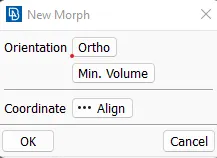
Fig: 03 'New Morph' window
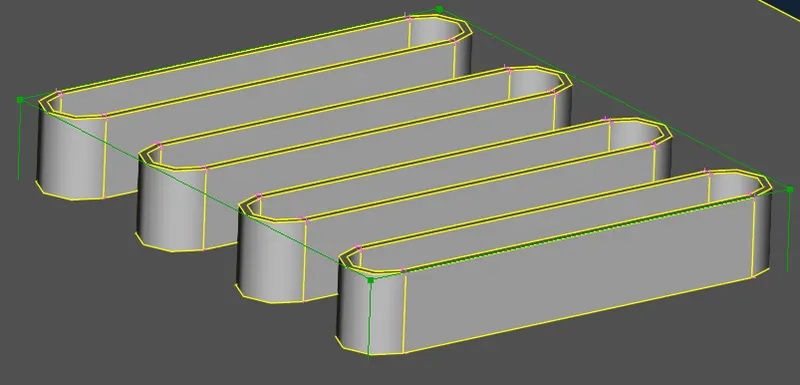
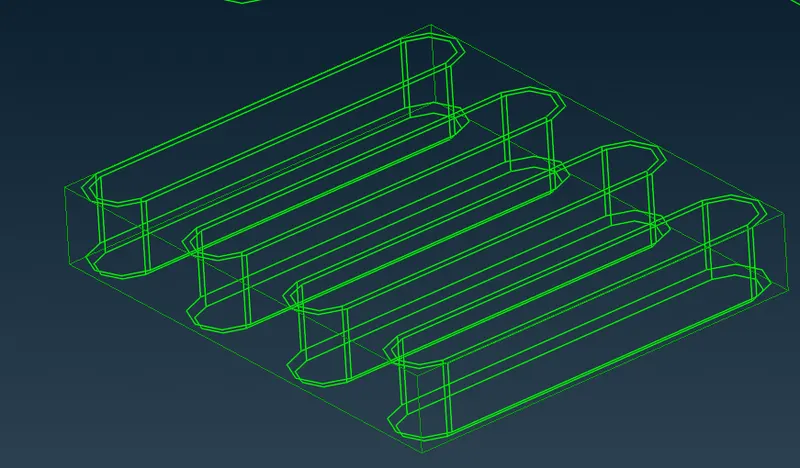
Fig: 04 ''Geometry with Morph Box' window
This box has a Four control points. Using those points we can change the shape of geometry as per requirement. After box creation the next step is to perform 'Geometry Check' to Prepare it for geometric Morphing. Here we are trying to increase the height(approx. 30mm) of this geometry using 'MORPH>Box Morphing>Move>Translate' function.
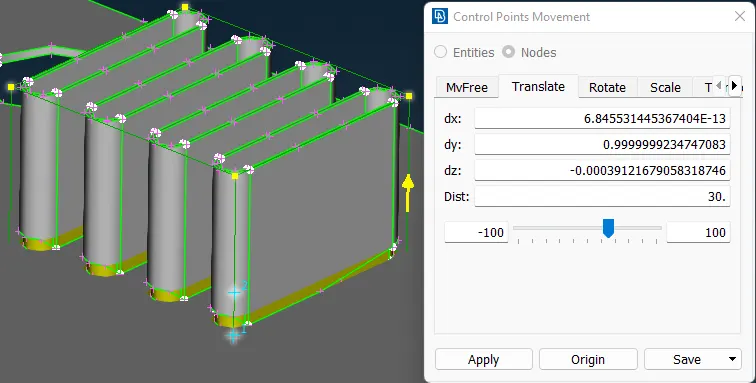
Fig: 05 Height increase of a Geometry
Now, let's practice this method to different portions of body.
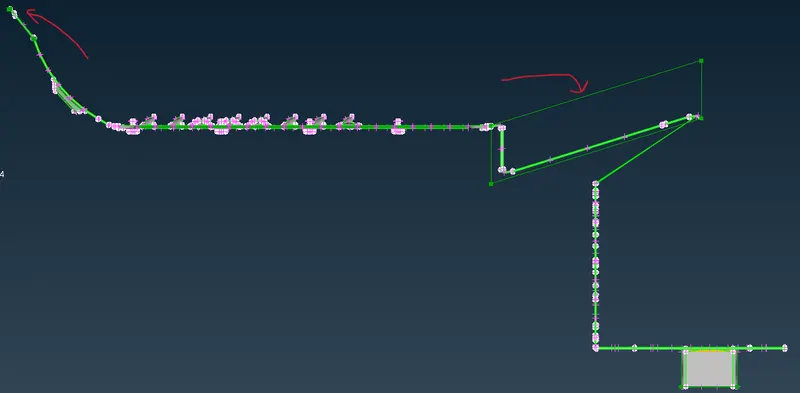
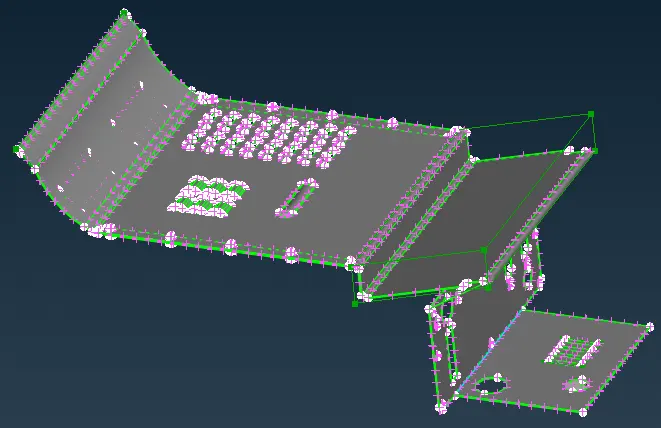
Fig: 06 Changes done at different location
We can see the modification in the upper geometry and can be differentiated with the parent geometry. We can also split a Morphing box to get more control over the geometry shape. Can see the example of it as per below.
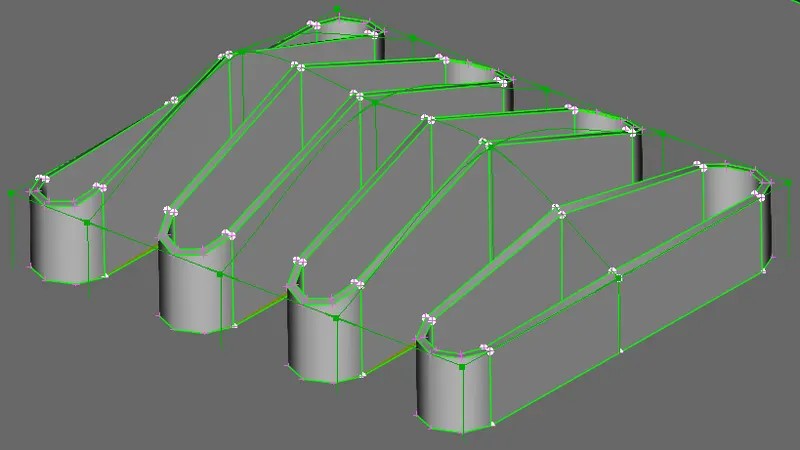
Fig: 07 Geometry with more control point
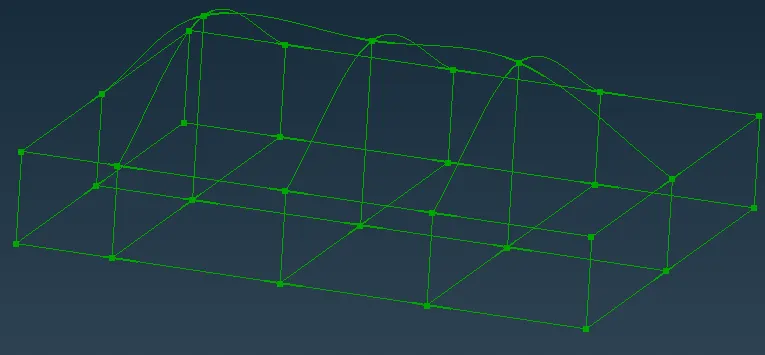
Fig: 08 Morphing box control points
Now Let's move on to the next part (Model_2).
`rArr` MODEL_2 (Challenge model):
In this part we have to Increase the Height of the Dog houses and Ribs.
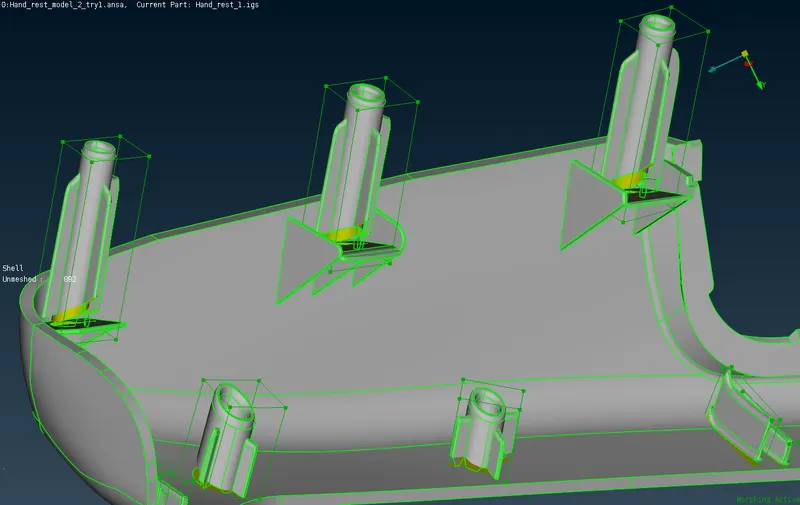
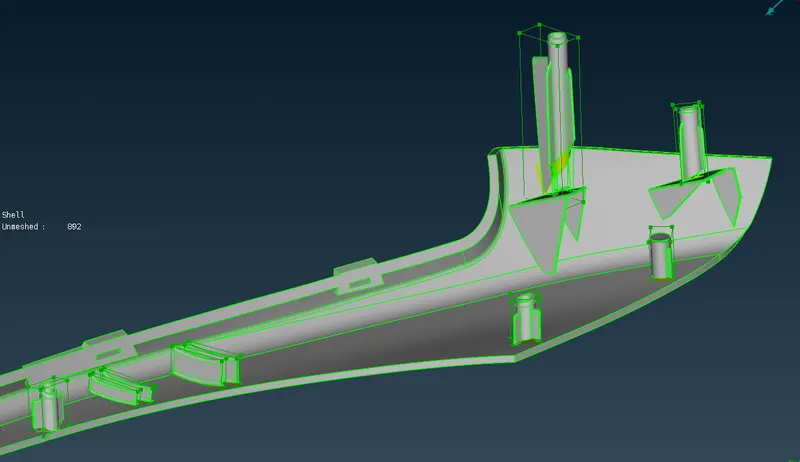
From above fig. We can see the increased height of Ribs and dog houses. In this the challenging part is to increase height in the collinear direction of dog houses. For that use Coordinate>'Align' option to define an axis. And accordingly all morph boxes are created as directed.
- APPLICATION OF MORPHING:
Morphing is a geometric interpolation technique that is often used by many industries to transform one form into another seemingly seamlessly. It does this by producing a large number of ‘intermediate’ forms between the two ‘extreme’ or ‘parent’ forms. It has already been shown that morphing technique can be a powerful tool for form design and as such can be a useful addition to the armory of product designers. Morphing procedure itself is simple and consists of straightforward linear interpolation. However, establishing the correspondence between vertices of the parent models is one of the most difficult and important tasks during a morphing process. shows an example of generating future/retrospective models (1971, 1975, 1987, and 1991) from existing two Honda Civic models (1979 and 1983) through extrapolation.
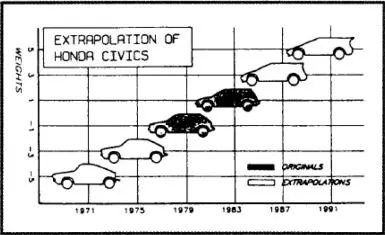
Fig: 09 Example of morphing for product design
Morphing is a tool that finds the optimal design for objects considering their aerodynamic, hydrodynamic, thermal and structural performance. Like the morphing technology integrated into an aircraft wing concerns an automated shape adaptation to reach the best aerodynamic efficiency given a flying condition. So, as conclusion its used in various industry like Automobile, Defence sector, Aviation industry.
4. LEARNING OUTCOMES:
This ANSA challenge has a Plastic and sheet metal model. As this is an Introduction of a Morphing concept. So I learned the basics about how to use a morph(classic morph) tool in ansa. And applied it in a given model as practice.
5. CONCLUSION:
Finally the challenge is completed. This challenge is a introductory session on the Morph concepts. I learned that for some geometrical changes, instead of doing remesh the whole body, using a morph option we can remesh the changed area only. It will save the time.