Week - 8 - Morphing
AIM:
1) Practice all the Morphing techniques that were shown in the video for Model-1.
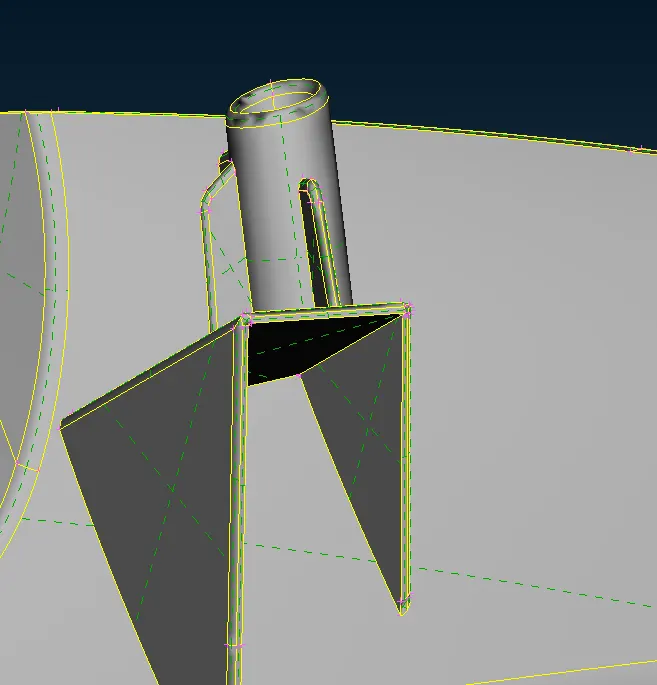
2) Perform morphing for the Model-2 and Increase the Height of the Dog houses and Ribs. (Refer Red annotations in the below image to understand what are Dog houses and Ribs)
1) Practice all the Morphing techniques that were shown in the video for Model-1.
Procedure:
First we import the geometry:
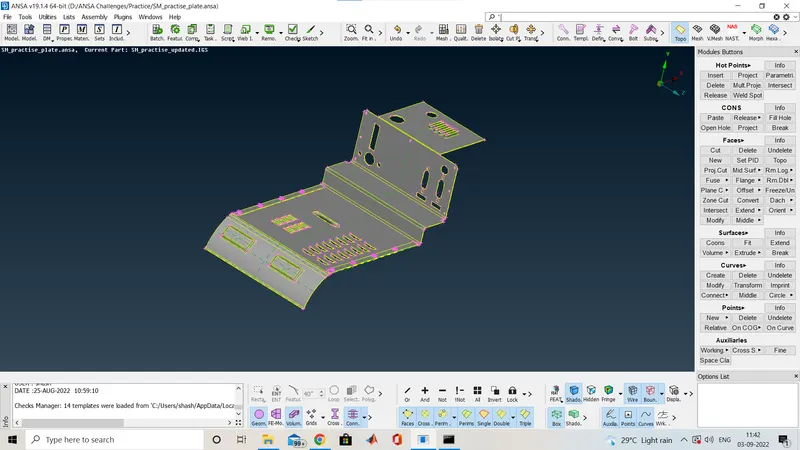
After importing we check for the geometry cleanup here it is cleaned.
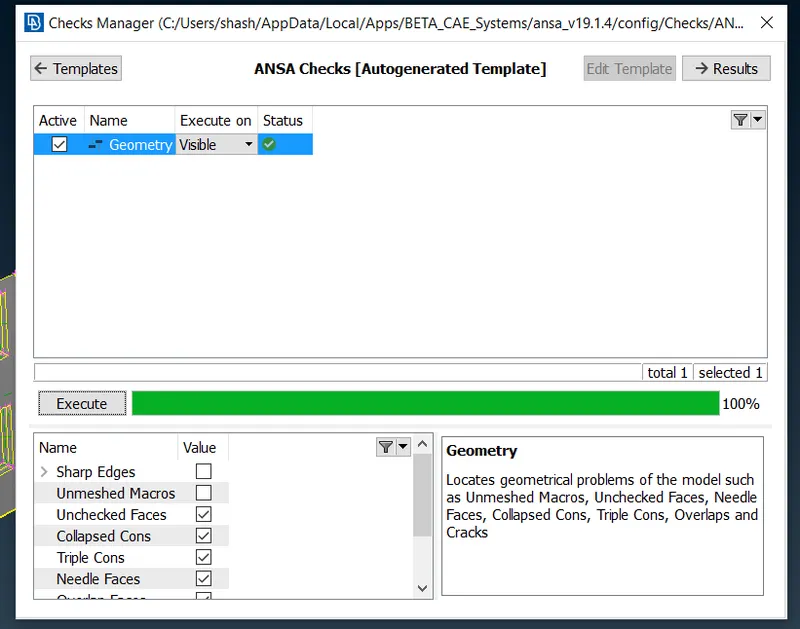
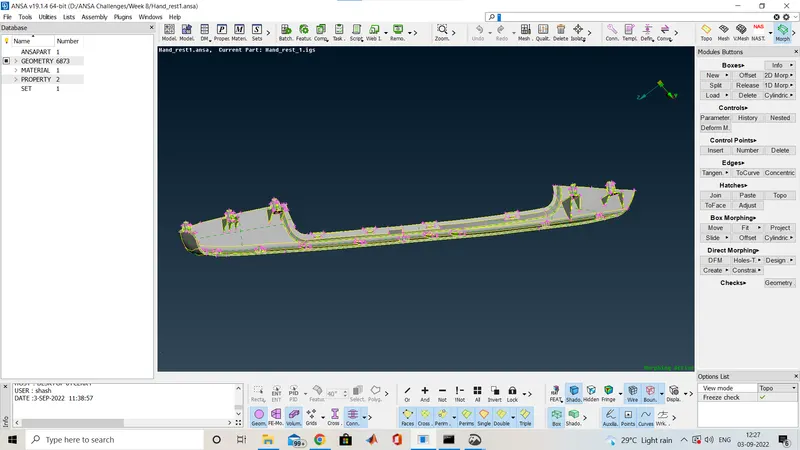
Here we do not need of any FE so we are directly going to the Morphing Deck
So before that i am telling some brief about morphing.
What is morphing?
Ans:ANSA encompasses a full – fledged Morphing menu which is completely integrated with ANSA’s interface and doesn’t require any additional module installations or licenses. The functions of the Morphing menu can be used to efficiently re-shape both FE and/or Geometry based models.
Domain (Box) Morphing
Domain or Box Morphing is preformed via boxes that are created around a particular part or assembly that the user intends to morph. The movement of the Morphing boxes control points defines the morphing operations on the entities inside the Morph box. This type of Morphing can be applied to both FE and Geometry based models.
Direct Morphing
ANSA’s Direct morphing features gives the user the ability to efficiently modify a part locally without having to create Morphing boxes. This method is extremely useful in creating local modifications on single parts. Creation of depressions, surface fitting certain FE part features to new target geometry, moving selected features along the contour of a surface and also the ability to freeze (rigid) elements during the morphing process are some of the direct morphing abilities.
Parametric Morphing
The desired morphing actions can be saved as parameters which can be accessed in batch mode. Users can enforce desired shape changes by changing numerical input value for the appropriate parameter. This method of morphing is highly utilized for coupling of the morphing operations to an external optimizer. The scripting capability can be used in conjunction with ANSA’s parametric morphing functionality to deliver faster DOE models.
Geometry Morphing
ANSA brings to the CAE world its ‘one – of – a kind’ tool for CAD geometry morphing. This pioneering concept allows the user to utilize the inventory of all the familiar FE morphing functions to perform equivalent operations in a CAD environment on geometric entities.
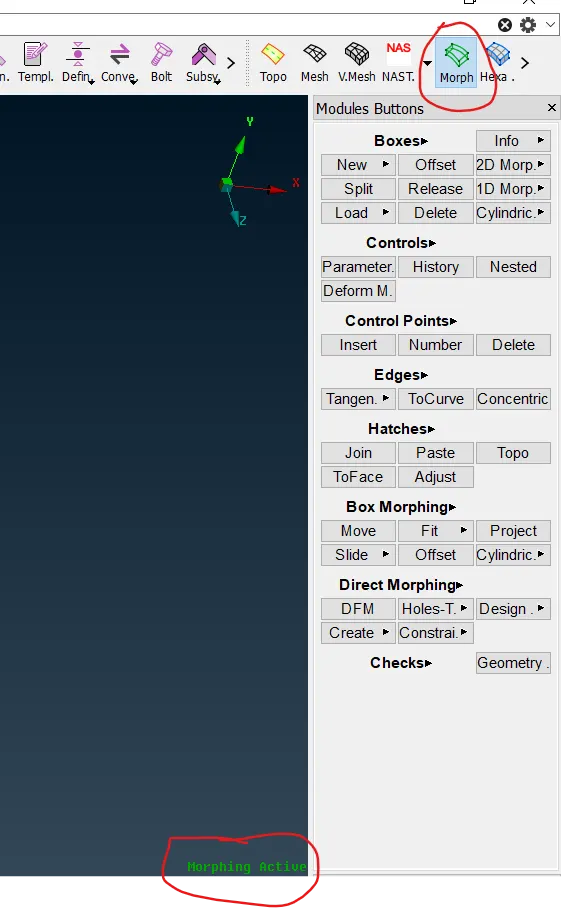
This is the Morphing Deck.
You can see morphing is active no we we use the box morpgins so for that we are goin to the Boxes>New>Ortho
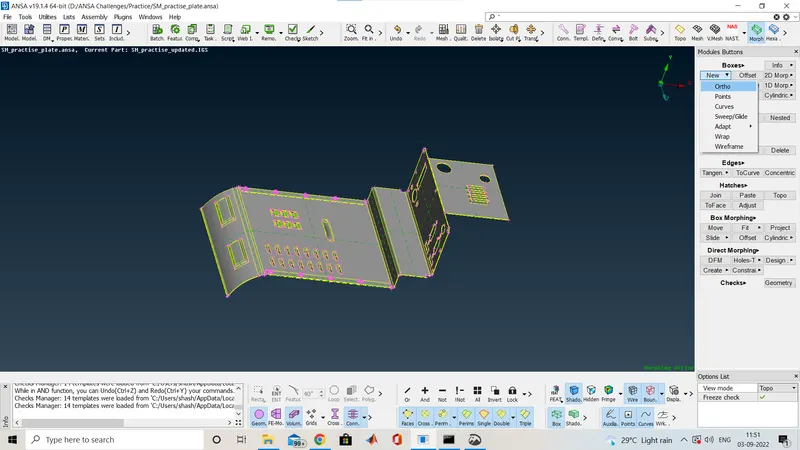
So now we will select the are where we want to do the morphing
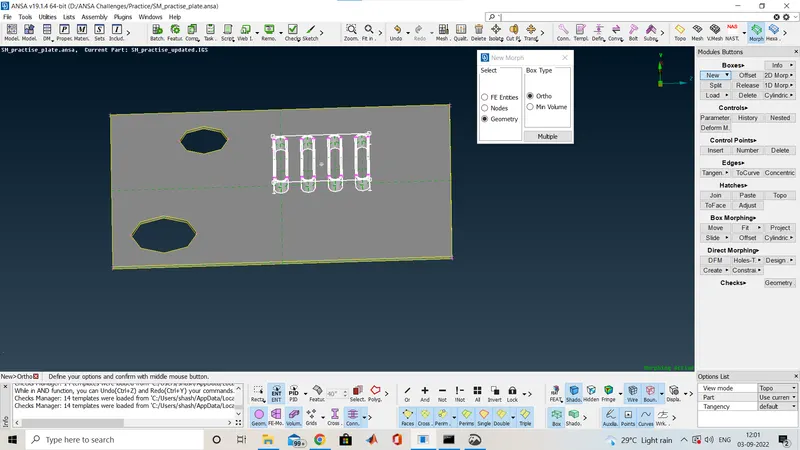
Here is the placewhere i do morphing so i selected the box selection after the middle mouse click we will get the box selection here i am showing how it looks like in the below image.
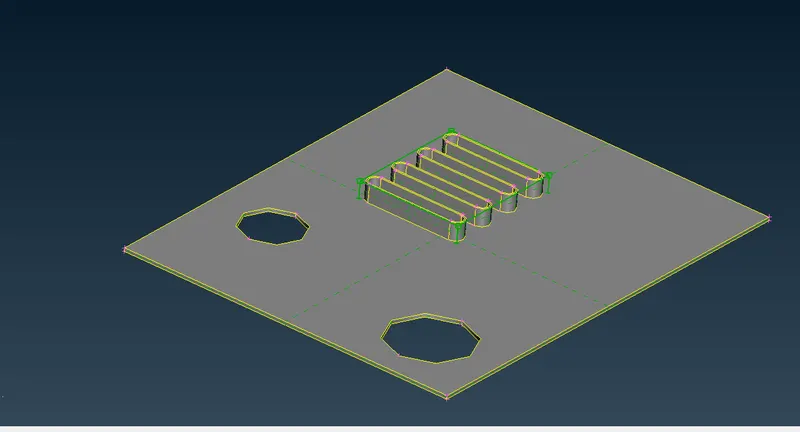
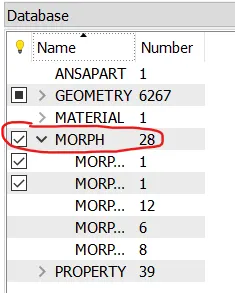
After the selection,you can see in the database also there is option added MORPH.
Now i increae the length of that part,so for that we have a option in the Morphing Deck>Box Morphing>Move
After selection of that option window will popup like, shown in below image.
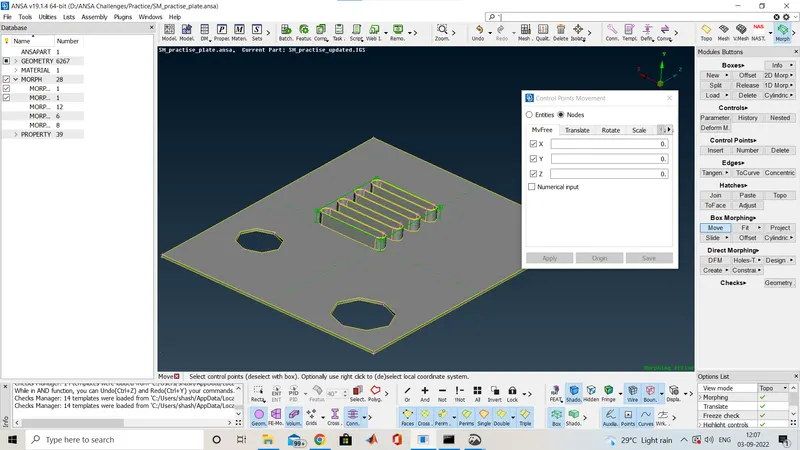
So mow we will select the poitn and give a middle click so it allows us to expand in all the direction if you want to move in one direction then other then that asix uncheck both so that the change is geometry happens in only that axis.
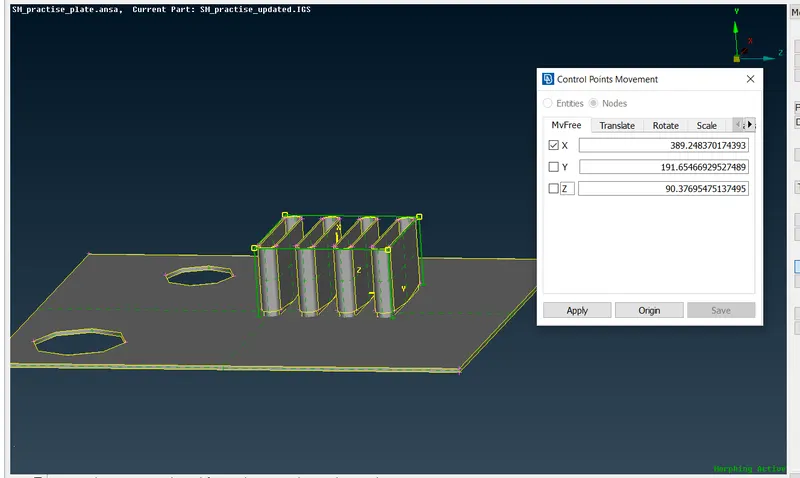
As here you can see i moved that only in X direction so Y and Z is unchecked And you can se the height of that feature is increase.After middle click you will get the final component
So after the Change in geometry i am showing the image.
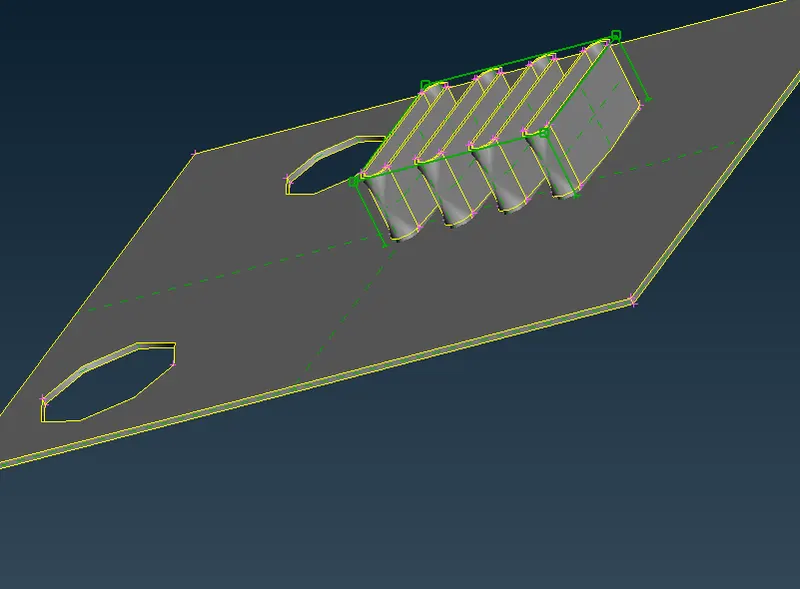
Like this we will go for every part where ever we would like to do morphing.
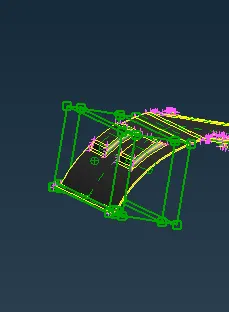
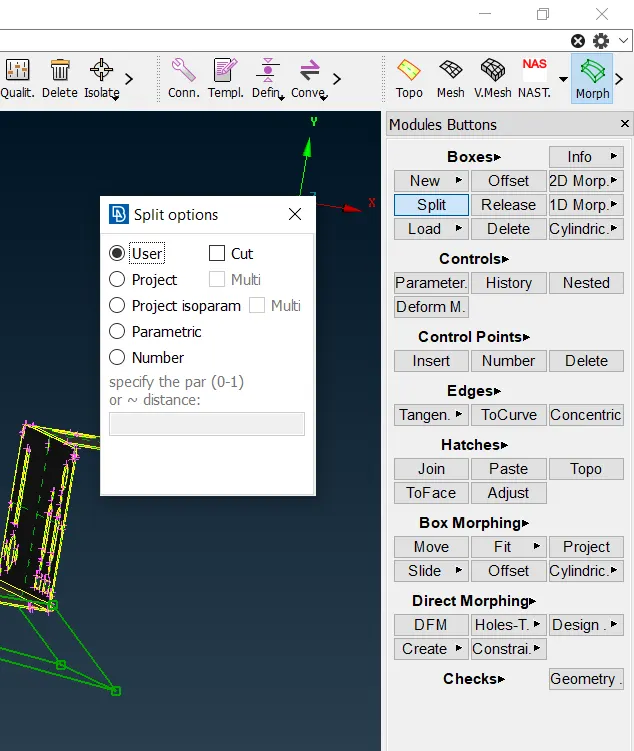
Here you can see the box is splited into 3 part so there is an option to split the box in any no of part as you want and for that you have to go to Morph Deck>Boxes>Split
Now i am shoing the final componet after doing morphiong.
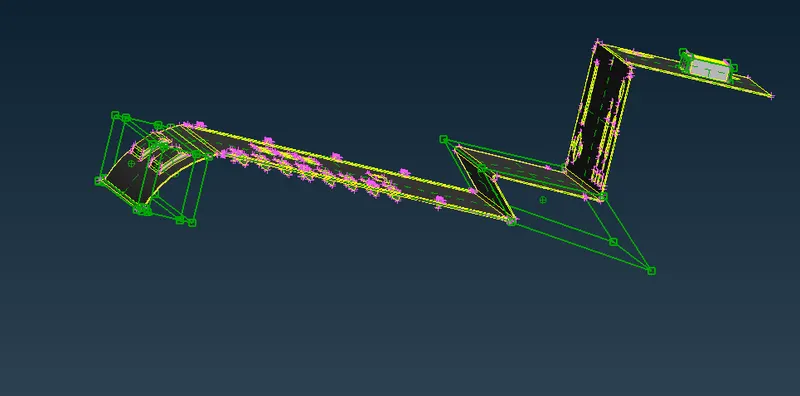
As per the cieo we have made changes.
2) Perform morphing for the Model-2 and Increase the Height of the Dog houses and Ribs. (Refer Red annotations in the below image to understand what are Dog houses and Ribs)
Procedure :
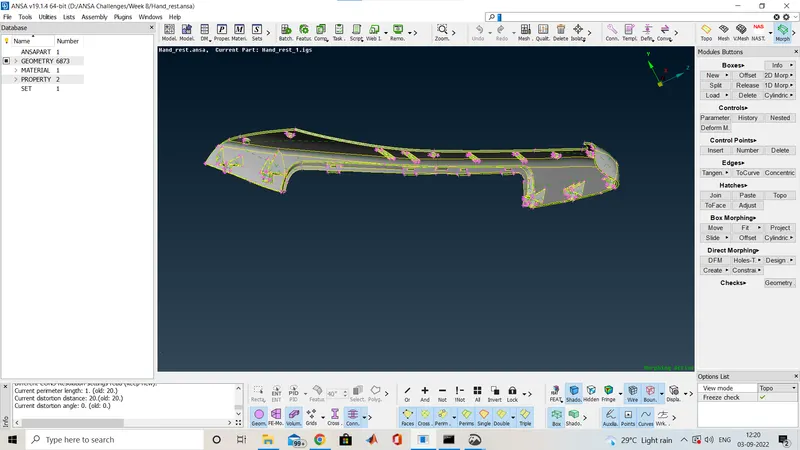
Here same i mported the geometry and check for the geometry cleanup
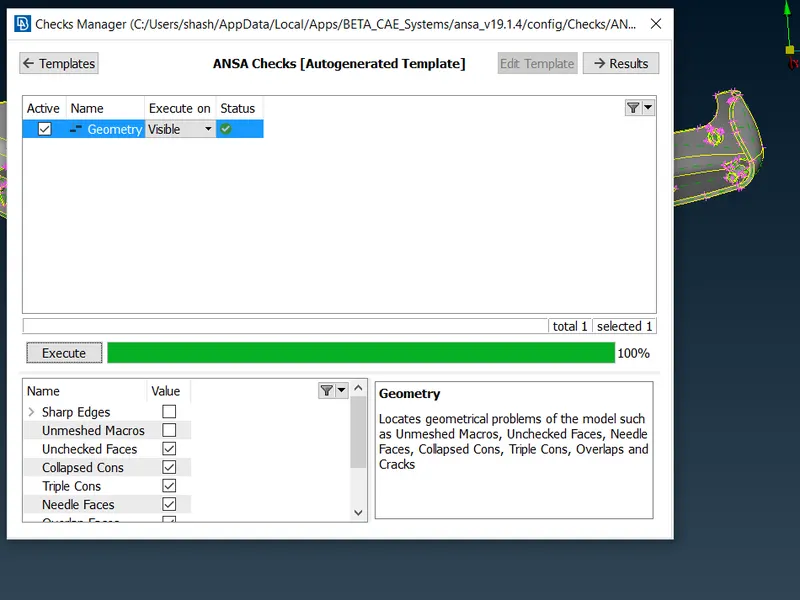
Now geometry cleanup required.
All the procedure for this component is also same so i am just showing you the changed geometry as per the question dog houses and ribs.
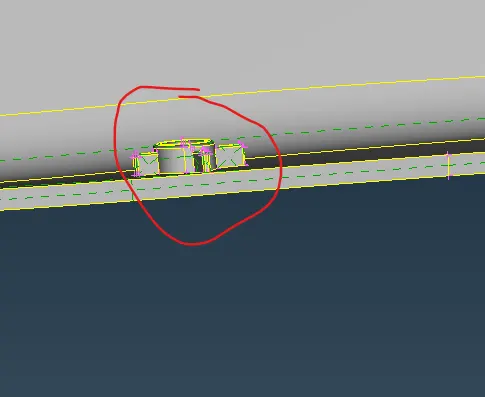
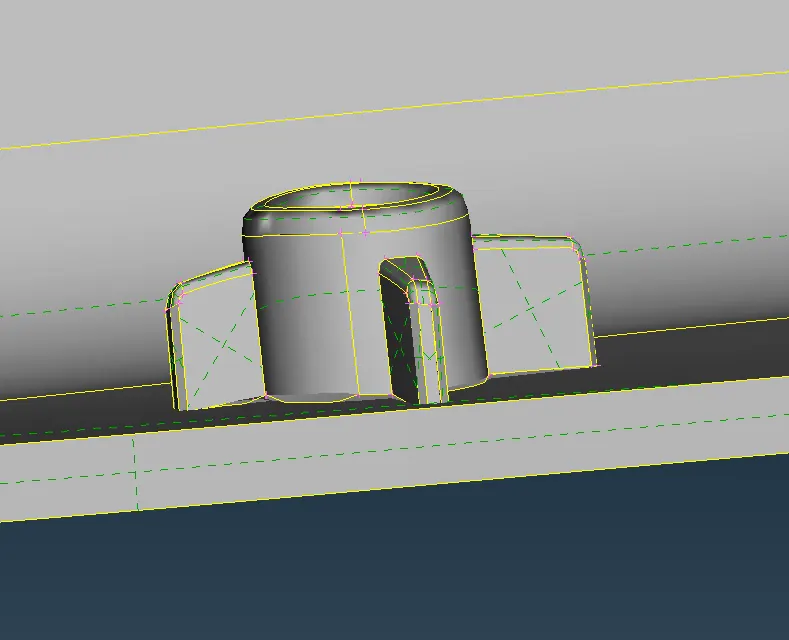
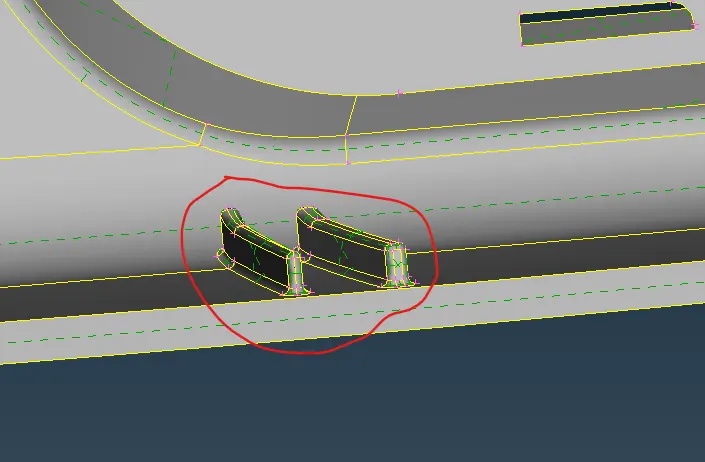
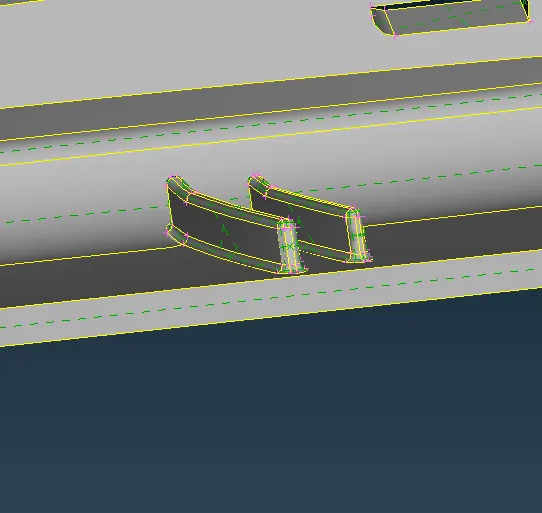
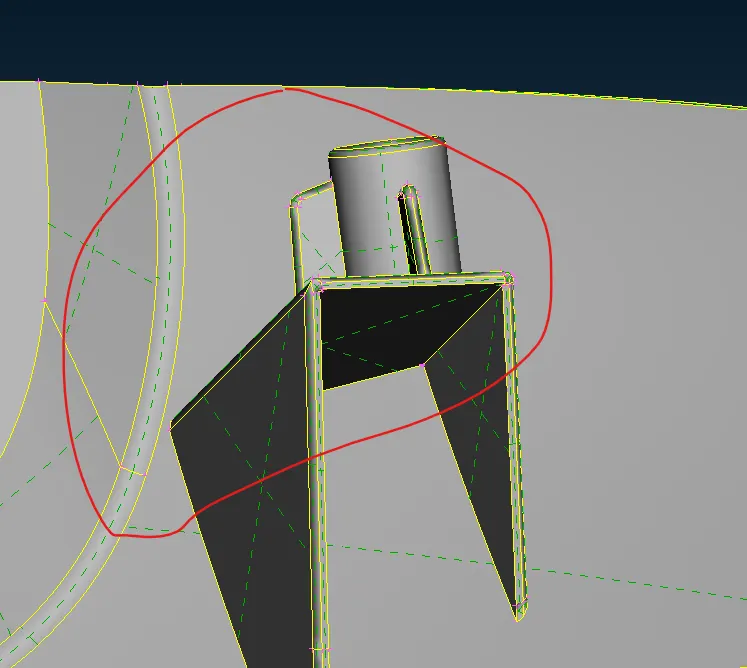
Now i am showing the whole image at once.
Applications
- Aviation
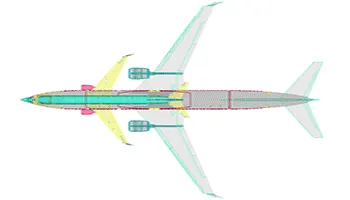
One industry that benefits the most from morphing is aviation industry. The rocket used for defence as well as for the aircraft modification, this tevhnique is found to be useful one. By application, the part that goes through major changes are its fuselage and wings. Through this different aircraft are made depending on its application and variant.
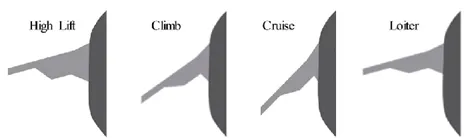
Fig: Aircraft wings morphed for different application
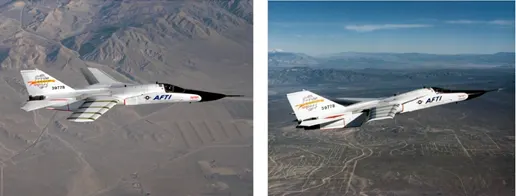
Fig: Aircraft with mrophed fuselage and tail
- Automobile
Common application of morphing invloves tranforming the type of a car. Maruti Suzuki was a sedan, but its tail was morphed and made a hatchback for its use in higgh traffic condition. The same stand for Honda Amaze, where the actual and a bigger Honda City is transformed to its smaller version. The same is done for increasing the size of the tail or making the sedan to SUVs or SUVs to TUVs.
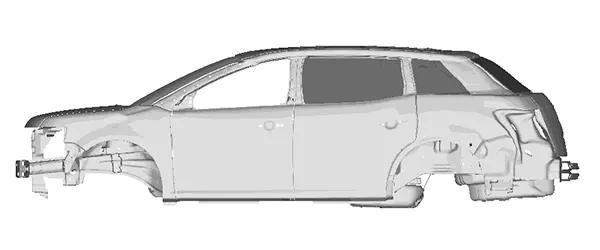
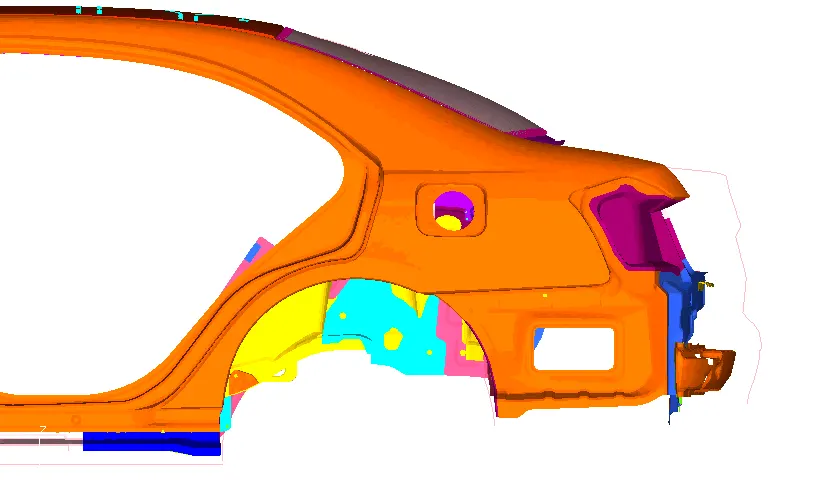
From the above figure, a sedan is transfromed to SUV, while in the right, the trunk is increased,a long with its feature.
One of the part that has its application is in Floor Panel
Learning Outcome:
- Here we have learnt about what is morphing as discussed above,why we are doing Morphing,
- Here we learnt some basics how to do morphing in ansa .
- studied application of morphing in OEM's
Conclusion:
- Morphing is very important in the industry. Best thing about this we do not need any numerical calculation or need to go for again in cad to make changes and the result is not same so here we can do directly make change in geometry and also in FE .