Week - 8 - Morphing
AIM :- In this challenge, There will be two models.
1) Practice all the Morphing techniques that were shown in the video for Model-1.
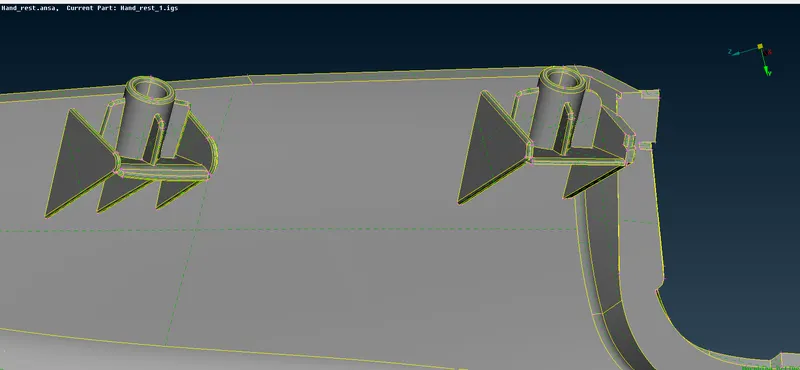
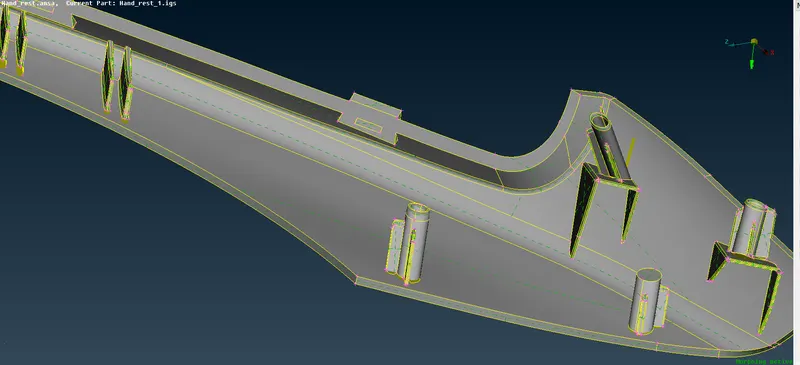
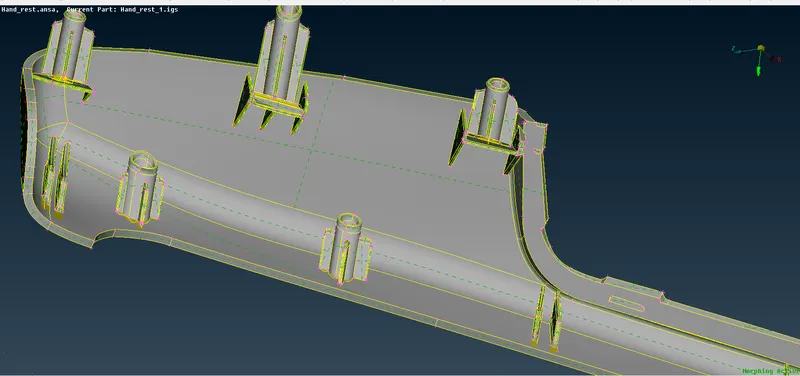
2) Perform morphing for the Model-2 and Increase the Height of the Dog houses and Ribs. (Refer Red annotations in the below image to understand what are Dog houses and Ribs).
THEORY :-
1. MORPHING :- The functions of the Morphing menu can be used to efficiently re-shape both FE and/or Geometry based models.
2. Domain (Box) Morphing :- Domain or Box Morphing is preformed via boxes that are created around a particular part or assembly that the user intends to morph. The movement of the Morphing boxes control points defines the morphing operations on the entities inside the Morph box. This type of Morphing can be applied to both FE and Geometry based models.
3. Direct Morphing :- ANSA’s Direct morphing features gives the user the ability to efficiently modify a part locally without having to create Morphing boxes. This method is extremely useful in creating local modifications on single parts. Creation of depressions, surface fitting certain FE part features to new target geometry, moving selected features along the contour of a surface and also the ability to freeze (rigid) elements during the morphing process are some of the direct morphing abilities.
4. Parametric Morphing :- The desired morphing actions can be saved as parameters which can be accessed in batch mode. Users can enforce desired shape changes by changing numerical input value for the appropriate parameter. This method of morphing is highly utilized for coupling of the morphing operations to an external optimizer. The scripting capability can be used in conjunction with ANSA’s parametric morphing functionality to deliver faster DOE models.
5. Geometry Morphing :- ANSA brings to the CAE world its ‘one – of – a kind’ tool for CAD geometry morphing. This pioneering concept allows the user to utilize the inventory of all the familiar FE morphing functions to perform equivalent operations in a CAD environment on geometric entities.
PROCEDURE :-
1. After importing the given geometry in the ansa, geometry checks were performed on the components. Error if any were cleared which occured during the geometry checks.
2. The components were oriented in positive/ negatiely withthe the help of orient command. TOPO>>FACES>>ORIENT>>AUTO.
3. As Per the coordinates system fof the components boxes are to be created to alter the entity. MORPH>>BOXES>>ORTHO/ MIN VOL>>GEO>>ENTITY>>OK
4. To move/alter the entity move command is to be used given in box morphing . MORPH >> BOX MORPHING >> MOVE>> SELECT POINTS>> ALTER
5 Post altering the entity all teh boxes needs to be deleted from the components .MORPH >> BOXES>> DELETE>> ENTITY
Results
1. Output of model 1:-
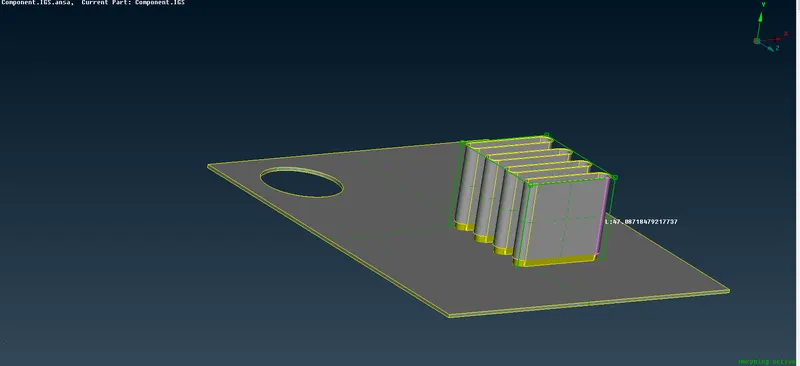
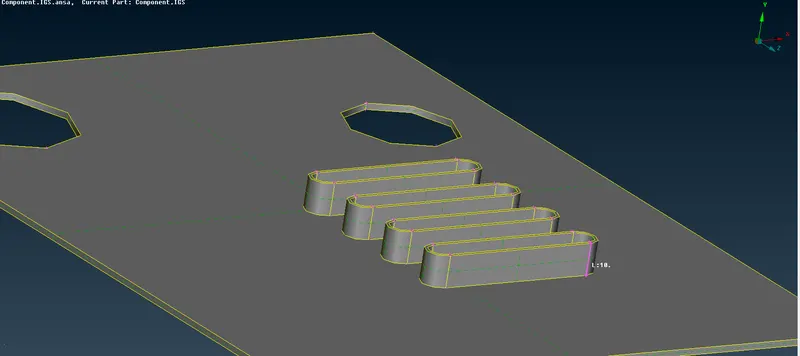
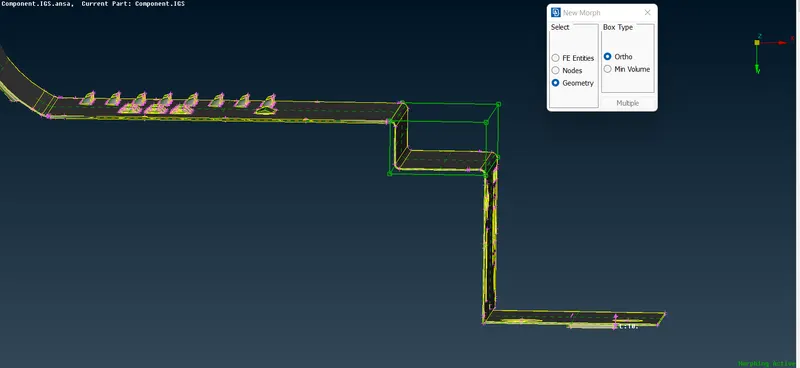
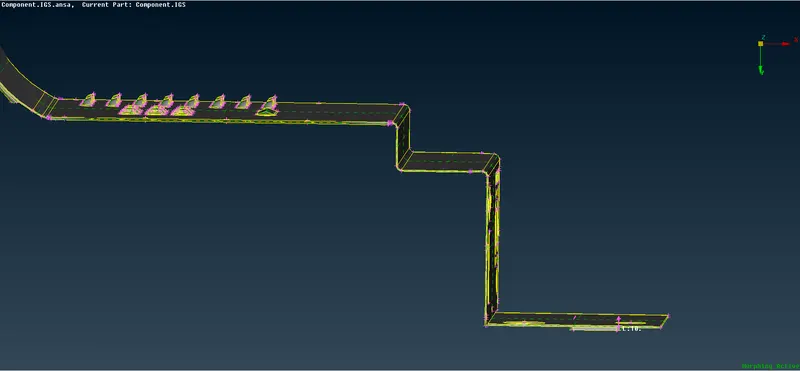
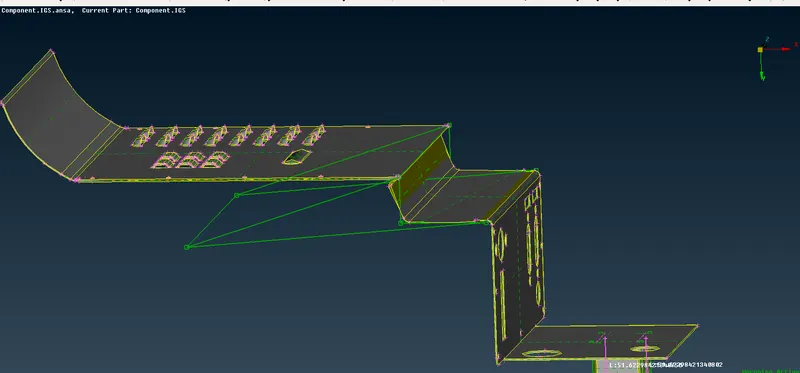
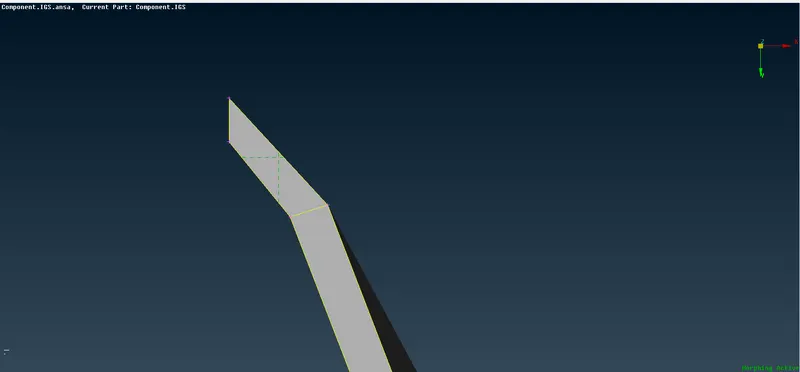
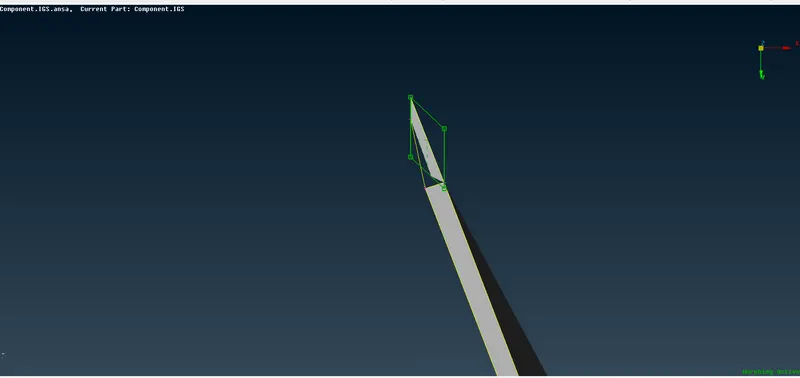
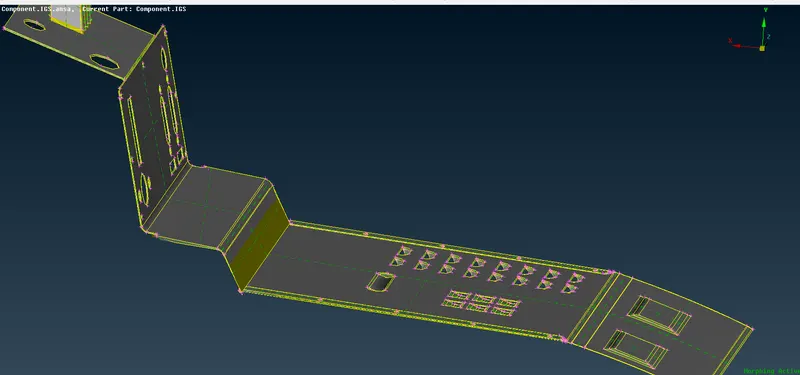
2. Output for model 2:-
Learning/Conclusons
1. It can be observed that ANSA gives us environment to alter the given CAD model in real time.
2. Post deleting the box entities, it was difficult to trace back the modification done on the model.
3. We can alter the model based on LCS or UCS.
Industry Applicatons:-
1. Approved CAD geometry can be altered without reverting back to the design team.
2. Critical addendums can be made to the the drawings as per the analysis in real time.
3. Design Optimisations can be performed prior given it to solver.