Week - 8 - Morphing
Week 8
Morphing
Objective:
To morph the given models in order to achieve the required shape change in the components.
Procedure:
Import the given model to the ANSA workspace, check for the model errors and do the topological cleanup on the imported model.
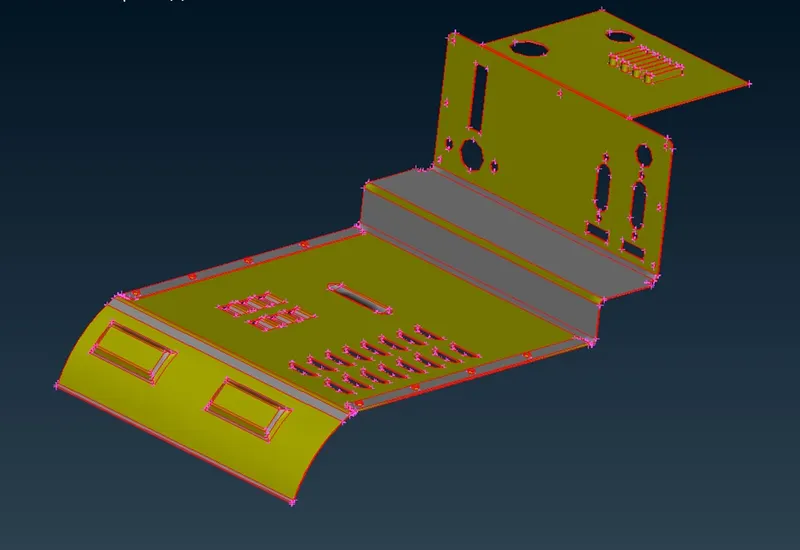
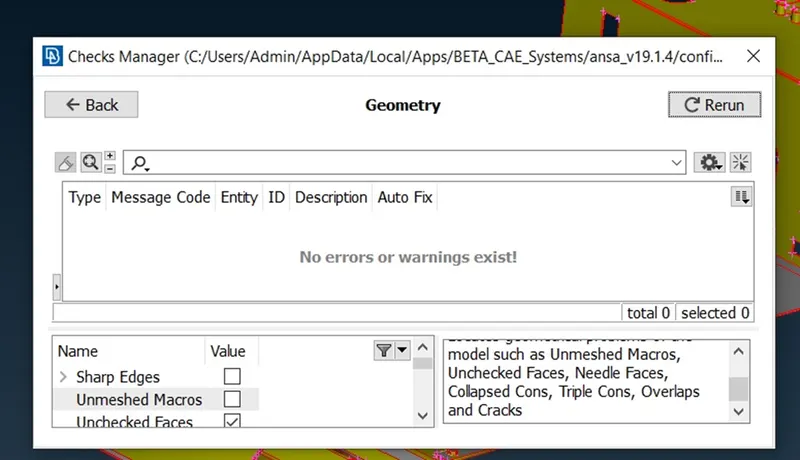
After topo cleanup
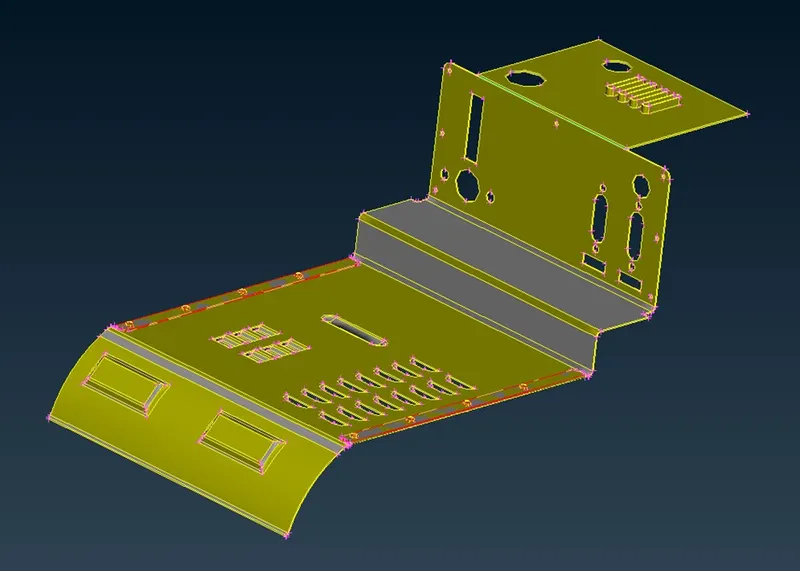
In order to perform the morphing operation go to the Morph module. In ANSA to create any changes to the shape, we have to create a box around the preferred entity. These boxes can be achieved by Boxes>New>Ortho. In the new morph, the tab select geometry and select the geometry entities which has to be morphed, and then the selection is confirmed by the middle click.
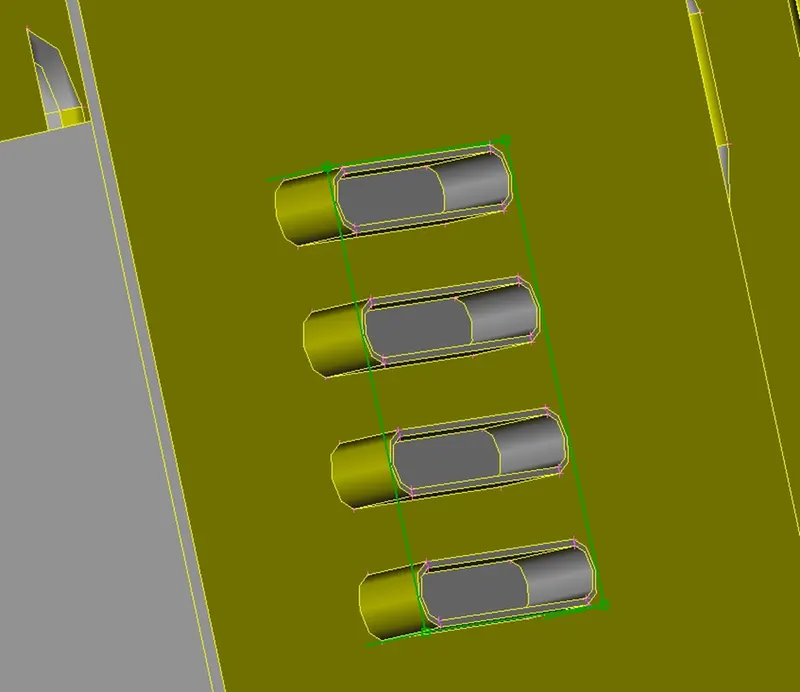
Morphing box like above appears on the desired entities which we have selected.
To modify the box go to Box Morphing > Move, then control points movement tab will be opening and select MV free tab, in selection click on Nodes. Then check the coordinates in which the entities have to be extended with respect to global coordinates.
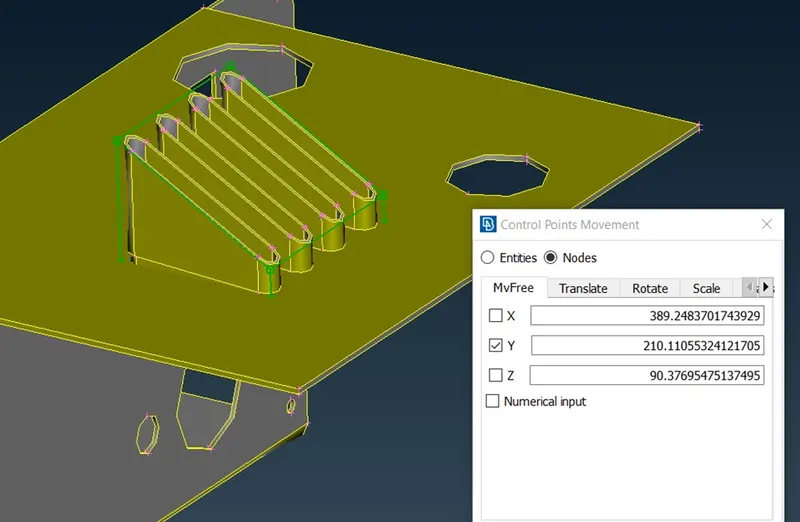
The same procedure has been followed for the rest of the changes made on the model.
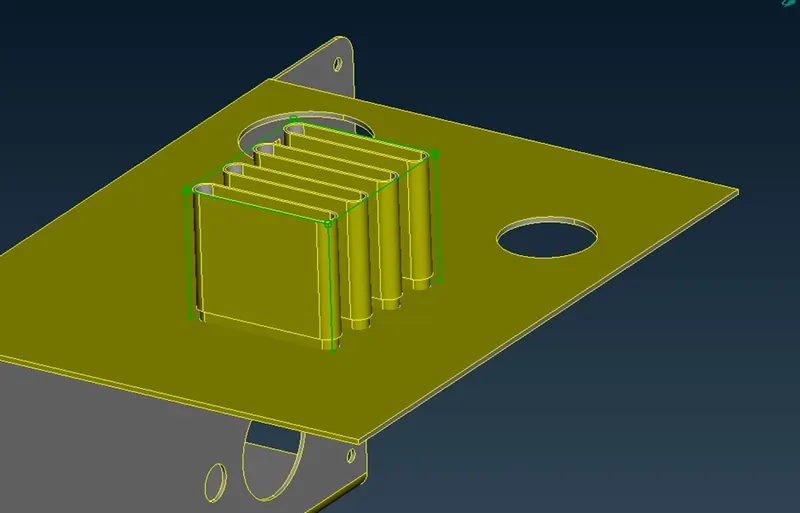
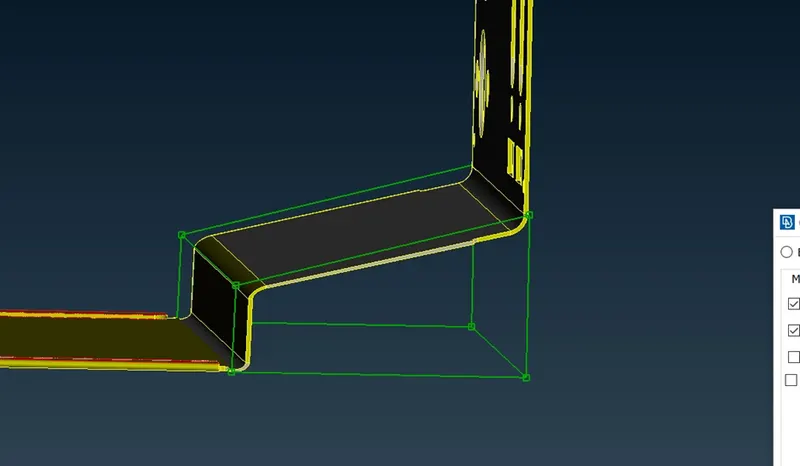
Applied morph boxes can be split into smaller portions in order to give better shape modification. Split can be achieved by Boxes > Split
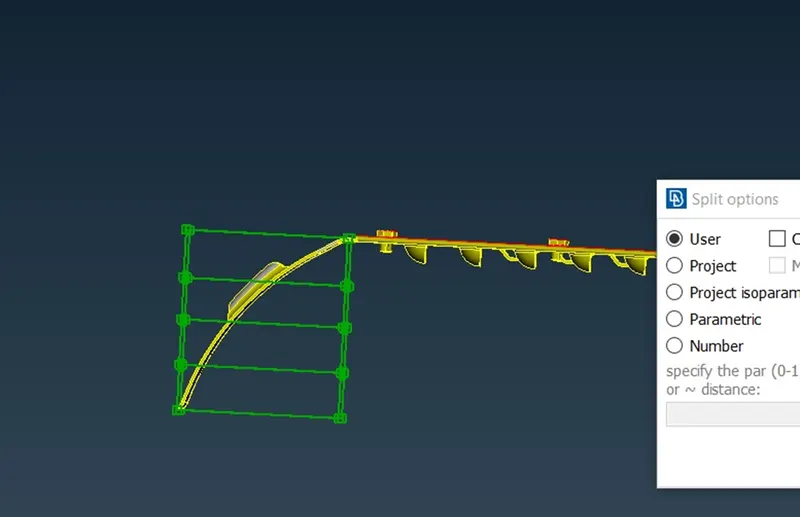
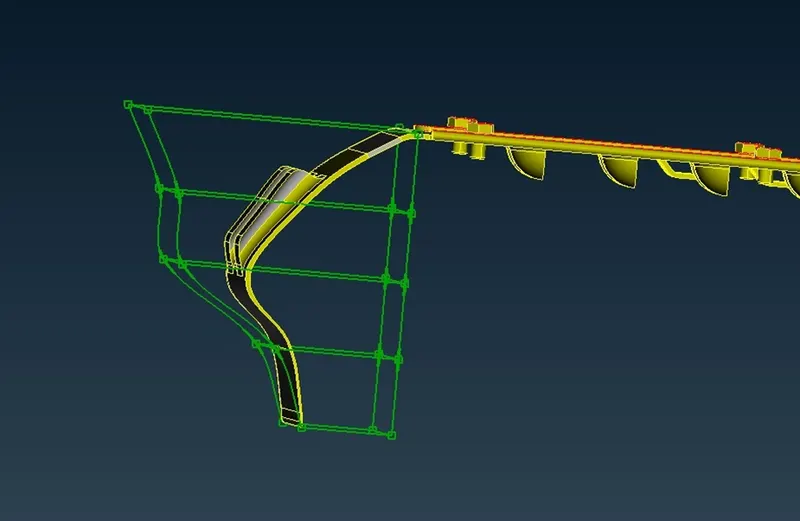
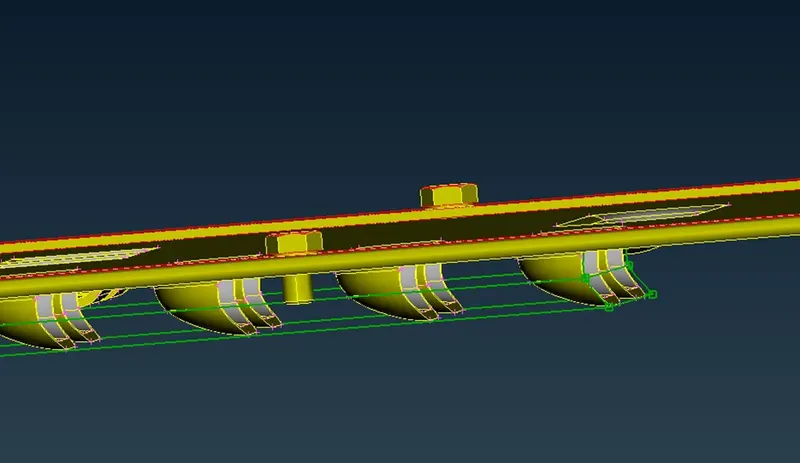
After making changes to the models we can delete the boxes by Boxes>Delete and select the boxes to be deleted.
Model 2
As we discussed for the above model, import the CAD component into the ANSA workspace and do the geometrical check and do the topo cleanup on the model in order to check whether the model is error-free.
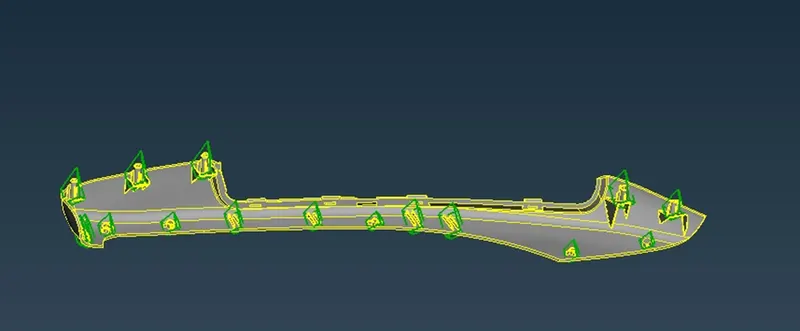
For model 2, it has been asked to increase the height of the dog house and ribs using the morphing tool. Morph boxes have been created around the dog boxes and ribs using the Boxes> New>Ortho command, the required geometry is selected as above mentioned. And then go to Box Morphing>Move and select the node to be modified and move it under MVfree movement. After getting desired output middle click for confirmation.
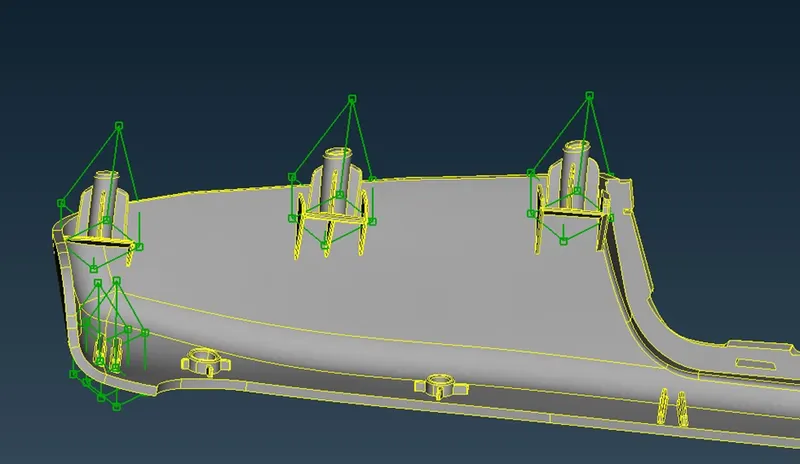
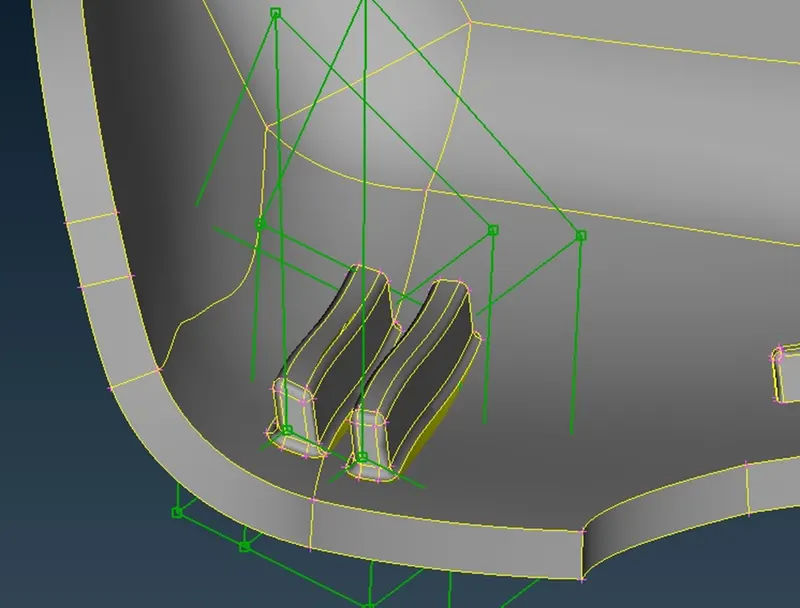
Learning outcomes:
Learned to perform morphing techniques on the model to achieve desired output change in the model, and also to use cut option while morphing in order to achieve better morphing output.
Conclusion:
Given models have been imported to ANSA and done the geometrical and topological cleanup on the model and then morphing has been done on the model after creating morphing boxes on the particular entities.