Week - 8 - Morphing
Aim
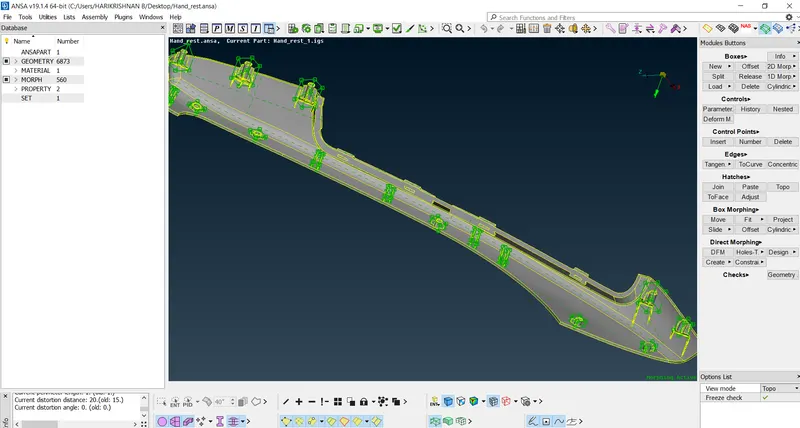
Case 1 : To practice all the Morphing techniques.
Case 2 : To perform morphing for the Model-2 and Increase the Height of the Dog houses and Ribs.
Procedure
Step 1
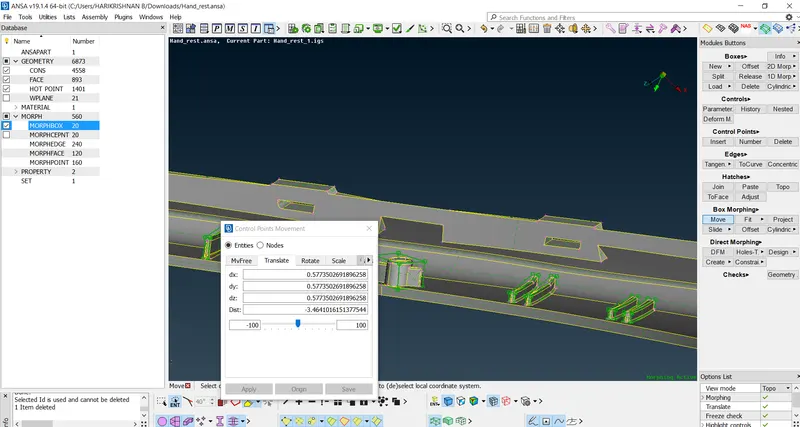
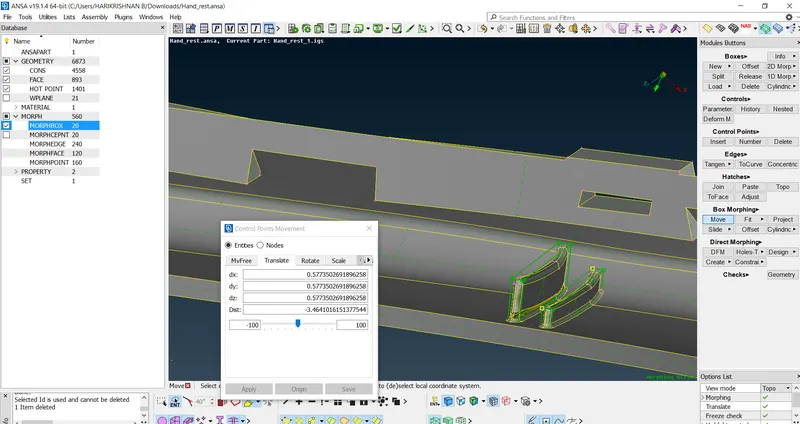
Using practice mode perform the Morphing techniques. In the Morph module- Boxes- New- Geometry- Ortho and Min Volume option can create the box necessary for the Morph, Using Box morphing-> move tool using entities and node option select the box necessary nodes. There are few options to morph the geometry, MVfree, translate, rotate, scale,etc are performed.
Step 2
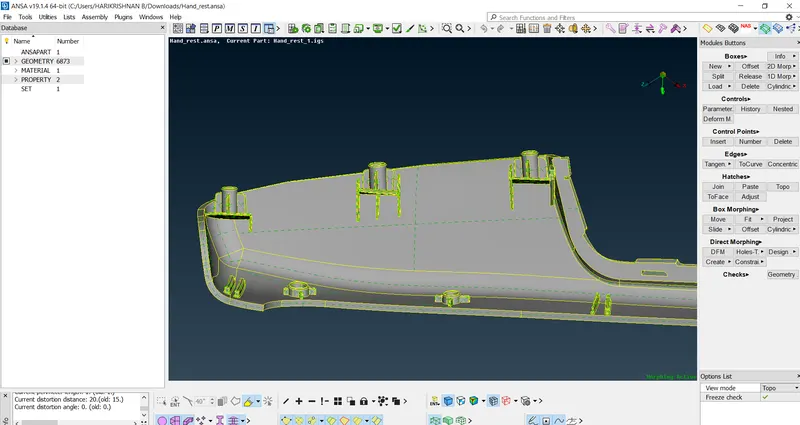
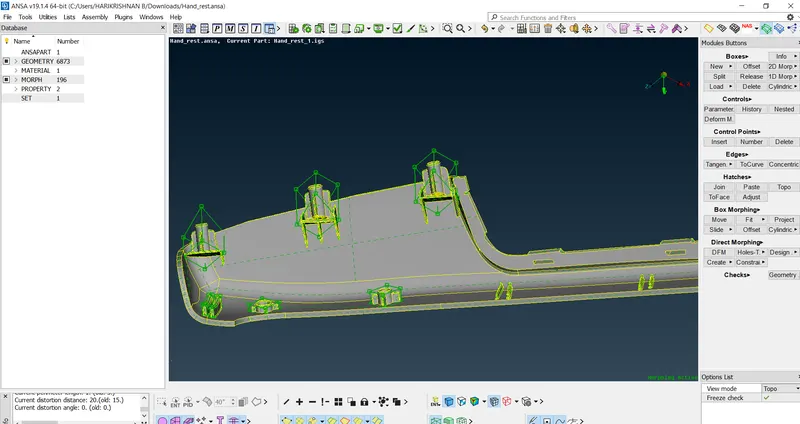
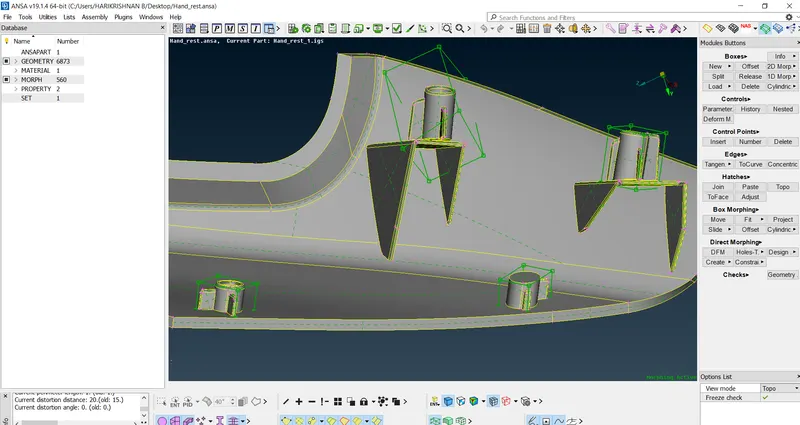
Using the morph module using the above mentioned method performed the on the model 2, increase the height of Dog houses and Ribs using translate option. for the box geometry both ortho and volume option used to achieve the result.
 |
 |
 |
 |
 |
Conclusion and Learning out comes
I understood the necessity of the morphing technique in the CAE and the procedure and tools used. The given challenge mode has been attached. To increase and decrease the geometry of FE this module has been used.