Week - 8 - Morphing
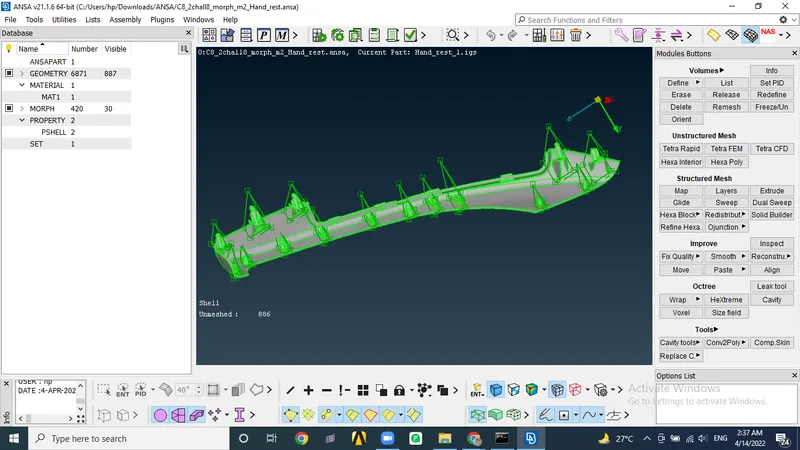
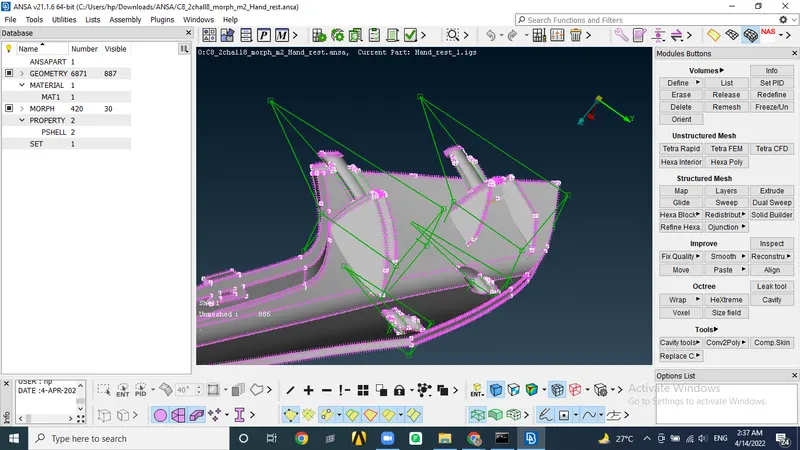
Aim- To practise basic morphing technique and increasing height of dog house and ribs in two models.
Proceedure-
1. Import the file and do topo on it and then orient it. Perform geom check and fix errors.
2. In morph tab, we select box - new - geometry and then select the reuired macros to be morphed.
To start morphing we select move boxes and and by using nodes selection we move the boxes.
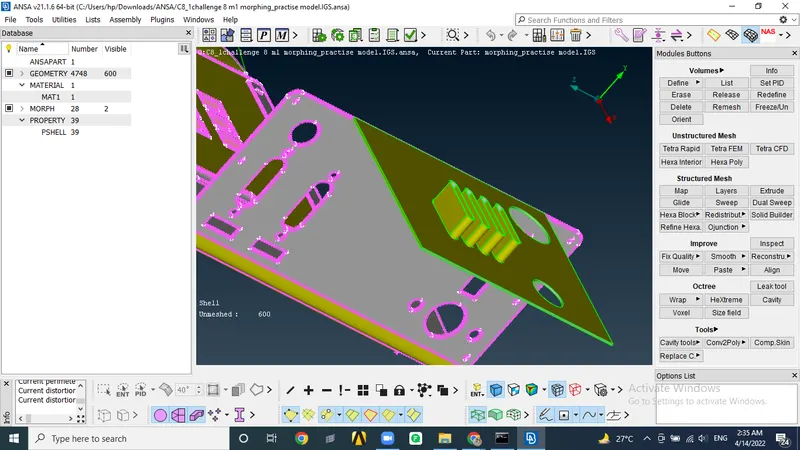
3. nOW IN THE SECOND MODEL, simlarly we create morph boxes and alter the macros according to our needs. we can also divede boxes to do it more accurately