Week - 8 - Morphing
Aim :
- Practice all the Morphing techniques that were shown in the video for Model-1.
- Perform morphing for the Model-2 and Increase the Height of the Dog houses and Ribs.
Introduction :
- The Morphing feature is basically as its name says , an algorithm that lets the user rapidly morph existing CAD or FE geometry or to new proportions. They are usually carried out to fit target design features such as styling lines,sections,proportions etc.
- Morphing is primarily utilized in the automotive industry where it is typically used to match styling , upper body to carry under body matching
- Other application involves it being used in aviation industry, especially when it comes to improving aerodynamics efficiency.Aerodynamics efficiency is key aspect in commercial aircraft desing as it allows reducing fuel consumption and meeting emission and performance requirements
Procedure :
Model 1
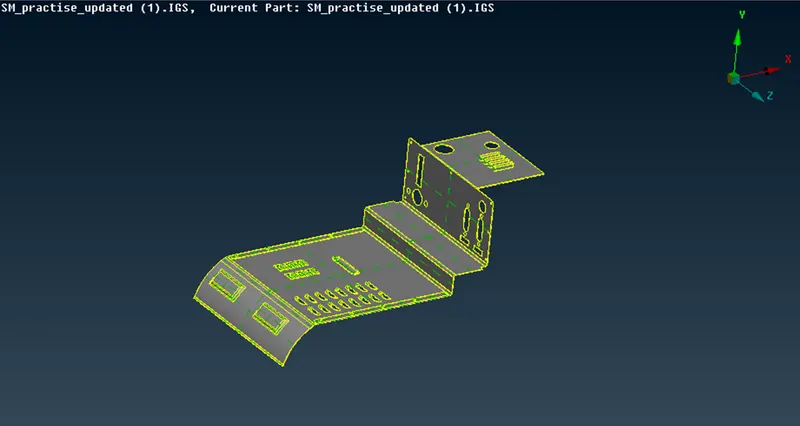
- First we import the model 1 and set length as 1 for better cons resolution
- Since its a .iges file we need to give the TOPO for connectivity purpose
- Then we change the orientation
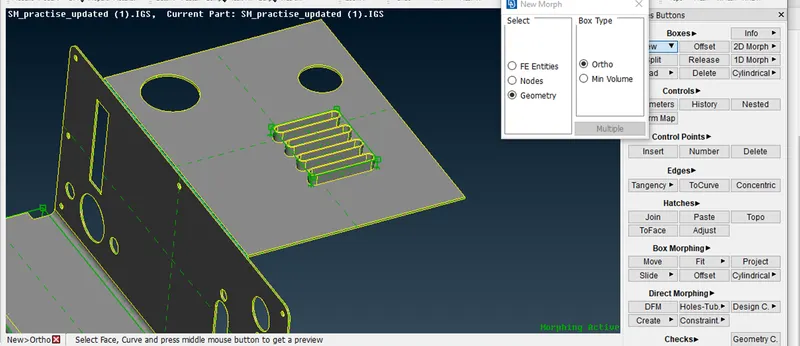
- Next we select the Morph Deck > Boxes > New > Ortho > select the geometry need to be change
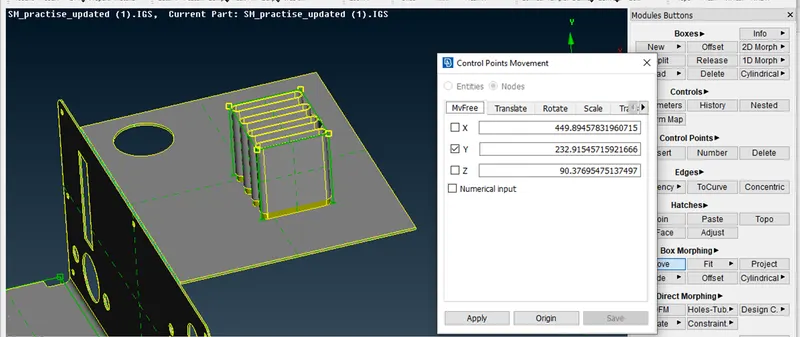
- Then we need to select Box Morphing > Move option > select the nodes > select the Direction
- Increase the length as required
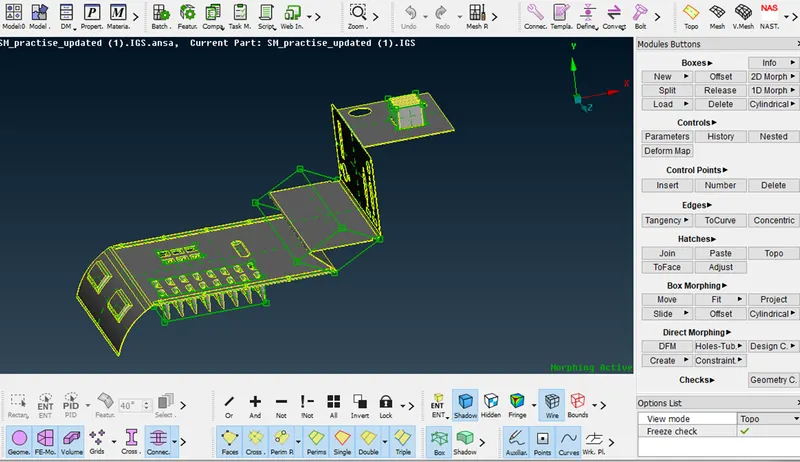
- Same process followed in other areas
- Final result
Model 2
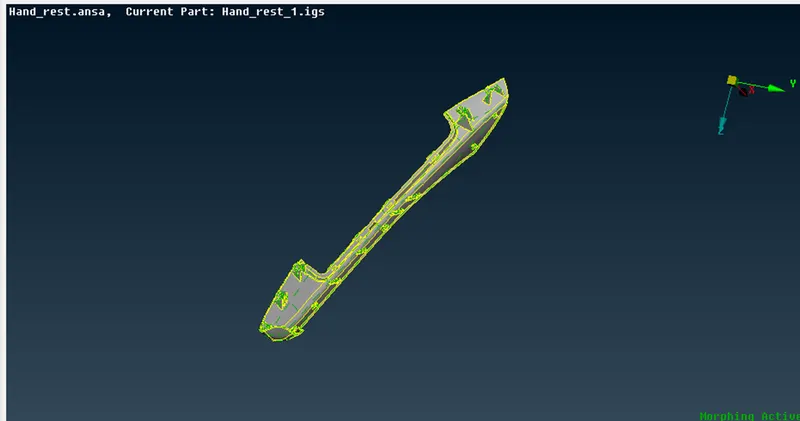
- Model 2 has been imported and set the length as 1 for better Cons resolution
- Since this model we need to increase length dog house and ribs as mentioned
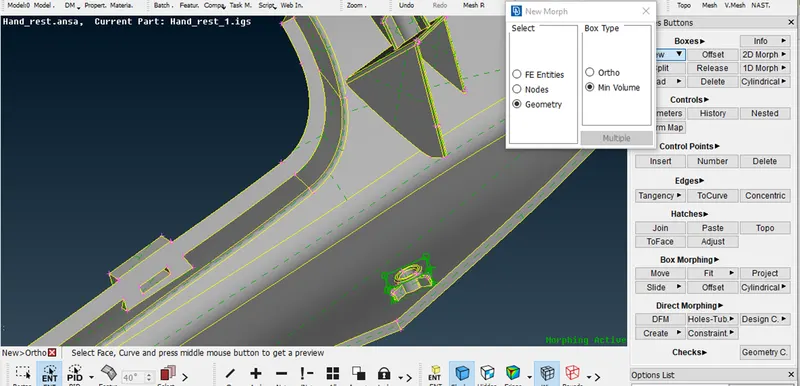
- Next we select the Morph Deck > Boxes > New > Ortho > select the geometry need to be change
- Then we need to select Box Morphing > Move option > select the nodes > select the Direction
- Increase the length as required
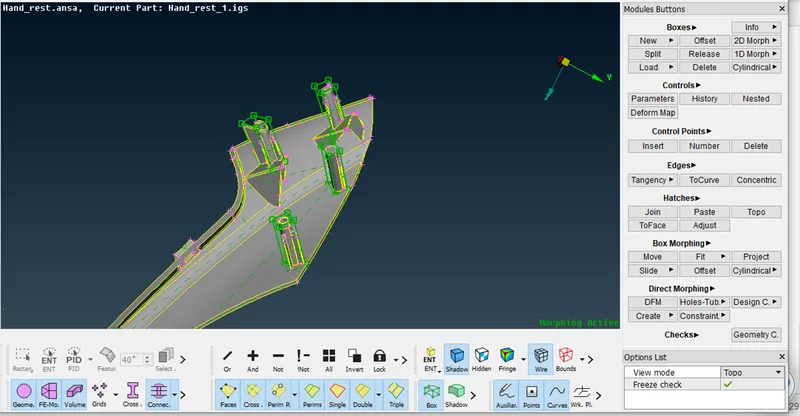
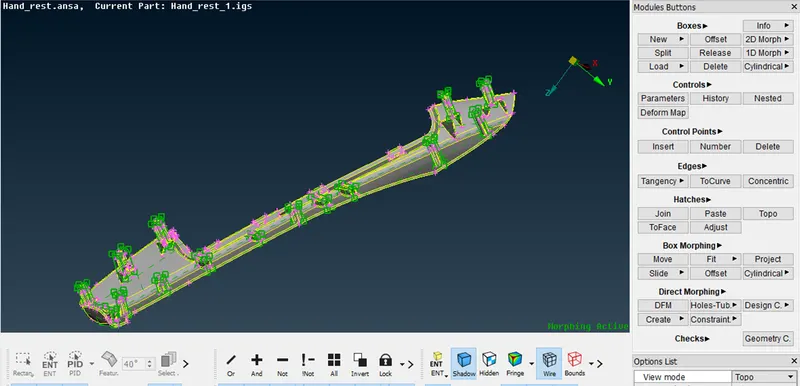
- Do the process for all Dog houses and Ribs
- Final Result
Conclusion :
- Both the given models were morphed as per requirement
- Learned the concept of morphing and morph tools available in the morph deck
- Learned about the application of morphing