Week - 8 - Morphing
Aim:
1) Practice all the Morphing techniques that were shown in the video for Model-1.
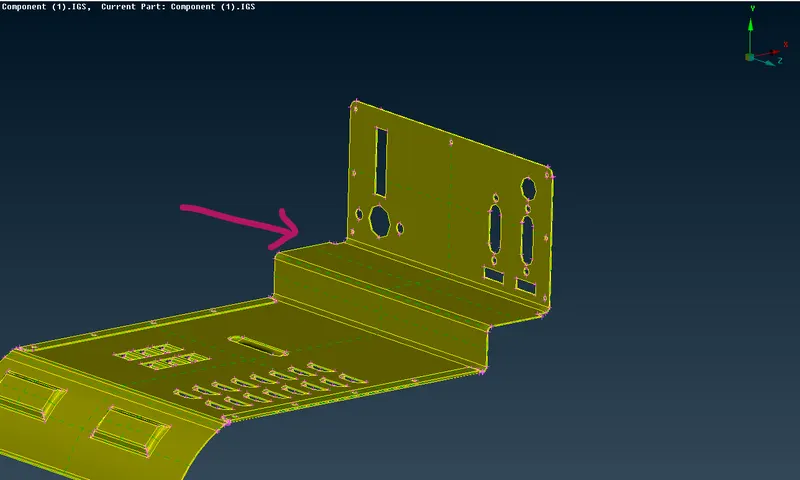
2) Perform morphing for the Model-2 and Increase the Height of the Dog houses and Ribs. (Refer Red annotations in the below image to understand what are Dog houses and Ribs)
Procedure:
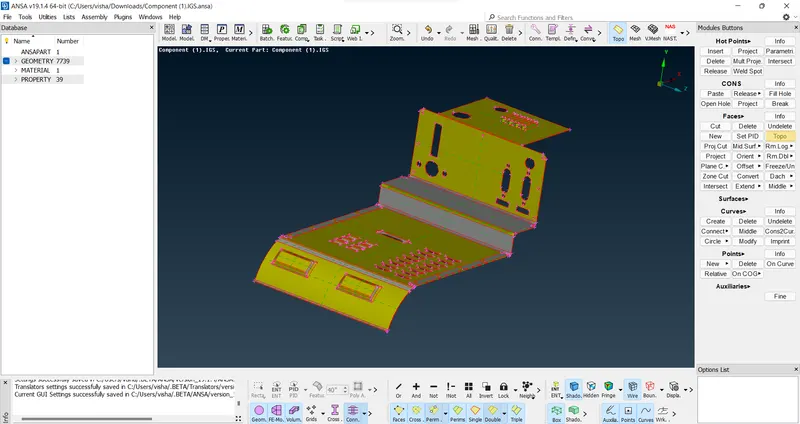
1. Insert the model into ANSA interface and check for give topo command
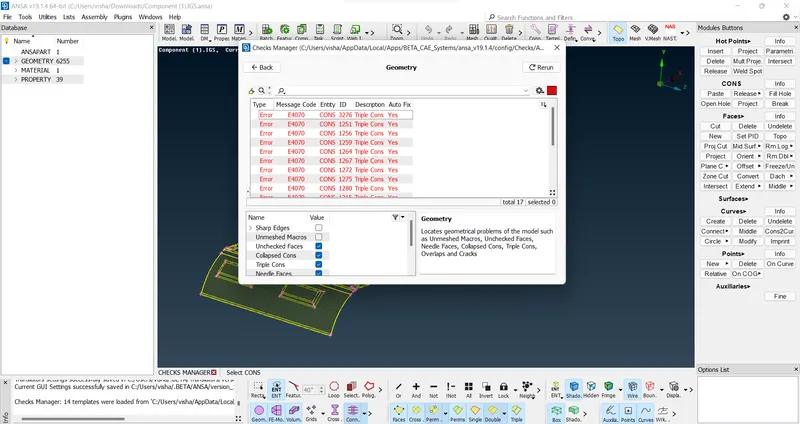
2. Check for geometry errors auto fix and manual fix the rest if necessary
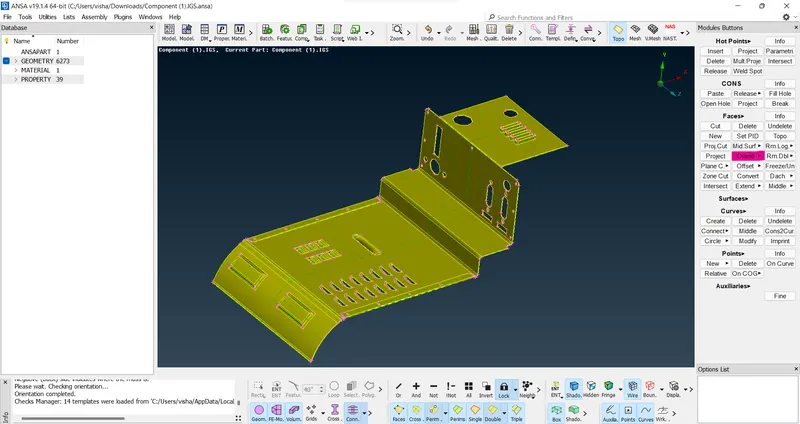
3. Orient the model
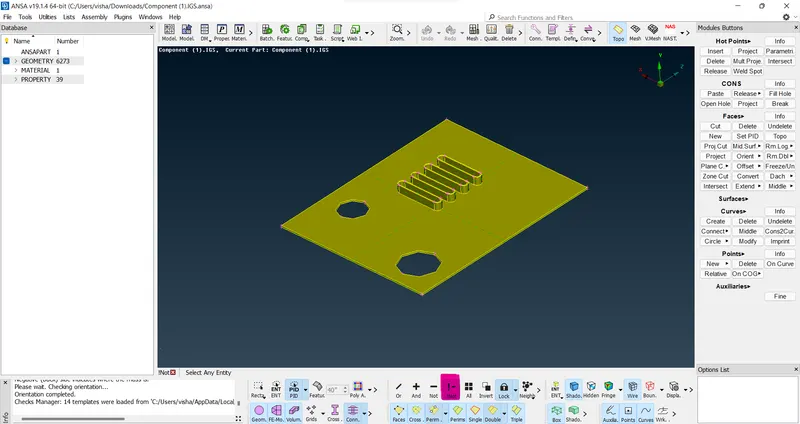
4. Activate 1 part of the model by using !not or not command as per your convenience
5. Switch to the morphing deck
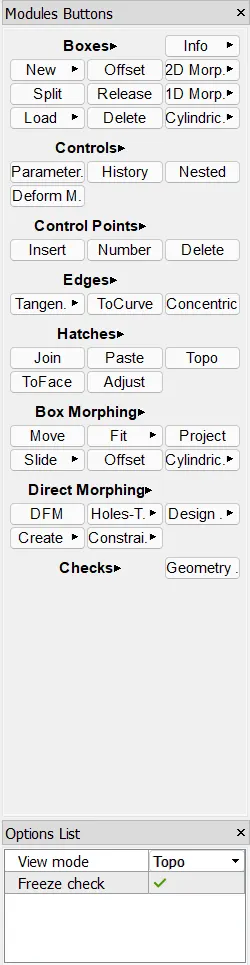
6. Use New option in the boxes module and select geoemtry as this is part of geometry and select the feature that needs to be morphed
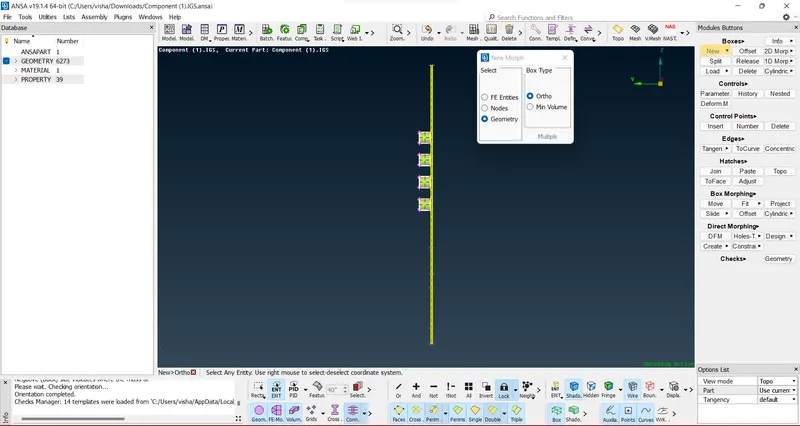
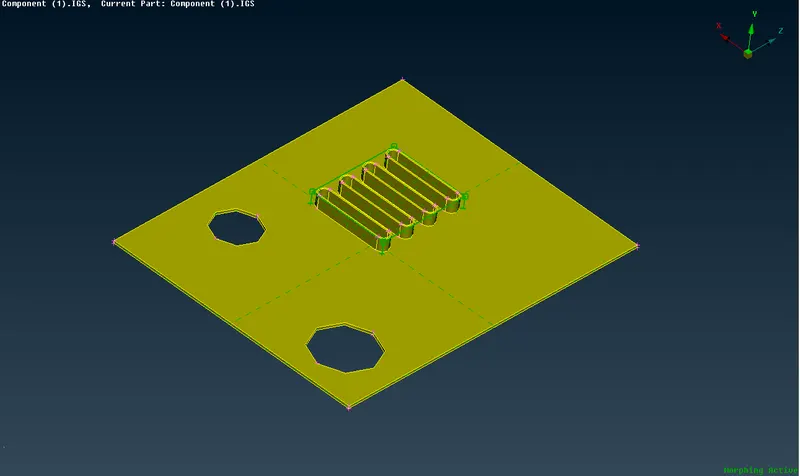
7. A morph box will be formed at the feature that can be used to morph the feature as desired
8. The morphing process can be done using box morhping module-->Box morphing where we can select the nodes through which we want to morph the feature and righ click on the box to define the co-ordinate geometry as per the box and not the default cordinate system as it'll be easier and mre convenient.
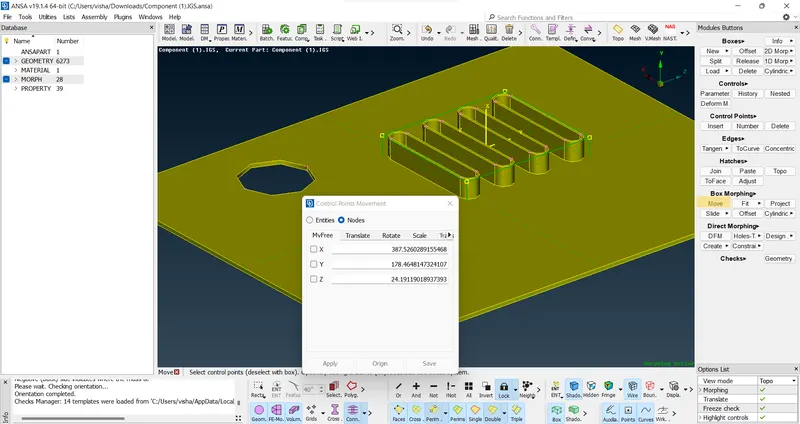
9. We can uncheck the axis where we don't want movement to happen as we checked only x-axis in this case so that it only goes upwards or downwards which is the desired output here.
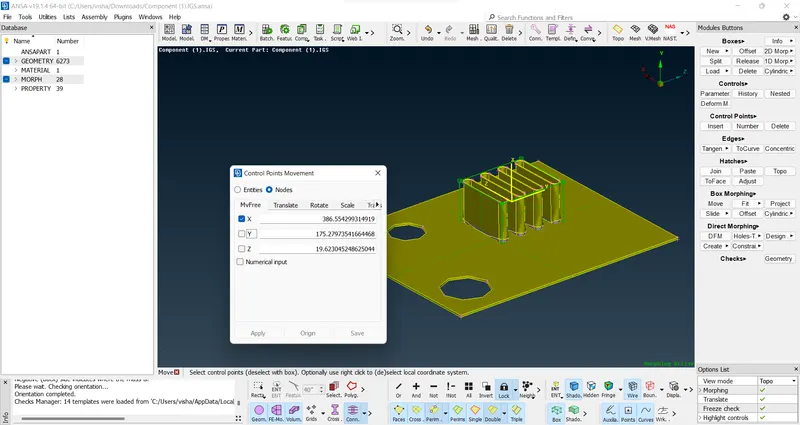
10. We can fine the obtained morphed feature as it might get distorted and we can also fix the broken features using TOPO module commands
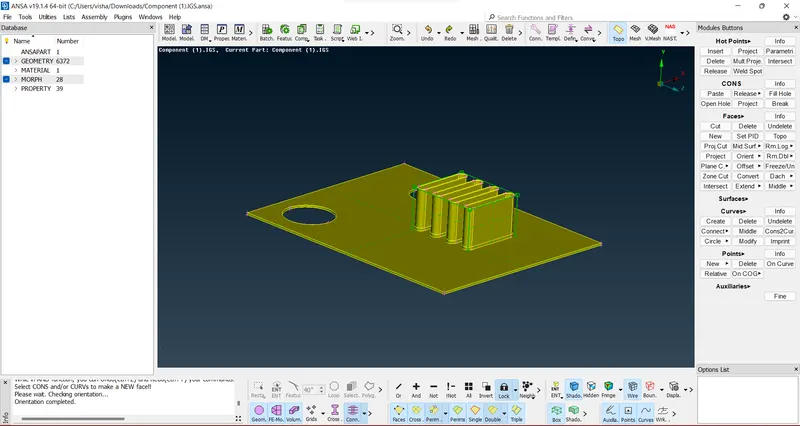
11. Now we activate the second part that needs to be worked upon
12. Select the features that need to be morphed as explained earlier
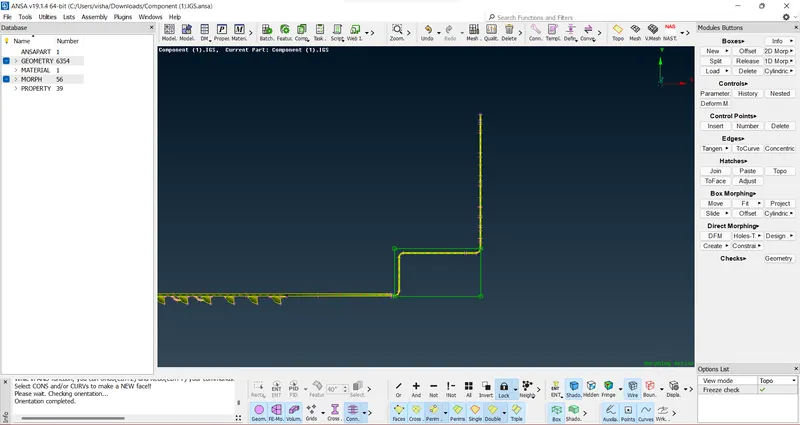
13. Morph the selected nodes and features using box morphing
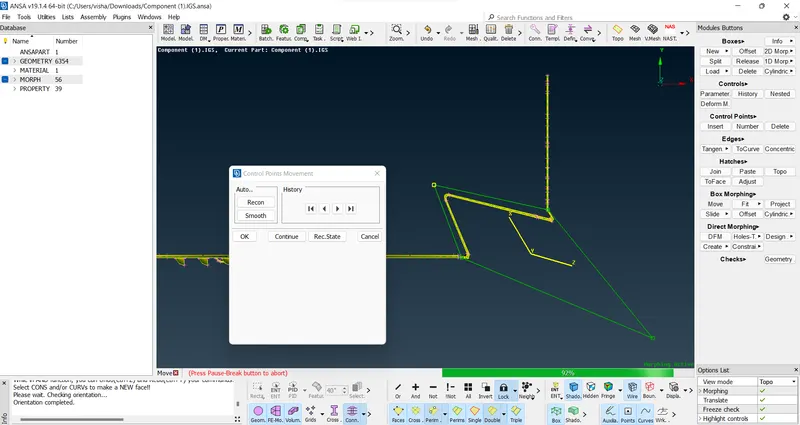
14. Continue the same steps for other features as needed
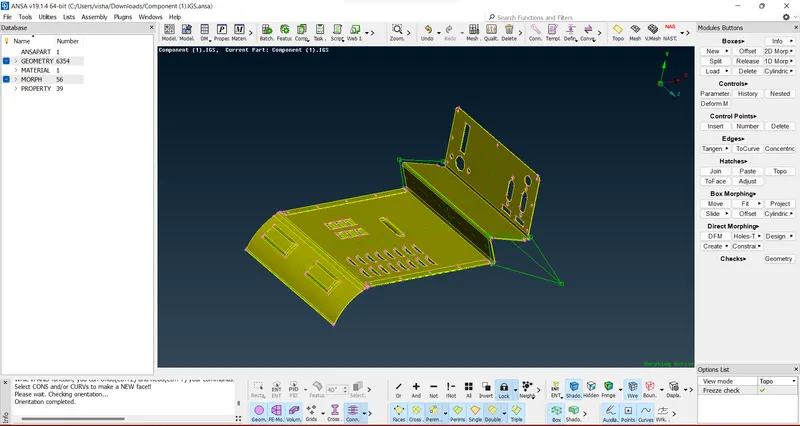
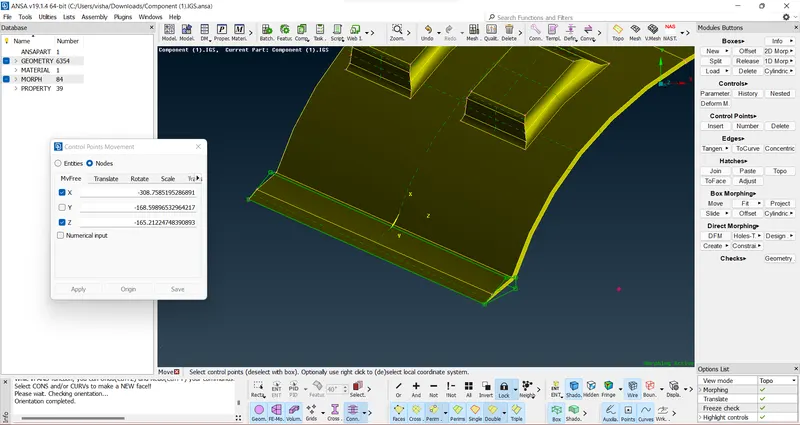
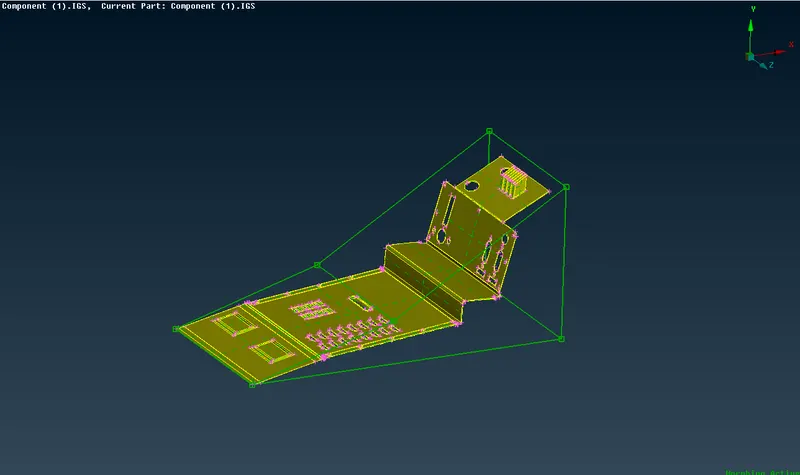
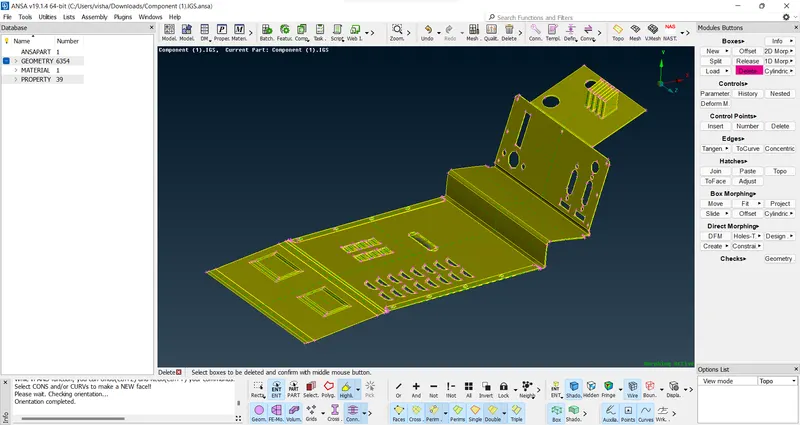
15. Now open the second model that needs to increase the height of it's ribs and doghouses
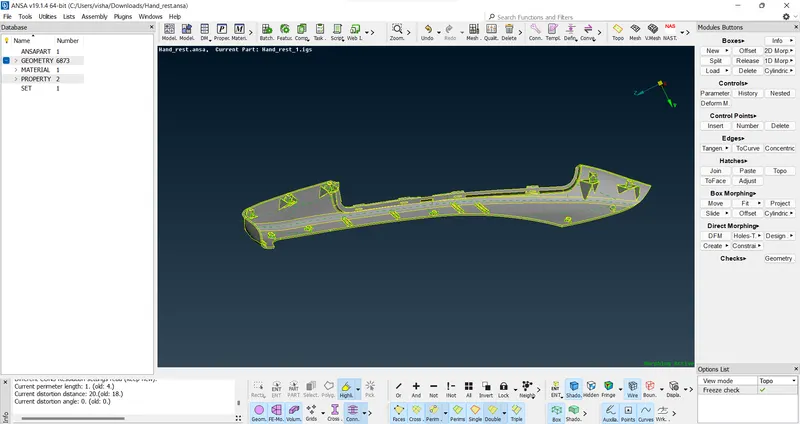
16. check for errors and then open the morph deck and isolate the features that need to be morhped
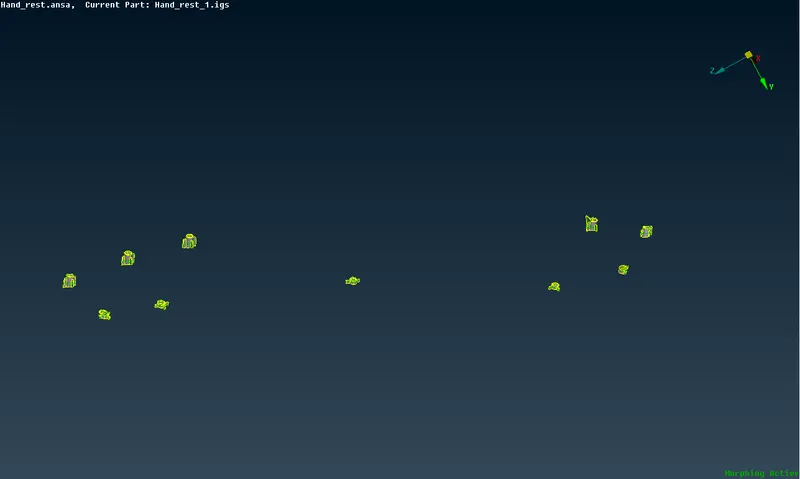
17. Do the same steps as shown earlier and morph the features as asked to increase their height
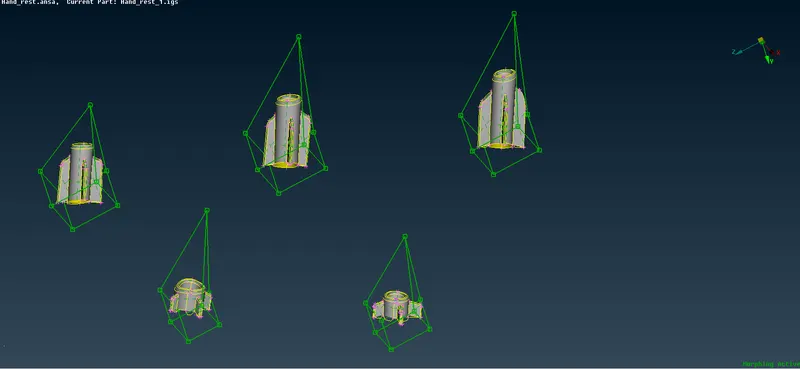
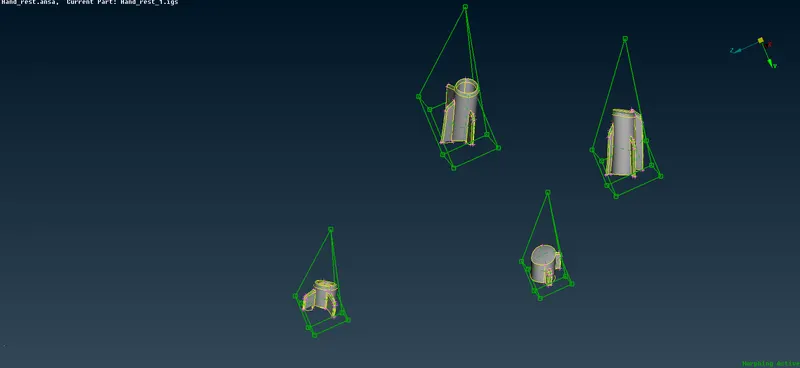
18. When we do the similar process for the ribs, the base is distorted too much
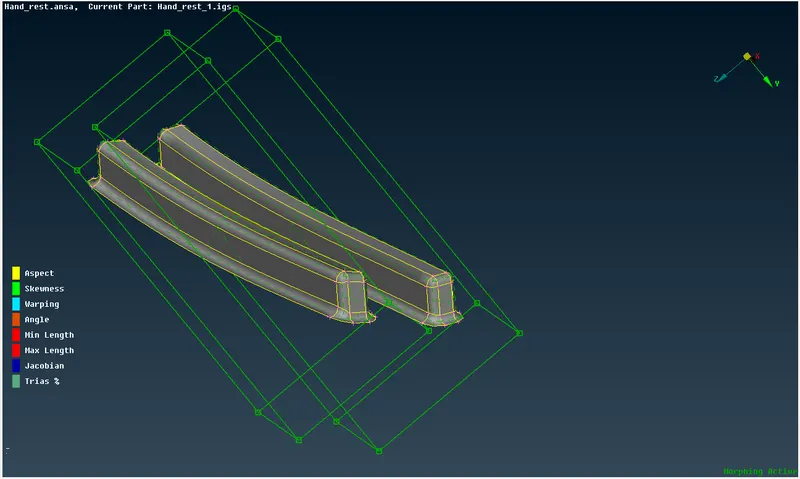
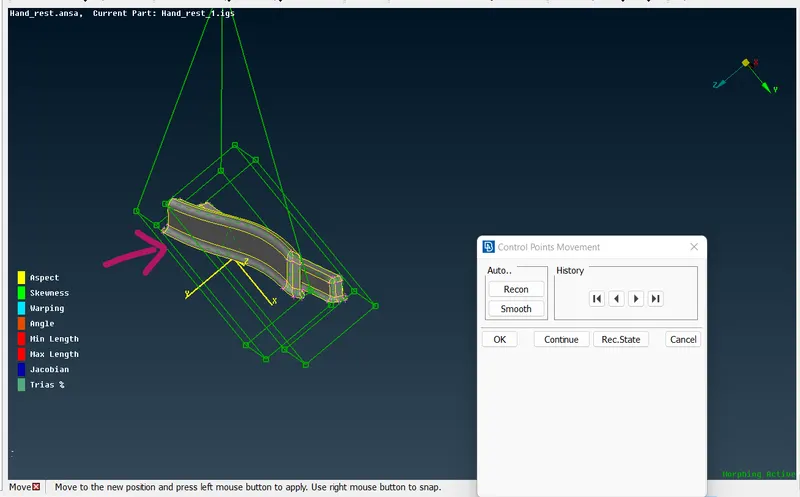
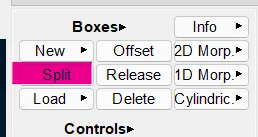
19. We can use different approach by forming a morph box using min volume option instead of ortho and splitting the box so that it doesnt affect the base
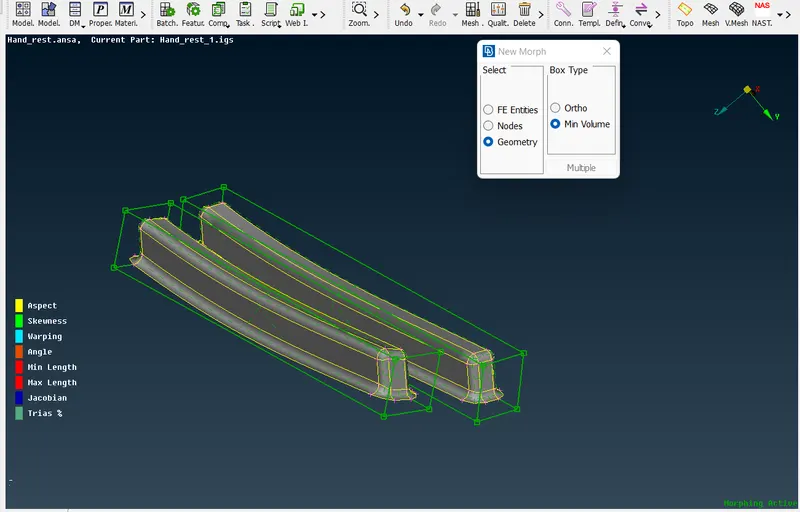
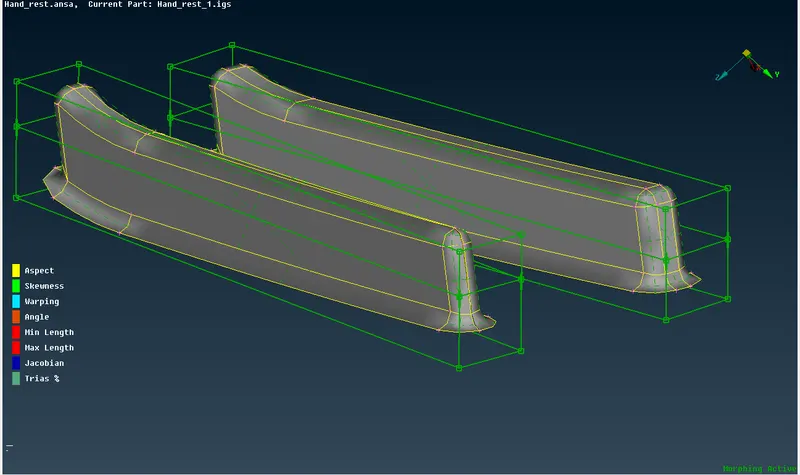
20. Now we can use box morphing with movement in one axis to increase only the height of the feature
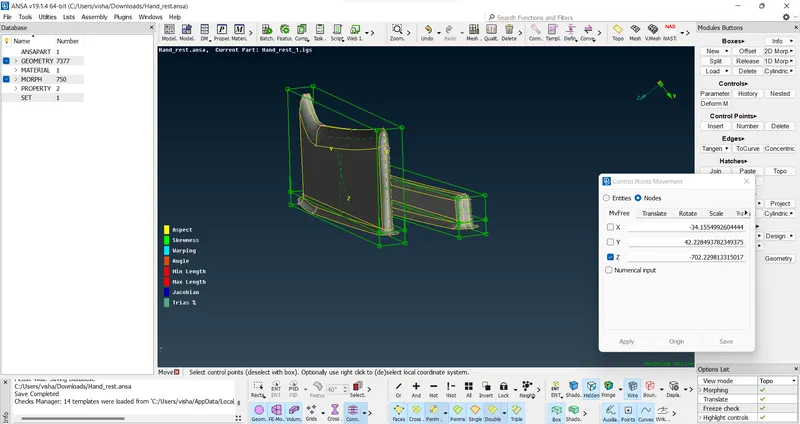
21. Do the same for all
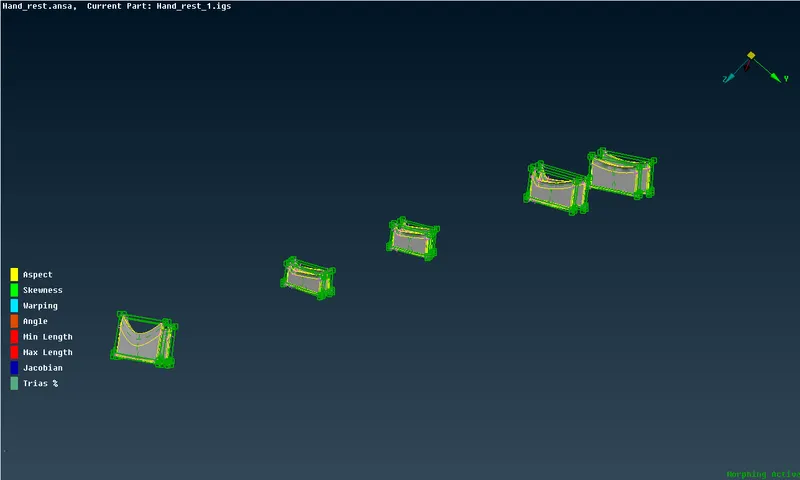
22. The final geometry looks like this
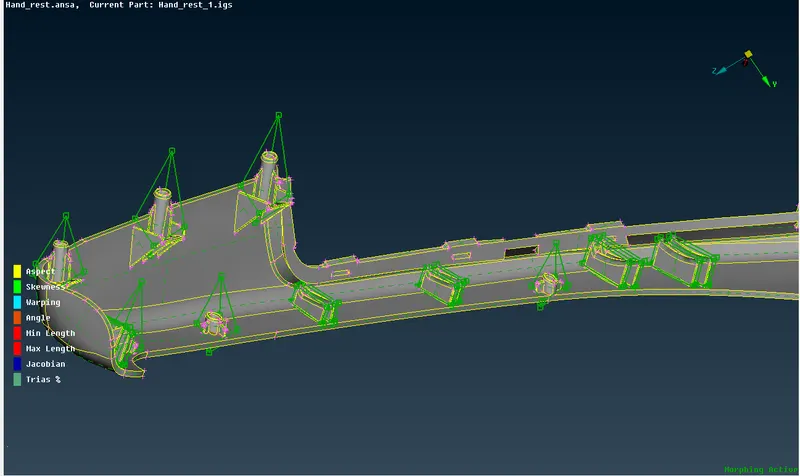
Learning outcomes: Learnt about Morphing
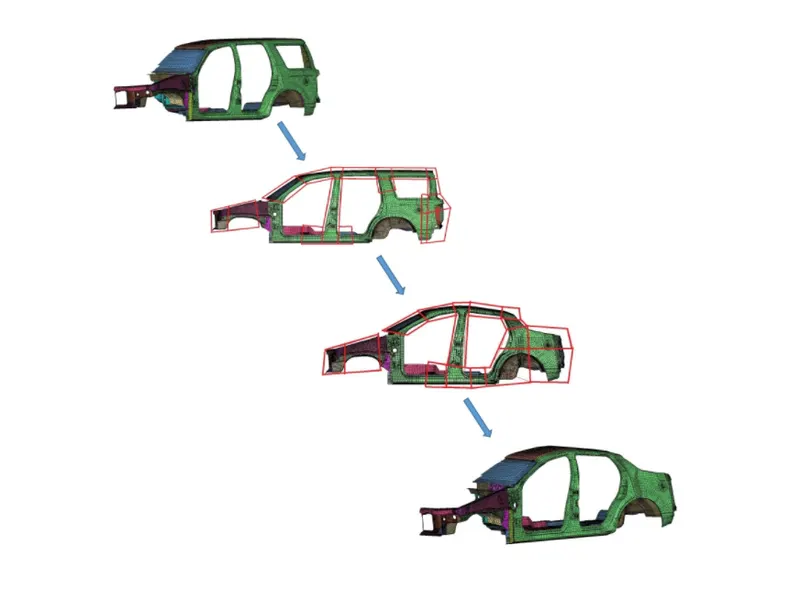
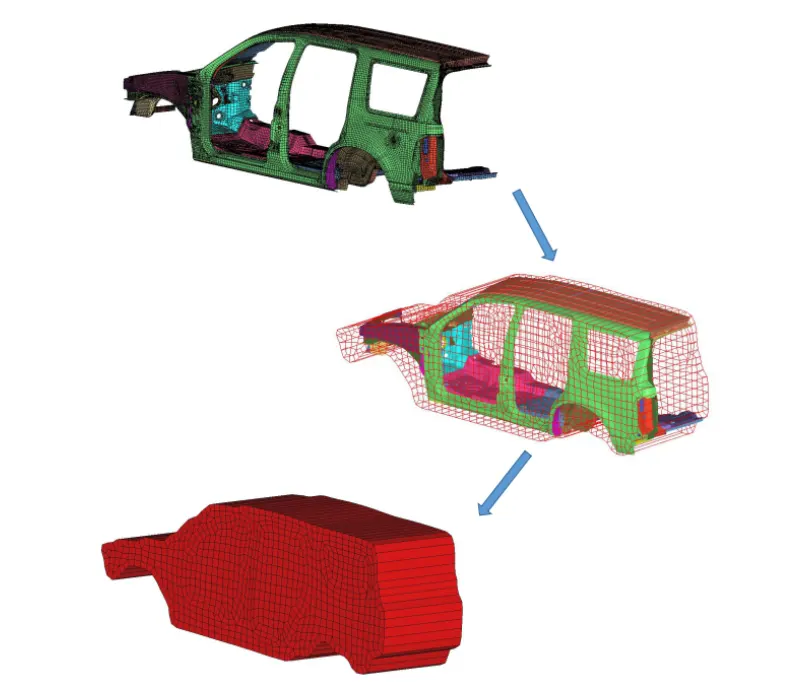
Morphing, as the name would suggest, is an adaptation of giving shape to a new form. ... The morphing process associates the nodes from the mesh with the original geometry and uses the nodal displacement vectors to morph the original CAD surfaces. These are done to try out new features in prototype form and can be easily done to check the feature behavior over manual change and this change can later be studied and implemented if found feasible.
The geometry of a given concept model can be modified to required proportions to create new designs.
CAE Morphing allows users to work on the FE mesh directly reducing the time taken to go back to the designer to update the geometry.
Why do we use CAE morphing?
1. Minimizes time spent on design modification by working directly at the mesh level
2. Automatic control block creation methods require less skill and effort and allow fast and efficient design creations using parameterized optimization.
3. Easy transformation of CAE models from the original design to a new concept
4. Keeps your connections (contacts, boundaries, loads, bolts, welds, etc) from the current to the updated model
Result:
Learnt about morphing in CAE domain
Learnt how to do morphing on sheetmetal and plastic part and got familiar with the morphing deck