Week - 8 - Morphing
Week-8
AIM:
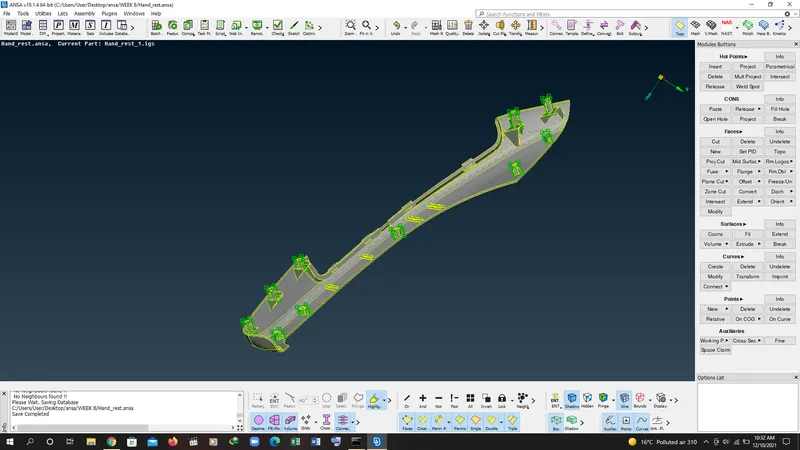
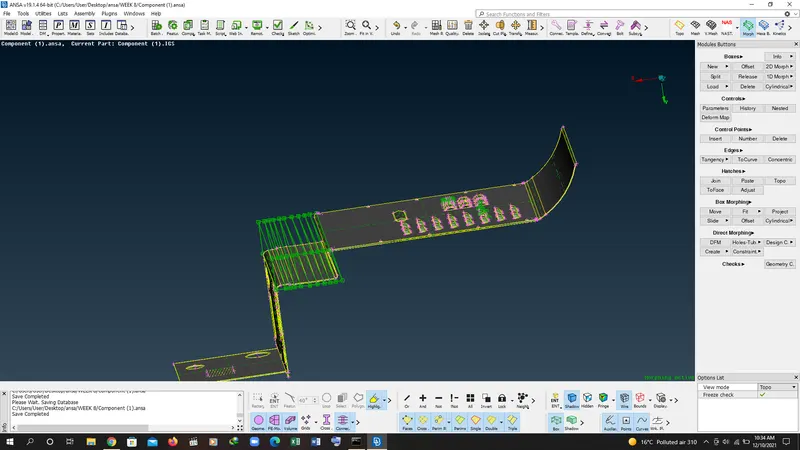
In this challenge, There will be two models.
1) Practice all the Morphing techniques that were shown in the video for Model-1.
Click here to Download the Model-1
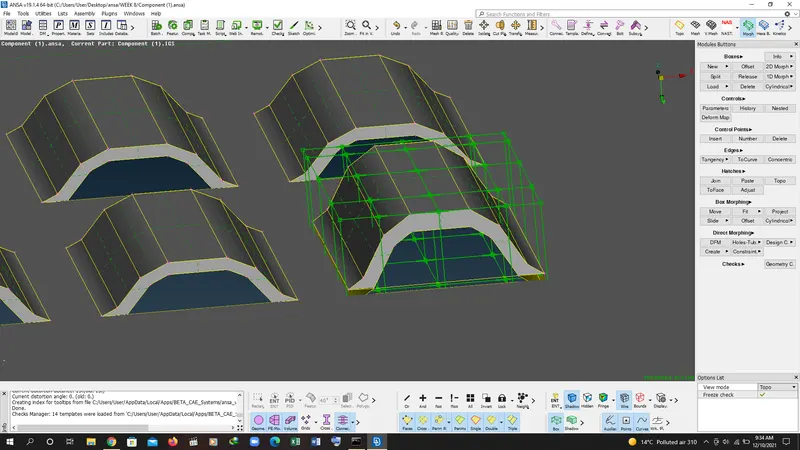
2) Perform morphing for the Model-2 and Increase the Height of the Dog houses and Ribs. (Refer Red annotations in the below image to understand what are Dog houses and Ribs)
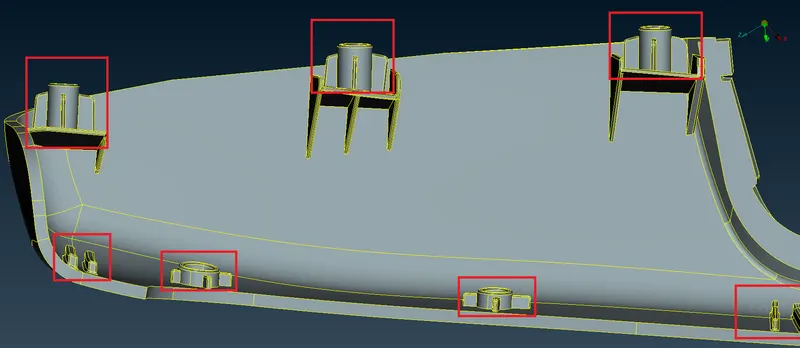
Click here to download the Model-2
Description, procedure and application:
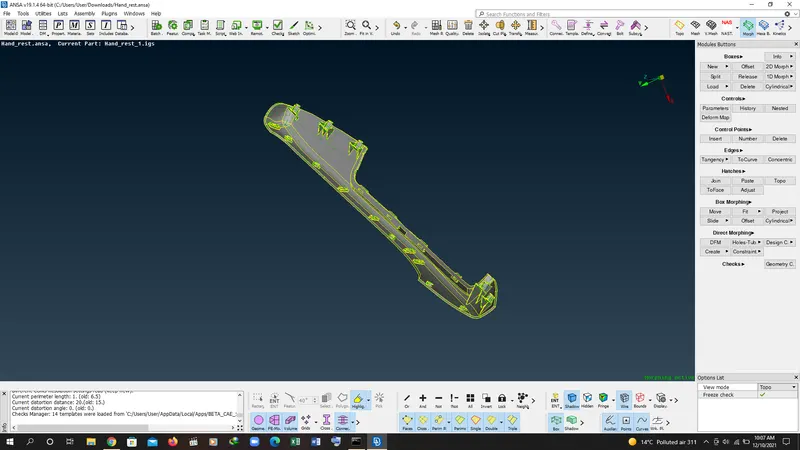
1. open the model 1 in ansa
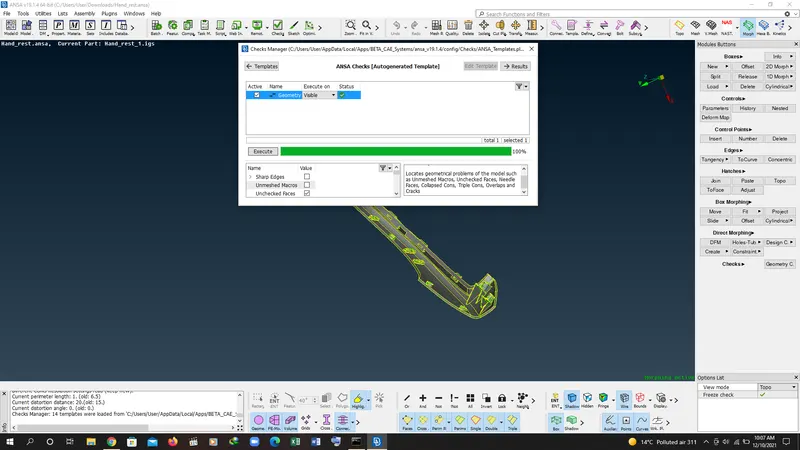
2. check the geometry.
3. go to mesh deck to perform the mesh technique.
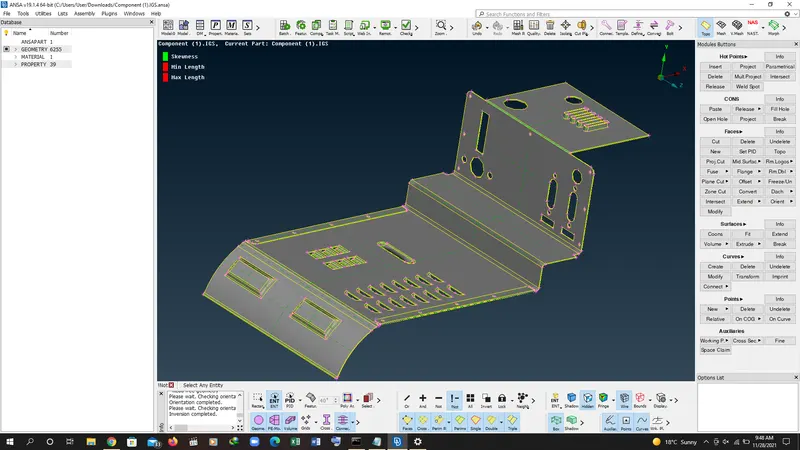
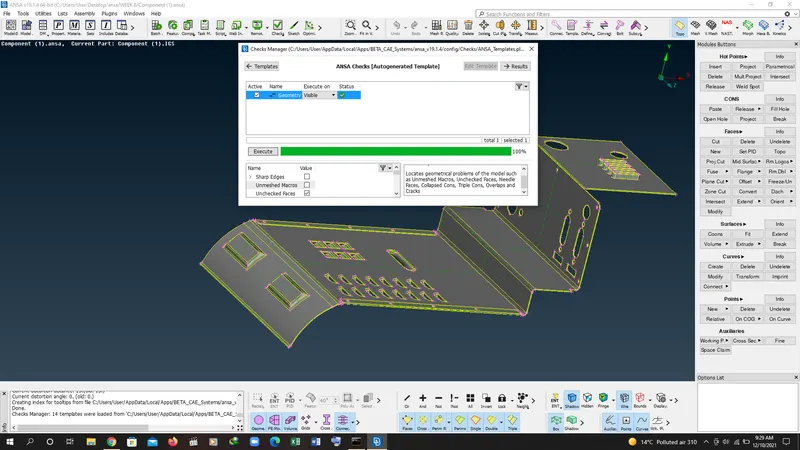
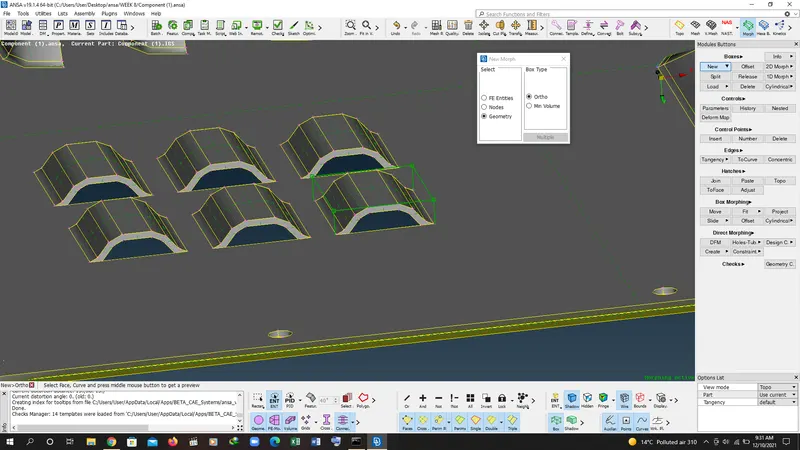
4. create the box.
5. go to box morphing and select move command.
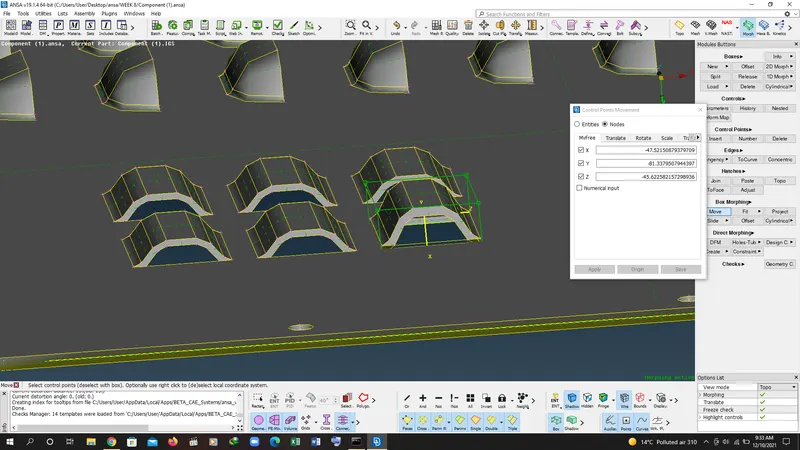
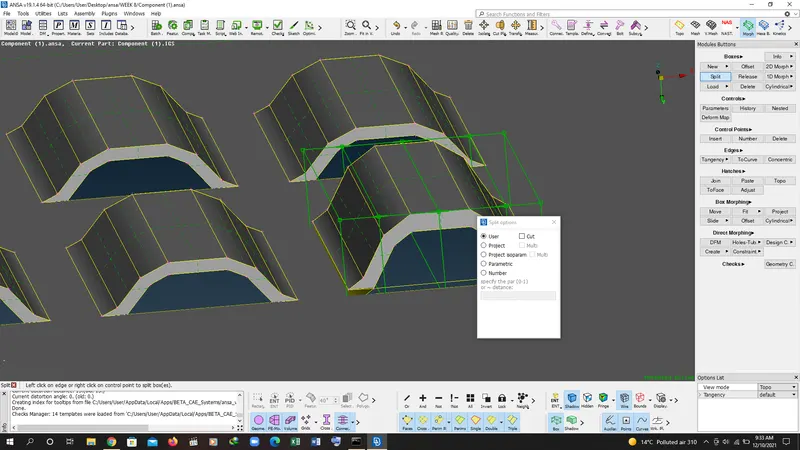
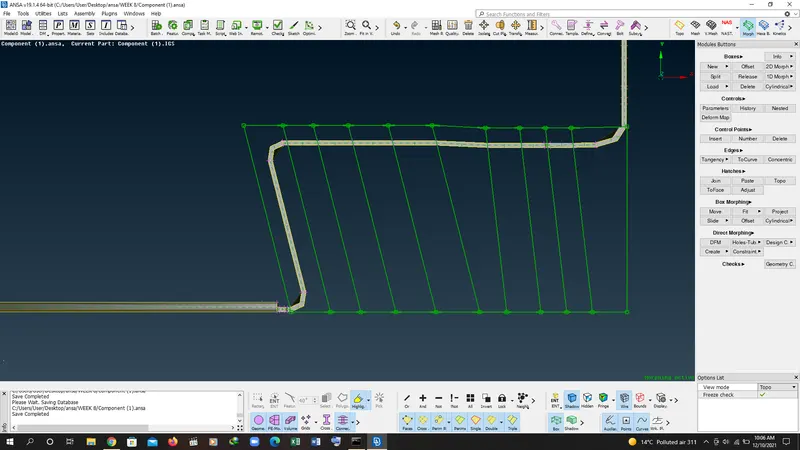
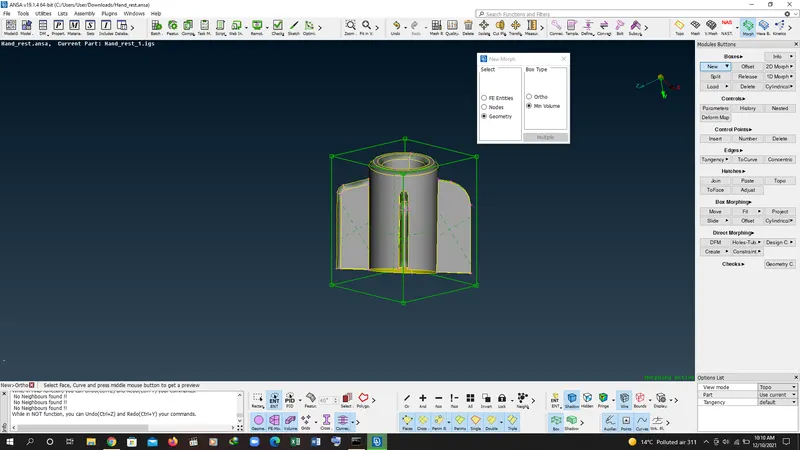
6. to create more smooth transtion go to box sub module and select spilt command to create more morphing points.
7. after doing testing on model 1 then open the model 2 for increasing the size of dog houses.
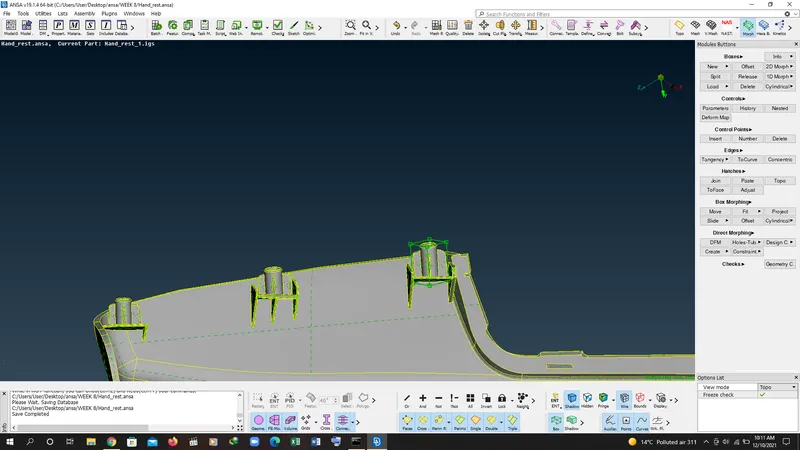
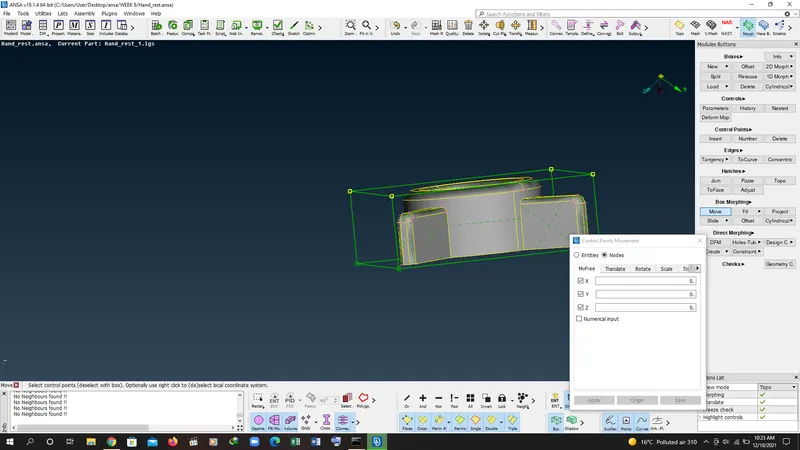
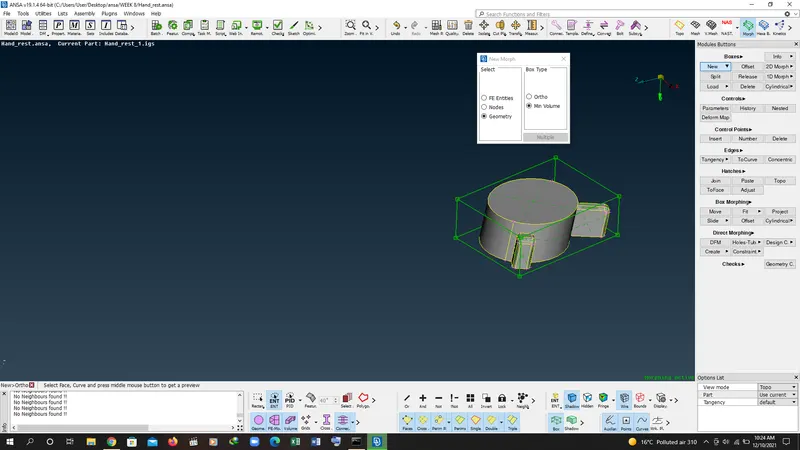
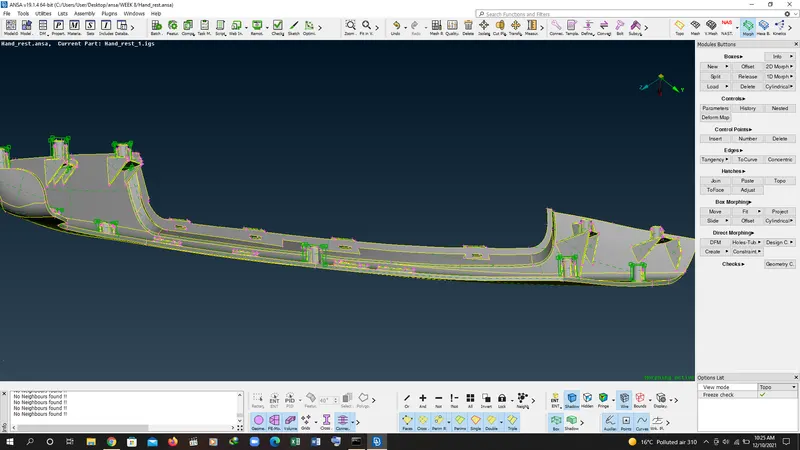
8. similarlly create the boxes for the dog houses i the morph module and by the use of box morphing increase the height of dog house.
Application of morphing: