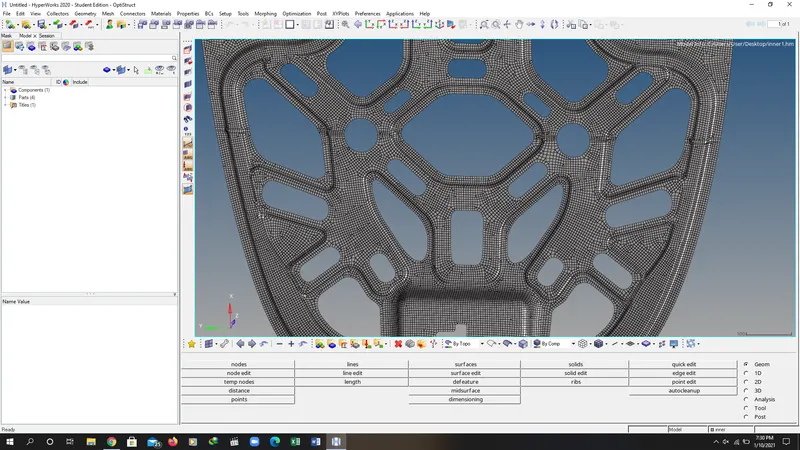
Week 6- Challenge
OBJECTIVE:
Follow the below-mentioned quality criteria, mesh the component given below and assign thickness:
Target Element Length = 5mm
| S.N | Quality Criteria | Value |
| 1 | Aspect Ratio | 5 |
| 2 | Skewness | 45 |
| 3 | Warping | 15 |
| 4 | Taper | 0.5 |
| 5 | Min. Length | 2mm |
| 6 | Max. Length | 8mm |
| 7 | Min angle Quad | 45 |
| 8 | Max angle Quad | 135 |
| 9 | Min angle Tria | 20 |
| 10 | Max angle Tria | 120 |
| 10 | Tria % | 10 |
Component- Hood
(Note: Make sure that all the mid-surface is done separately for each component and then meshed. Attach the hypermesh model files (.hm) with the challenge)
DESCRIPITION AND PROCEDURE:
1. LAUNCH THE HYPERWORKS 2020 AND IMPORT THE GEOMETRY. AND CHANGE FROM AUTO TO TOPO MODE TO SEE EADGES.
2. GO TO DELETE COMMAND. SELECT THE SOLIDS OPTION IN THE COMMAND AND DELETE THE ALL THE SOLIDS.
3. GO TO MID SURFACE OPTION AND EXTRACT THE MID SURFACE FROM THE BODY.
4. GO TO GEOMETERY COMMAND AND SELECT THE QUICK EDIT OPTION AFTER THAT REMOVE THE EXTRA EDGES AND POINTS .
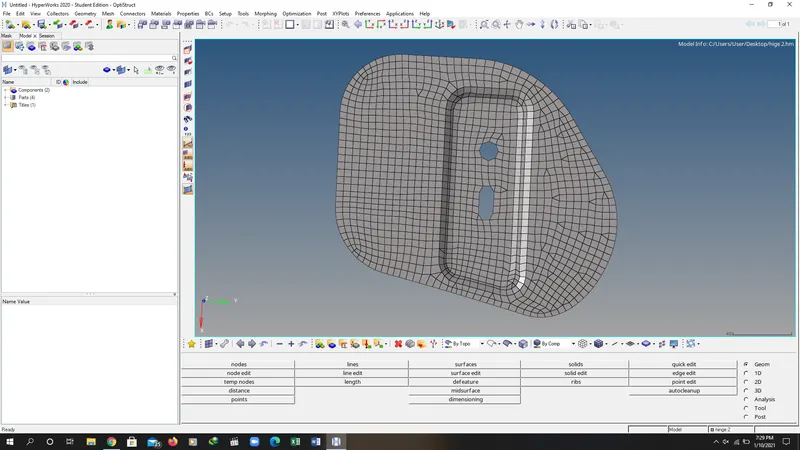
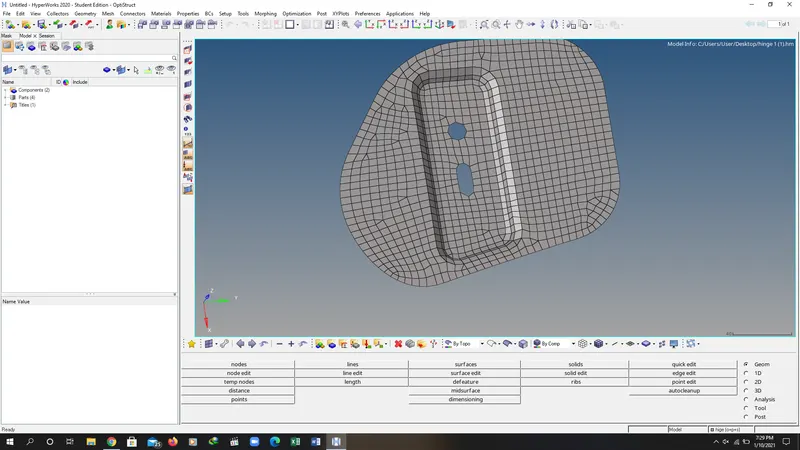
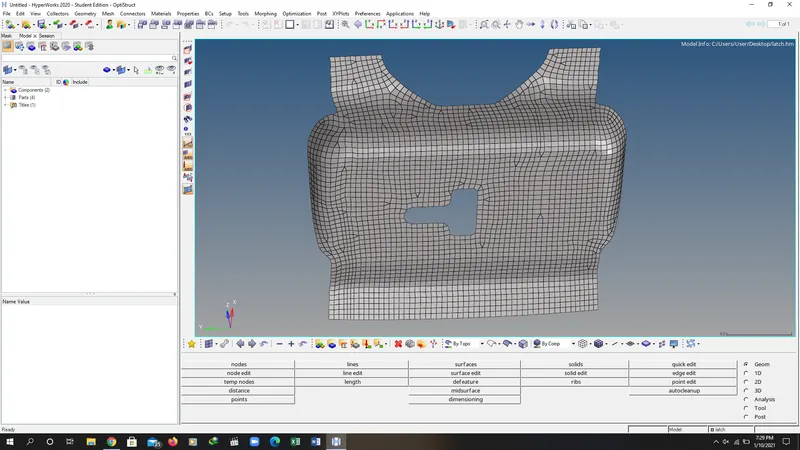
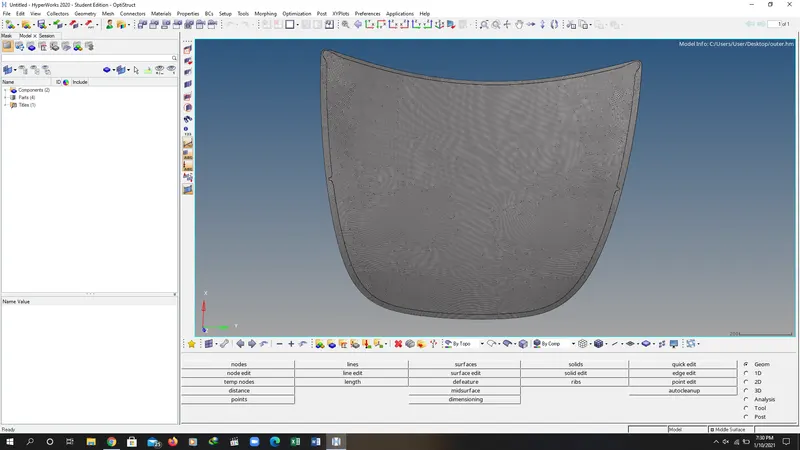
5. AFTER DO THE MANUAL SURFACE CLEANING GO TO 2D GEOMETERY TOOL BAR AND MESH THE SURFACE WITH ELEMENT SIZE 5MM.
6. AND AFTER THAT CHECK THE QUALITY CRITERIA AS DESCRIBED IN THE OBJECTIVE AND OPTIMIZE THE MODEL ACCORDING TO THEM.
7. AFTER OPTIMISING THE MODEL SAVE THE PARTS INTO FOLLOWING OPTION.
HINGE 1
HINGE 2
LATCH
OUTER
INNER
RESULT