Week - 8 - Morphing
- AIM:
The main aim of the challenge is to the morph the given model.
- OBJECTIVE:
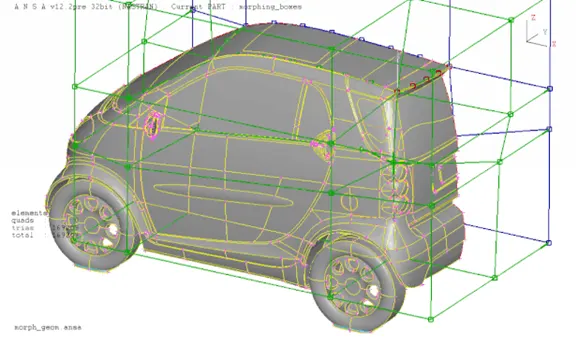
Morphing means changing form or shape.Usually in a design cycle,FE modelling and simulations are performed once the concept CAD is generated.With the need to reduce design iterations,it will be usefull if the concept changes are made in the FE model itself this can be achieved by CAE Morphing.Morphing as the name suggest is an changing the given shape to new acceptable form.
Domain or Box Morphing is preformed via boxes that are created around a particular part or assembly that the user intends to morph. The movement of the Morphing boxes control points defines the morphing operations on the entities inside the Morph box. This type of Morphing can be applied to both FE and Geometry based models.
ANSA’s Direct morphing features gives the user the ability to efficiently modify a part locally without having to create Morphing boxes. This method is extremely useful in creating local modifications on single parts. Creation of depressions, surface fitting certain FE part features to new target geometry, moving selected features along the contour of a surface and also the ability to freeze (rigid) elements during the morphing process are some of the direct morphing abilities.
The desired morphing actions can be saved as parameters which can be accessed in batch mode. Users can enforce desired shape changes by changing numerical input value for the appropriate parameter. This method of morphing is highly utilized for coupling of the morphing operations to an external optimizer. The scripting capability can be used in conjunction with ANSA’s parametric morphing functionality to deliver faster DOE models.
ANSA brings to the CAE world its ‘one – of – a kind’ tool for CAD geometry morphing. This pioneering concept allows the user to utilize the inventory of all the familiar FE morphing functions to perform equivalent operations in a CAD environment on geometric entities.
- BENEFITS:
- Component and full system level FE/CFD models such as automotive vehicle crash,NVH and durability models can be morphed to fit target design features styling lines,sections,proportions etc precisely.
- Minimizes time for design modification by direct working at mesh level thus improves the overall lead time.
- Creation of 'n' number of parametric CAD is not available or is not easily linked to the CAE,morphing softwares allow engineers to study parameterized changes in the attributes of vehicle geometry.
- In automatice industry morphing is commonly used for match styling,upper body to carry over under body matching,morphing sedan to station wagon or SUV etc rapidly.
MODEL 1:
PROCEDURE:
1. Extract the given model into ANSA envirnoment and give TOPO to the model to stitch the faces.
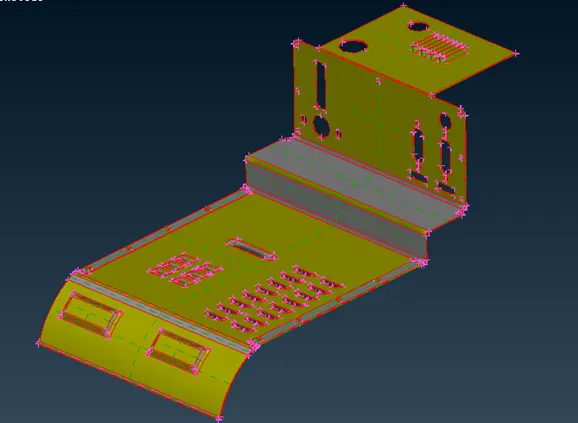
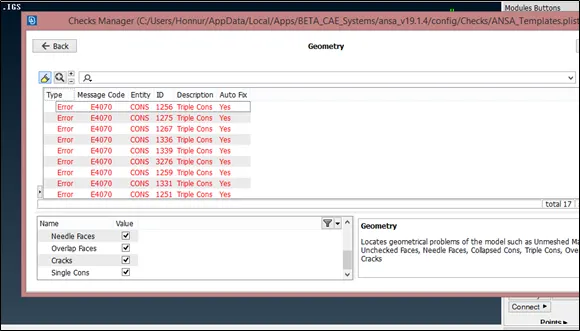
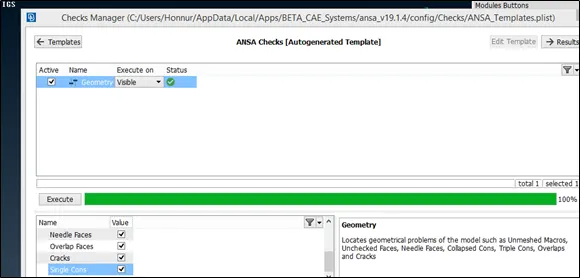
2. Check for the geometrical issue and fix if any.
3. To morph the given component use box morphing (Boxes>new) and after creating the box to modify the geometry use (Box morphing>move) and adjust accordingly.
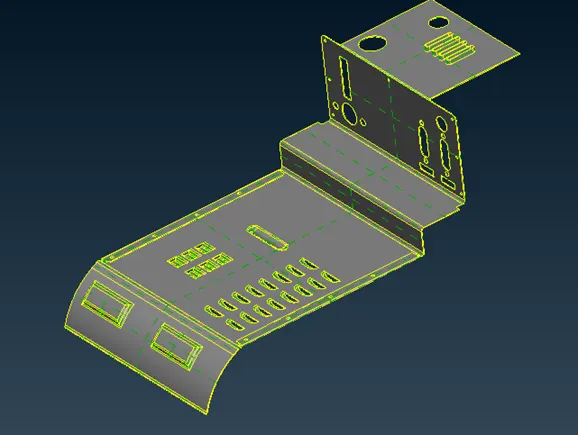
4. Increase the hieght of the rib by using Box morphing and MV free to move the created box and increase or decrease the radius of fillet by using the same approch.
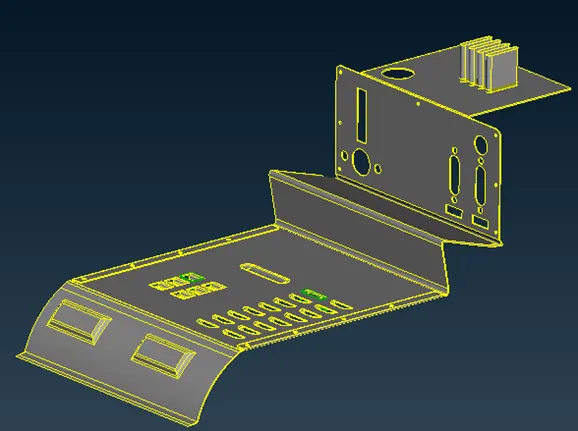
CONCLUSION:
The given model has been morphed as explained in the week 8 video and practiced all the steps explained in week 8 video.
MODEL 2:
PROCEDURE:
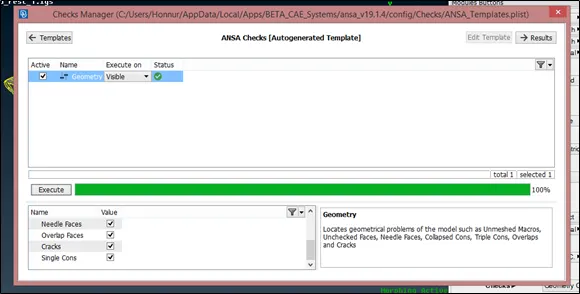
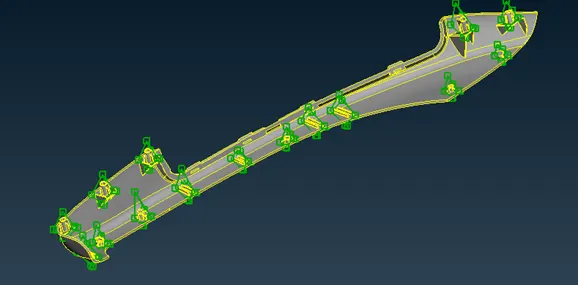
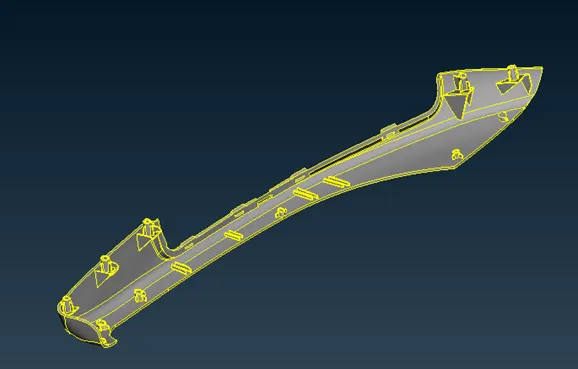
1. Extract the given Hand rest model into ANSA envirnoment and check for the geometrical error if any.
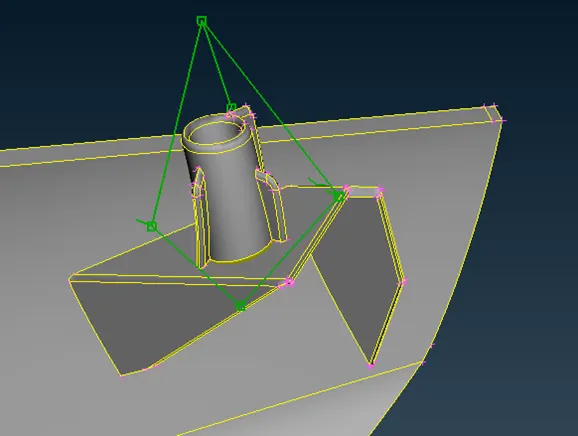
2.To increase the height of dog house and rib of the Hand rest use the same approch as first draw the box using (boxes>new) and to adjust the height use (Box morphing>move) and increase the height accordingly.
Learning outcomes:
- Undrestand the concept of morphing and benifits of morphing in automotive industry.
- Undrestand the use of box morphing and practiced over the given model.