Week 8 - Challenge 6 - Core & Cavity Design
Challenge: Create the Core and cavity blocks for the switch bezel.
Component Thickness= 2.5mm.
Inputs:
Class A surface & thickness of the component.
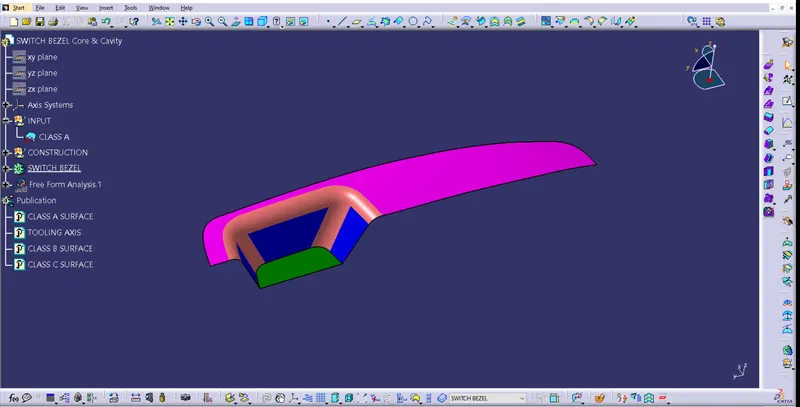
Given Class-A surface.
Continuity check
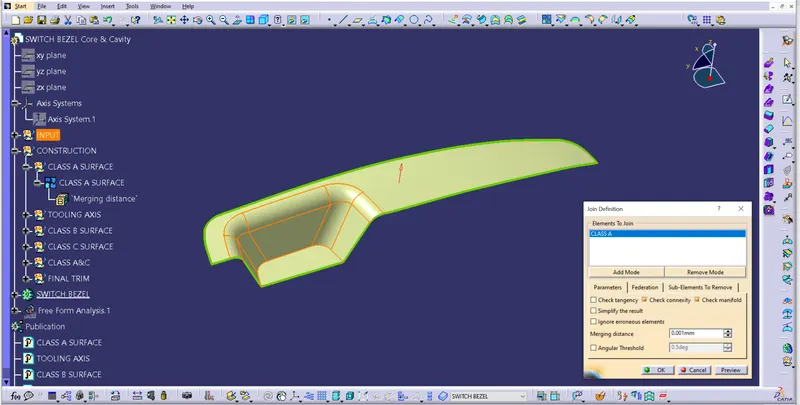
To ensure the connectivity between the surfaces join command is used.
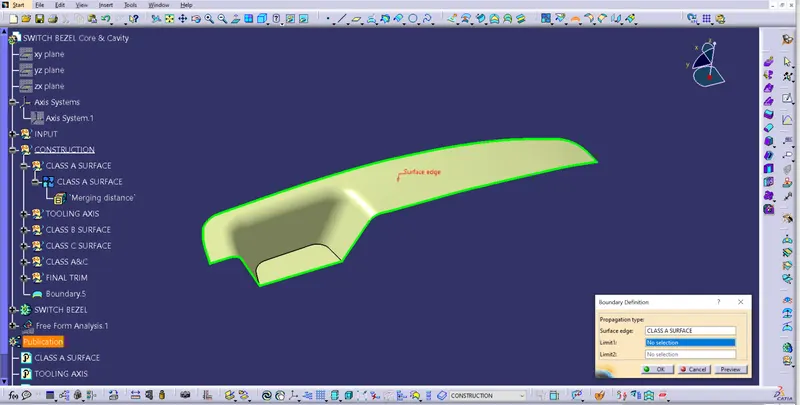
Later boundary command also used to ensure there is no open profile in the middle of the surfaces.
Tooling Axis:
Step 1:
a. Extracted base surface & a point is created at centre of the surface.
b. An axis system is created at the point.
Step 2:
a. Position sketch is made, in which given Class-A surface is intersected with YZ plane, and two lines were created along the incline profile.
b. A bisecting line is created using both the lines created in sketch-1.
c. There no 2nd side surface is available to create intersection between class-A & XZ plane. So another position sketch is created in which a line is created with some approximate angle.
Step 3: A bisecting line created using bisecting line 1 and line created in sketch-2.
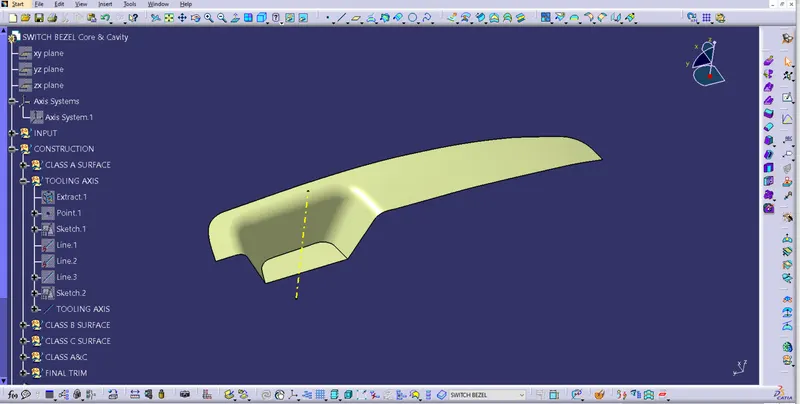
Draft analysis on Class-A surface
Few steps need to be followed to perform draft analysis.
Step 1: Go to View tab
View --> Customise view parameters --> Mesh --> Material --> Ok.
Step 2:
a.Go to Insert --> Analysis --> Feature Draft Analysis
b. Click on compass symbol, drag & drop compass on tooling axis. Ensure the position as shown in below image
c. Click on lock symbol, and click on the surface to see the results.
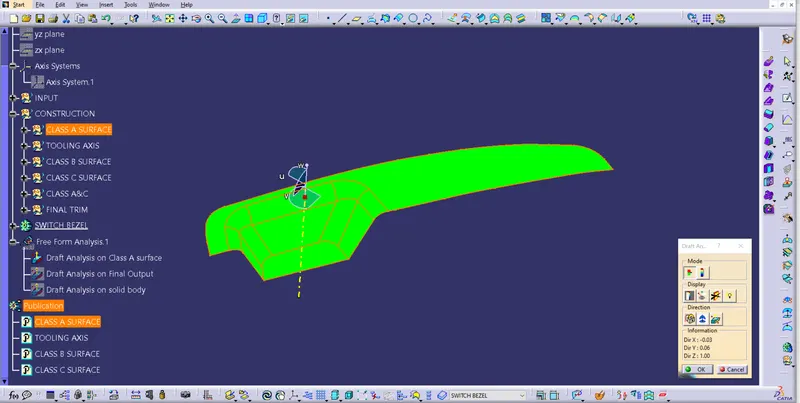
Draft analysis on Class-A surface
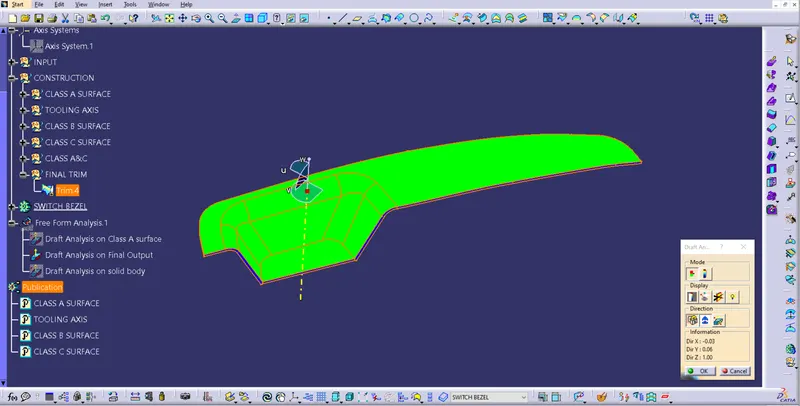
Draft analysis on Class-B surface.
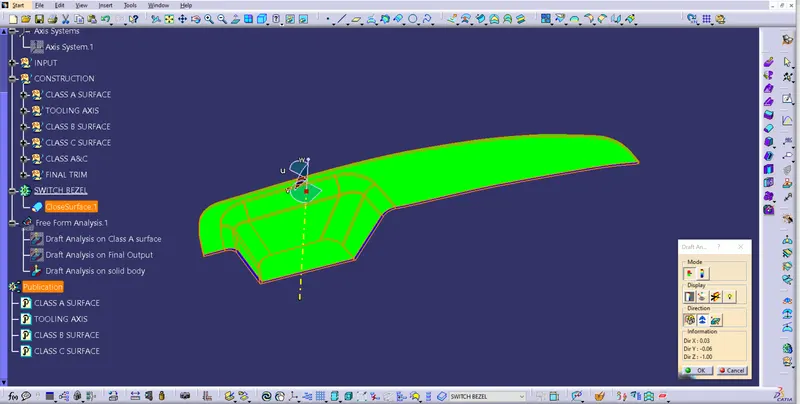
Draft analysis on Solid body of Switch Bezel.
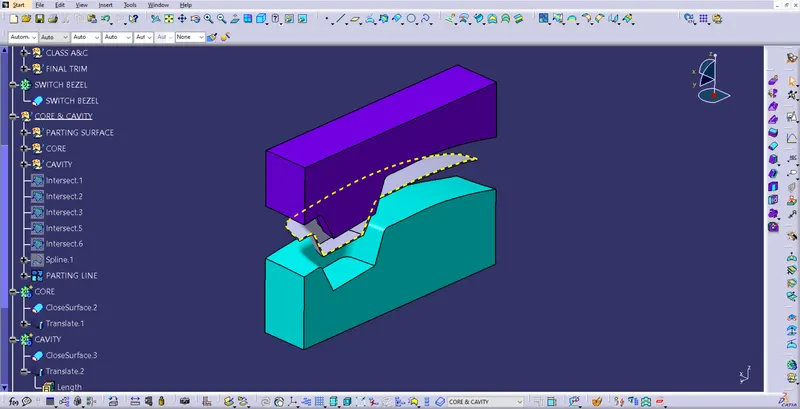
Parting Surface
The surface which are pressed together at high pressure during the clamping while performing injection molding called parting surface. It is the contacting surface between core & cavity.
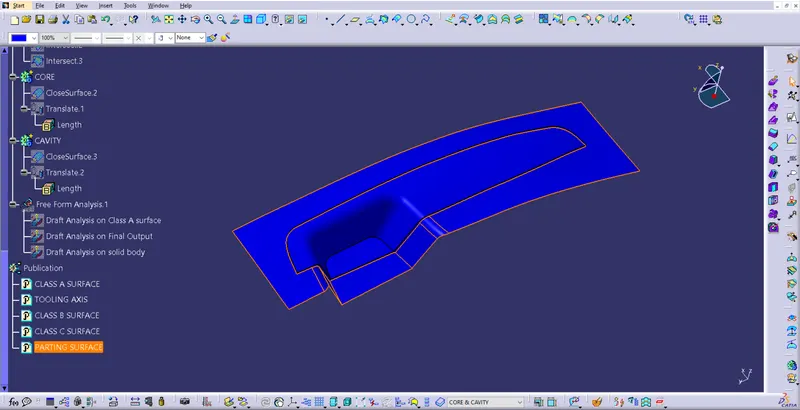
Highlighted area is the parting surface.
Parting Line
Partling line will be created when two halves of the molds clamped together.
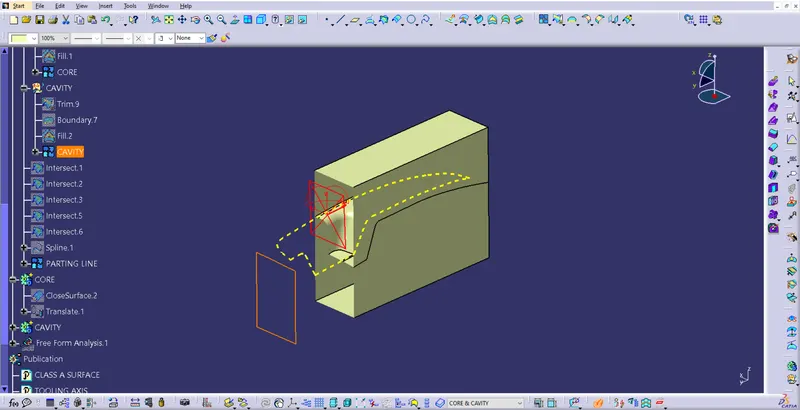
At Parting line edges of the core cavity connected at the end of the mold.
Core:
The movable halve of the mold is called core.
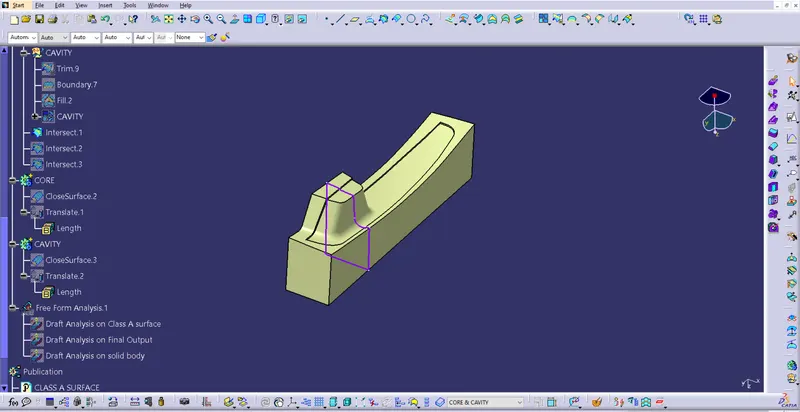
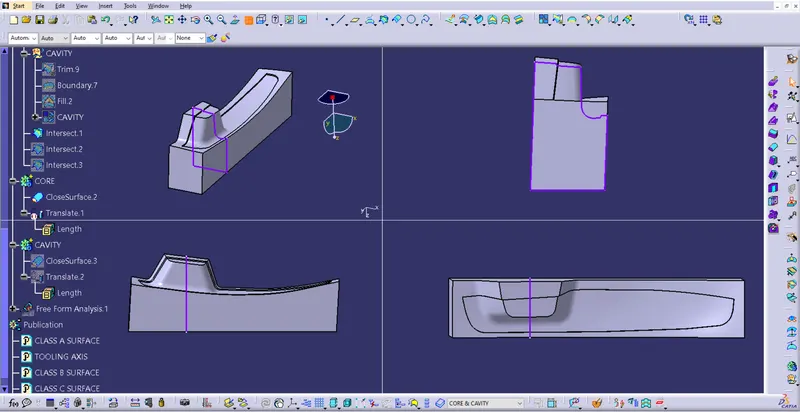
All views of Core block.
Cavity
The fixed halve of the mold is called core.
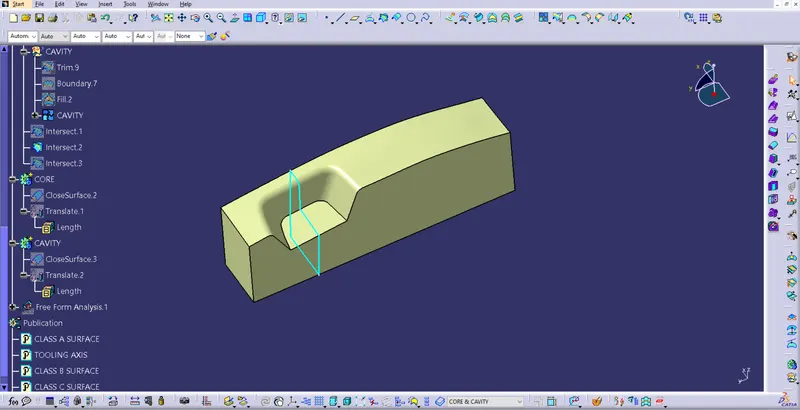
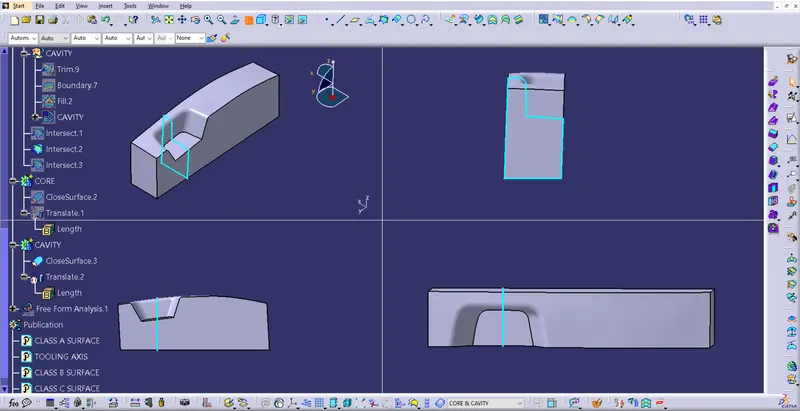
All Views of Cavity block.