Week 8 - Challenge 6 - Core & Cavity Design
Aim: To create the Core and cavity blocks for the switch bezel.
Tooling axis:
- The axis is the direction in which the mold opens or else the core and cavity open. The tooling axis should help to clear components from the core and cavity, so it plays a very crucial role in plastic designing and manufacturing also.
Parting line:
- It is the line where the core and cavity intersect each other.
- The parting line lies on the B surface of the Plastic component to protect the A surface from the splash.
Parting Surface:
- The surface where the core and cavity meet each other is called the Parting surface.
- The Parting surface also lies on the B surface side.
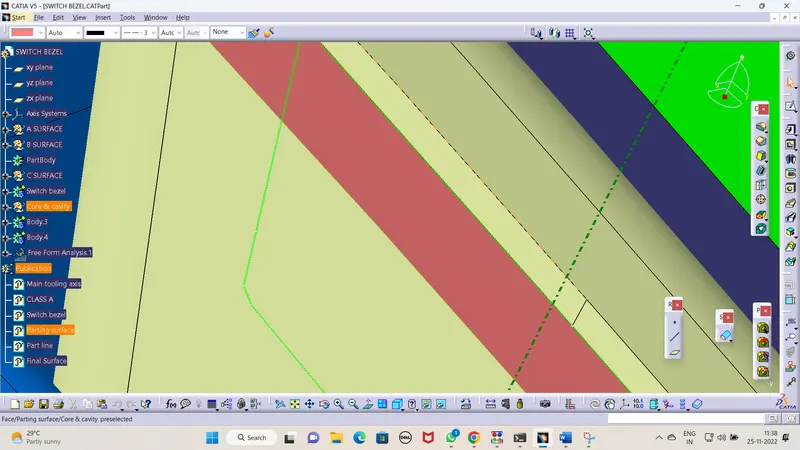
- The below screenshot shows the surface in pink color which represents the Parting surface and the green line represents the parting line.
- We can clearly see that the parting line and the parting surface are lying on the class B surface.
Publication:
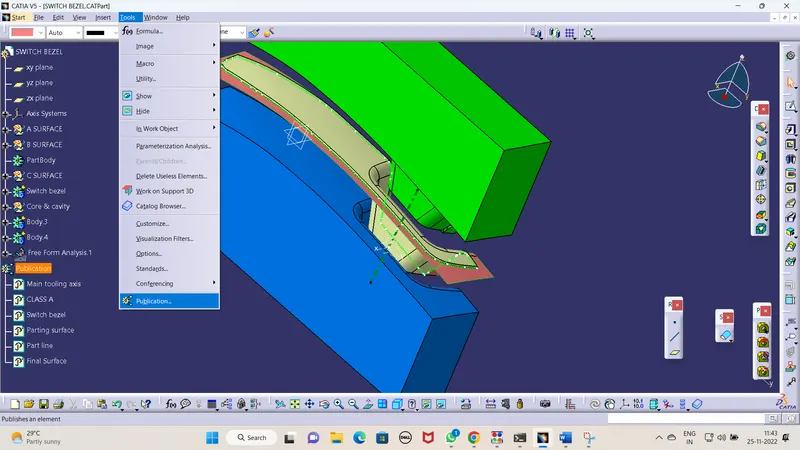
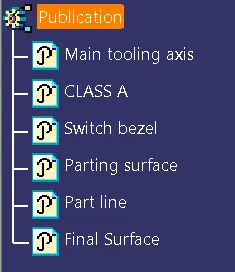
- Publications are used to publish the Geometric set which can be directly accessed.
- To do Publications, go to Tools-Publications as shown below we can do publications.
Draft Angle:
- Draft angle is the degree of taper that is incorporated into the side wall and part, core, and cavity of the die-cast tool to aid in the removal of a part. Primarily, their function is to reduce the friction between the part and the tool as it is ejected. Without draft angles, parts can be stripped, dented, or get stuck in the tool.
- Draft angle also reduces the friction between the part, core, and cavity and also reduces the production time as it is easy to reject the part from the core and cavity.
Draft Analysis:
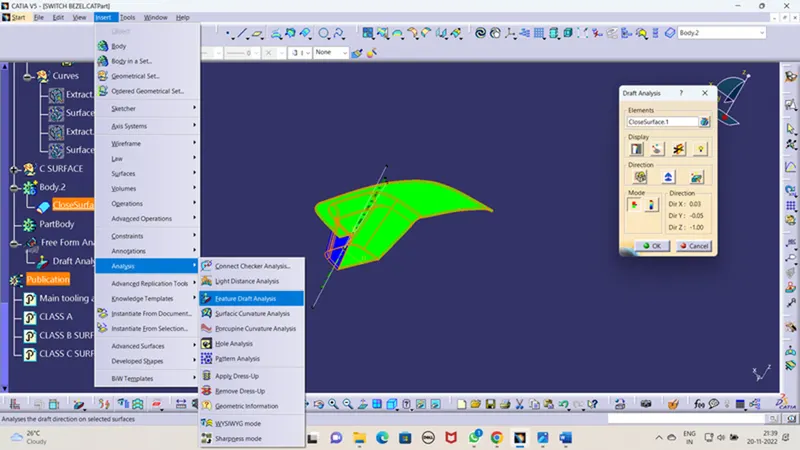
- As the name suggests, draft analysis is nothing but checking the draft angle range i.e., whether the angle is in the ideal range of 3 degrees or not.
- In this analysis we have a colour scale where we can see the range of a specific colour and we can even change the range by double-clicking on the number.
- To do draft analysis go to insert-Analysis-Featured Draft analysis.
Steps to create a tooling axis by using the bisecting method:
- First of all, check all the directions of the component to find the best tooling axis direction and in the given component the Z direction is the best where no interference in clearing the tooling axis.
- Create a point on the Surface of class A and Create a line that acts as a dummy axis.
- Using the plane command create planes along the YZ plane and ZX plane and the screen looks like the below screenshot.
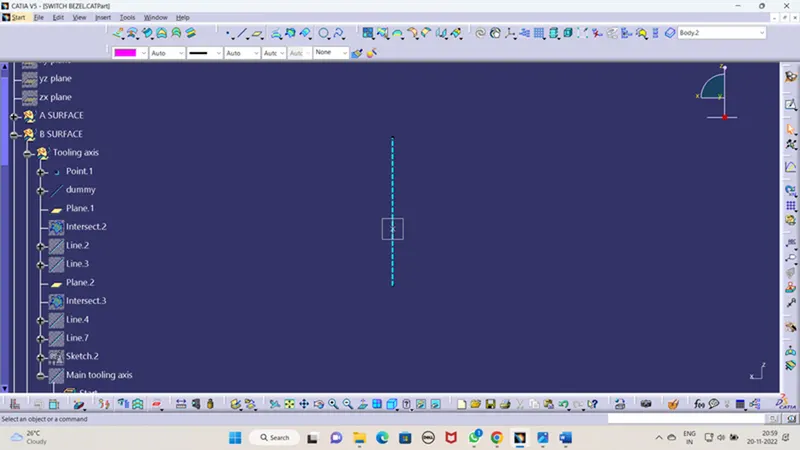
- By using intersection command create intersection line along YZ plane.
- Create two lines by using the line command along the points of the line of two faces.
- Create a bisecting line with the help of the line which are created earlier.
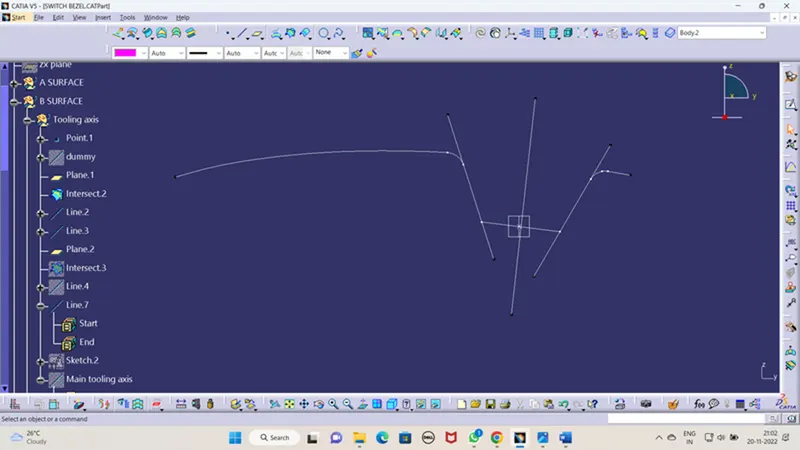
- By using the intersection command create an intersection line along the ZX plane.
- Create a line by using the line command along the points on the line over the faces in the ZX plane.
- Create a random line sketch along the point and the line angle with the above above-created will decide the angle of the final tooling axis for now take it as 3degree and create a bisecting line for the sketch line and above the line.
- Take the bisected line as a reference and do draft analysis after draft analysis it shows an error which means the draft angle is not in the desired angle by doing trial and error I found 4.5 degrees makes sense.
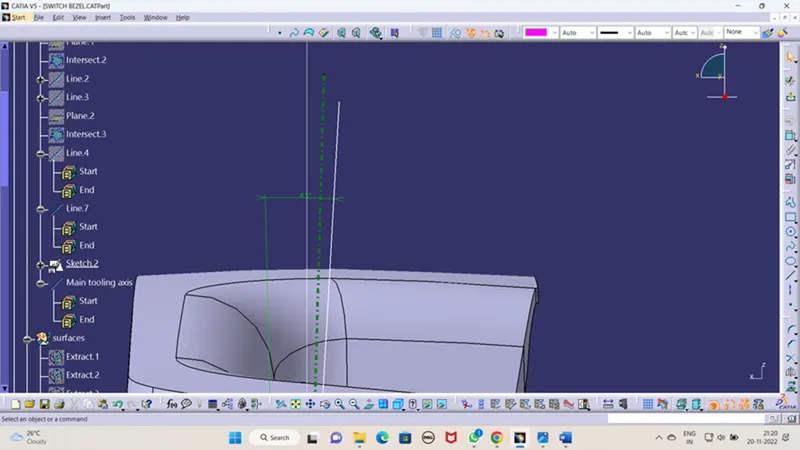
Screenshots of the Draft analysis report for both the switch bezel plastic component:
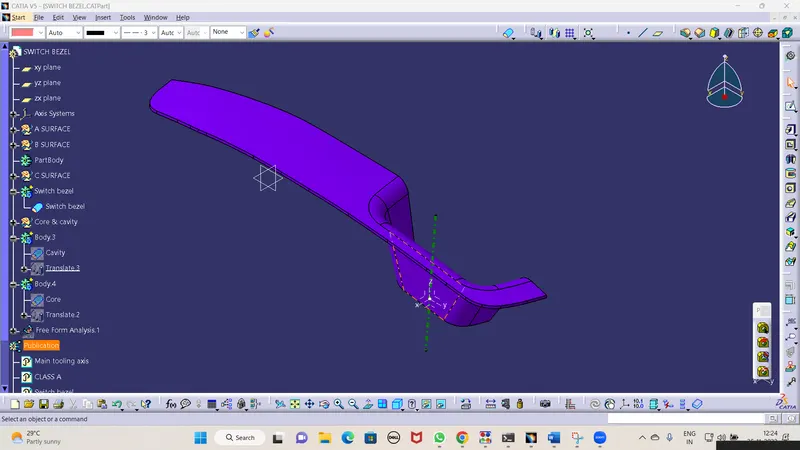
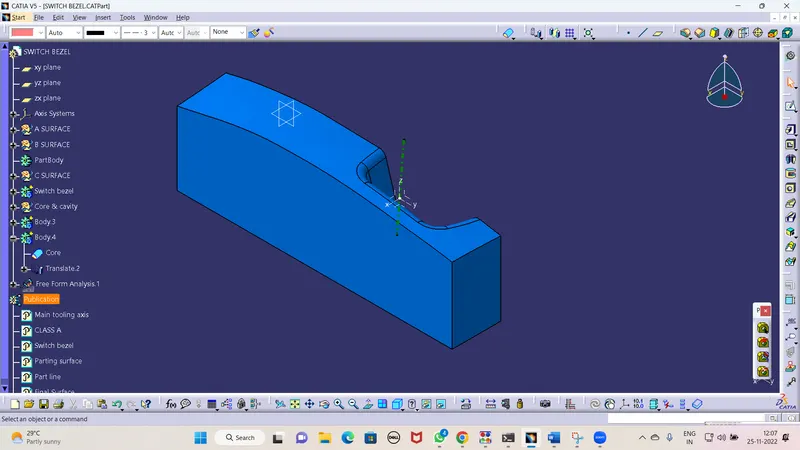
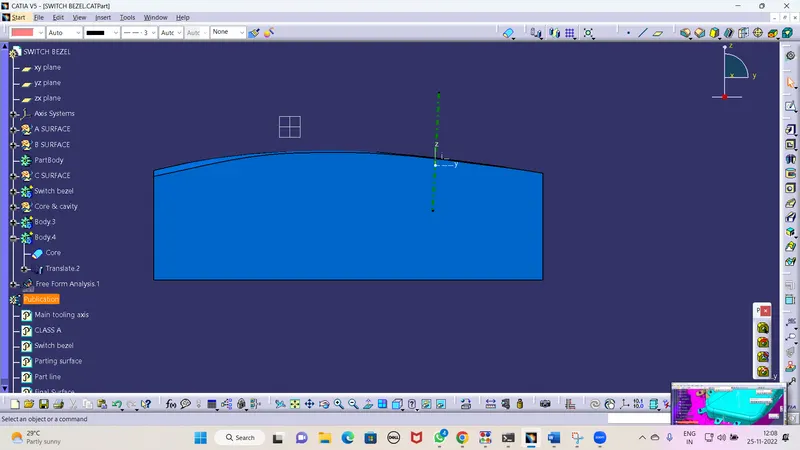
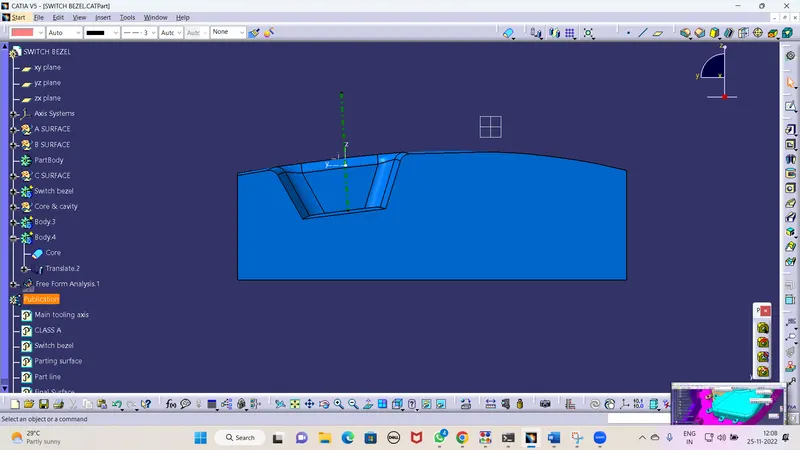
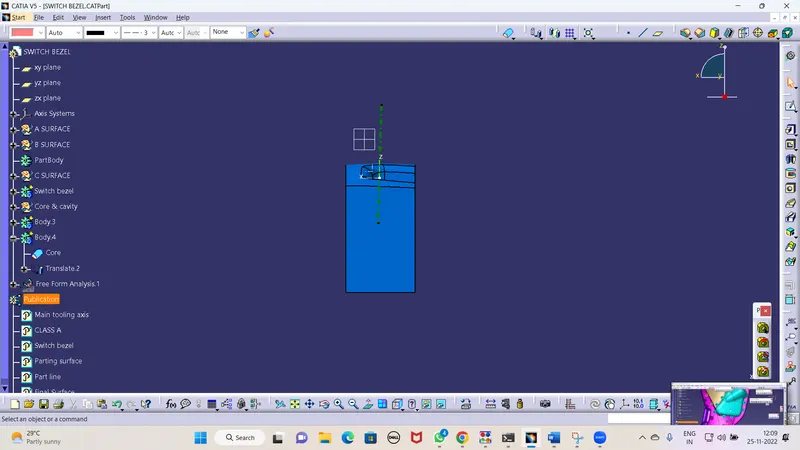
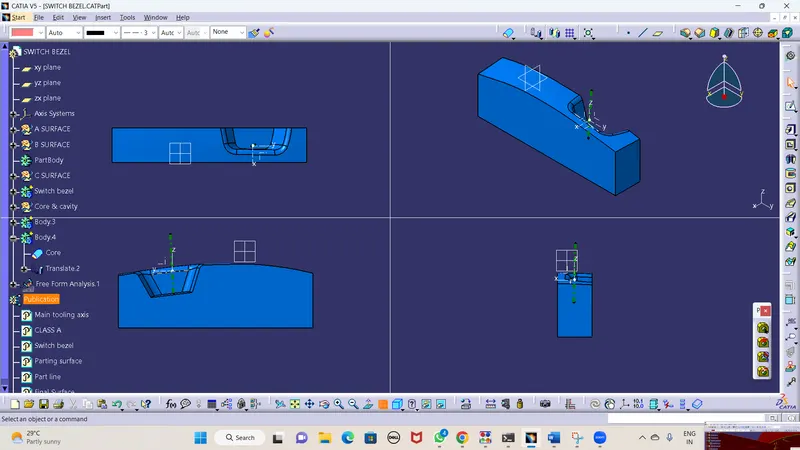
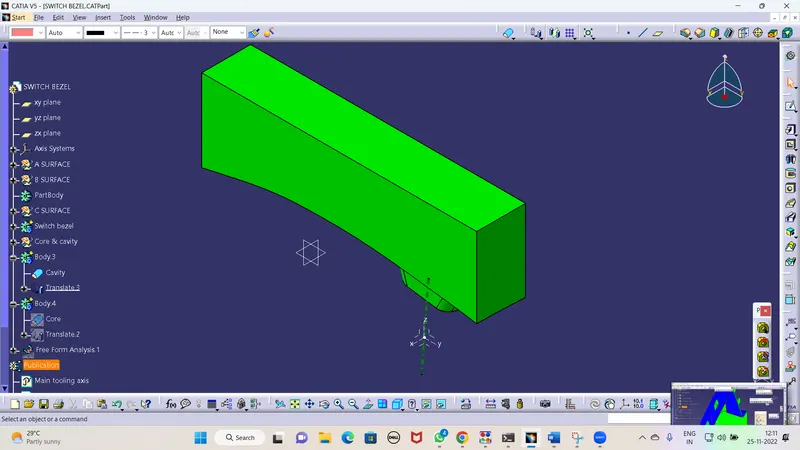
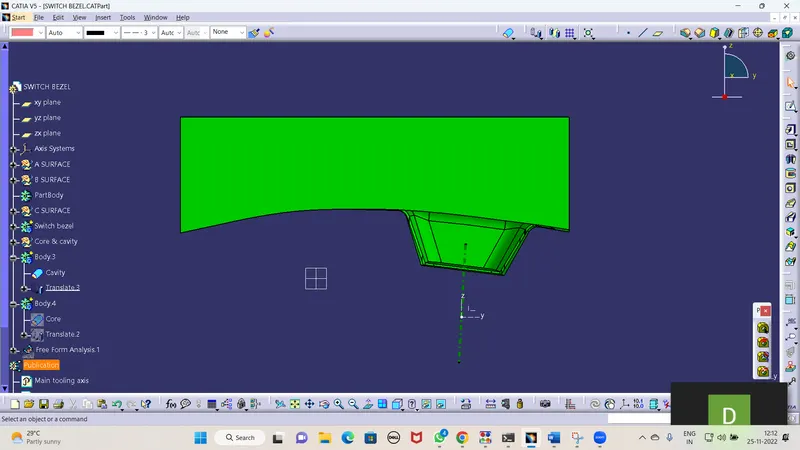
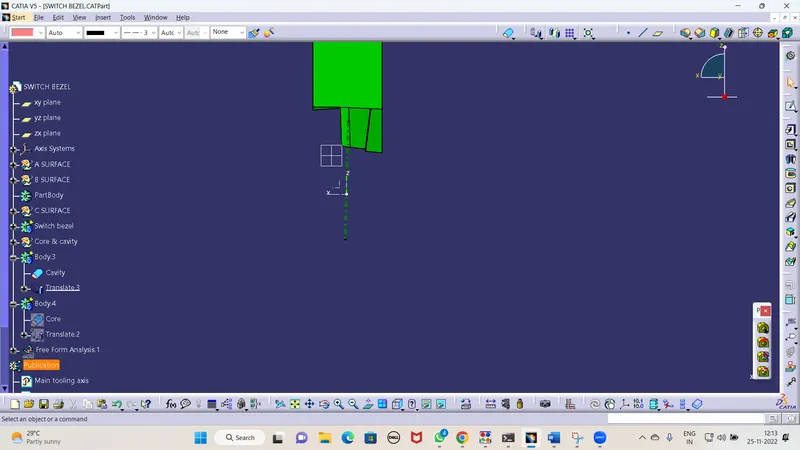
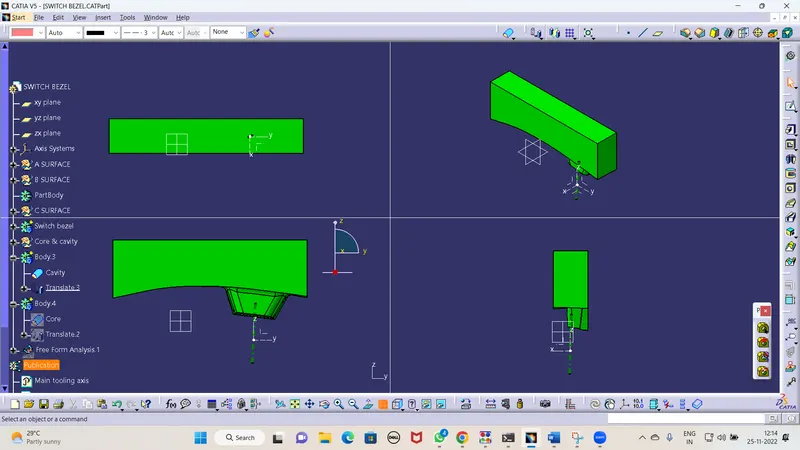
Screenshots of the core and cavity blocks in various orientations (Isometric, Front, Side, and Top View):
Core Block:
- Isometric View:
- Front View/Back View:
- Side View:
Cavity Block:
- Isometric View:
- Front View/Back View:
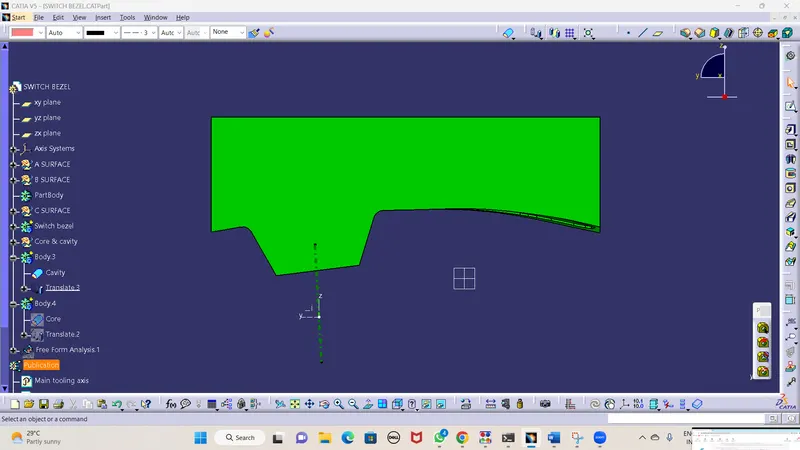
- Side View:
Conclusion:
- Hence all the submission requirements are successfully done and the CATPart file is attached below using the Browse option.