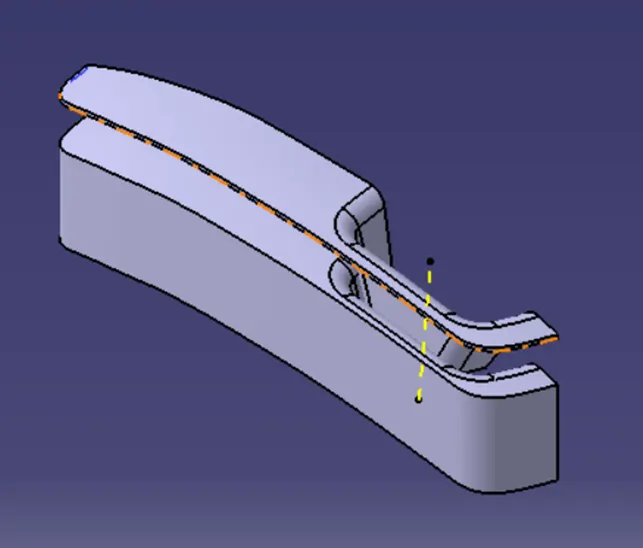
Week 8 - Challenge 6 - Core & Cavity Design
#26 WEEK 8-SKILL LYNC
COURSE: Automotive Plastic Design using CATIA V5
NAME: SRI RAGUL P CHALLENGE: SWITCH BEZEL CORE AND CAVITY
|
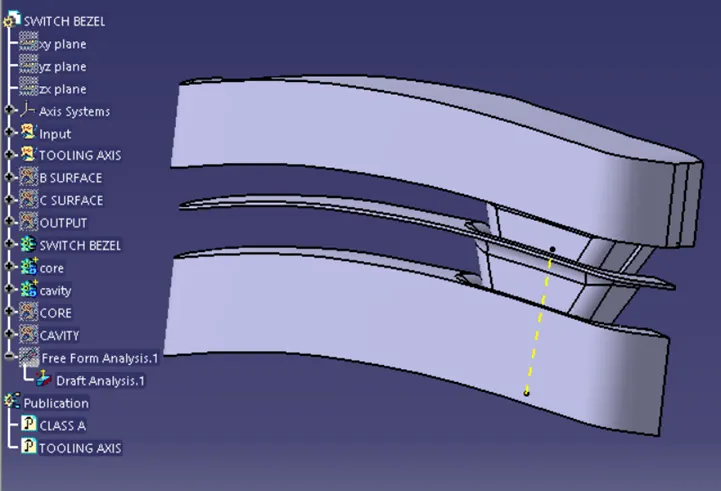
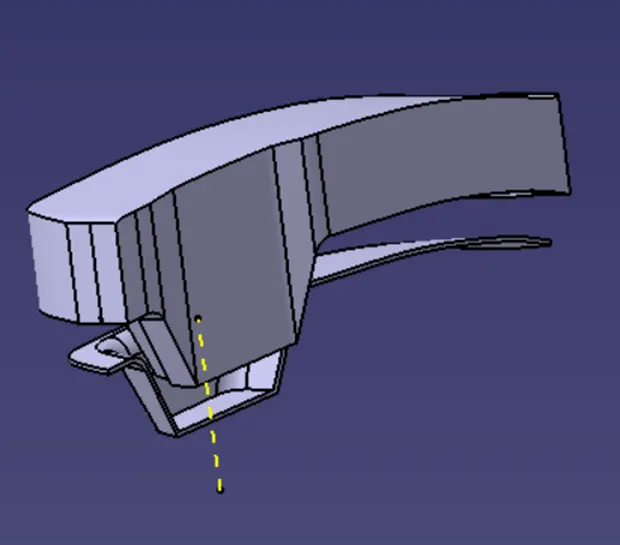
SWITCH BEZEL CORE AND CAVITY
|
|
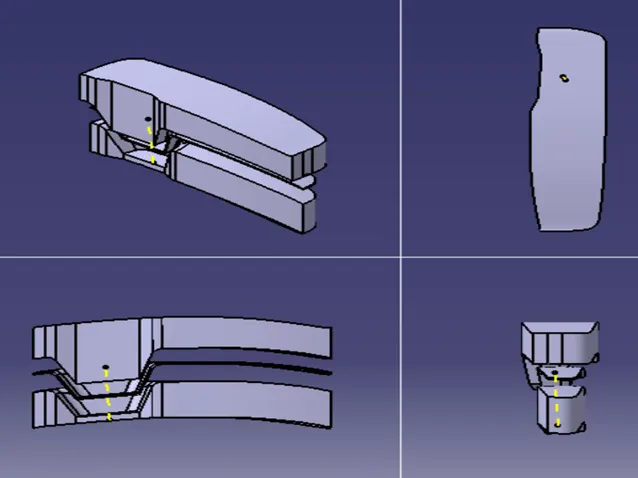
VIEWs
|
|
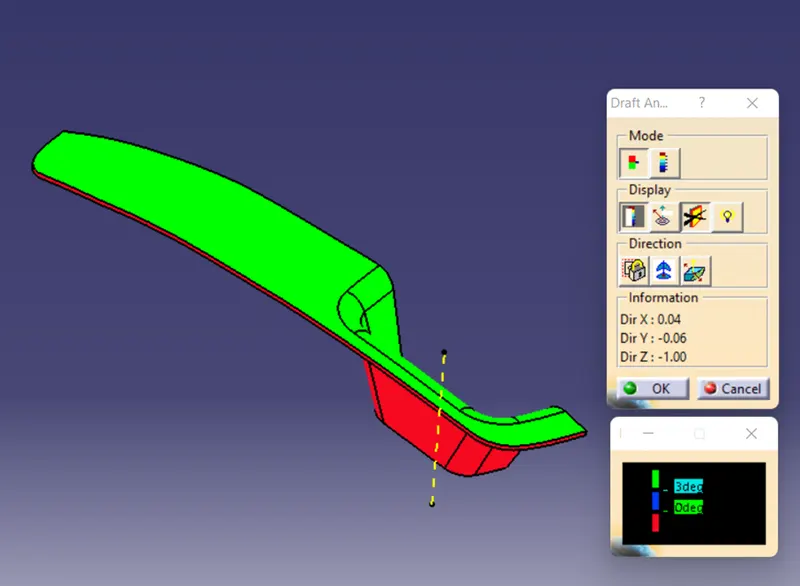
DRAFT ANALYSIS · The Draft Analysis allows the user to easily analysis a part for proper draft angle. · A Draft Angle describes the amount of taper for moulded or cast parts perpendicular to the parting line. · Draft angle is used to remove core and cavity easy in injection moulding and minimum draft angle is 3deg. · The Tooling Axis- To creating the tooling axis, I used the Bisecting method for draft analysis and plastic injection mould process also. · THICKNESS=2.5mm · I am Ensure that Proper Tree Structure are maintain in this SWITCH BEZEL design. · With Geometrical sets have a proper name based on the sketches present in this design, (like-Class A, B, and C surface) and all the sketches are created under the Geometrical set · Offset the class A surface to 2.5mm – To create class B surface (command-offset, fill, join, multi-section, smooth curve, boundary). · From class A & B surface to create class c surface using swept command · And Use the Close Surface feature to make a solid body from the Class A, B, and C surface are join together using join command. |
|
CORE · In core also used surface design workbench and command are extrude, extrapolate, trim · Then I came to part model workbench to closed surface CAVITY · In cavity also used surface design workbench and command are extrude, extrapolate, trim · Then I came to part model workbench to closed surface |