Week 8 - Challenge 5 - Door Trim Lower
AIM:
To create the Door Trim Plastic component through the given Class-A surface. To begin with, the tooling axis for the given Class-A Surface should be created meeting the requirements of the draft angle and at the end perform the Draft analysis on the model.
Taking the Thickness of the component to be 2.5 mm.
REPORT :
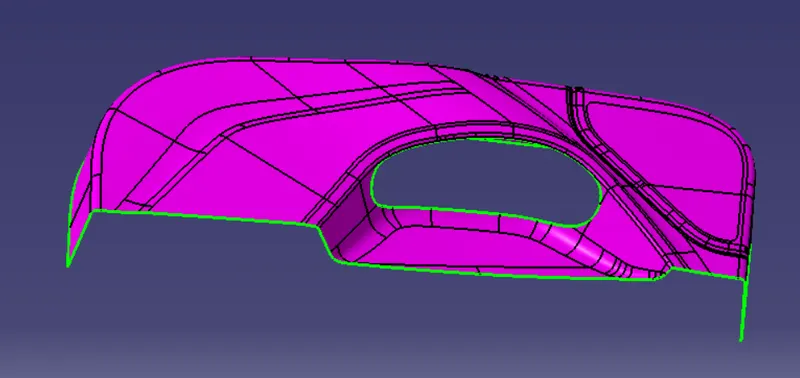
- Given, Class A surface.
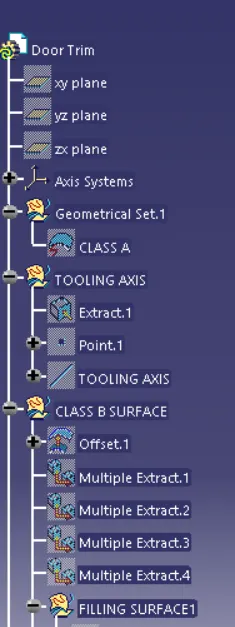
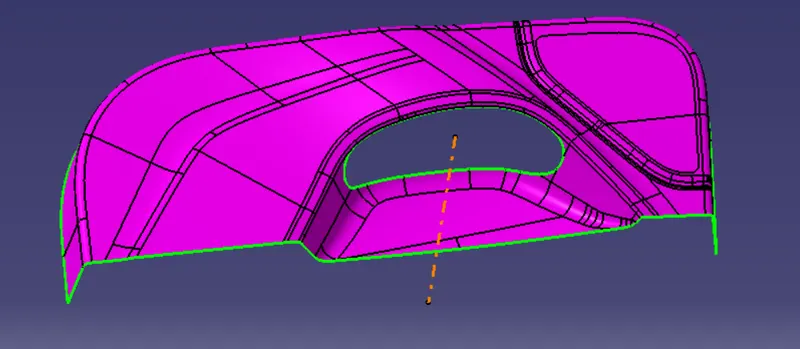
- Making the Tooling Axis, by viewing the best possible view with the help of compass and creating it by extracting a part and with the help of Point and Line command.
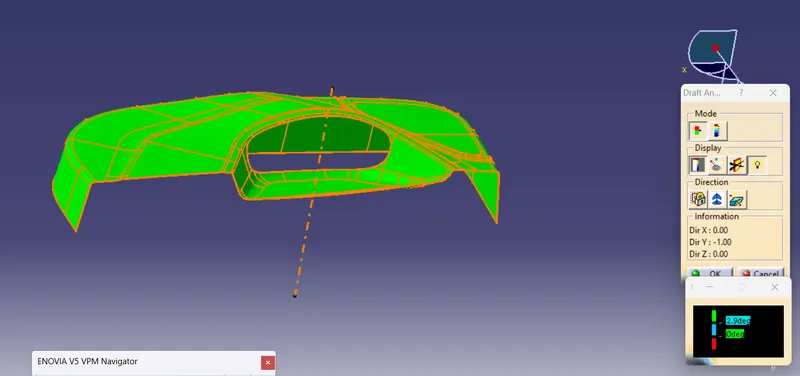
- Taking Draft Analysis in Class A surface, in which green means the draft of 2.9 deg or above.
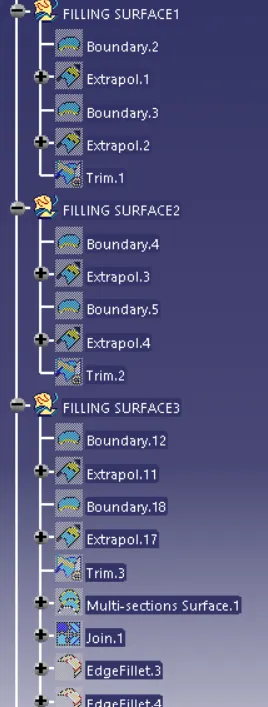
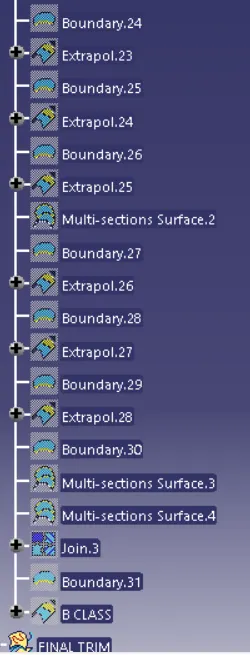
- Now, to proceed for the Class B surface, we need to offset the class A surface by 2.5mm in the inside direction. After offset, we found out that there are many failed states on the body. To make those failed states boundary free, we did take the help of boundary, extrapolation, trim, split and join options.
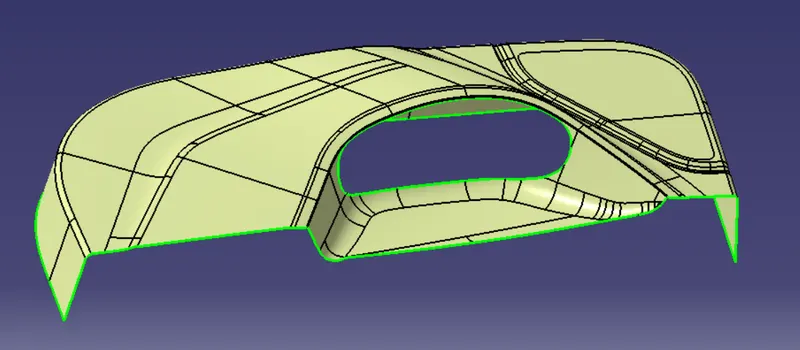
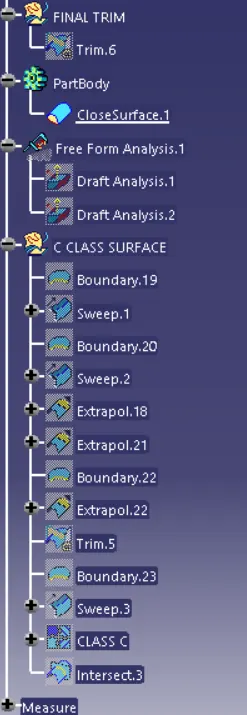
- Now, for the C surface, we selected the Class A surface and with the help of boundary and sweep command for both parallel to the tooling axis and perpendicular to the tooling axis we created C surface, which we further joined with A surface.
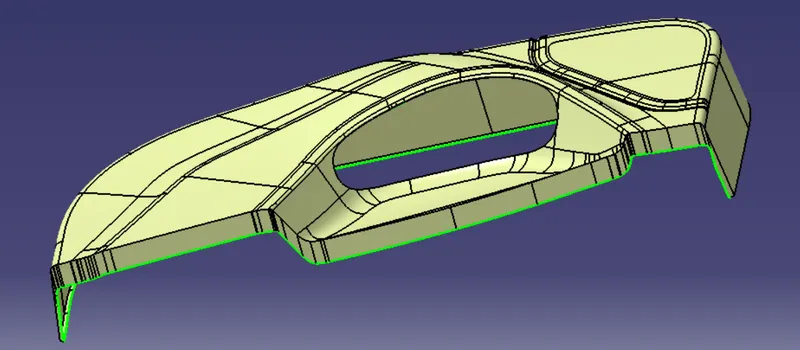
- After joining the A+C, then we trimmed it with B surface, to get the final object.
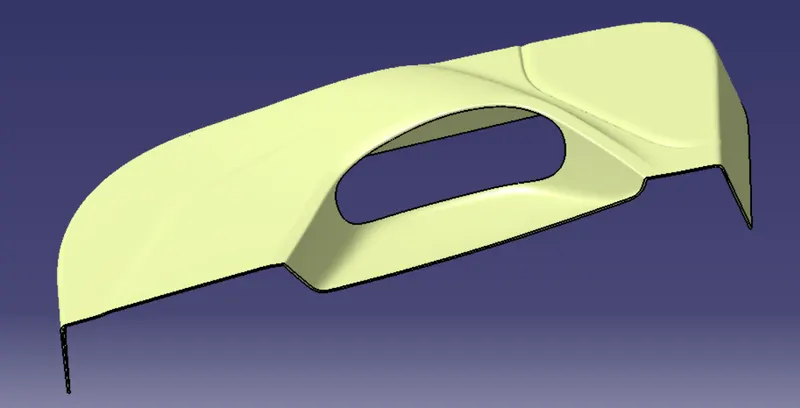
- In the last, we change to the part design and with the help of close surface option, we created the desired surface.
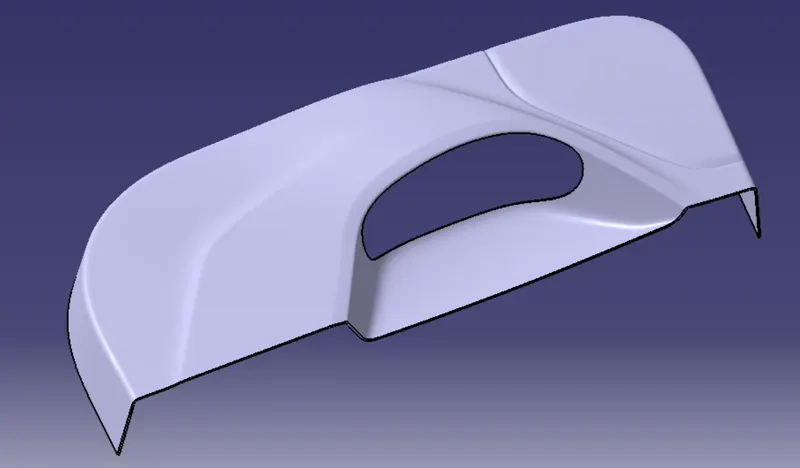
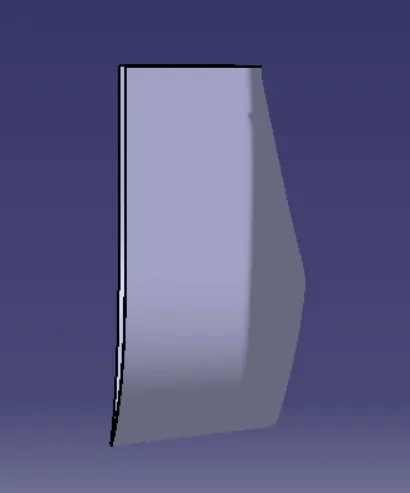
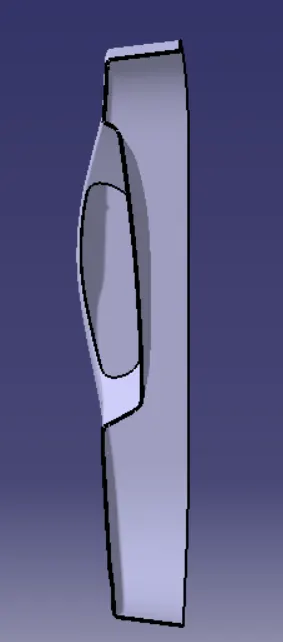
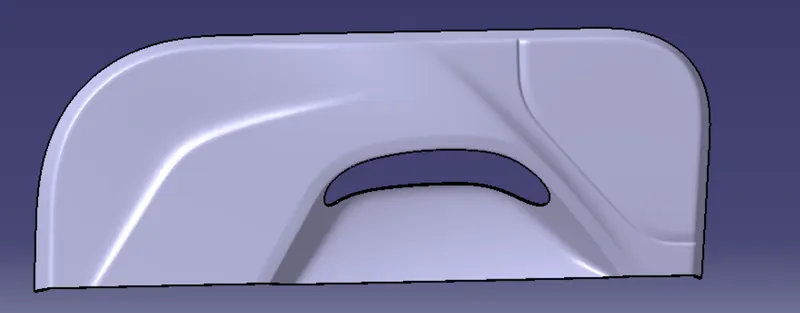
- Final Draft Analysis
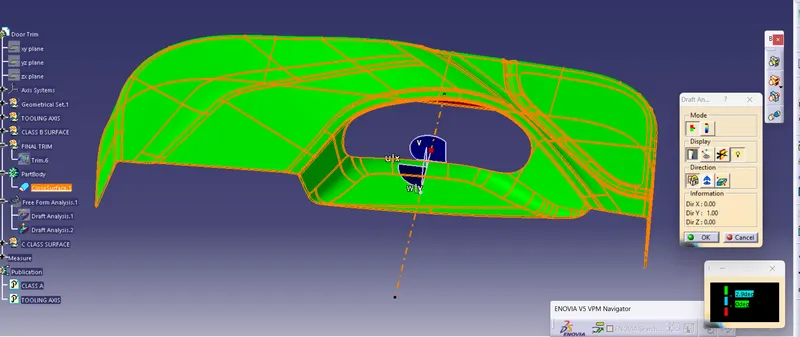
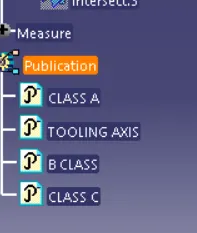
- Tree Structure