Week 8 - Challenge 5 - Core & Cavity Design
Object:
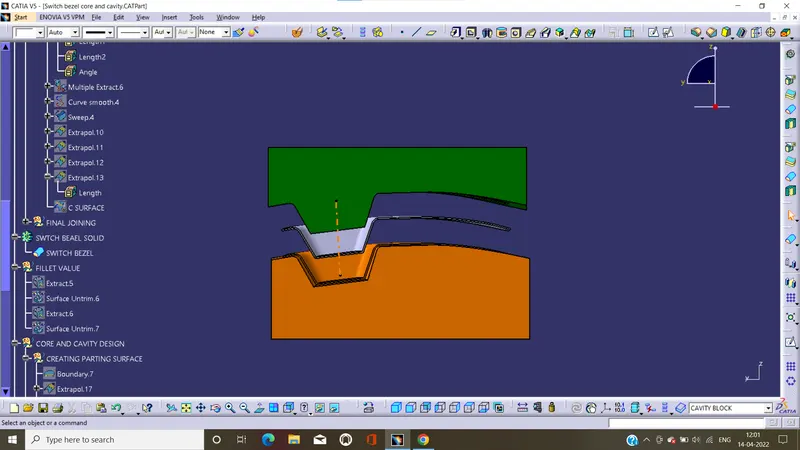
To design the core and cavity of the switch bezel by use Catia.
Perform draft analysis on switch bezel component:
Draft is required on all parts, in direction of mold to release the part from the mold properly. And draft is the angle in which the part is trapper to release the part easily from mold. Most part are required draft angle is 0 to 2 deg. however 3 deg widely accepted.
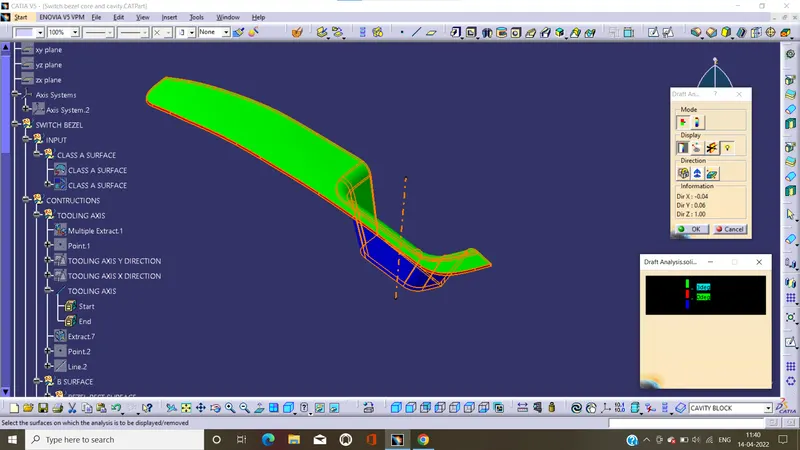
Isometric:
Front:
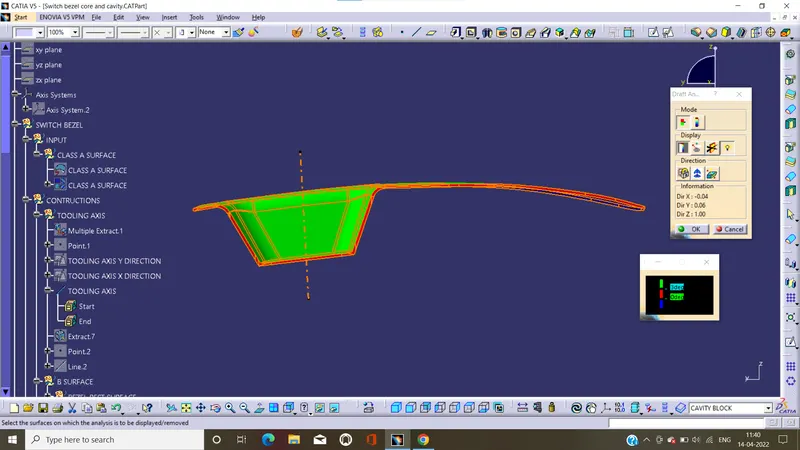
Side:
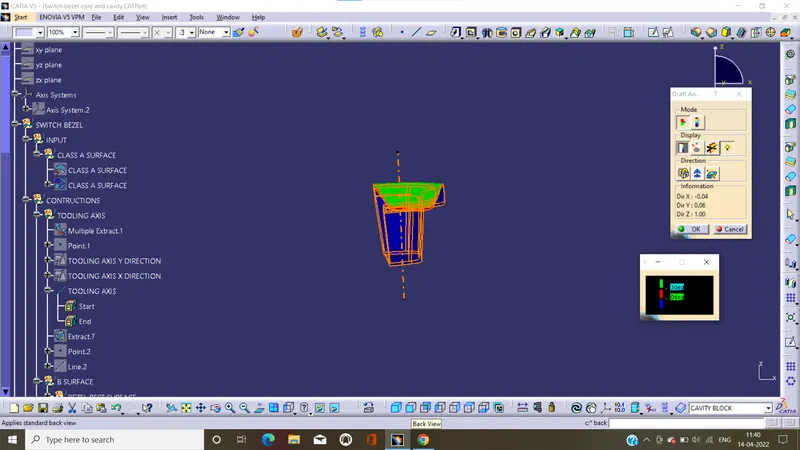
Top:
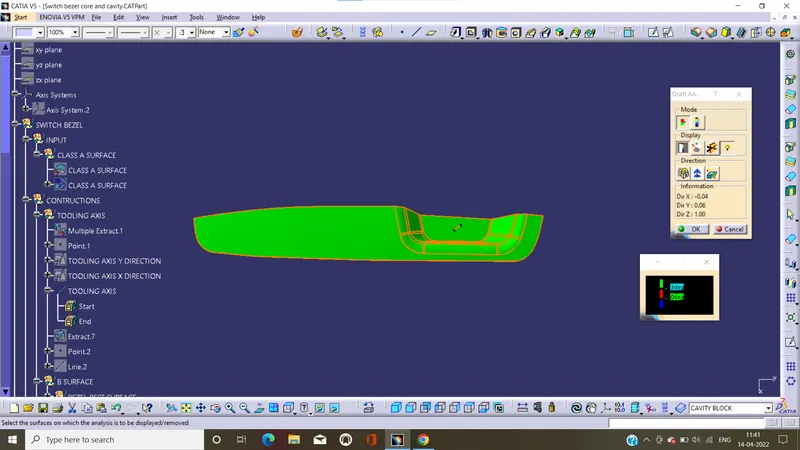
color scale verint:
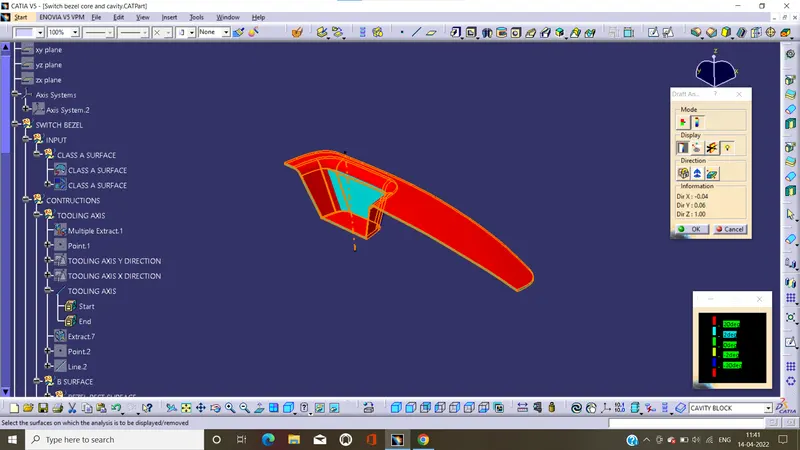
Report:
- In this green color represents the draft angle is gather than the 3 deg.
- The blue color represents the angle is between the 0 to 3 deg
- The red color represents the lesser then 0 deg.it means the draft angle that needs to be corrected.
Creating core and cavity blocks:
To create the core and cavity firstly we create the parting surface.by use this we create the core and cavity.
Parting surface:
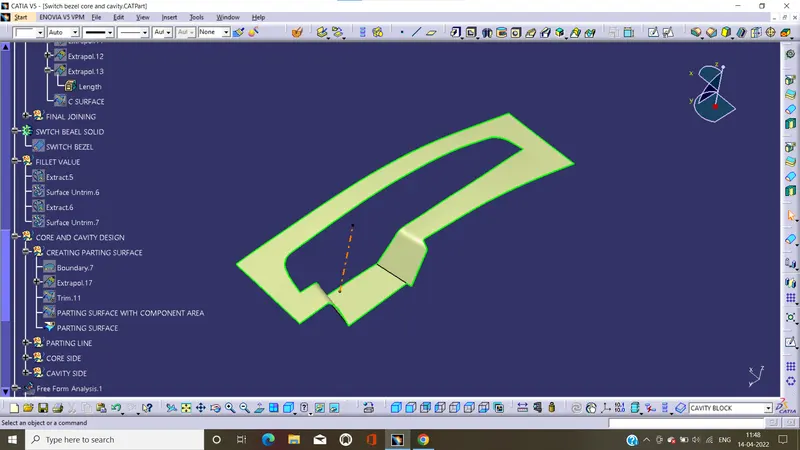
A parting surface is a surface that separates the mold block into two parts.
Parting line:
Parting line where the two halves of the mold meet around the parameter of the part. All parting line needs to seal properly when the mold is clamped.
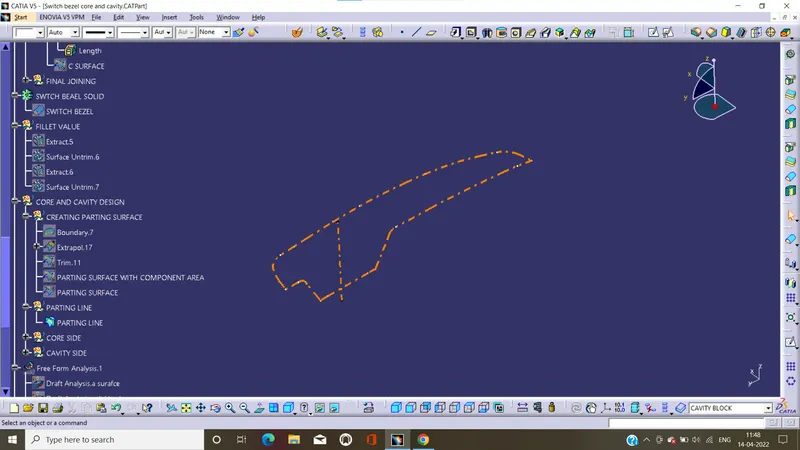
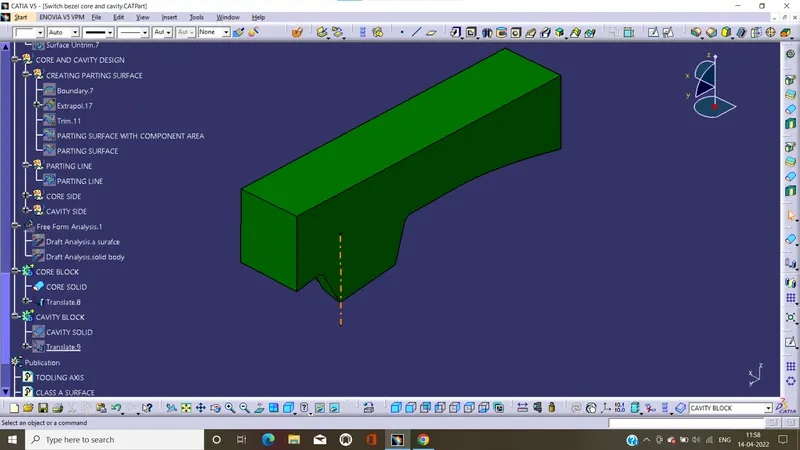
Core design:
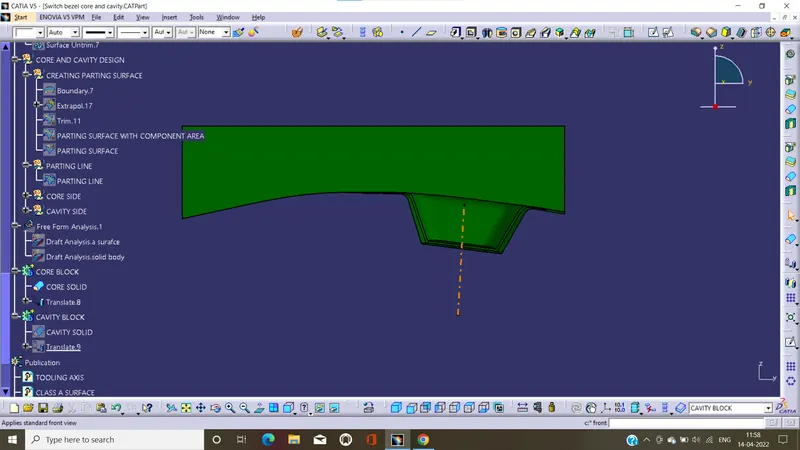
To design the core part, we draw and extract the sketch, by use this extract to trim the extrude surface with parting surface. getting section is core block surface. Close the core block surface by use close surface in part design.
Isometric:
Front:
Side:
Top:
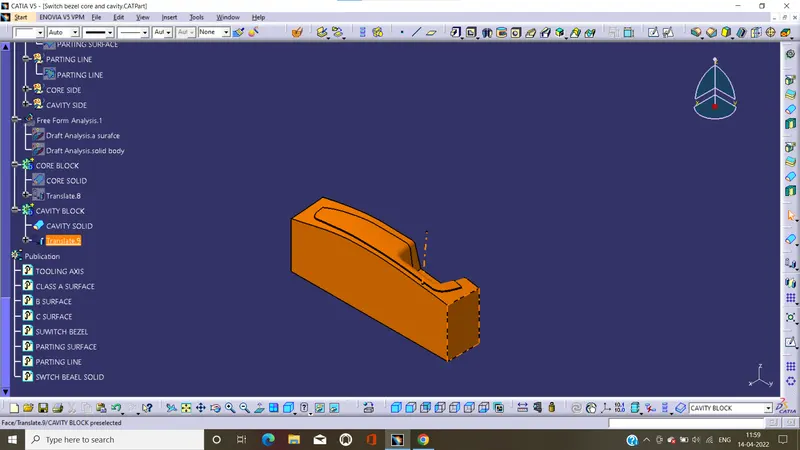
Cavity design:
By using extract surface and trim the surface with parting surface on lower side. We get the lower surface is cavity block surface. And close this with close surface in part design.
Isometric:
Front:
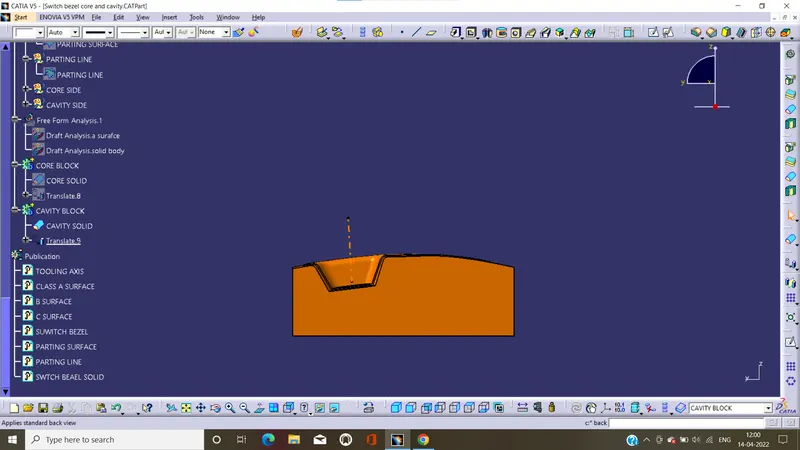
Top:
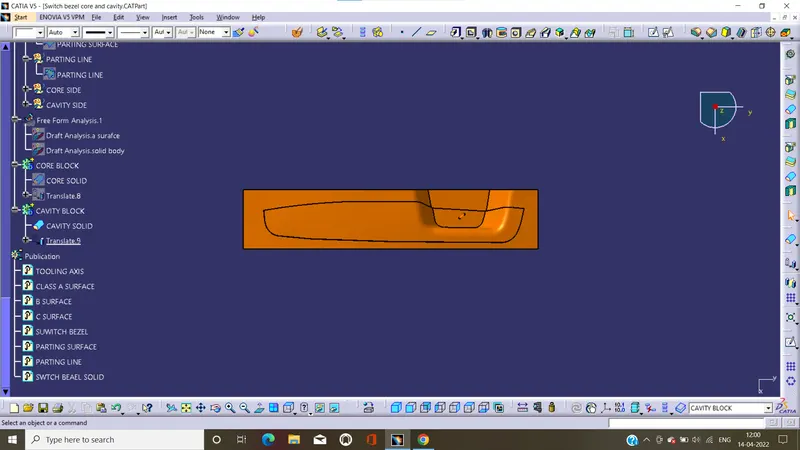
Side:
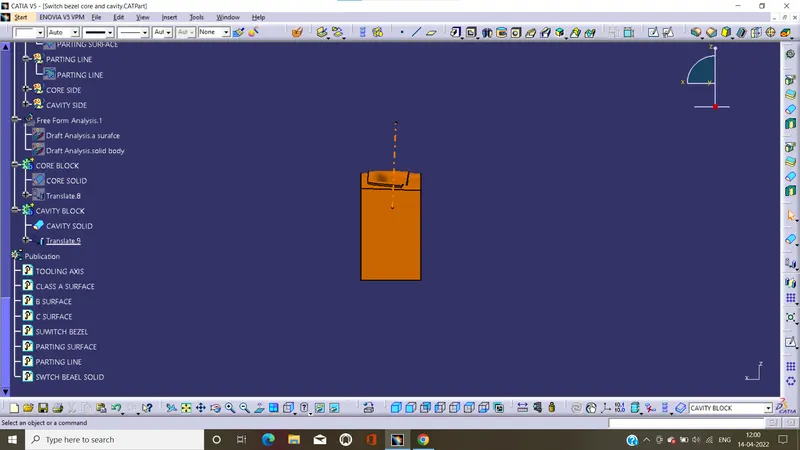
Final core and cavity part with translate: