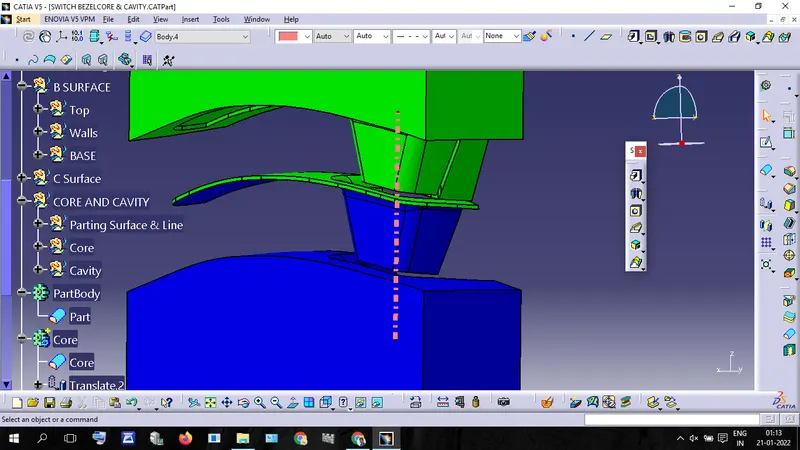
Week 8 - Challenge 5 - Core & Cavity Design
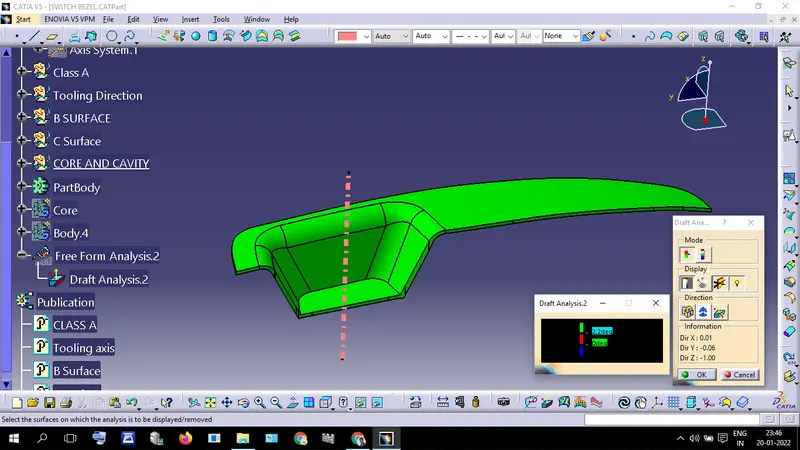
Before going to design the Core & Cavity block first we should analyze the draft angle in the part.
Draft Analysis
Parting Surface and parting Line Creation
- Create a Boundary of class a surface
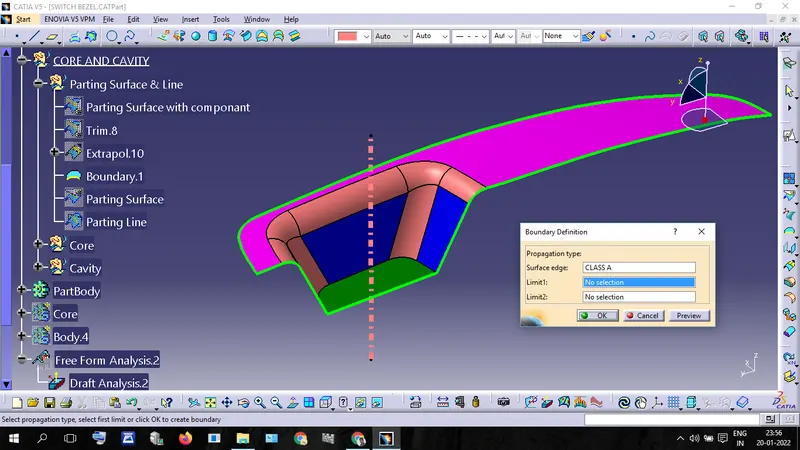
- Extra plot the "Class A Surface" using created boundary.
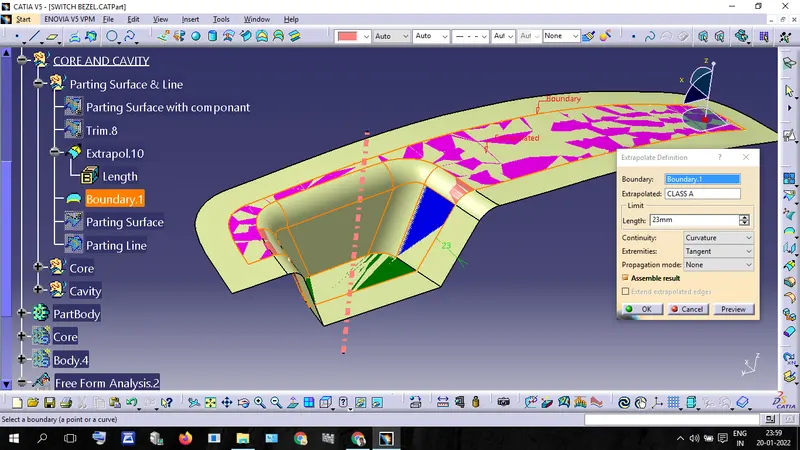
- Trim the extrapolated Surface with the "C-surface" wall. ( which we created when c surface Creation)
- and trim that surface(Trim.8) with a B-surface.
- now we get the bottom surface of the core Block.
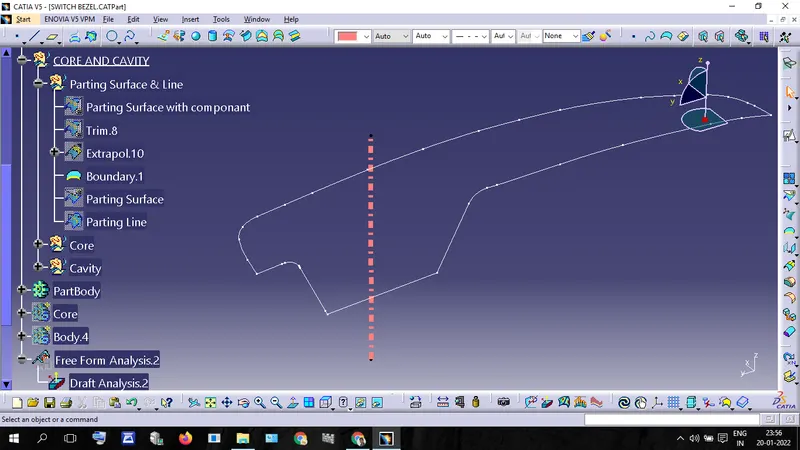
- Intersect "Trim.8" with "B Surface" now we get the Parting Line
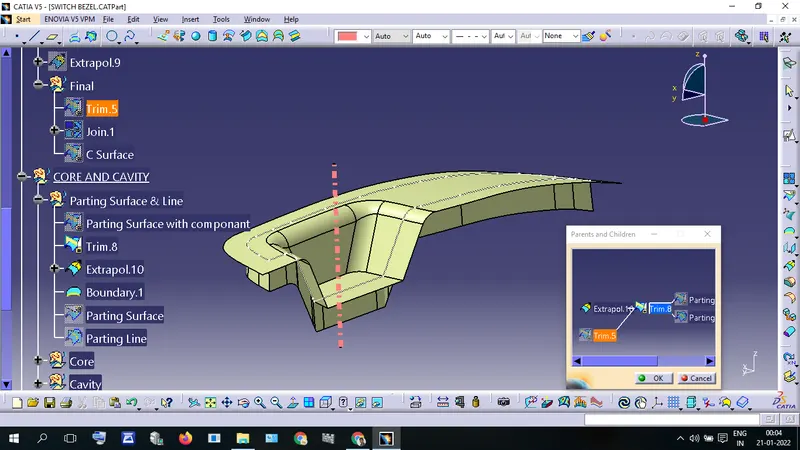
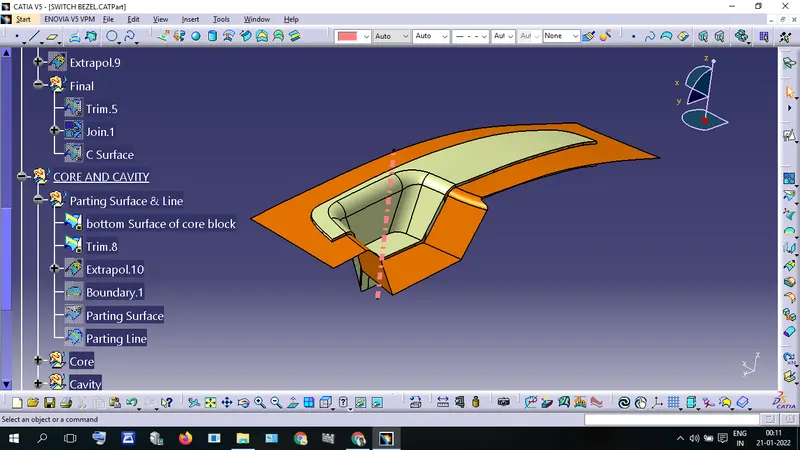
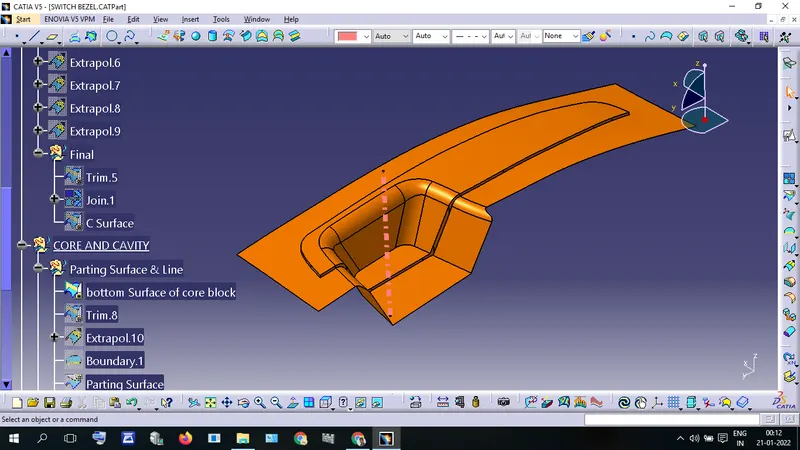
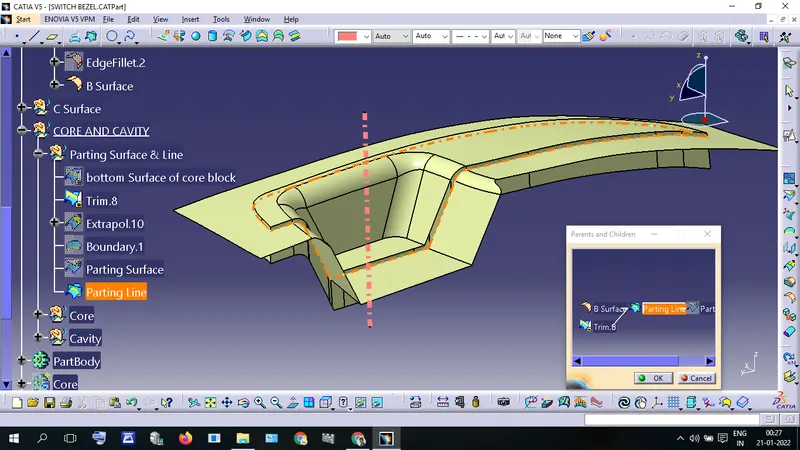
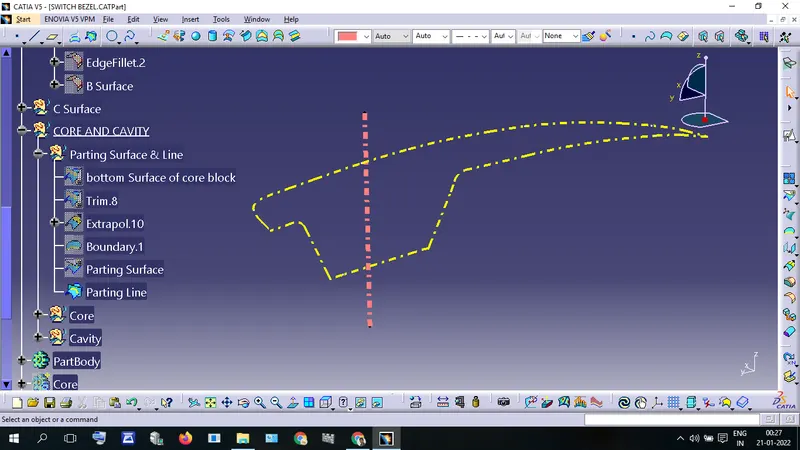
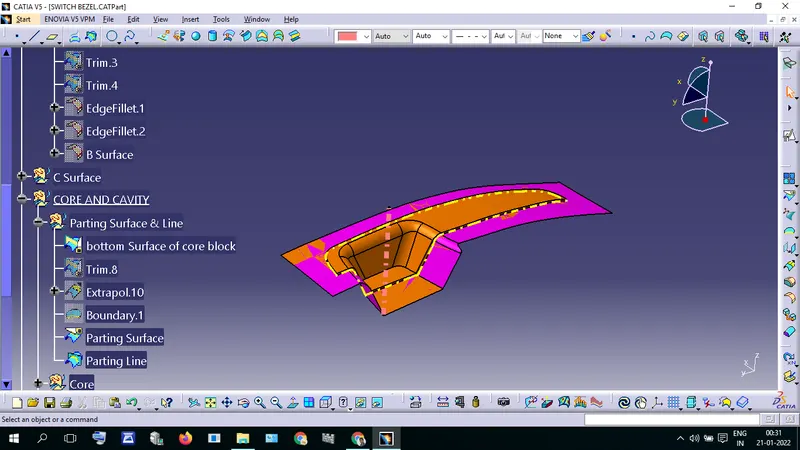
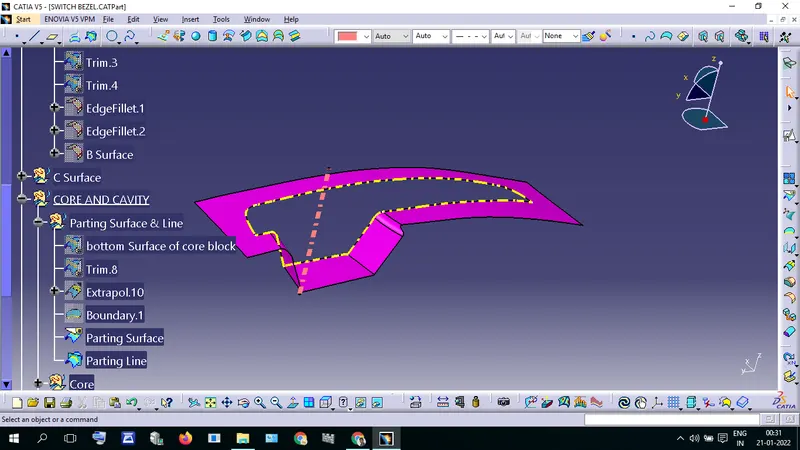
- Split "Bottom Surface Of Core Block" with Parting line we get "Parting Surface"
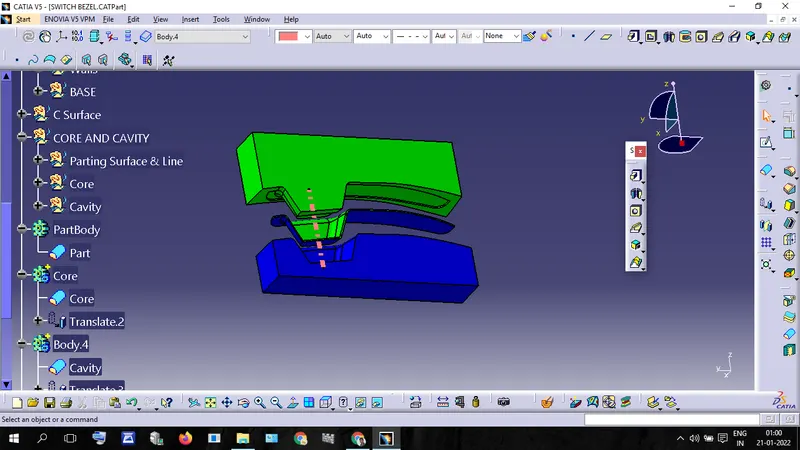
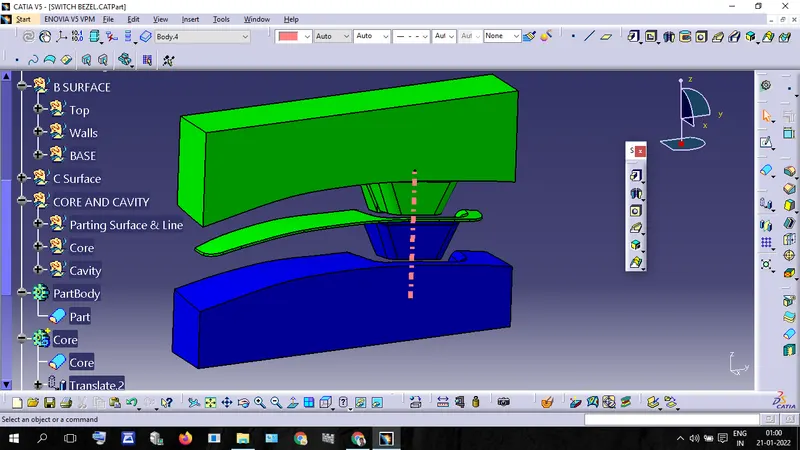
Core Creation
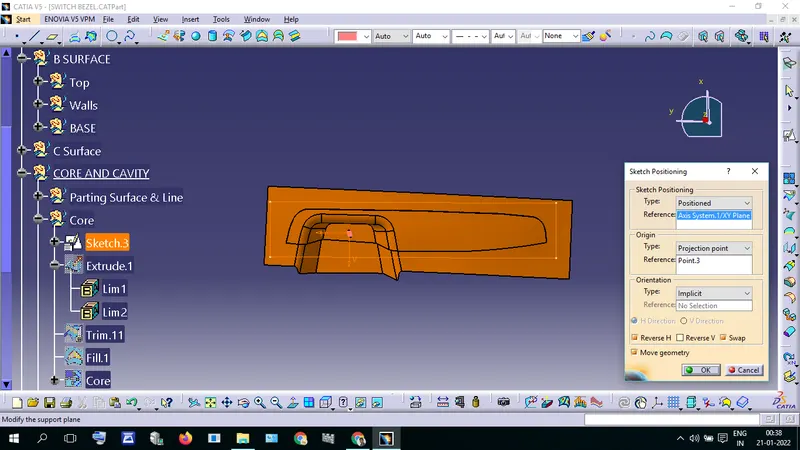
- Create a Position Sketch with 'Axis System.1/XYPlane' and Point.3 (This is used for "Tooling Axis" creation)
- and draw a rectangle around the Part. and make sure Iso-Constrained.
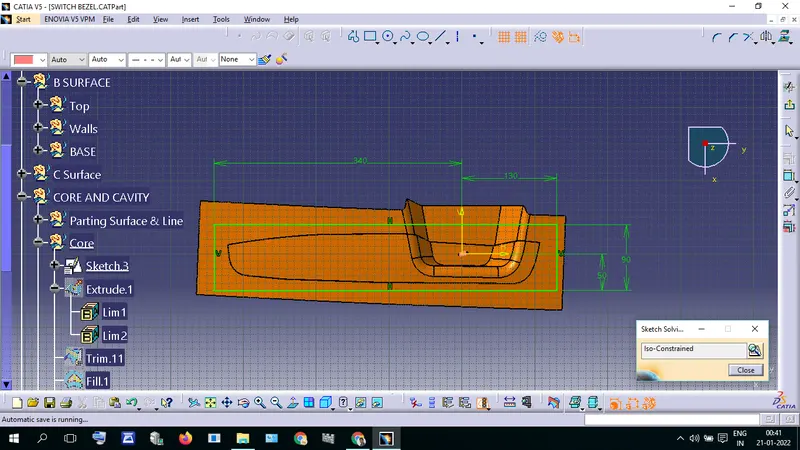
- Extrude that sketch we get Extrude.1 and trim that extrude with "bottom Surface of core block"
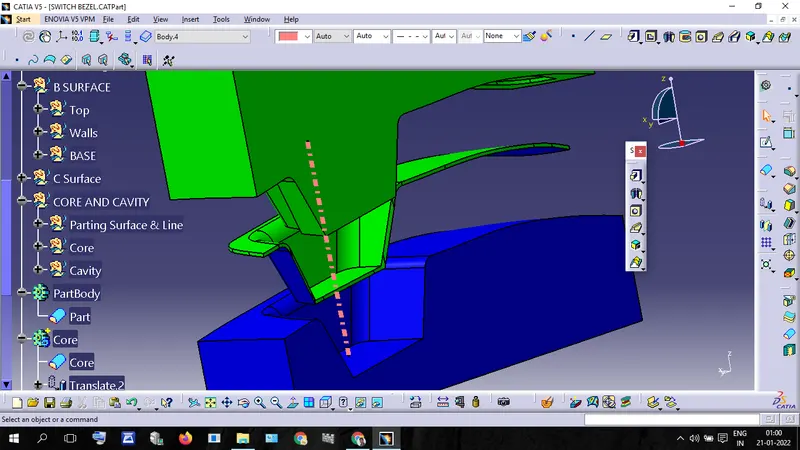
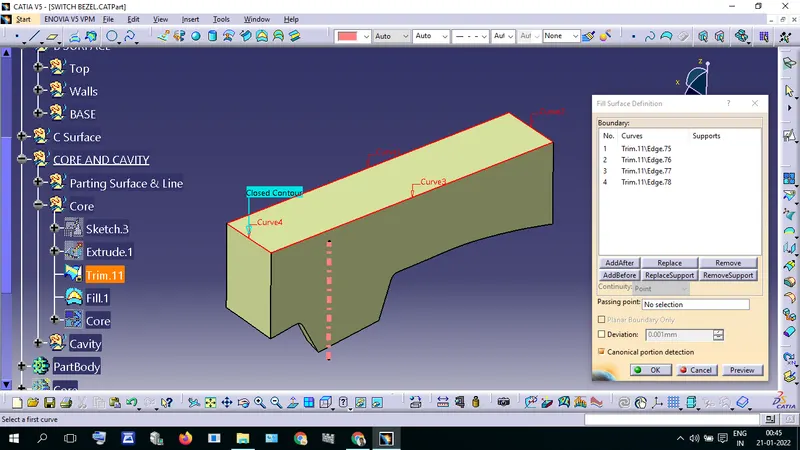
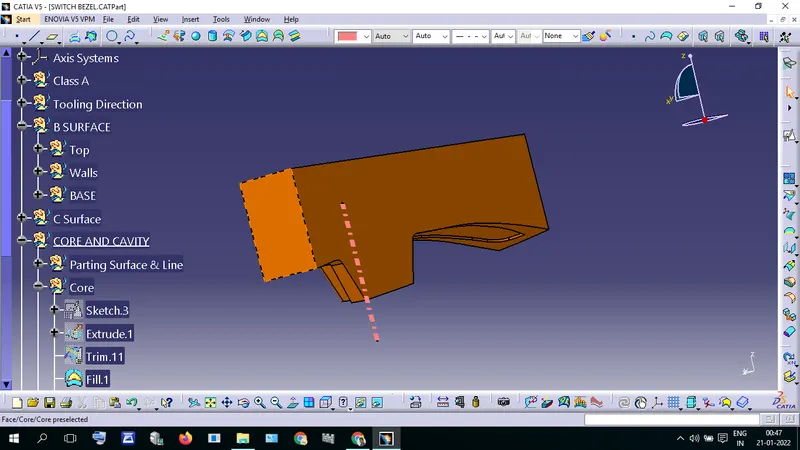
- Then Fill the top surface, we get Core Block
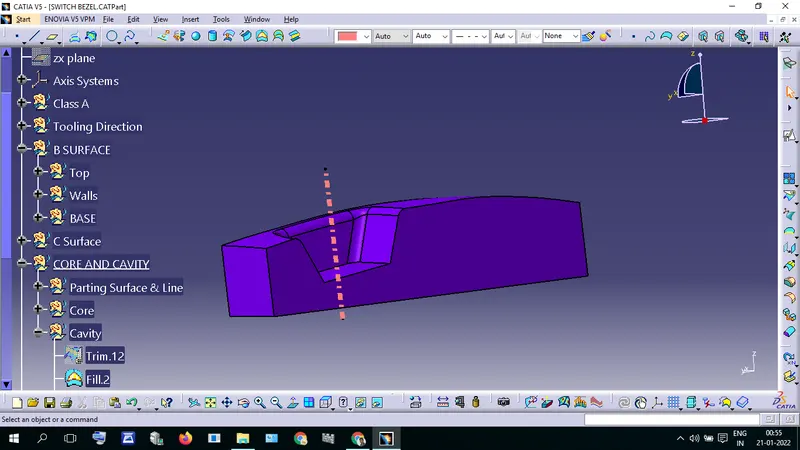
Cavity Creation
- Trim "B-Surface" with "Extrude.1" we get "Trim.12"
- "Trim.12" upper surface of Cavity Block.
- Fill the Bottom and we get completed Cavity Block