Week 8 - Challenge 3 - Switch Bezel Design
Tooling Axis creation
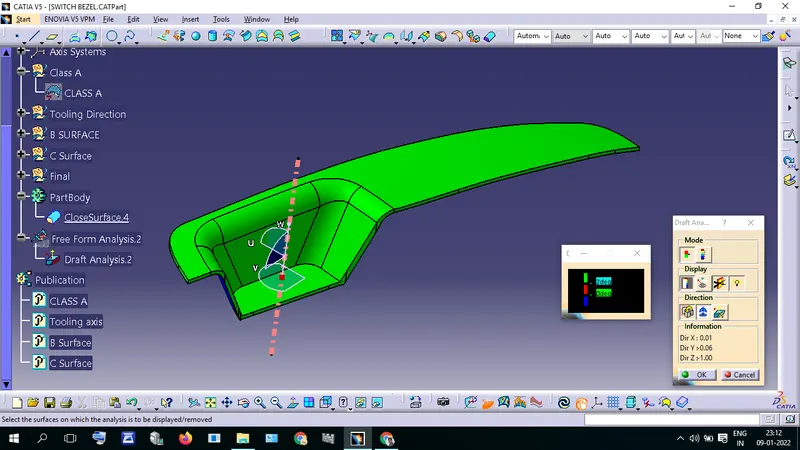
Draw a point in the center of the part where will create tooling axis
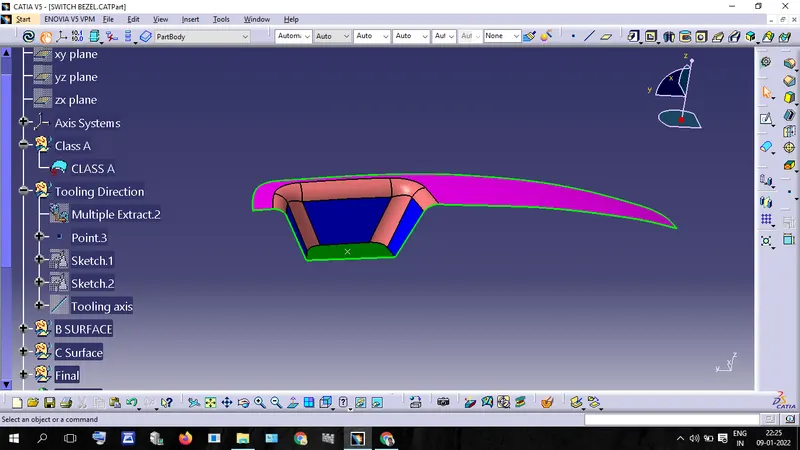
draw a line using the point in yz plane
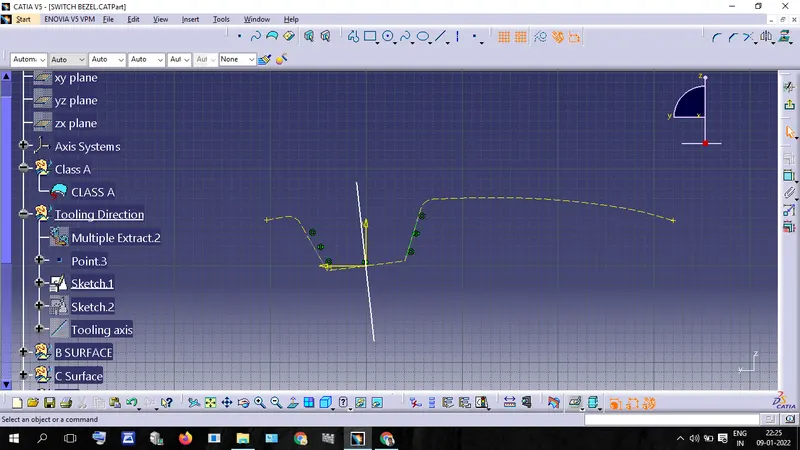
draw another line through the same point in zx plane
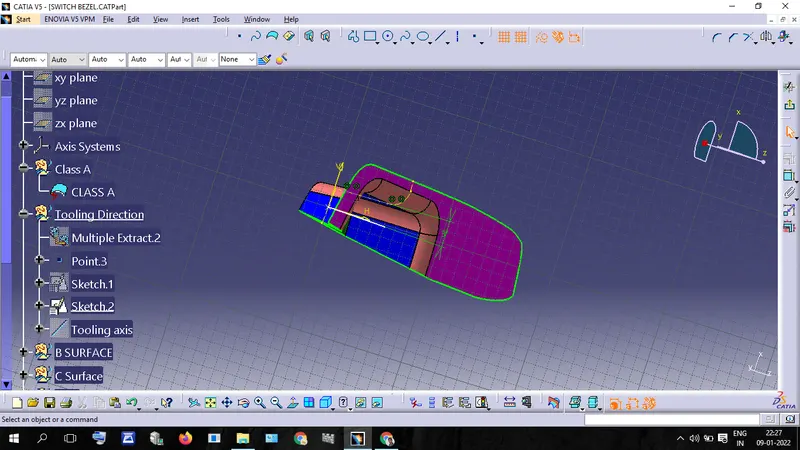
Draw a bisecting line using the above-drawn lines and point
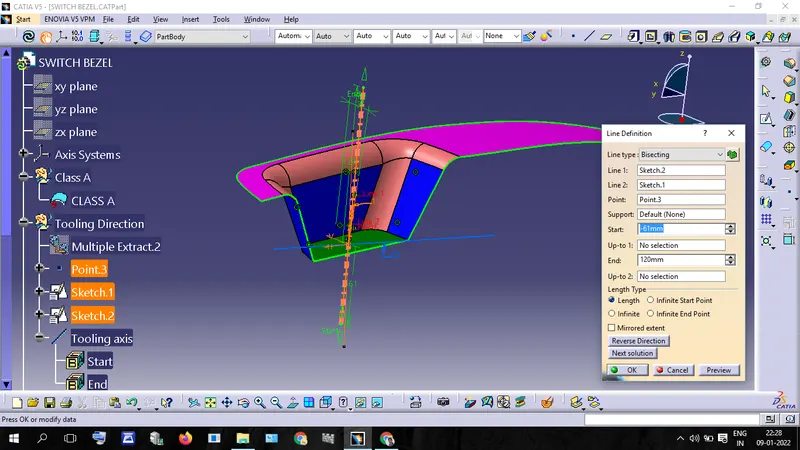
This is tooling Axis
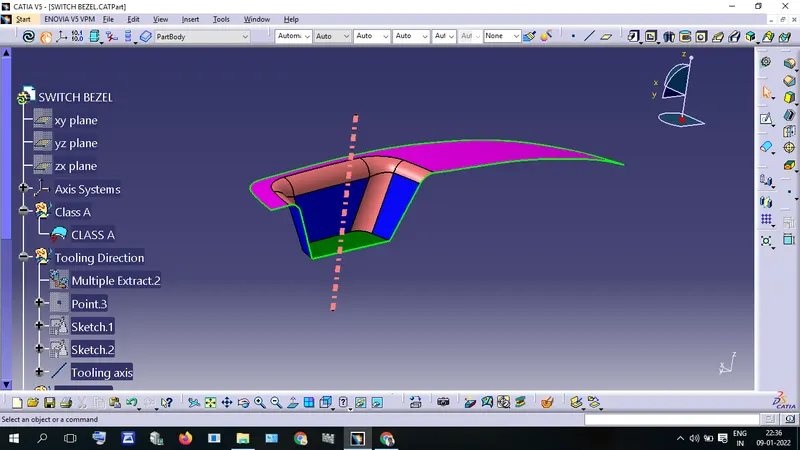
Draft Analysis
Insert - Analysis - Feature Draft Analysis
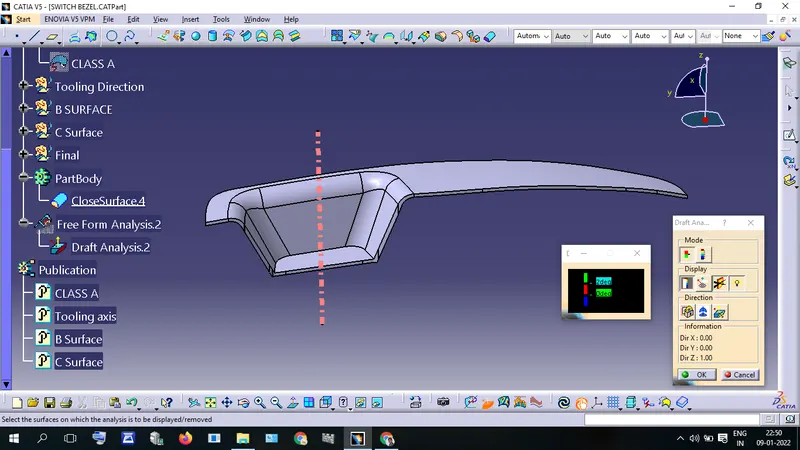
Edit draft value in Color Scale window. I gave the minimum draft angle 3 degrees.
In color Scale
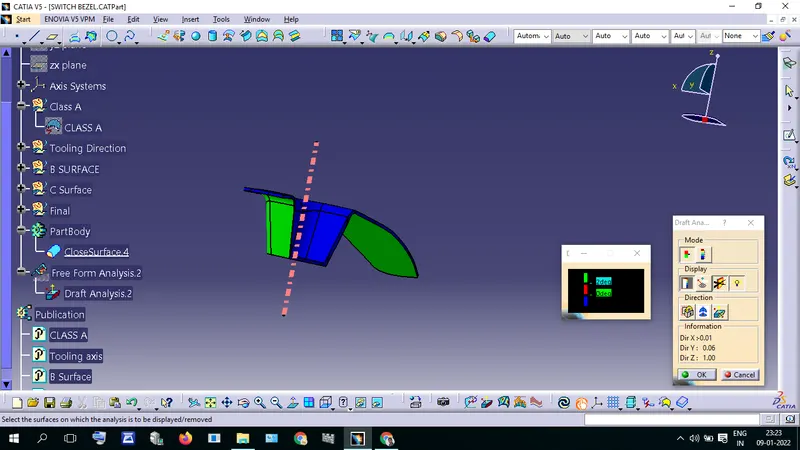
Green Represents the draft angle which is greater than the required Draft angle (3 degrees)
Red Represents the draft angle which is less than the required Draft angle
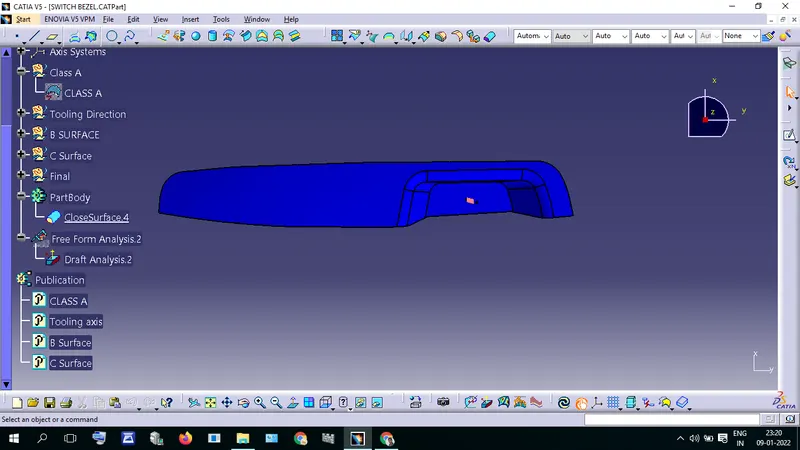
Blue Represent the Draft angle which is below zero.
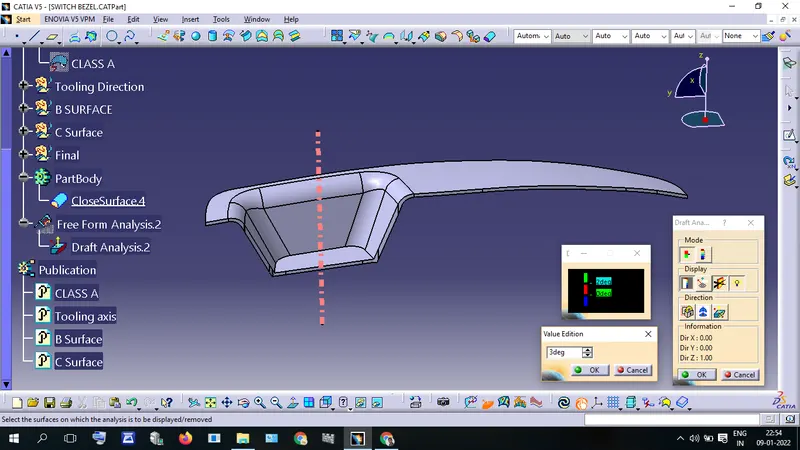
Drag the Compass and place it on the Tooling Axis.
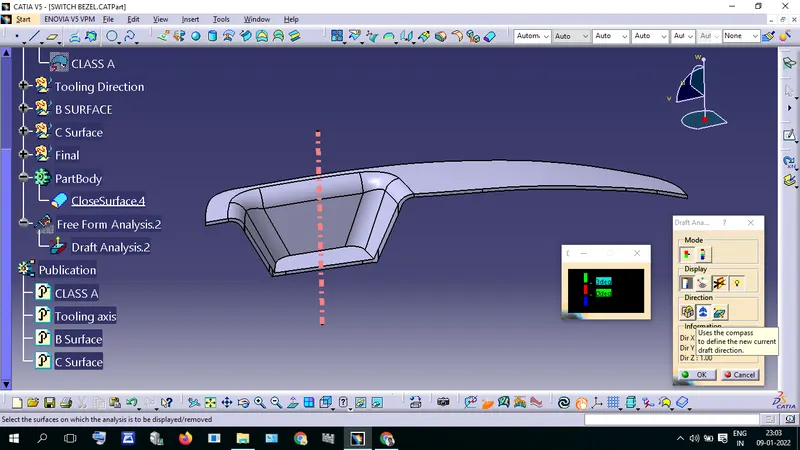
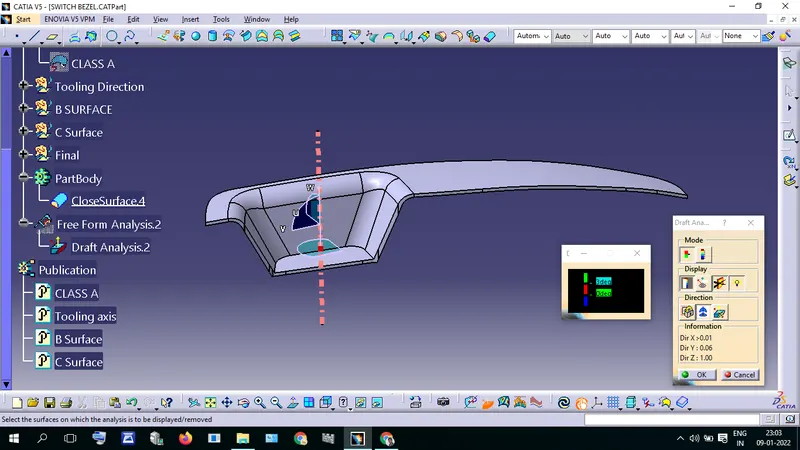
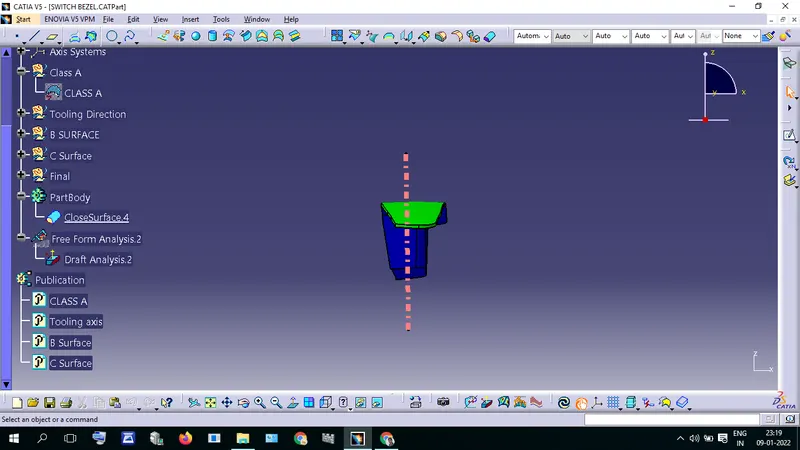
lock the Compass and click on the part. now it shows the colors.
Green Represents the draft angle which is greater than the required Draft angle (3 degrees)
Red Represents the draft angle which is less than the required Draft angle
Blue Represent the Draft angle which is below zero.
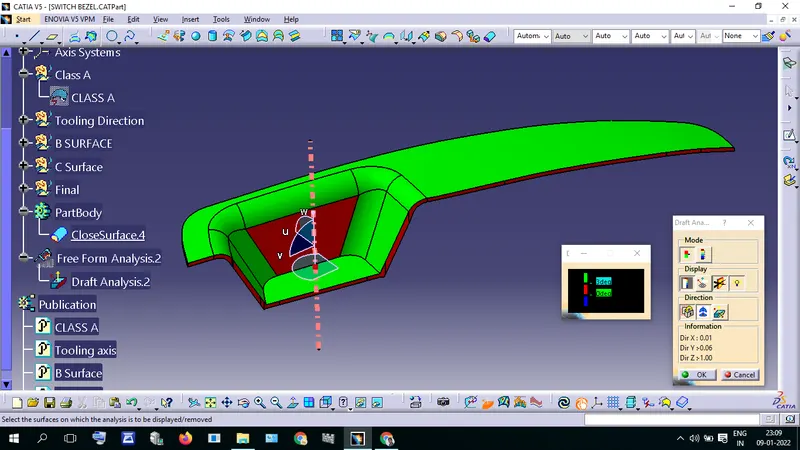
I analyzed using run point find the angle of red color area.
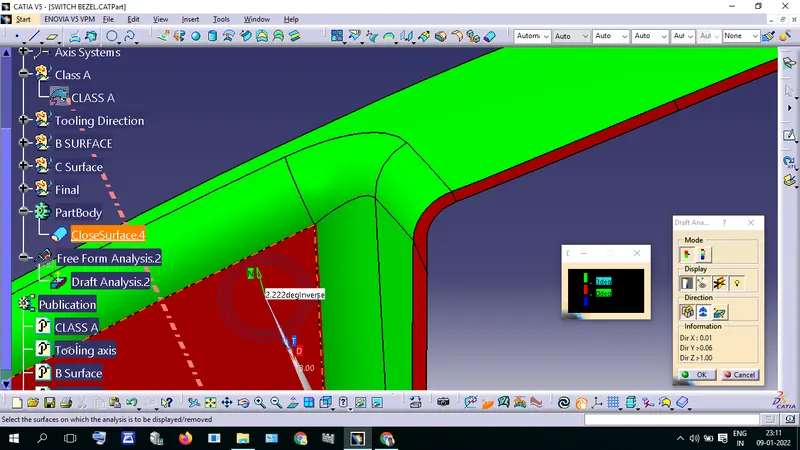
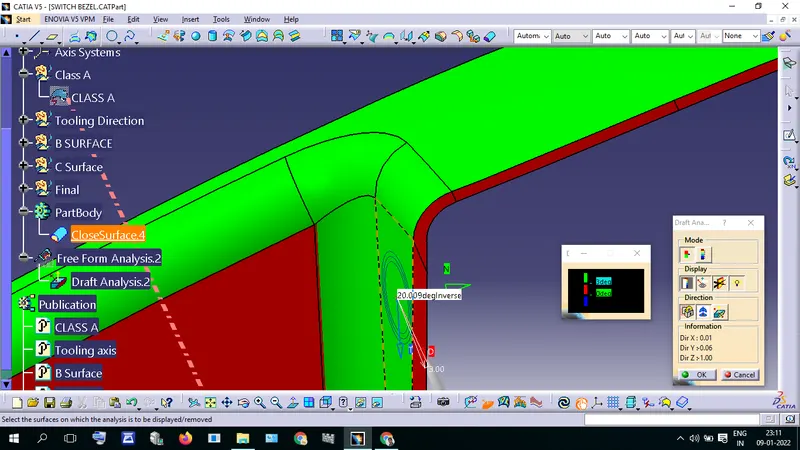
after I changed the values in the color scale.
if we need a minimum draft angle is 3 degrees we should edit the part.
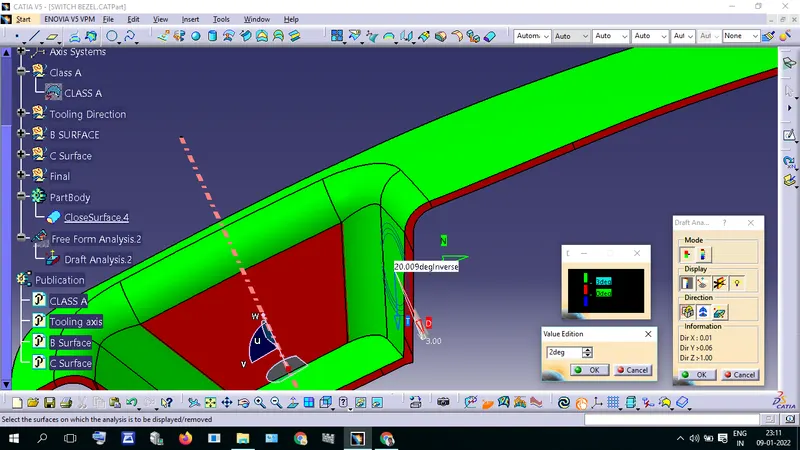
my required draft angle is 2 degrees so I did not edit the part. now part is to get the green color.
blue represents the negative degree when we reverse the tooling direction it will get green.