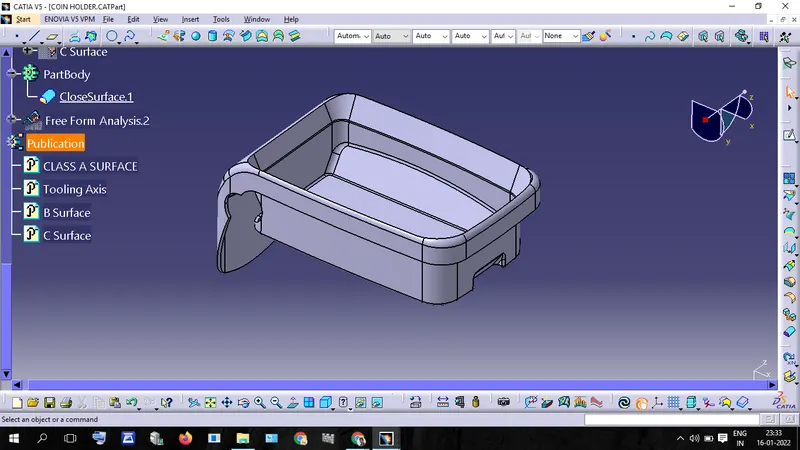
Week 8 - Challenge 4 - Coin Holder Design
Draft Analysis Of Class A Surface
Procedure:
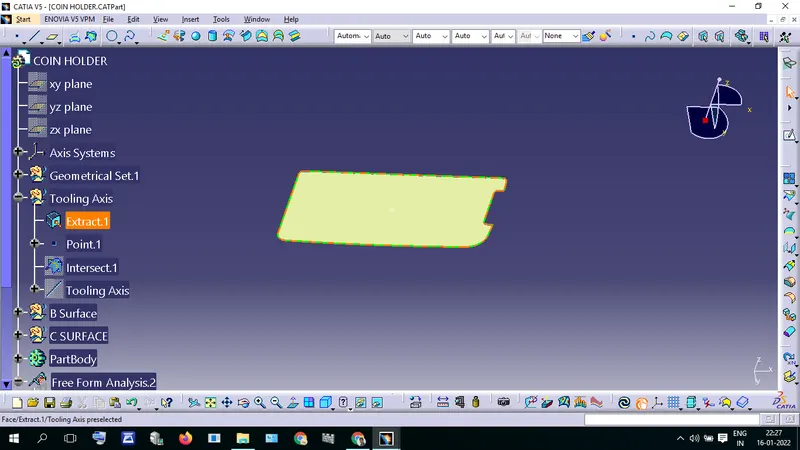
- Extract the Base using the Extract command in the operation toolbar.
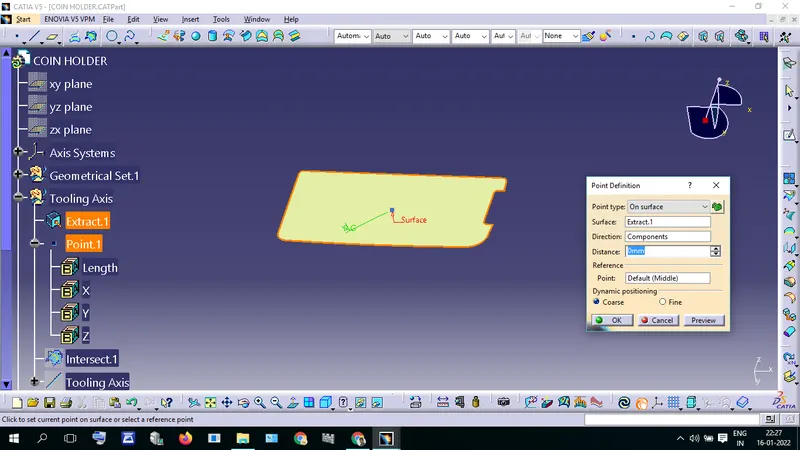
- Create a Point.1 at the center of the extracted surface.
- Insert an axis System in that point.
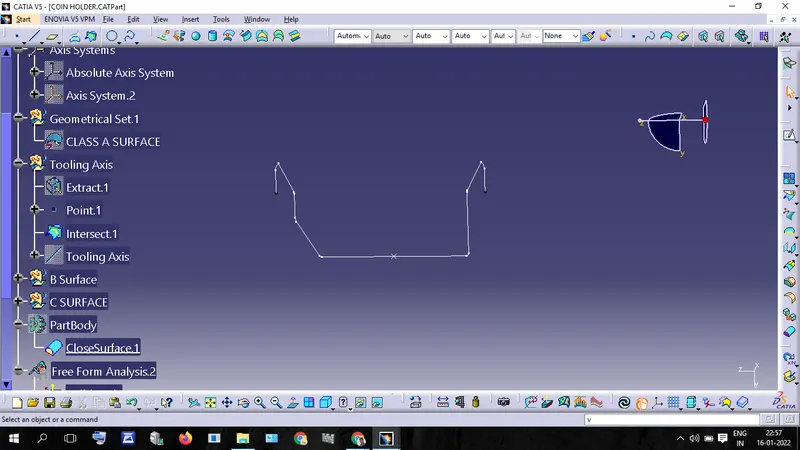
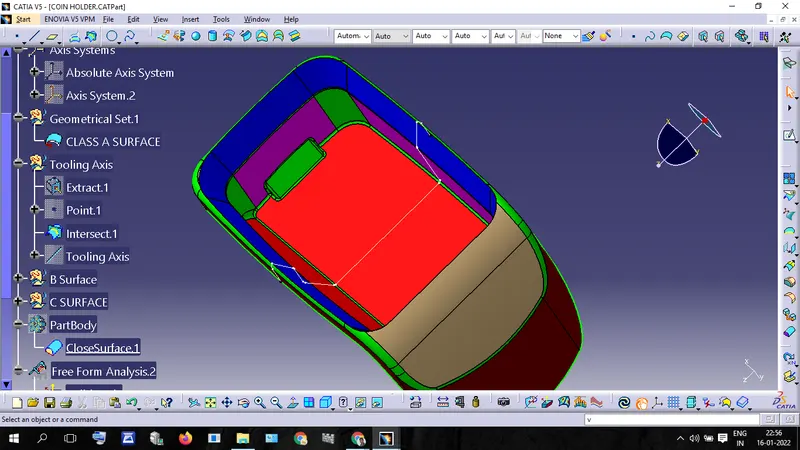
- Creat an Intersection in Clase a surface using Axis System in plan YZ
- Intersection there is 90 degree line so decided to create a line without bisecting method.
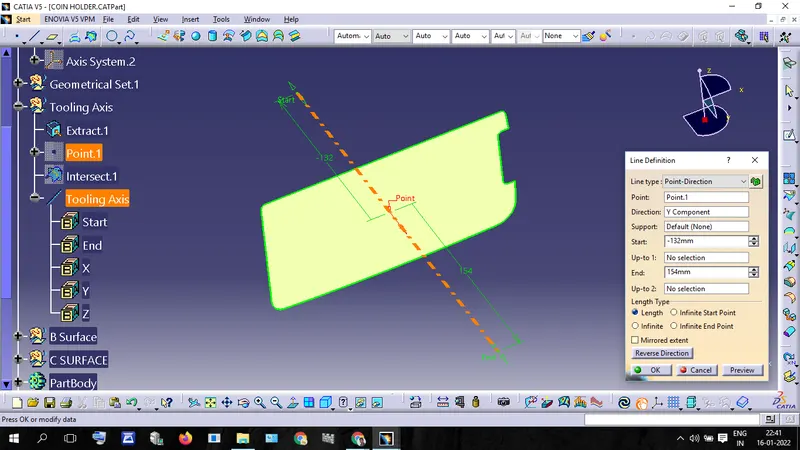
- Create a line through Point.1, using line type Point-Direction.
- rename the line as Tooling Axis
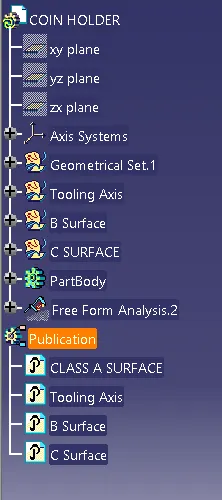
- Publish the Tooling Axis and Class A Surface for future reference purposes.
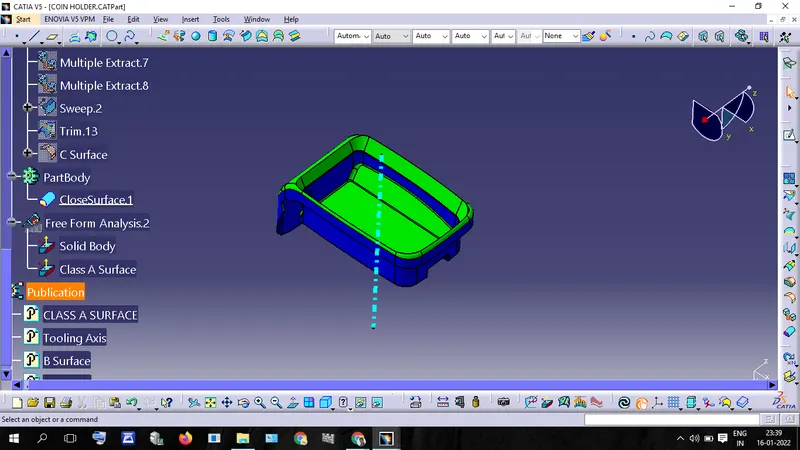
- open Draft analysis toolbar Inset -- Analisis -- Feature Draft Analysis
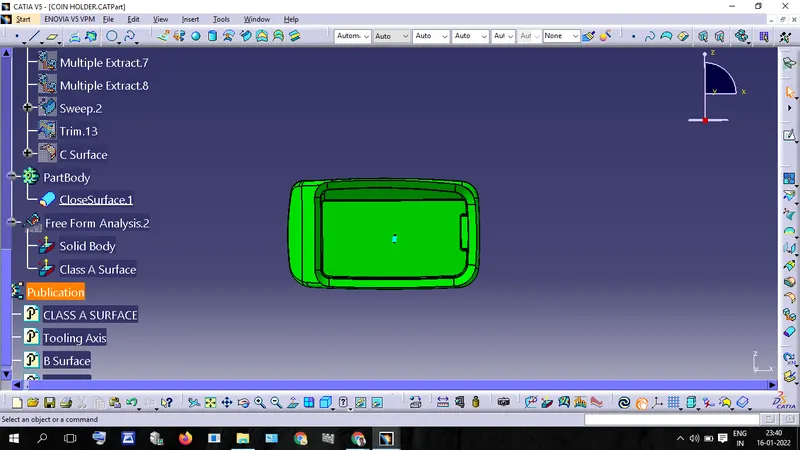
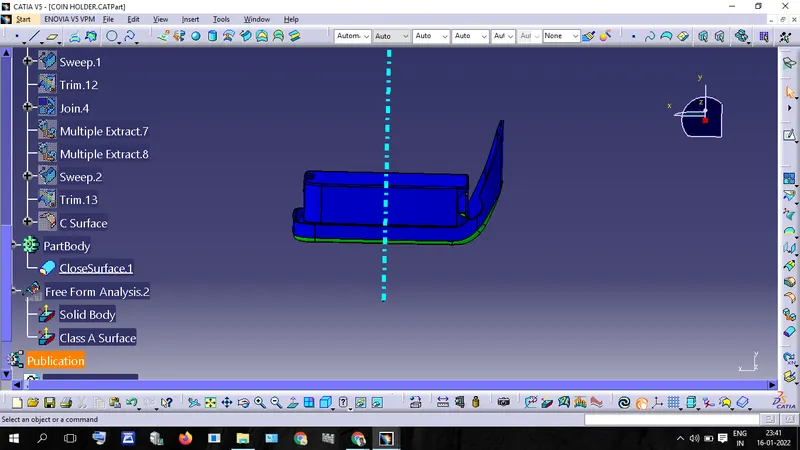
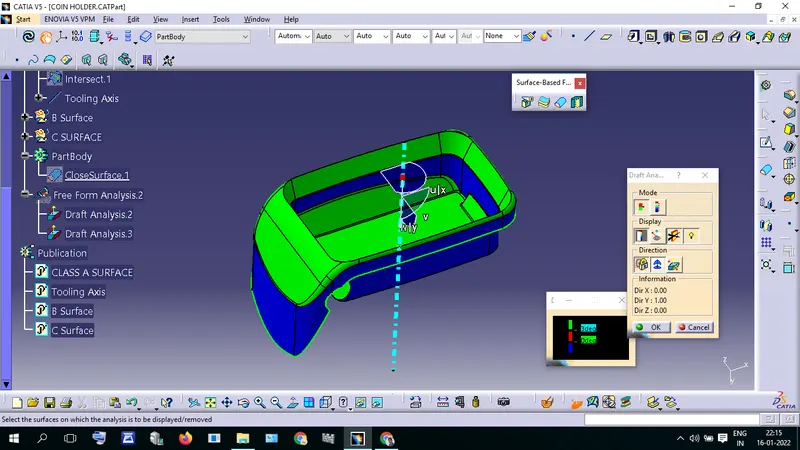
- Place the compass in the center of the tooling axis and lock it. now click on the surface. now it shows the draft report
- The green color represents the draft angle more than 3 degrees
- blue color represents the draft angel draft angle 0 or below zero.
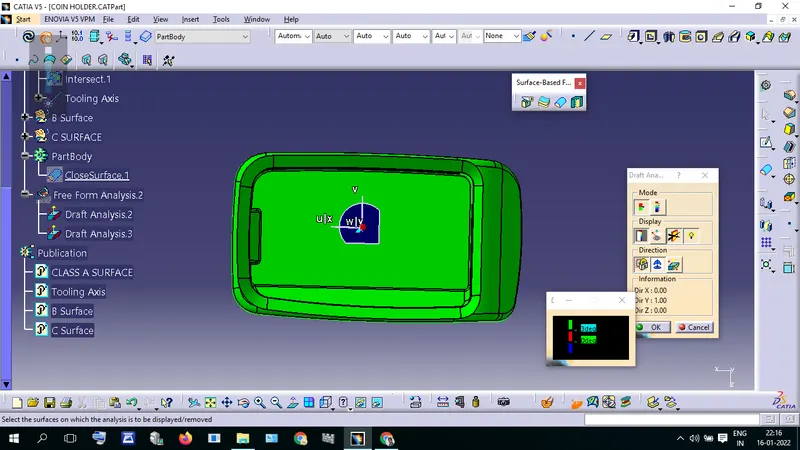
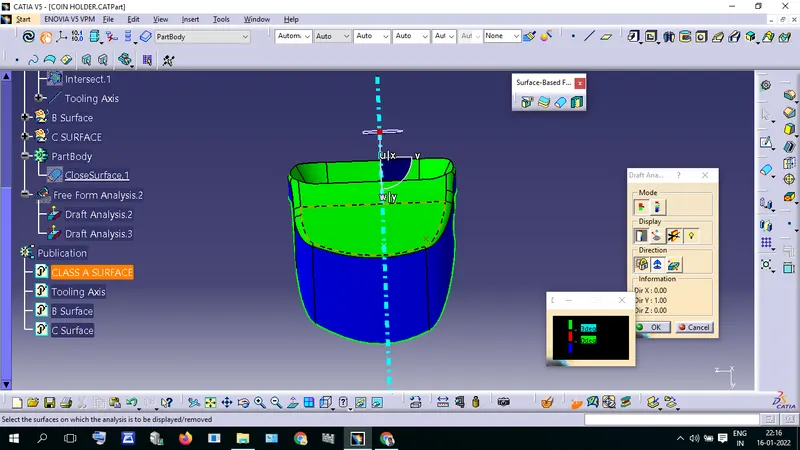
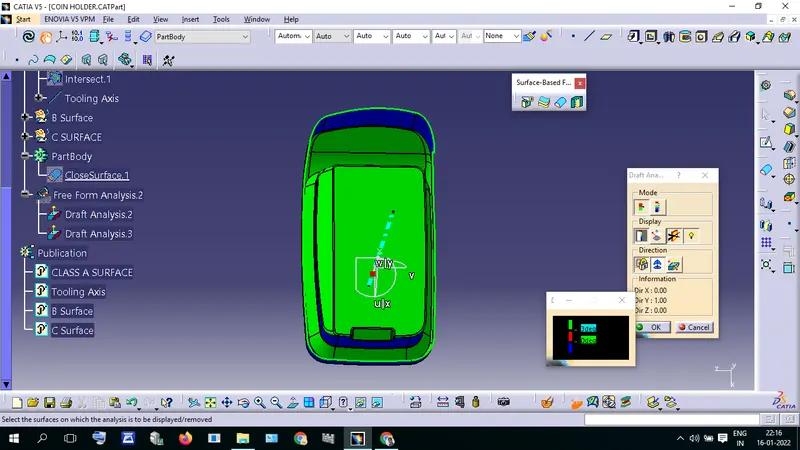
B surface Creation
Procedure:
- Extract the Clase A Surface Patches
- Untrim the Extracted patches.
- Extrapot untrimmed Patches.
- after trim together and give offset value of 2.5mm
- follow the same procedure to all of the patches in class A Surface create an offset class B Surface.
- give proper fillet value for edges.
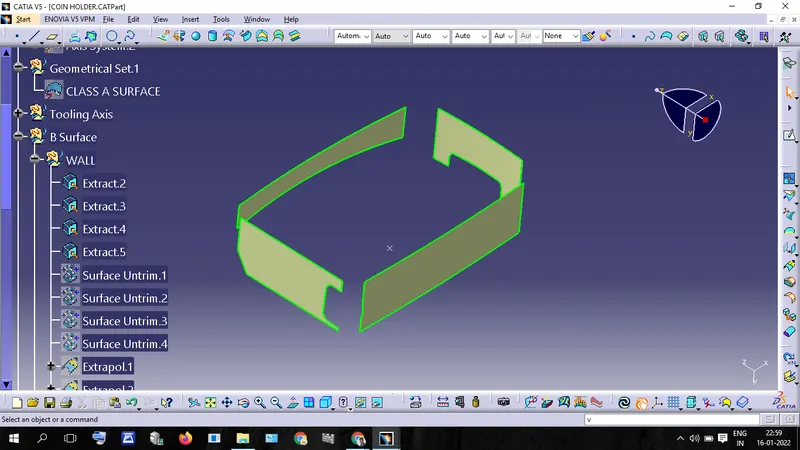
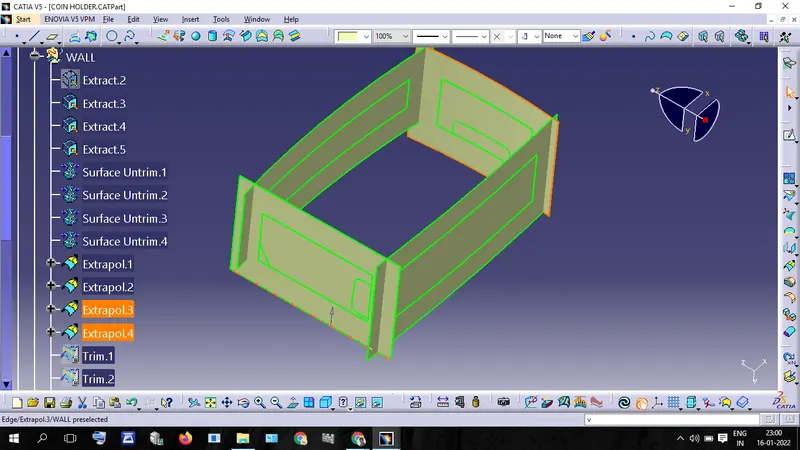
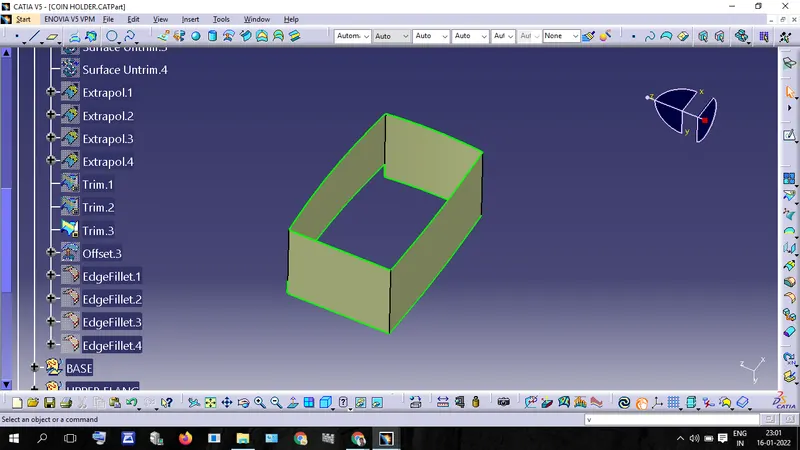
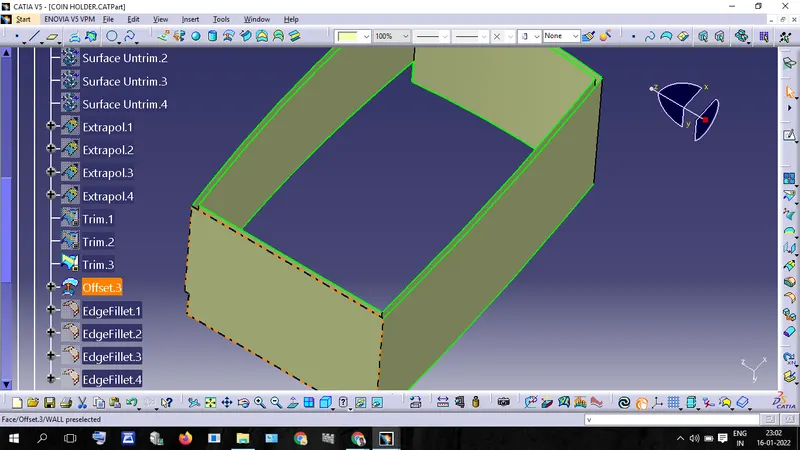
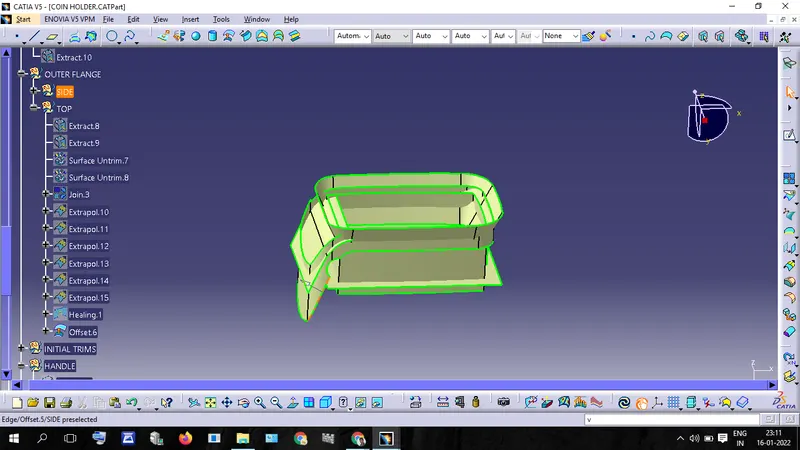
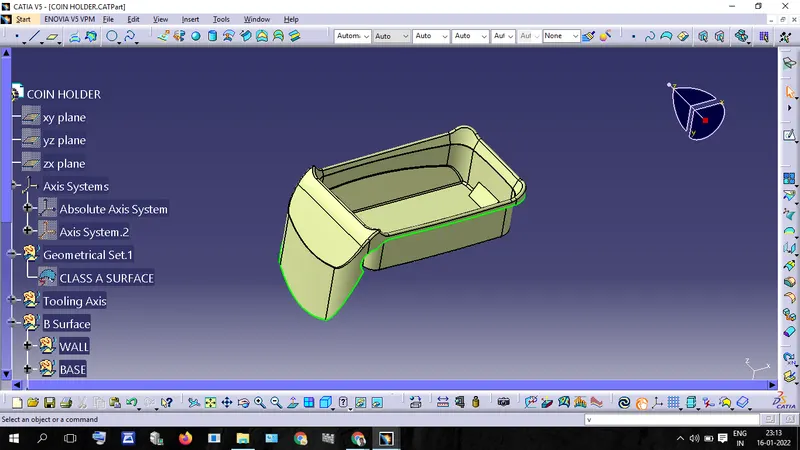
C Surface Creation
Procedure:
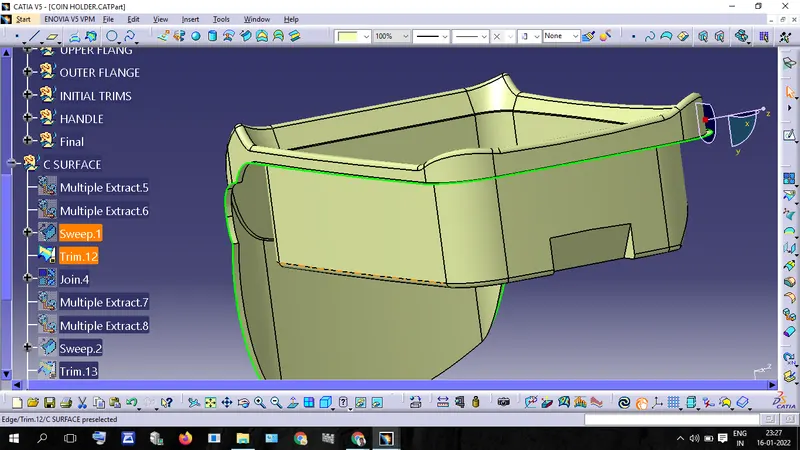
- Extract the Boundary of "Clase A Surface" using the "Multiple Extract" commands.
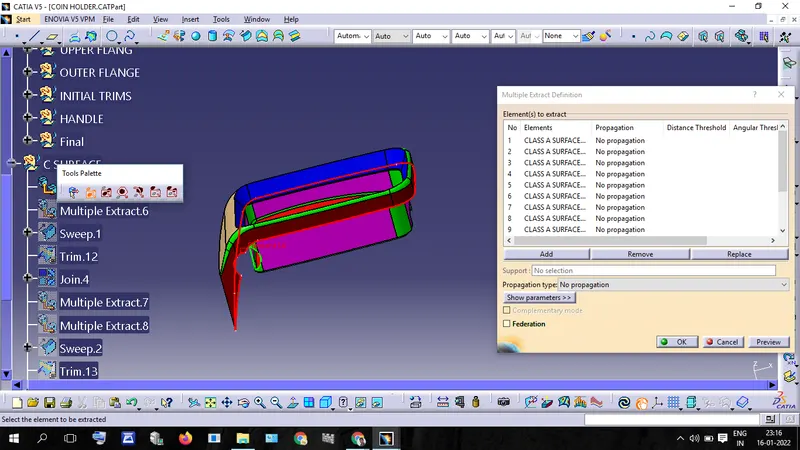
- same way Extract the outer surface of "Class A Surface"
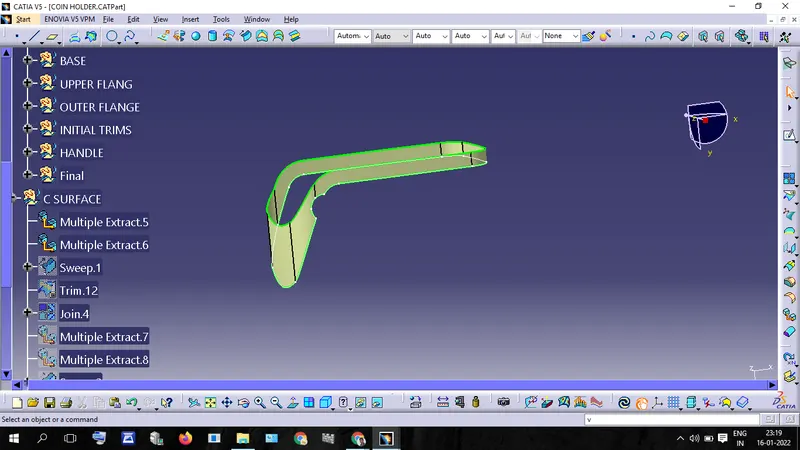
- use Sweep Command and extract a a surface perpendicular to "Class A Surface"
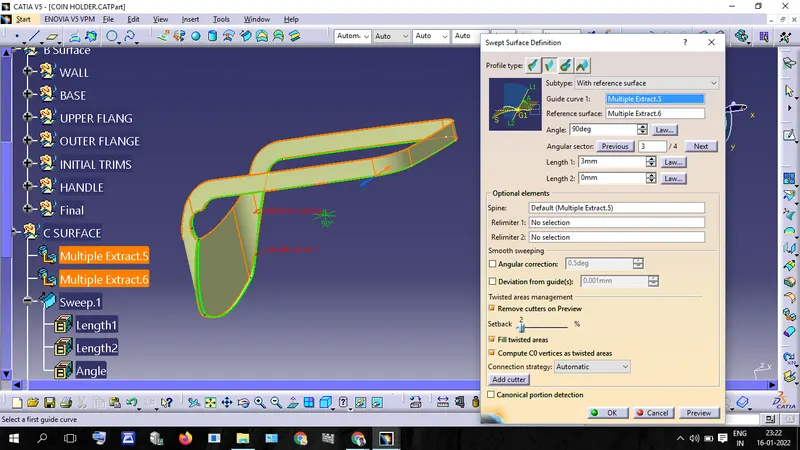
- Trim "Sweep surface" and "B Surface".
- after joining this Surface with " Class A Surface" We will get B Surface.
- Publish B and C surface
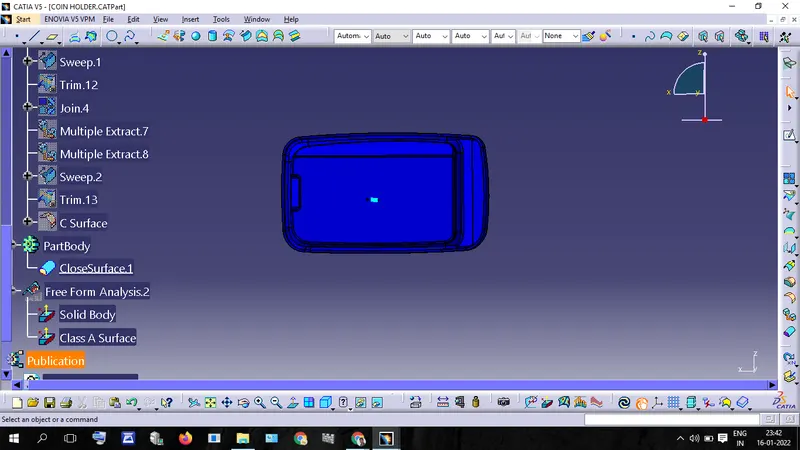
- Use CloseSurface tool to create Solid Body
- After Creat A Solid Body Analysis the Draft angle