Week 8 - Challenge 5 - Core & Cavity Design
A REPORT ON CREATING A CORE AND CAVITY DESIGN FOR THE SWITCH BEZEL CAT-PART
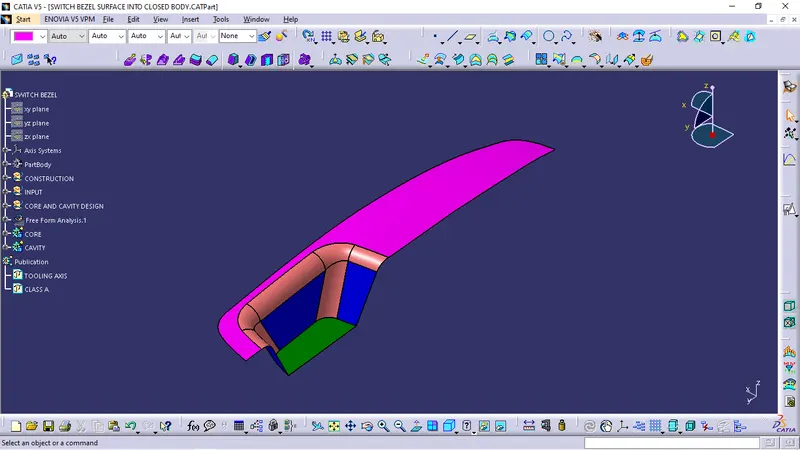
Initially we need to create a tooling axis for the give Class A-Surface.
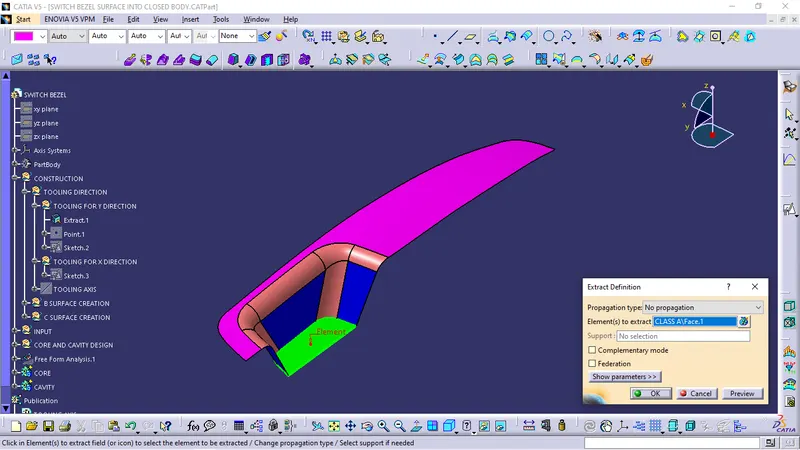
We'll extract the bottom surface so that the tooling axis is perpendicular to the surface.
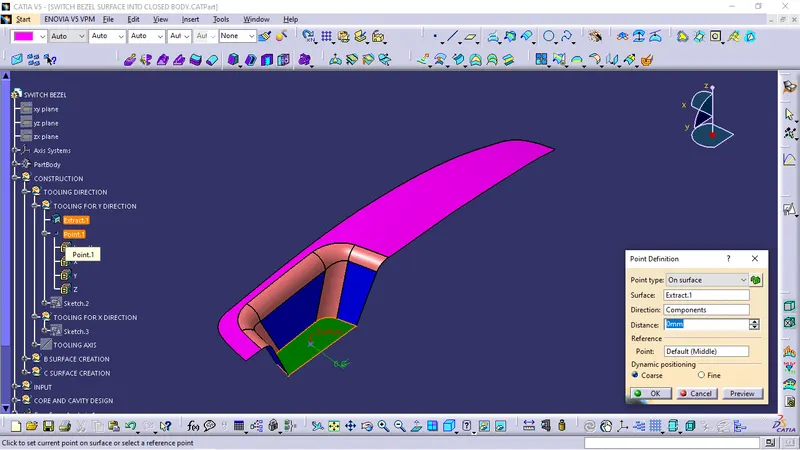
After the extration of the surface create a point at the centre of the extracted surface.
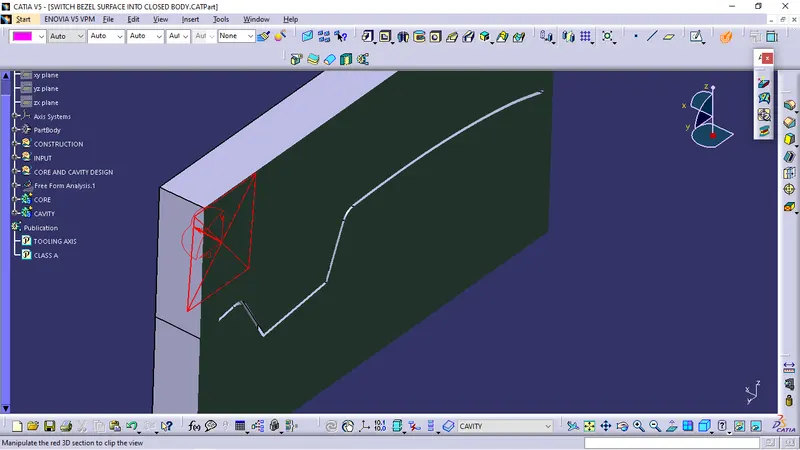
Create an axis syatem at that point and make an intersection in YZ plane so that we can get the outline of A-Surface in that plane.
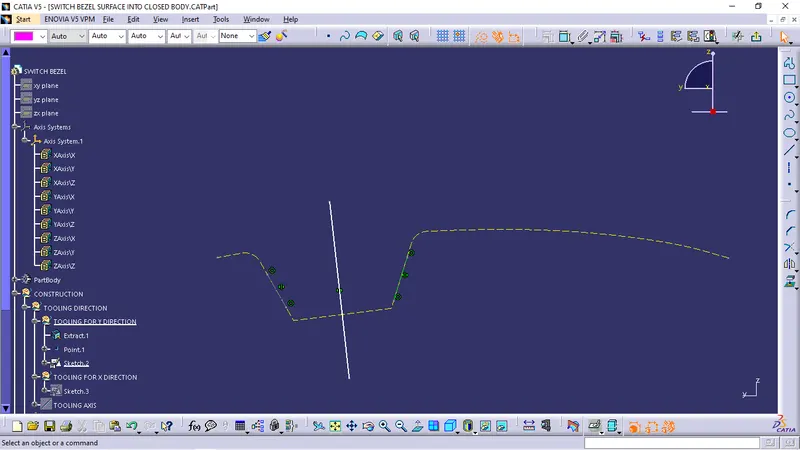
So this tooling axis creation is aline bisection method, In this method we'll create two lines on intersection lines, and makeing an another line selectiong bisecting option select the two lines and the point create the line.
So this line is the tool clearing in X direction.
Next we need to check in Y direction.
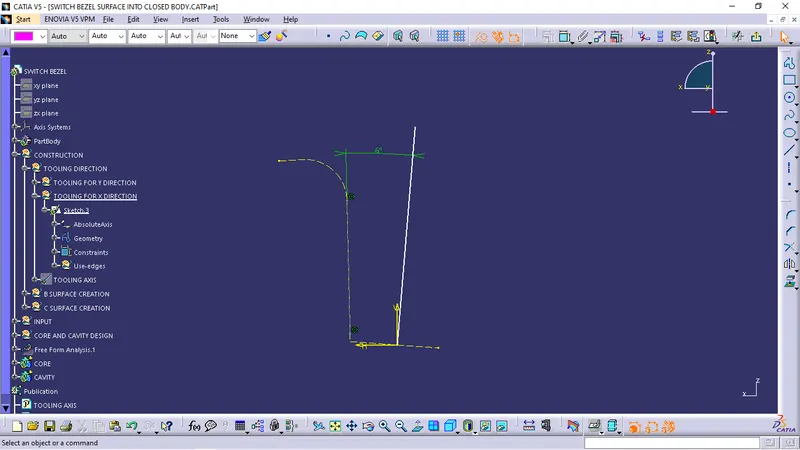
So here we have only one intersection we'll create a line at an angle to the intersection.
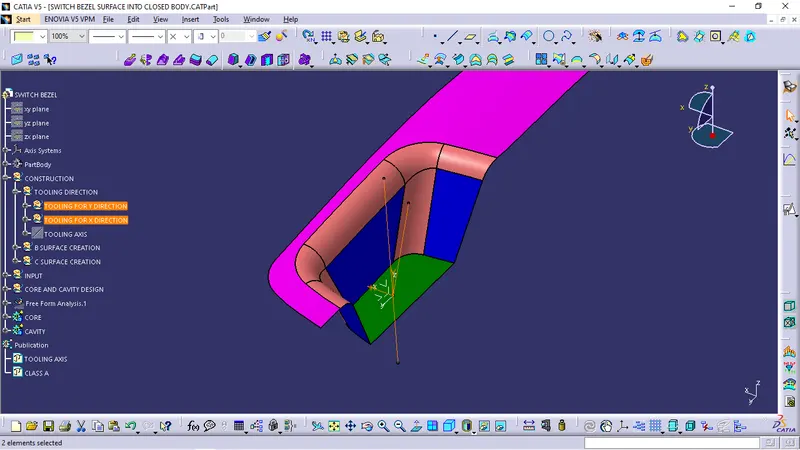
So now by creating the bisecting line with the two lines in X and Y direction clearing we'll get an actual tooling axis for the A-Surface.
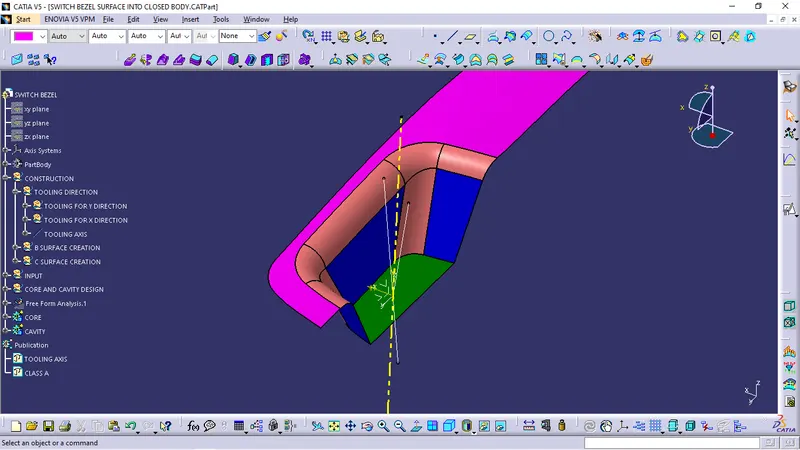
Now we got the main tooling axis that would clear the A-Surface.
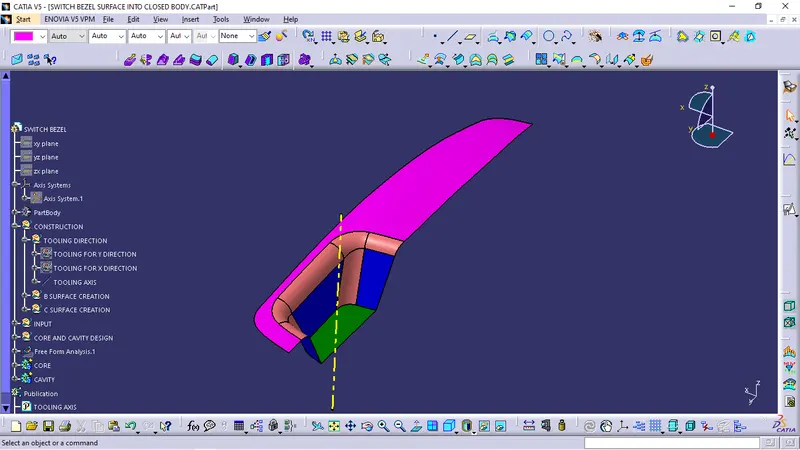
Now its time for draft analysis.
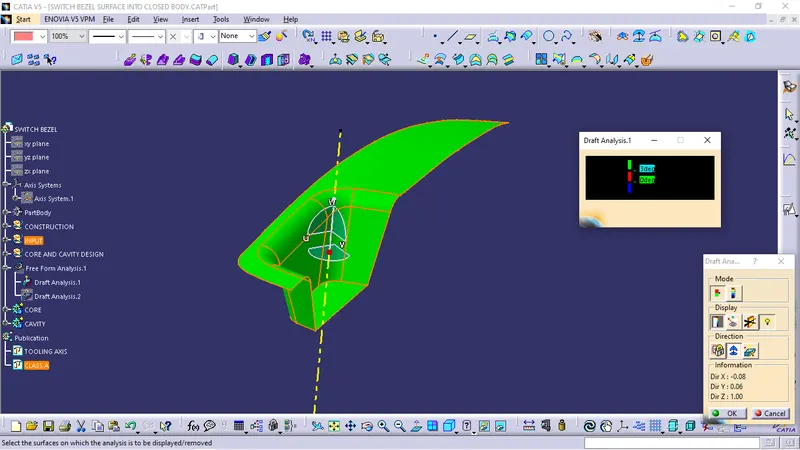
Select the draft analysis, select the compass option in tool box obtained, now move the compass and place it on the tooling axis and select the A-Surface.
select the quick analysis mode in tool bar and watch the colours on the surface, different colour shows different angle to the tooling axis.
If the surface clears the draft analysis with the tooling axis then the surface is ready to design further.
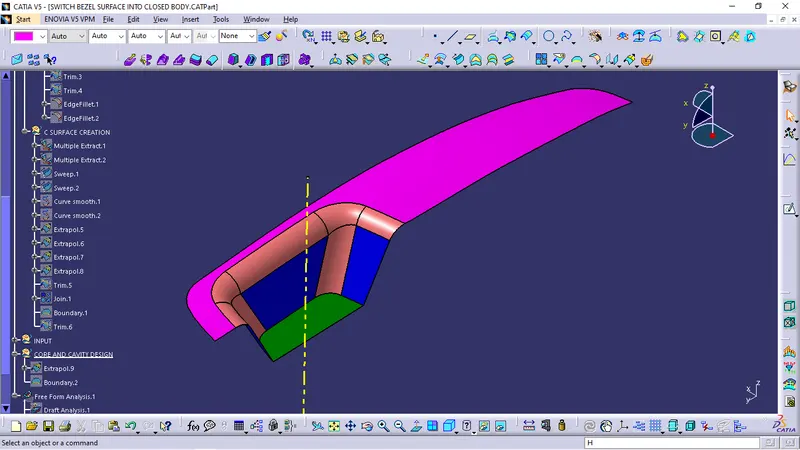
Ectrapolate the A-Surface
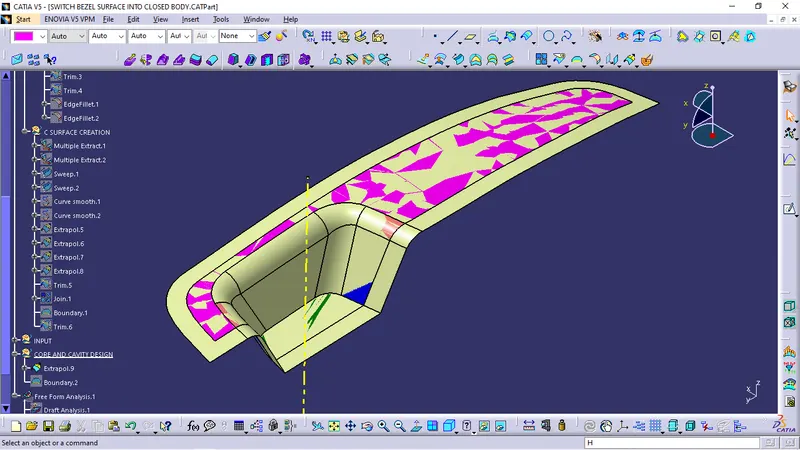
now unhide the Trim of C-Surface and B-Surface so that we can use it for core and cavity design.
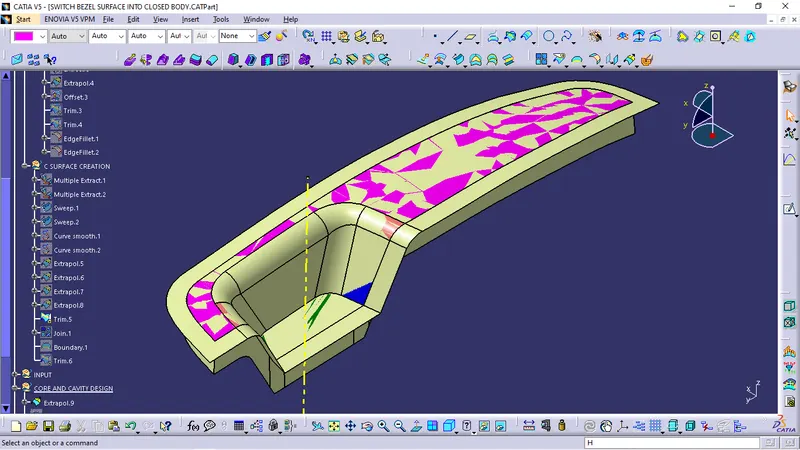
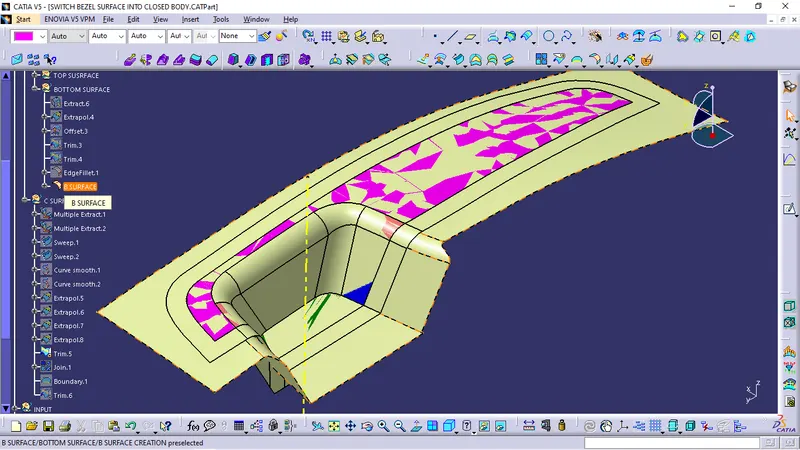
now trim extrapolated surface with extruded boundary.
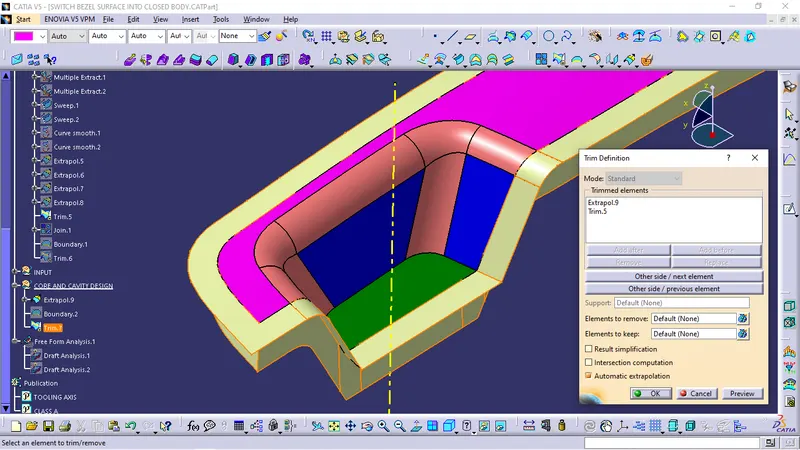
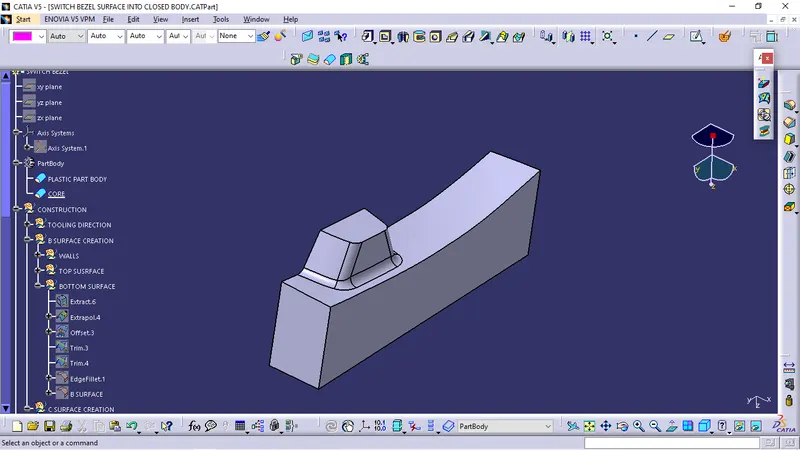
now trim the above trim with the B-Surface as shown in figure.
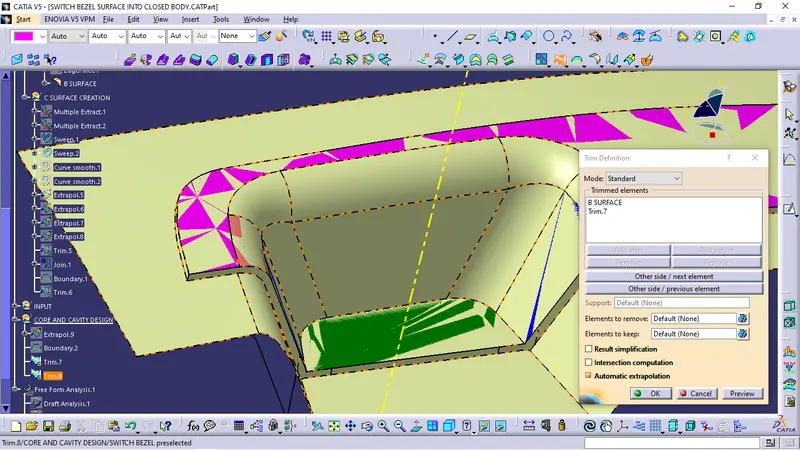
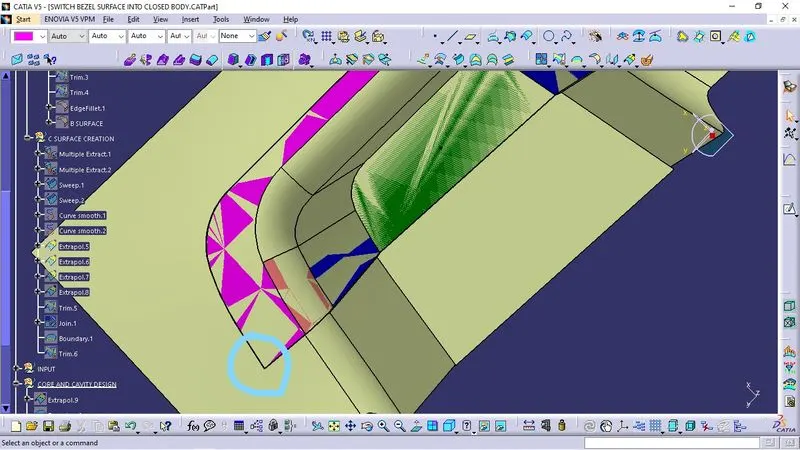
If u can see the side edges of the closed body from above then the space cavity for the part is included in the CORE.
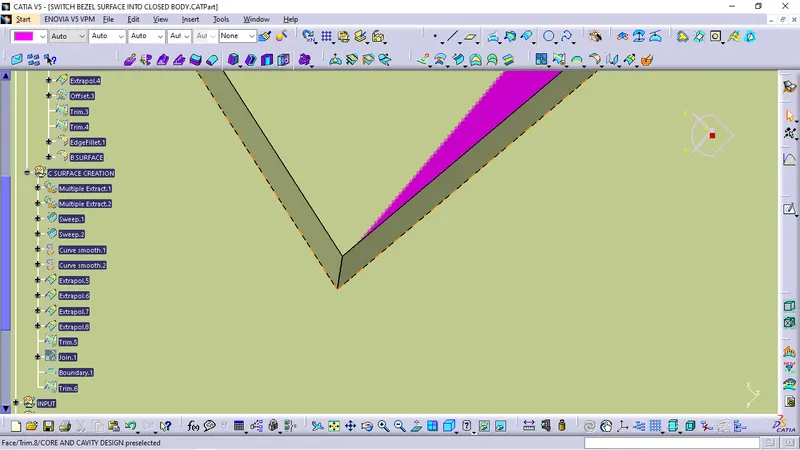
Now this is the CORE surface.
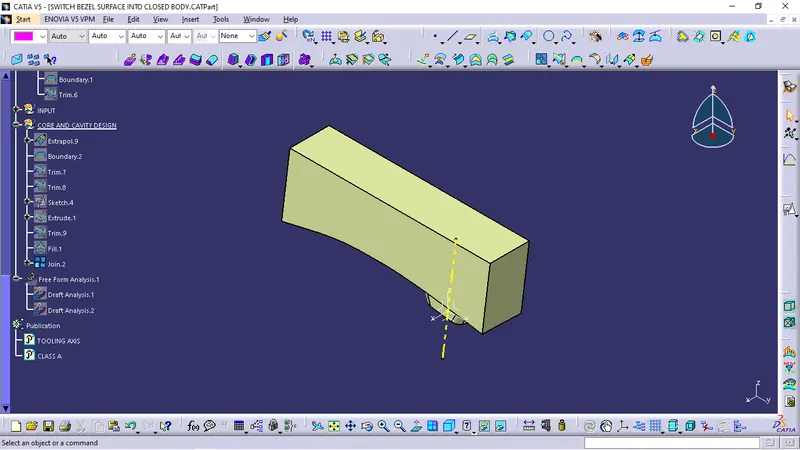
Closed surface of CORE.
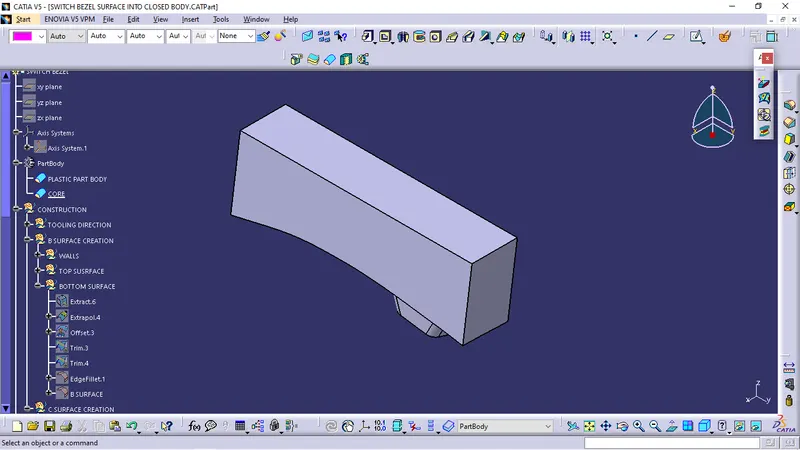
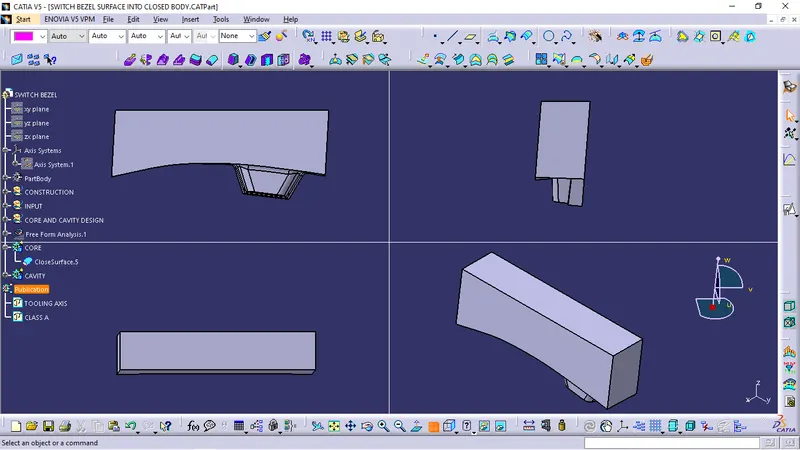
surface of CAVITY.
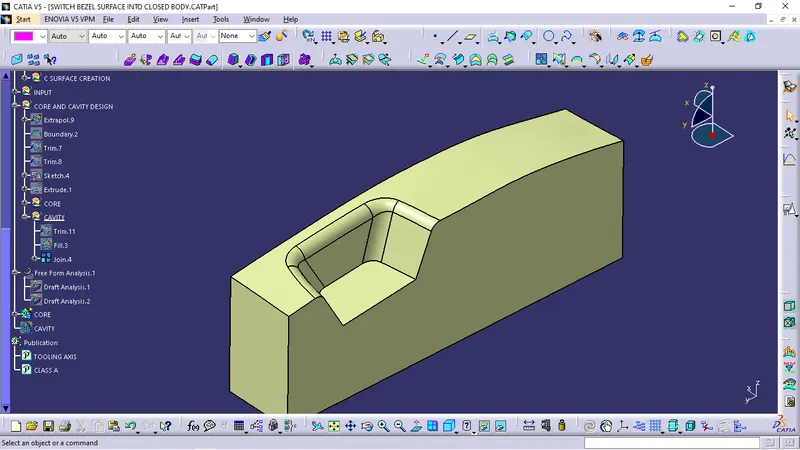
Closed surface body of CAVITY.
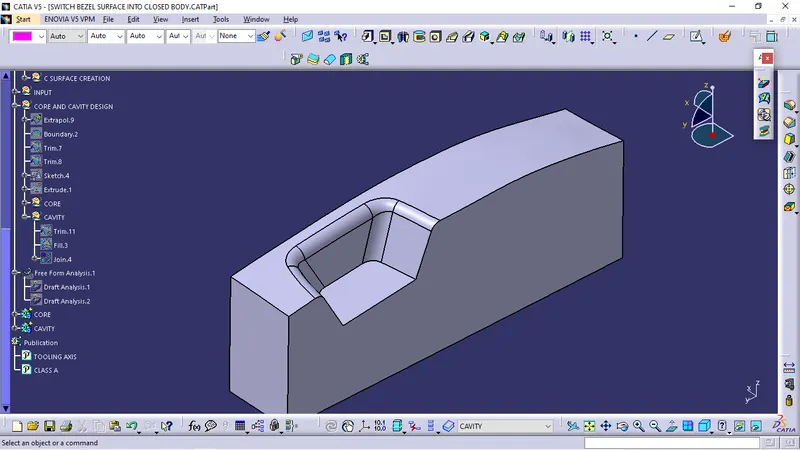
Section view of CORE and CAVITY.
The space is for the plactic switch bezel component to be moulded.