Week 8 - Challenge 5 - Core & Cavity Design
Objective:-Create the Core and cavity blocks for the switch bezel designed in the earlier challenge.
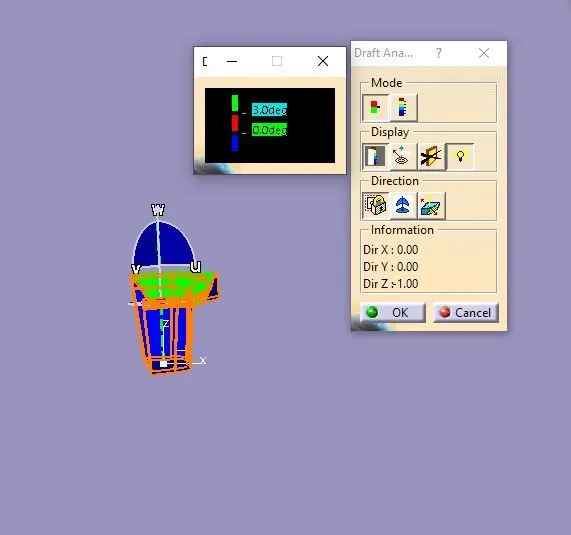
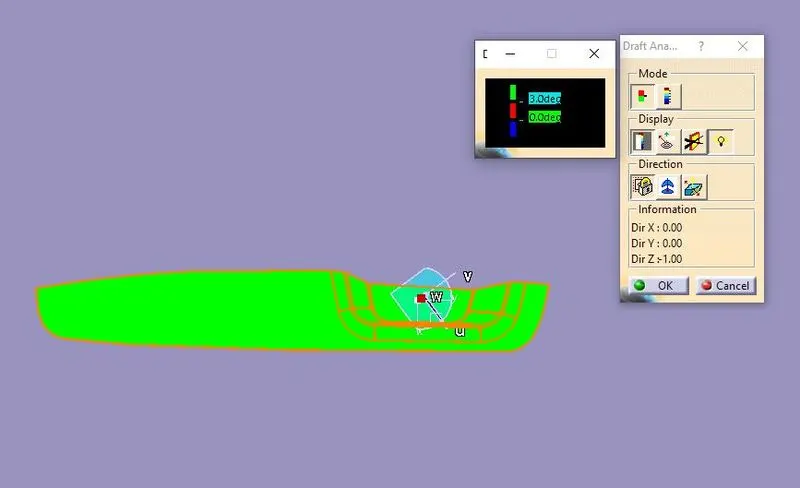
Draft Analysis:- Using features draft analysis cmnd first we aling the compass on the tooling direction then lock the compass and click on the part body (Under the material mode) then draft analysis colour shows .
Below image the two color varient mode of draft analysis.
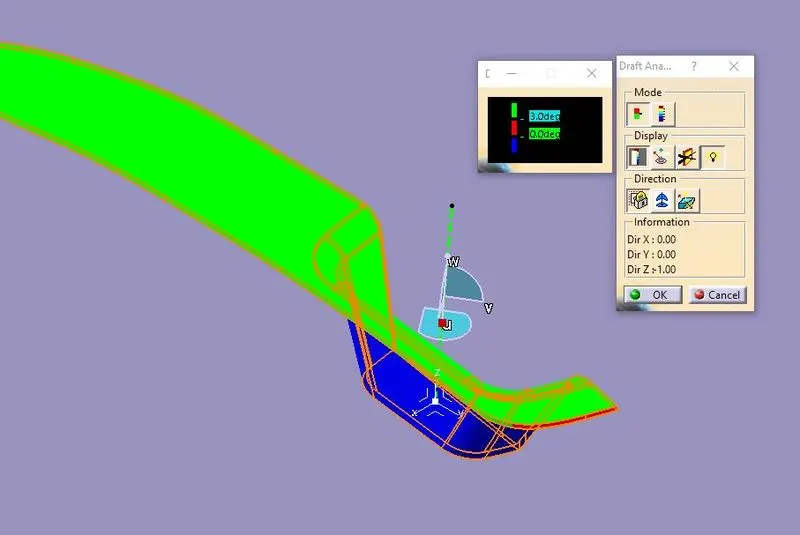
There are different color mode on the below image with different types of view.
Isometric view
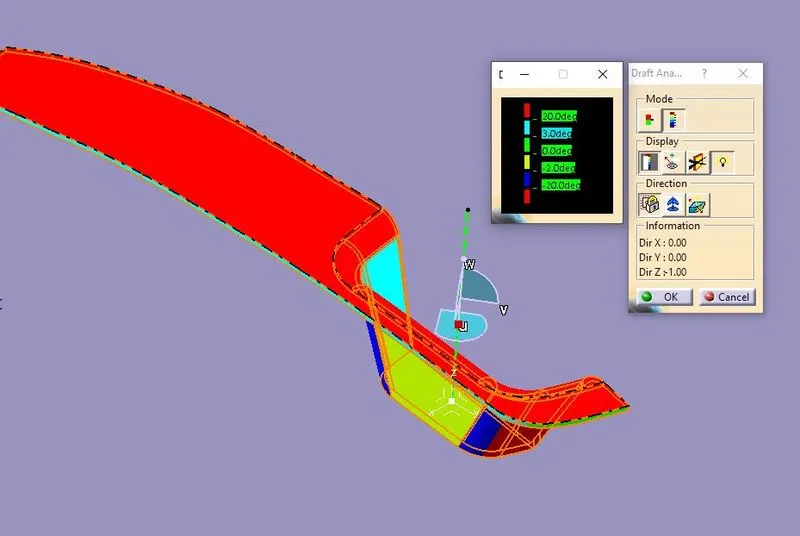
front View
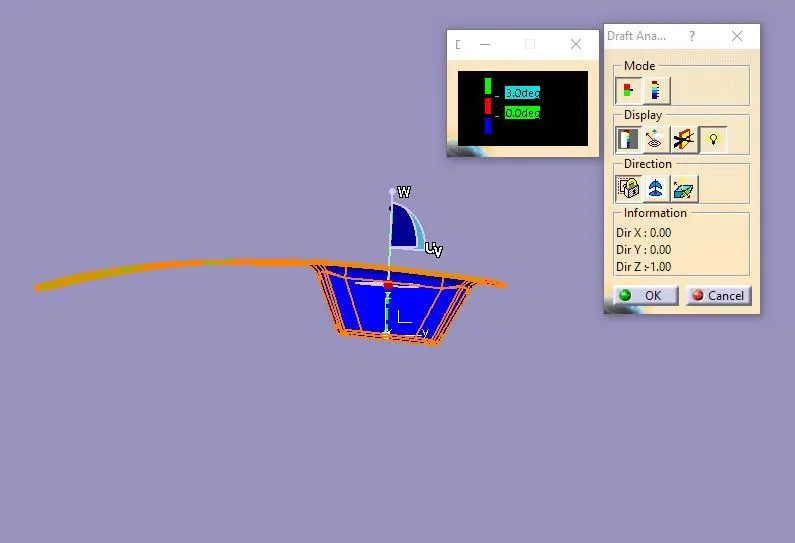
Side View
Side View
Core Design:-
first we draw a sketch which is offset from some distance from the main parts. Sketch is iso-constrained.
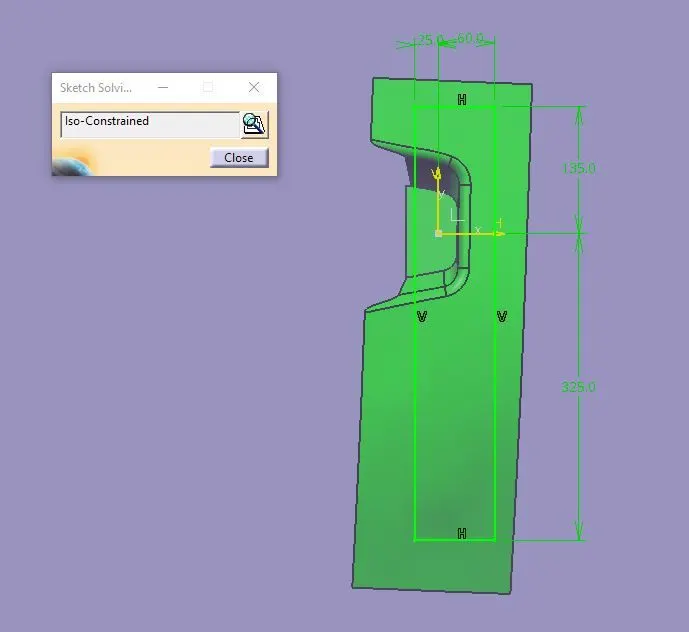
Extrude the sketch along the tooling direction .
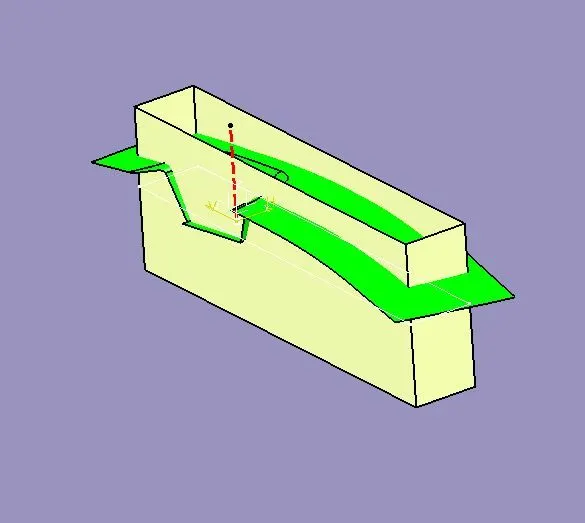
Now trim the extrude surface with B surafce and fill the bottom boundry using fill cmnd then join the surface & finally we get tha core block.
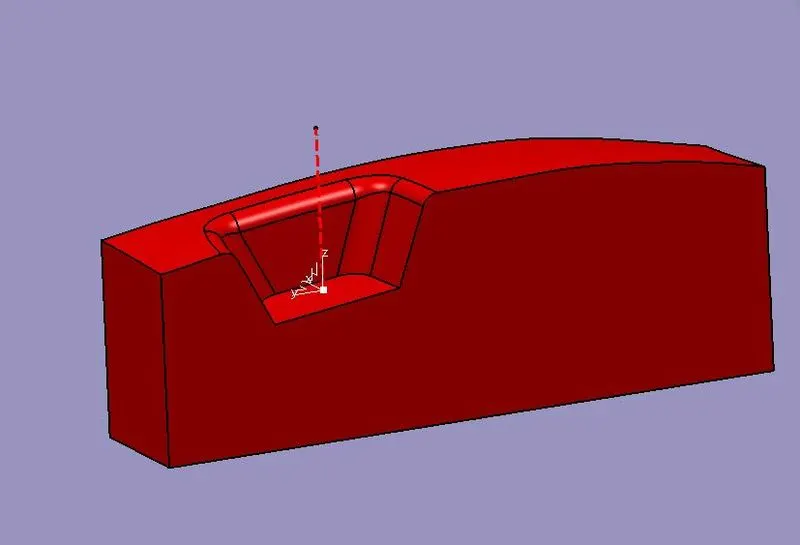
Cavity Block:- We use the bottom of the core block using position sketch we projected the bottom surface edge of the core block.
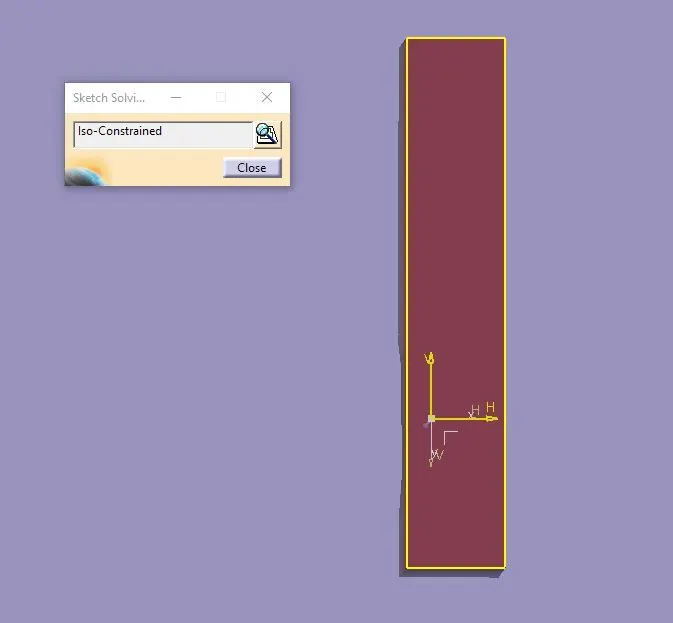
We Pad this sketch along the tooling diraection more than the core height.
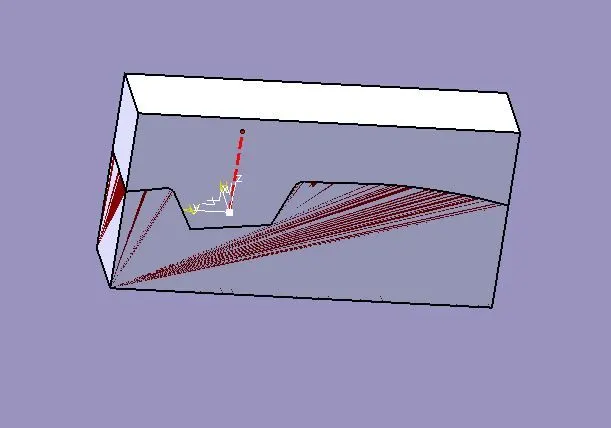
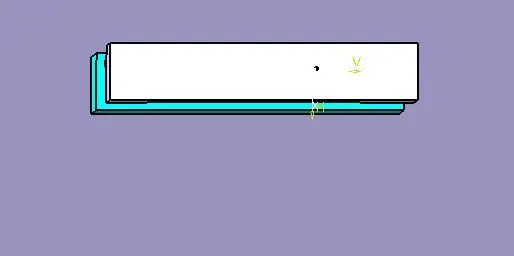
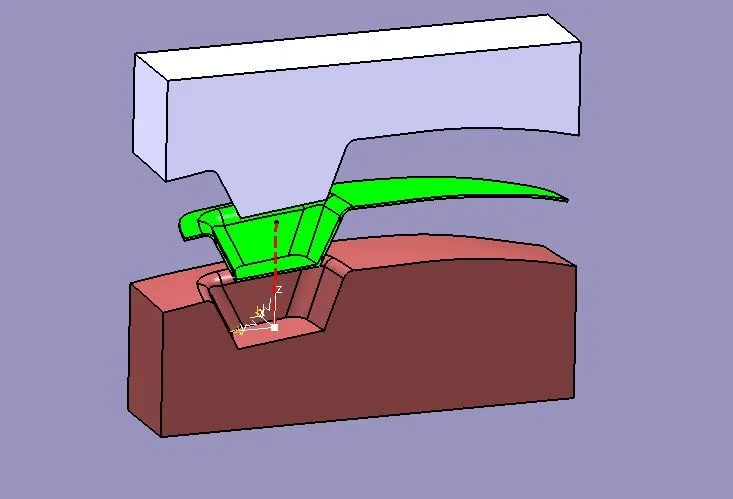
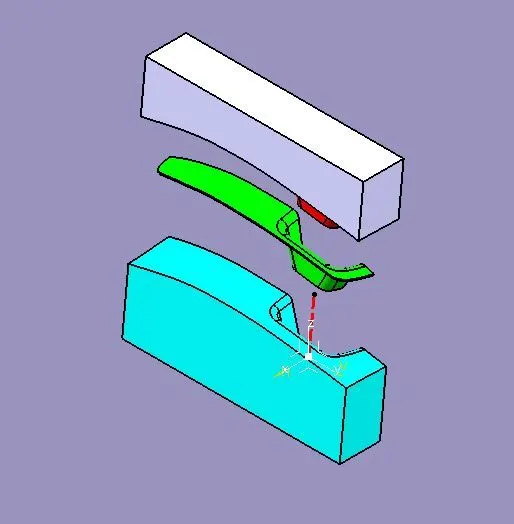
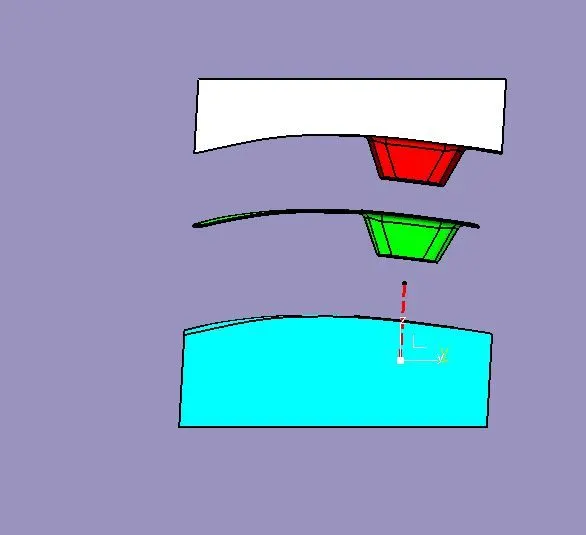
Now using remove cmnd remove the core block from the cavity and we get cavity block. In the below image whicte colour body is cavity block and red colour body is the core block.
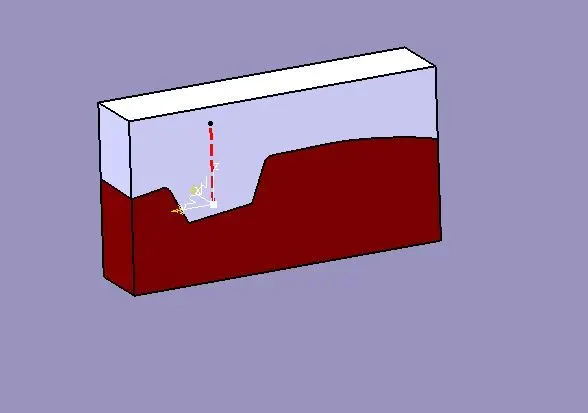
Opening of the core and cavity block along toolong direction.
Creating parting line and parting surface:-
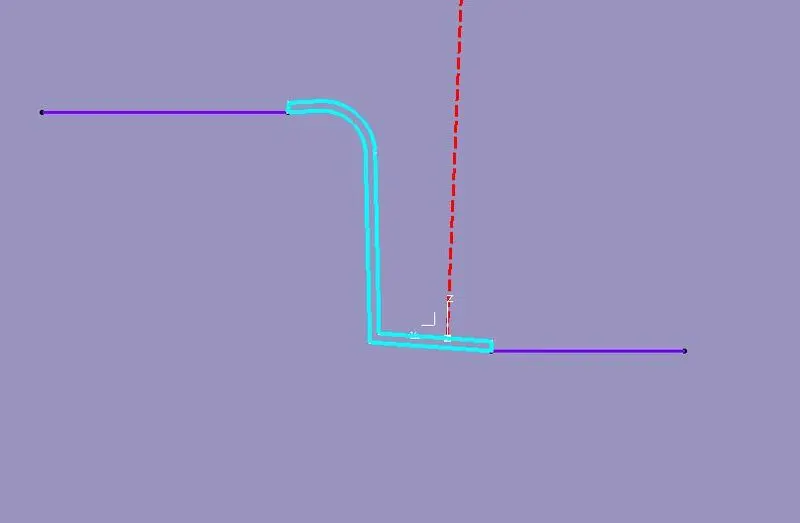
using interction command intersect the part with x-z plane and creating parting line.
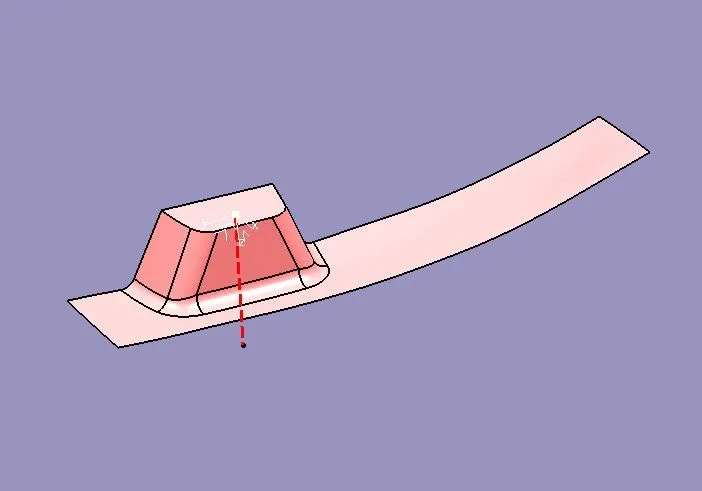
Parting surface of the model.
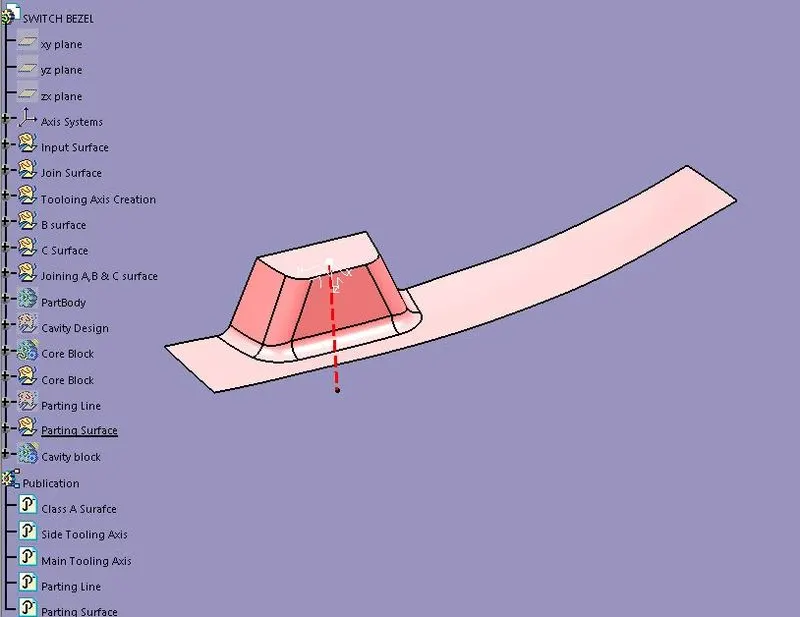
Tree structure
Differnent type of view:
Isometric View
Front And Side View
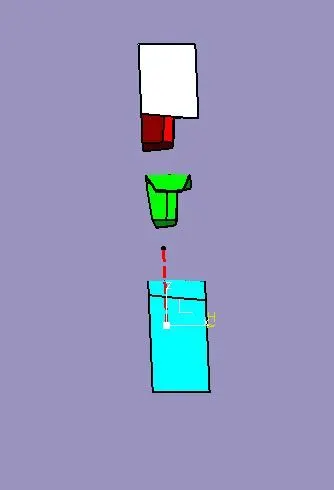
Top view