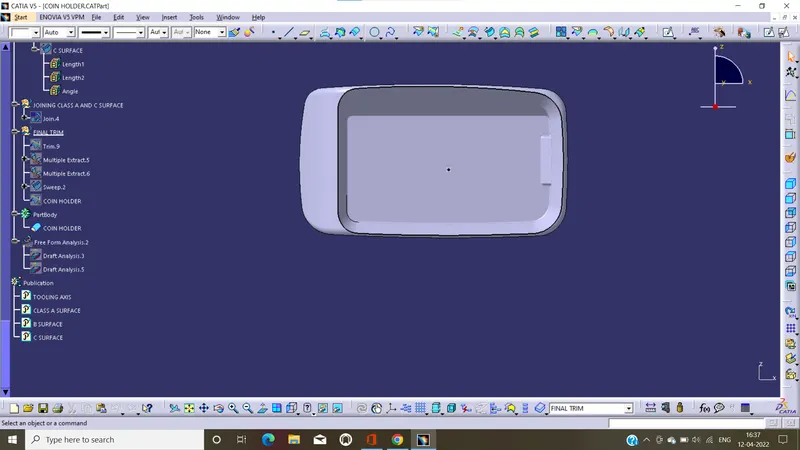
Week 8 - Challenge 4 - Coin Holder Design
Object:
To create the tooling axis and perform draft analysis on coin holder by use Catia
Creating tooling axis:
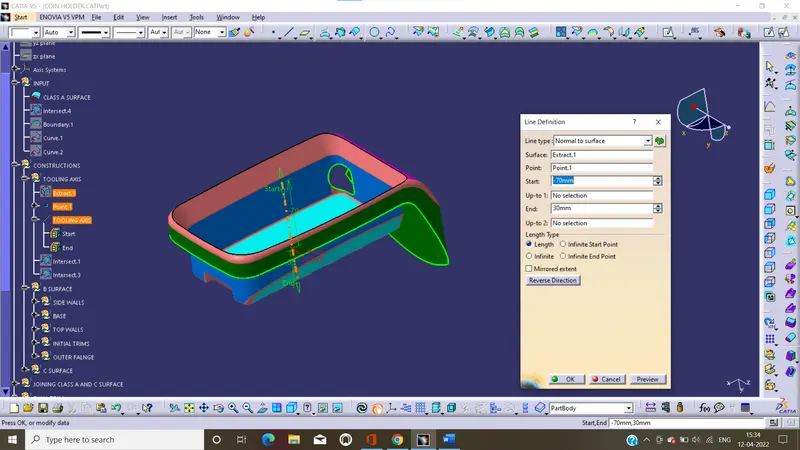
Tooling axis: the direction of mold open and close and perform the draft analysis on it.
- Firstly, we can extract the base surface and crate the point, by 'on surface' in point command.
- And to draw the line, by normal to surface in line command
- That’s the line is tooling axis.
Creation B surface:
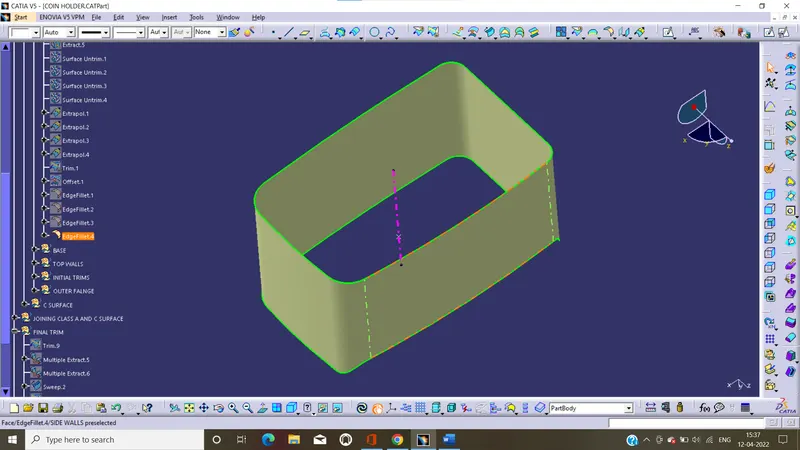
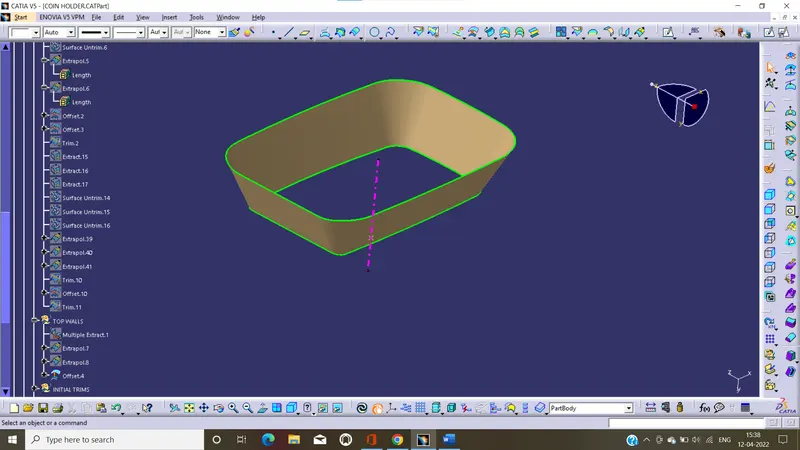
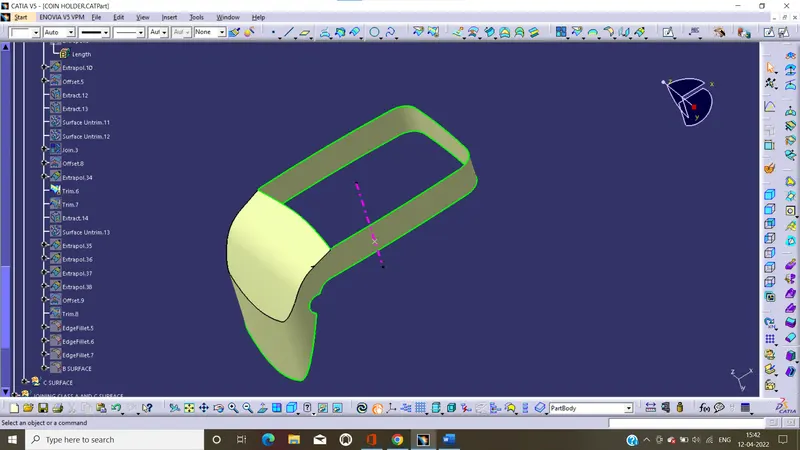
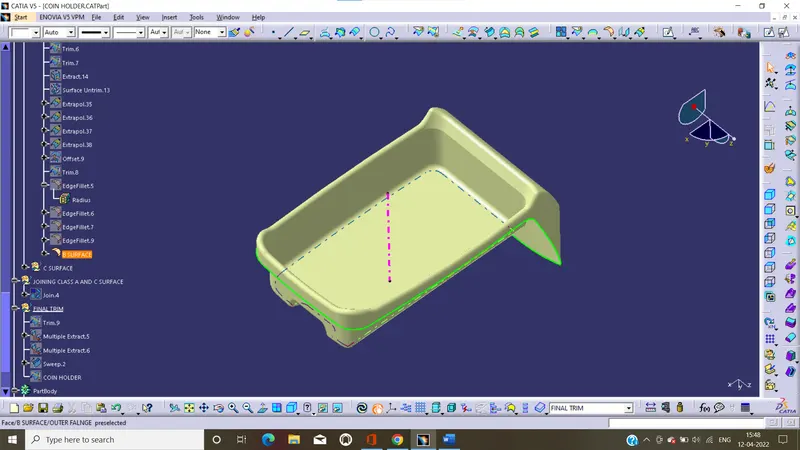
Class B surface is also created from class A surface. And to create the B surface we divided into 4 sets and work one by one by use commands. Finally, we get the class B surface with 2.5 mm thickness to class A surface.
Side walls:
Base:
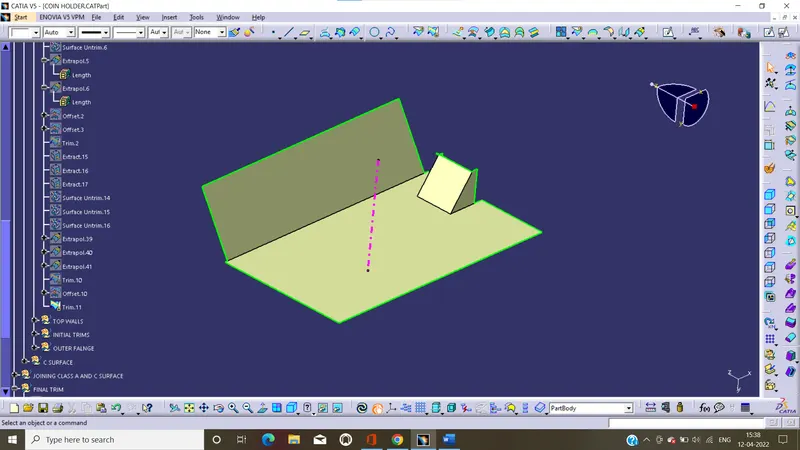
Top walls:
Outer flanges:
Class B surface :
Creation C surface:
Class C surface is also created from class A surface.in coin holder design we use the new command that is 'with reference to surface' in sweep tool. By use this we create the c surface with 90 deg(perpendicular) with the reference surface.
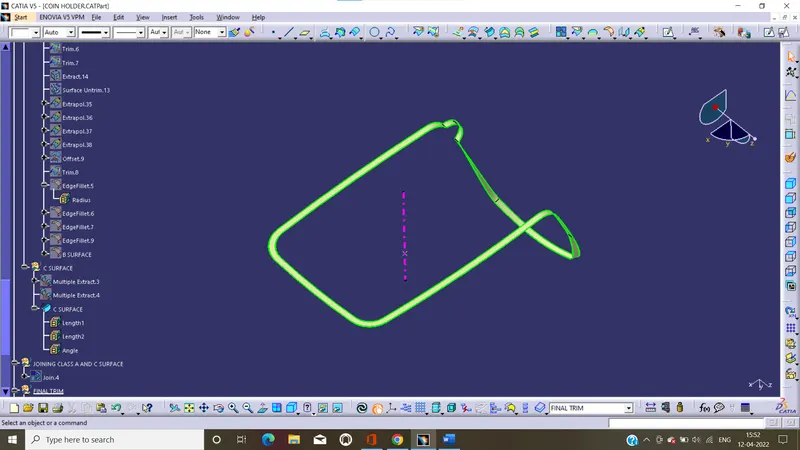
NOTE: in this we extract the boundary of the class A surface and also extract the outer flange surfaces. Then we create the class c surface
Join the class A, B and C surfaces:
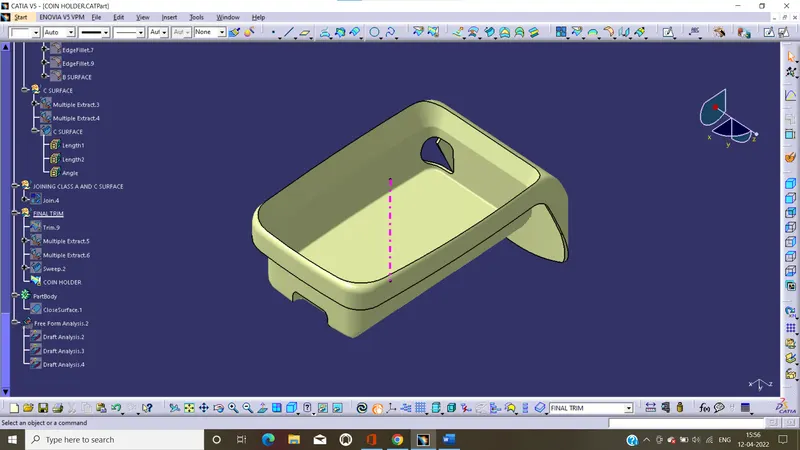
After create all the surface we join the class A and C surfaces, and trim with class B surface. and we get the closed hollow surface.
Join class A and C surface:
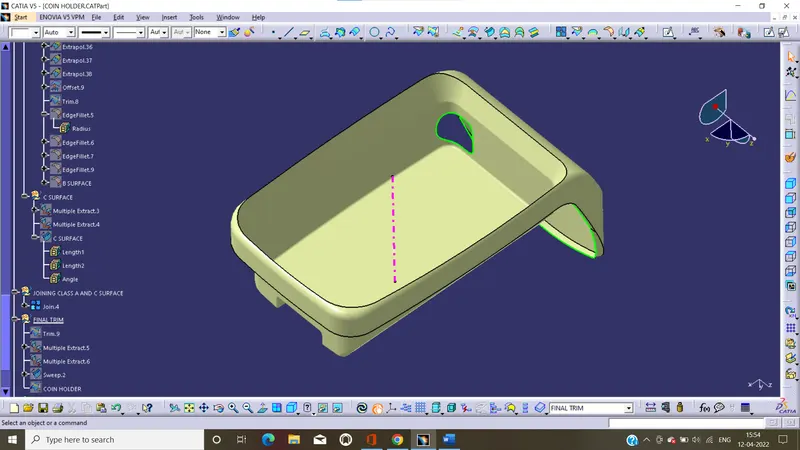
Hollow closed surface:
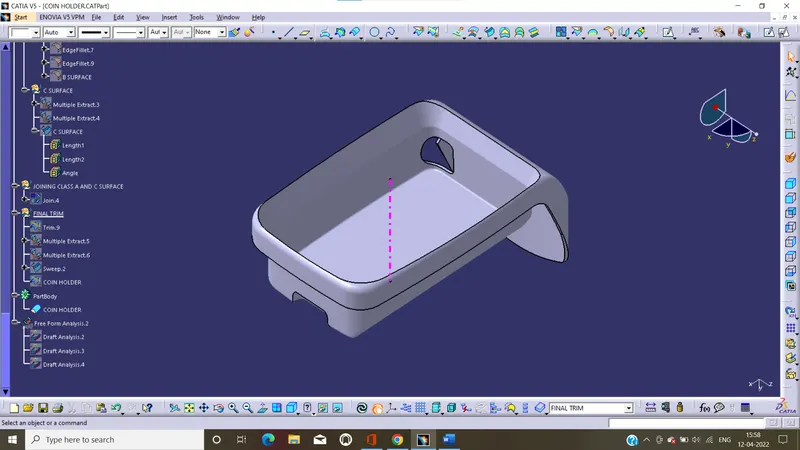
Thicken the surface:
In this, Change the mode to part design and thicken the hollow surface by close body in surface-based tool bar. And we get the solid body with proper dimensions.
Draft analysis creation:
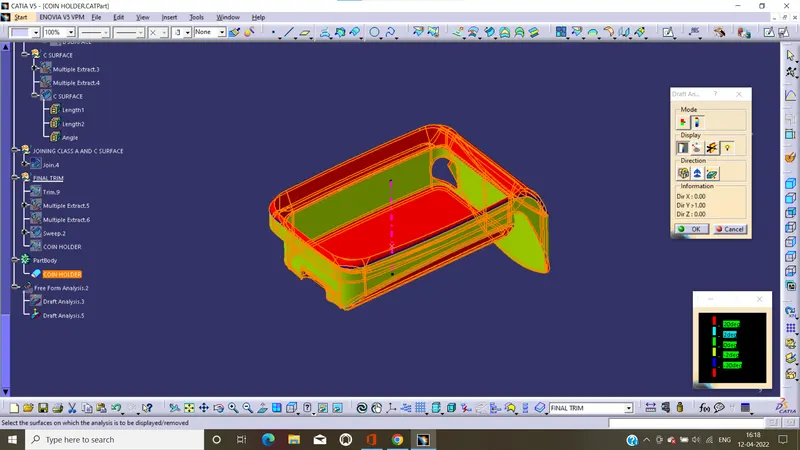
Draft angle: draft angle is required on all parts because to release the component properly with required direction. Most of the components are required draft angle is 0 to 2 deg, however 3 deg widely accepted
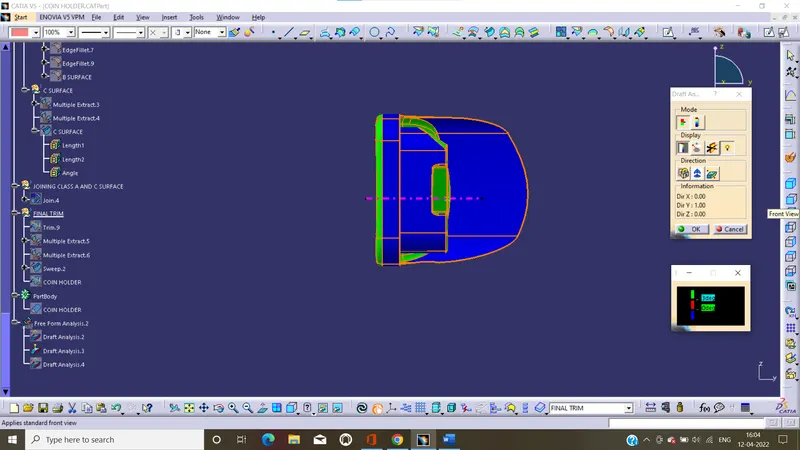
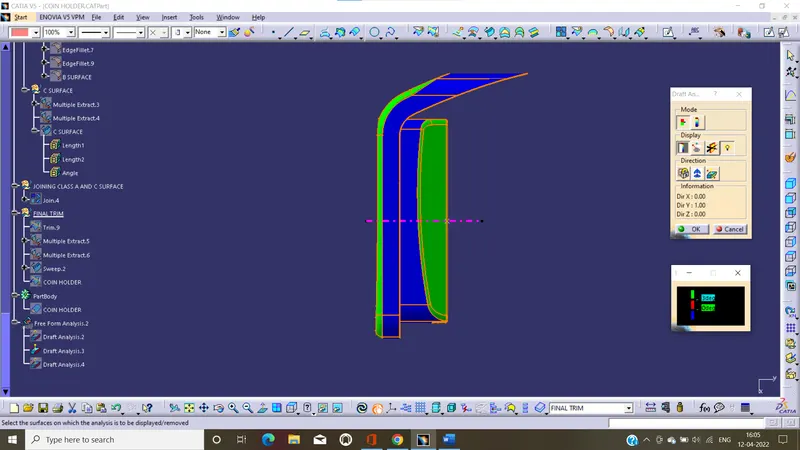
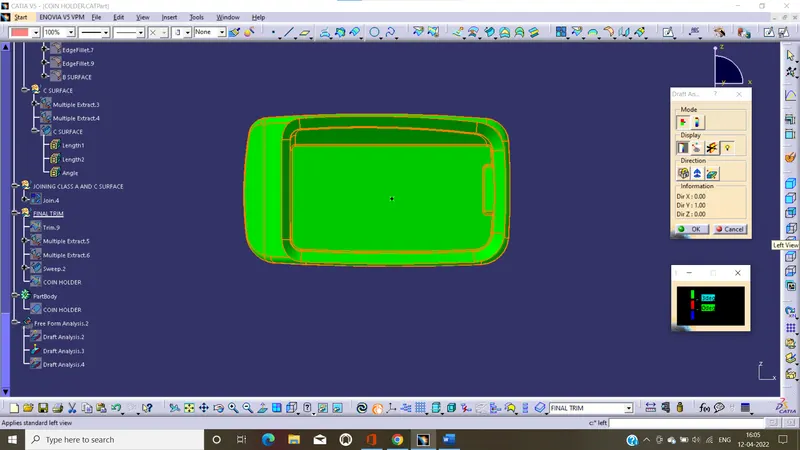
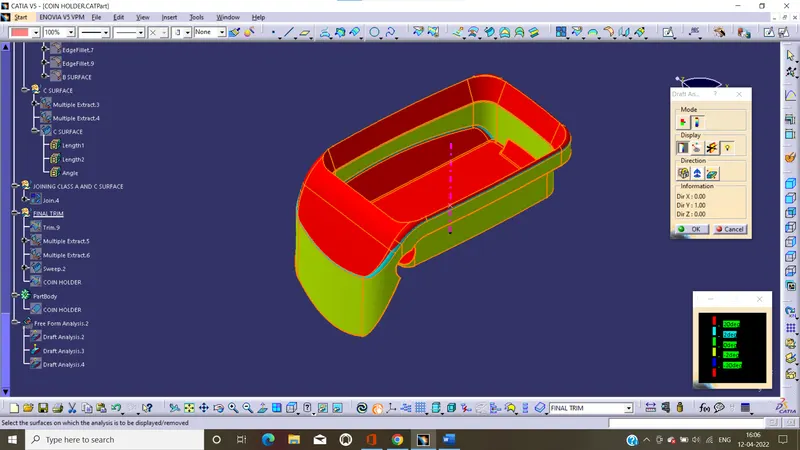
In this we perform the drat analysis on class A surface and solid body
Draft analysis on Class A surface:
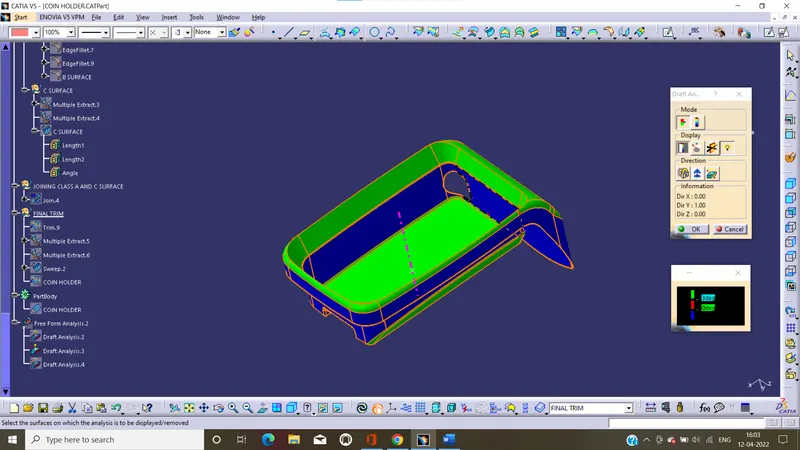
Report:
- In this green color shous the draft angle gathers than the 2 deg.
- The blue color represents the daft angle is between the 0 to 2 deg.
Isometric:
Front:
Side:
Top:
color scale verient:
Draft analysis on Solid body:
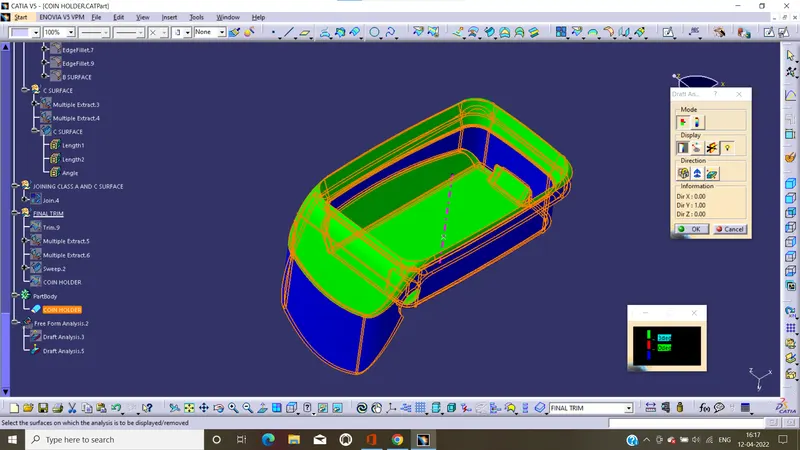
Report:
- In this green color shous the draft angle gathers than the 2 deg.
- The blue color represents the daft angle is between the 0 to 2 deg.
Isometric:
Front:
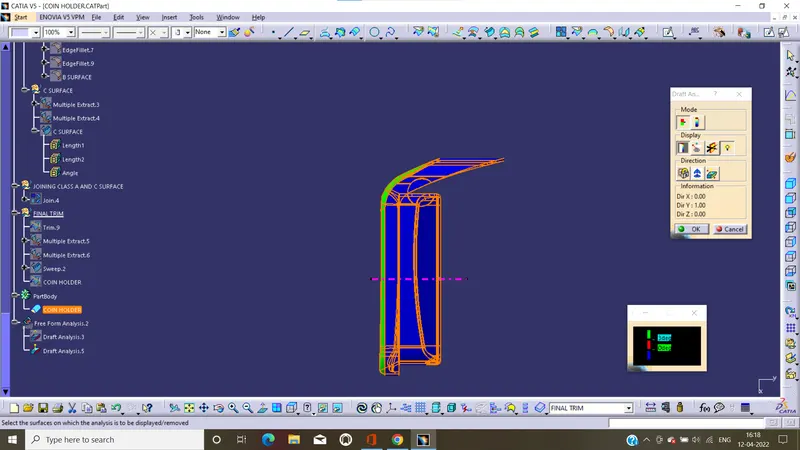
Side:
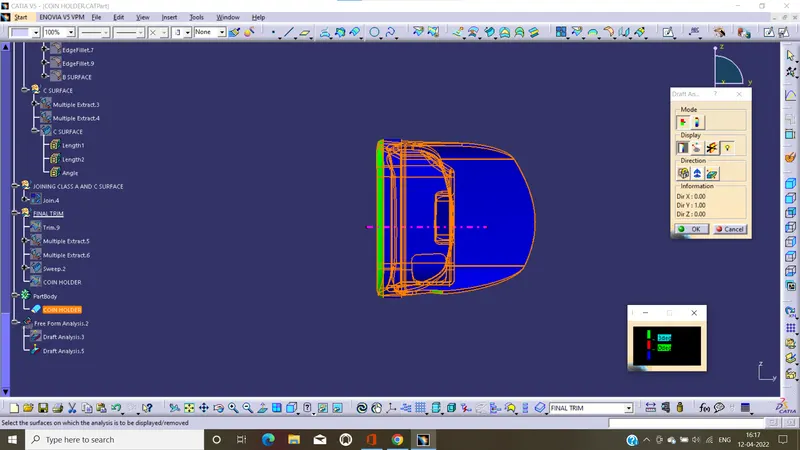
Top:
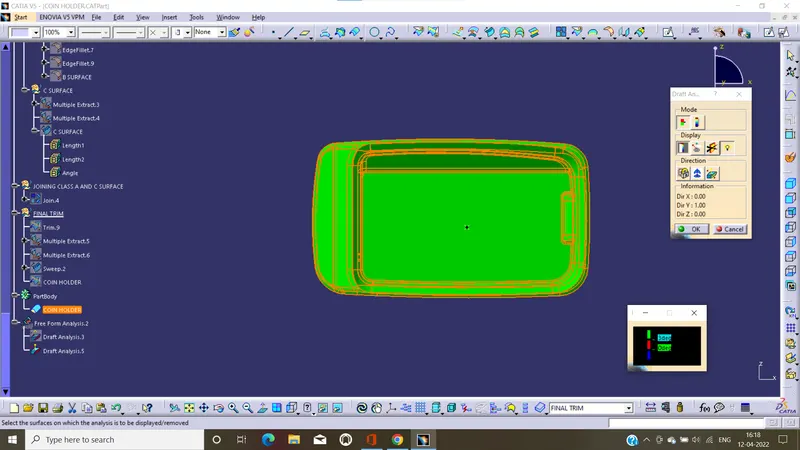
color scale verient:
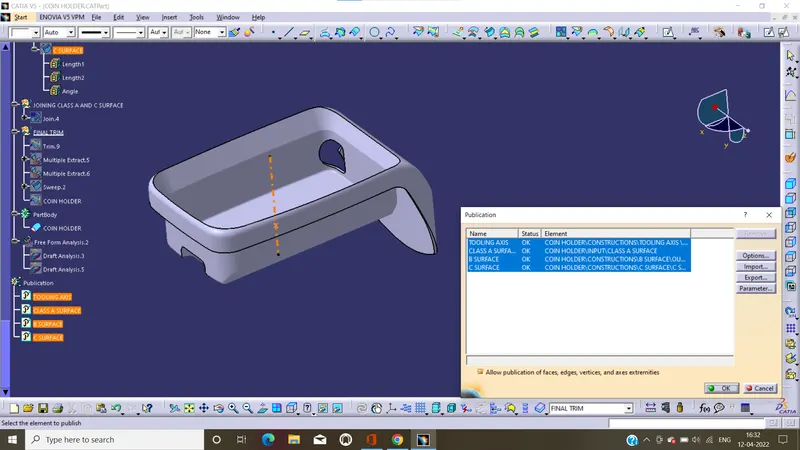
Publication:
Publication acts as a reference to geometry entity in catia.it shows it can publish the surface that copy the surface name, surface color and properties.by use publication to publish the we needed surfaces and to find easily.
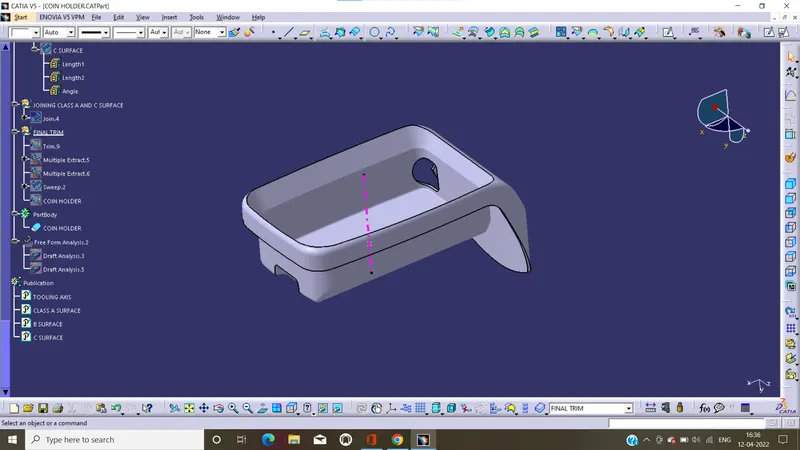
Plastic Component different orientations:
Isometric:
Front:
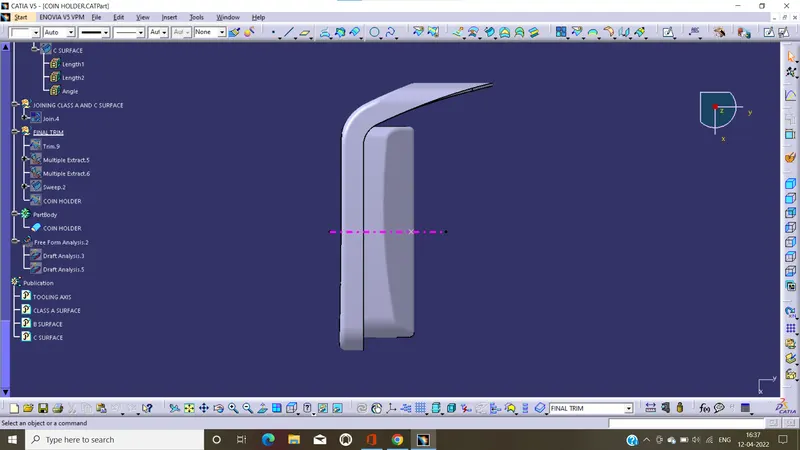
Side:
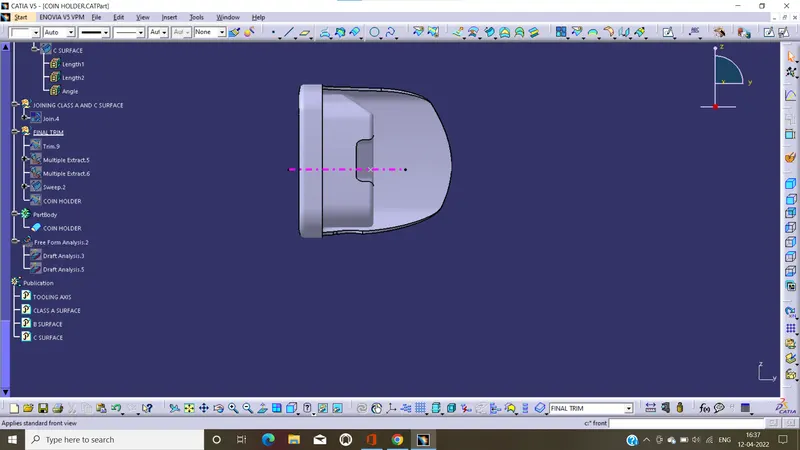
Top: