Week 8 - Challenge 4 - Coin Holder Design
Aim: To create the Coin holder plastic Component through the given class A Surface.
Objective:
- To Design Coin Holder as per automotive OEM standards.
- Create class B, Class C and Tooling Direction.
- Converting close surface into the solid part of 2.5mm thickness.
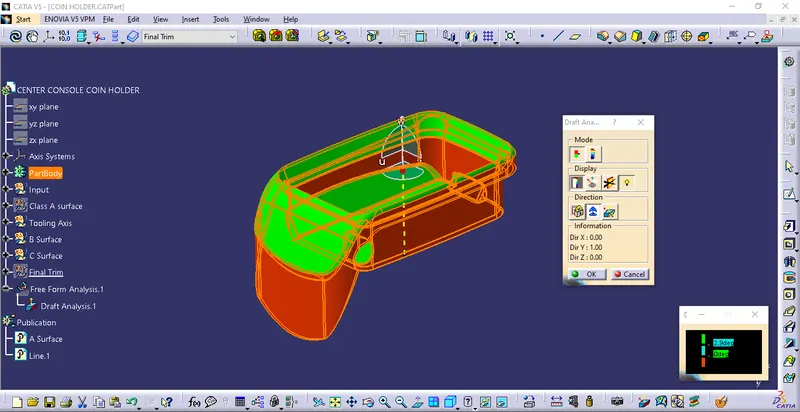
- Perform draft analysis to verify the creation of tooling axis.
Introduction:
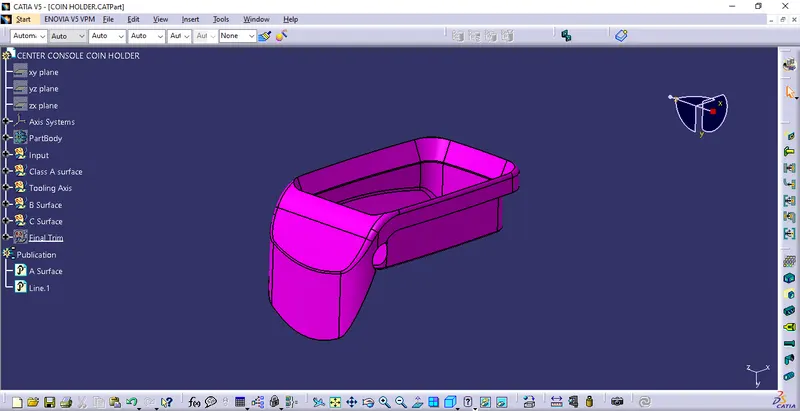
The input of the product design engineer is in the form of Class A surface. The job of product designer is to create the B and C surface keeping all the manufacturing aspects of the mold.
Design Methodology:
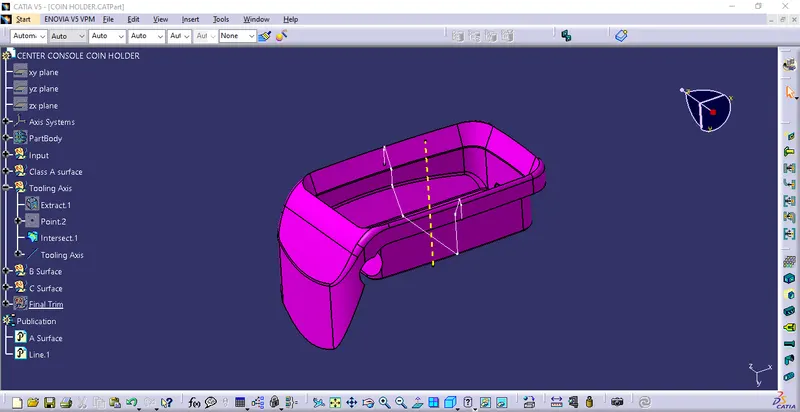
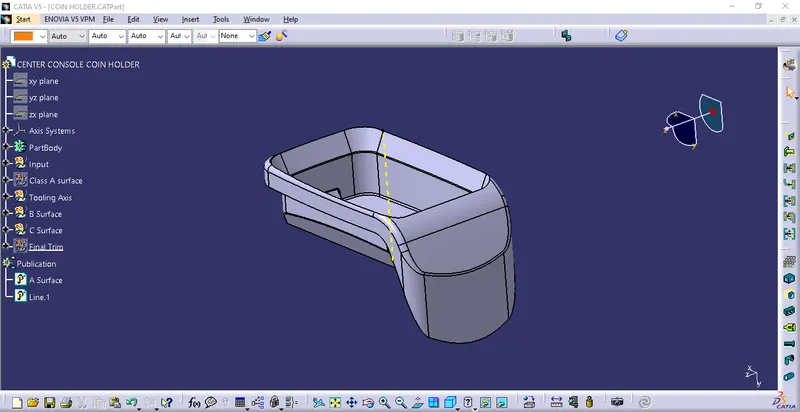
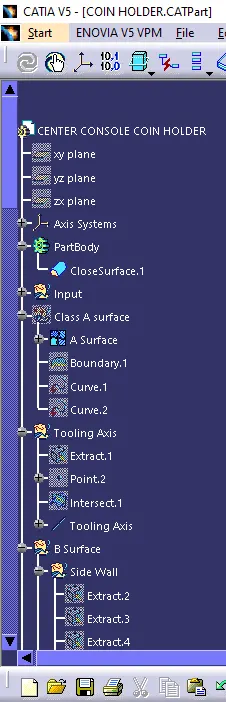
Procedure for Tooling Axis:
- Intersect the model with the plane perpendicular or to an axis system.
- Extend the lines which are perpendicular to the plane.
- Again, intersect the model with another plane and extend the line perpendicular to it.
- Create a bisecting line by bisecting option in line Definition.
- Rename it as tooling Axis.
class A Surface:
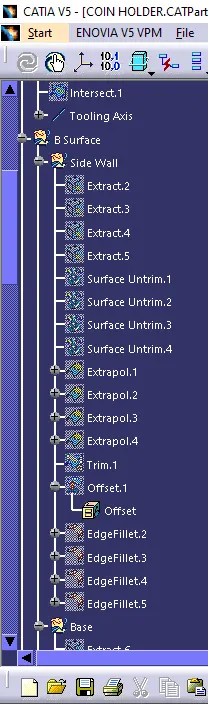
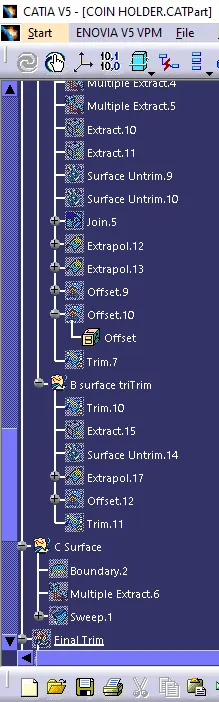
Procedure for creating class B Surface:
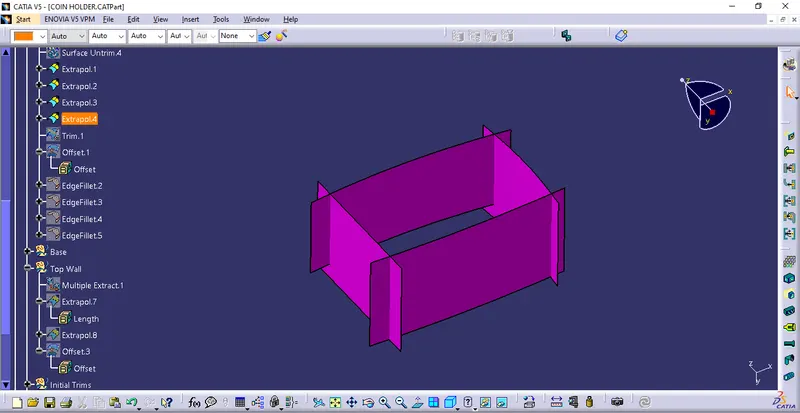
Side Walls:
- Extract the side walls with no propagation in Extract option.
- Untrim Them.
- Extrapolate the surface with point continuity of 20 mm.
- Trim the walls with required shape.
- Offset those trimmed walls with the required thickness.
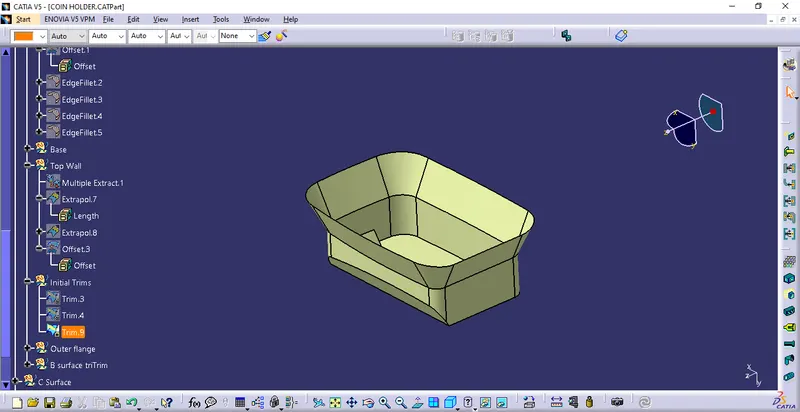
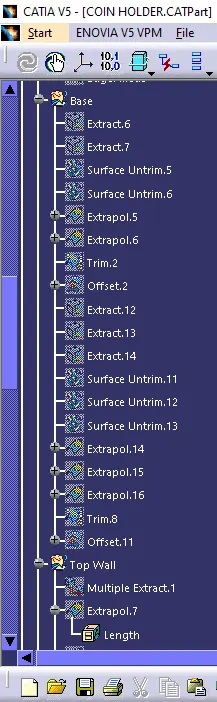
Top & Bottom surfaces:
- Extract the surfaces separately and untrim them.
- Extrapolate the surfaces with the required distance.
- Offset them with the thickness value.
- Trim them with required shape.
- Measure the fillets, calculate it and create fillets.
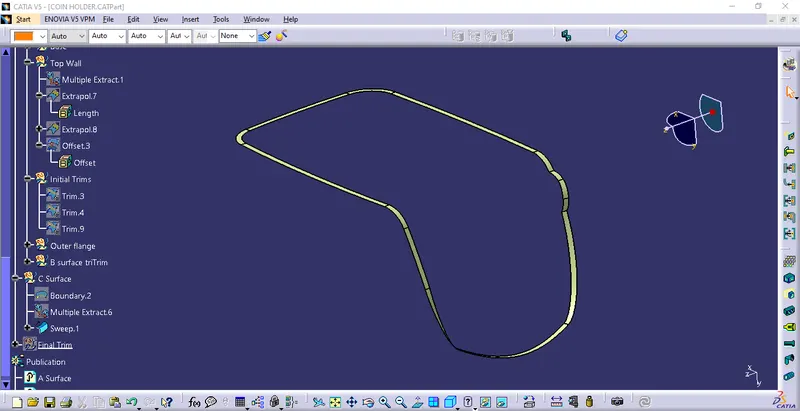
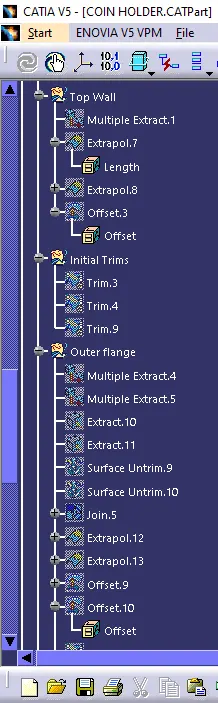
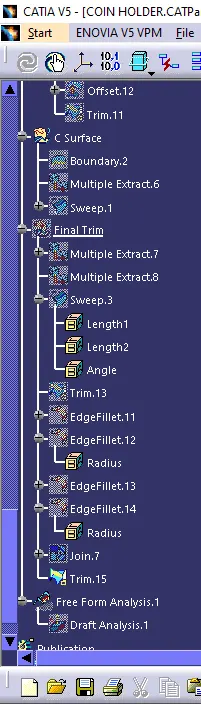
Procedure for Creating C Surface:
- Get the boundary lines of class A separately.
- Smooth the curve by smooth curve option as there are many vertices after boundary creation.
- Sweep the curves with tooling axis as direction in sweep option.
- As both lines do not intersect, extrapolate with a certain length.
- Trim the surfaces as per requirement.
Procedure for Creating Closed Body:
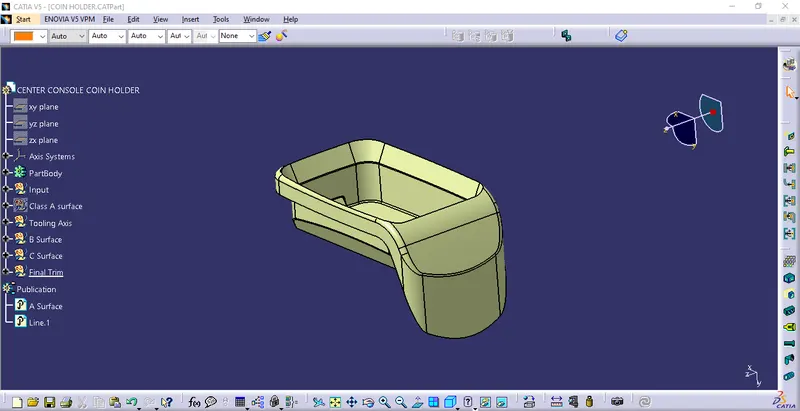
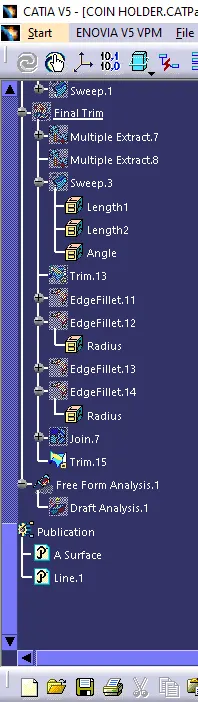
- Join the Class A and Class C Surface.
- Trim those surfaces with class B surface.
- Go to insert part body and create closed surface.
Draft Analysis:
- Go to insert
- Click on the compass icon and align it with the tooling axis and click on the surface, we will get our result.
Green Color represent all surface of body meets minimum 3-degree draft angle and red face represent less than 0-degree angle of draft which act as core side in injection molding assembly.
conclusion:
Thus plastic coin holder Design is completed using generative shape Design and part Design workbench.