Week 8 - Challenge 4 - Coin Holder Design
*Creating PartBody using Class-A Surface.
Given Class-A Surface:
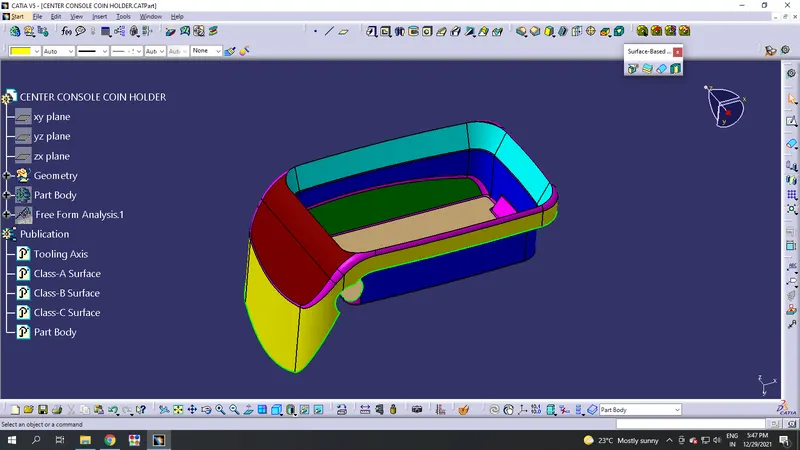
Creation of B Surface:
Step-1:
- First make a tooling axis to the model.
- Extract the base surface. Insert a middle point on it and make a perpendicular line to it.
- Make that line as your main tooling axis.
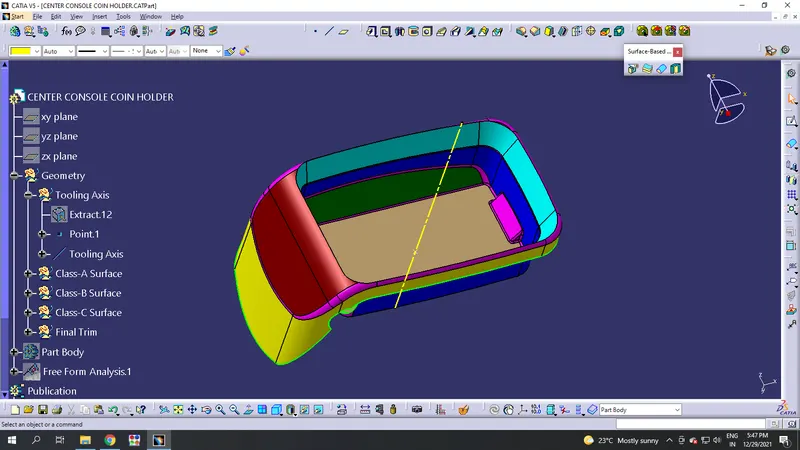
Step-2:
- To make a PartBody from Class-A, we need Class-B & Class-C Surfaces. So, insert every surfaces to their particular geometry.
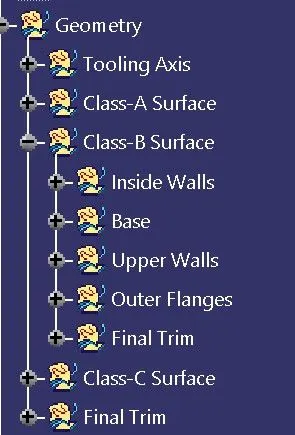
Step-3:
- Divide the Class-A into simpler geometry for the creation of Class-B.
- Take a different geometry named 'Inside Walls' inside Class-B geometry and work from there.
- Extract the surfaces which are acting as inside walls and untrim it.
- Extrapolate the surfaces and offset it for 2.5mm and trim that as single component.
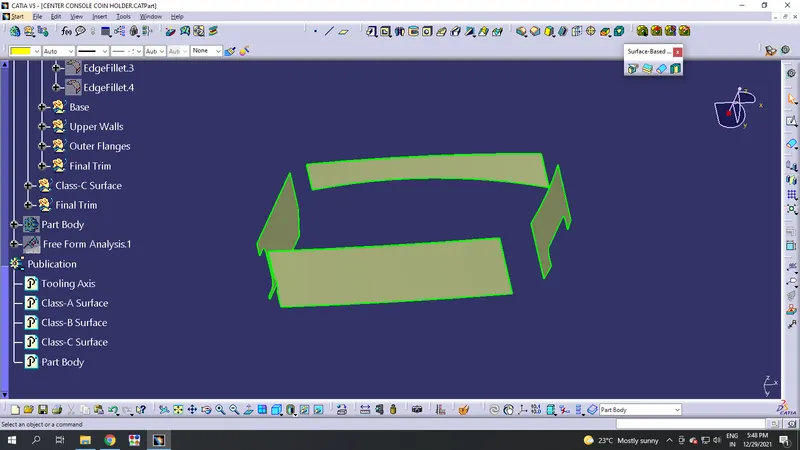
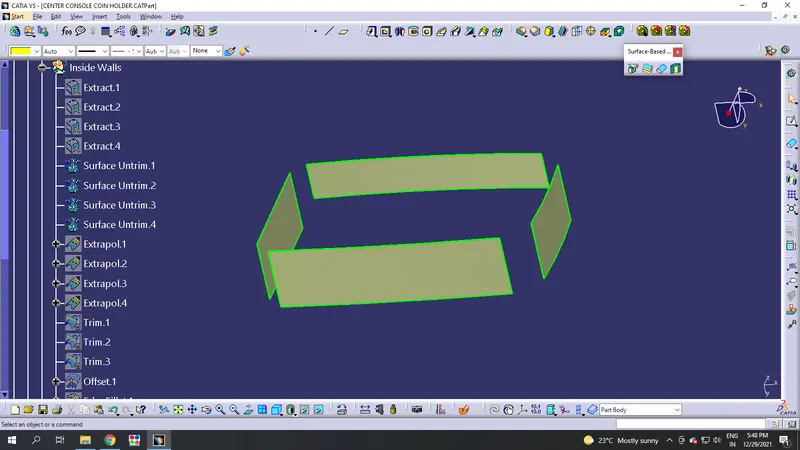
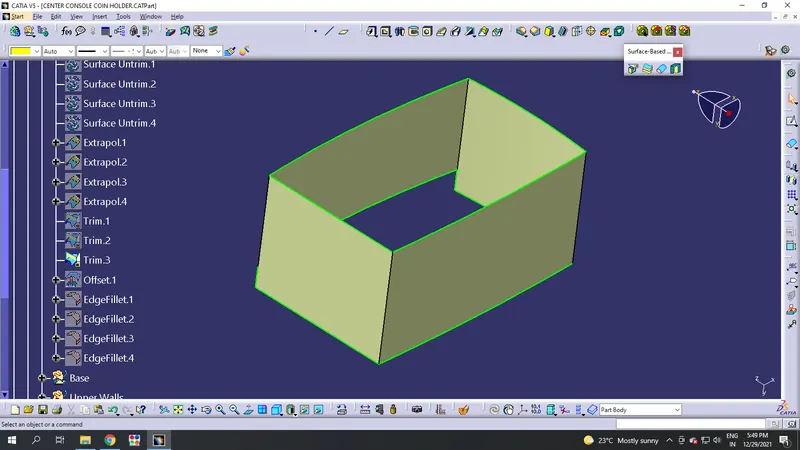
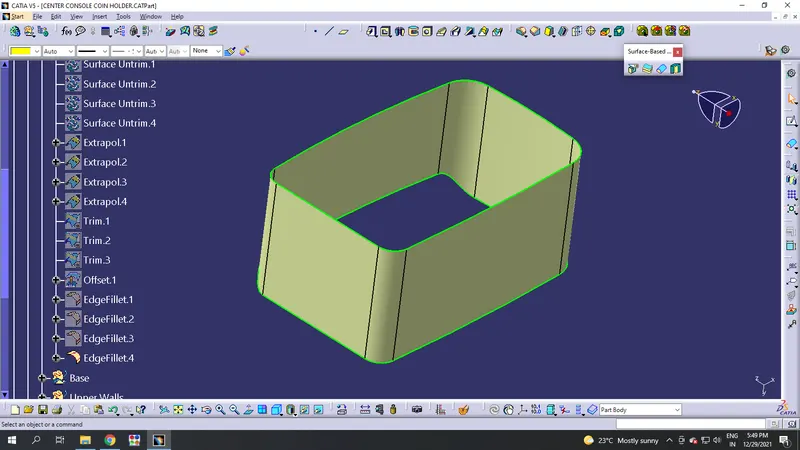
Step-4:
- Take a different geometry named 'Upper Walls' inside the Class-B and work from there.
- Extract the surfaces by multiple extract which act as upper walls and offset it for 2.5mm as your thickness.
- Extrapolate it and make it as a single component.
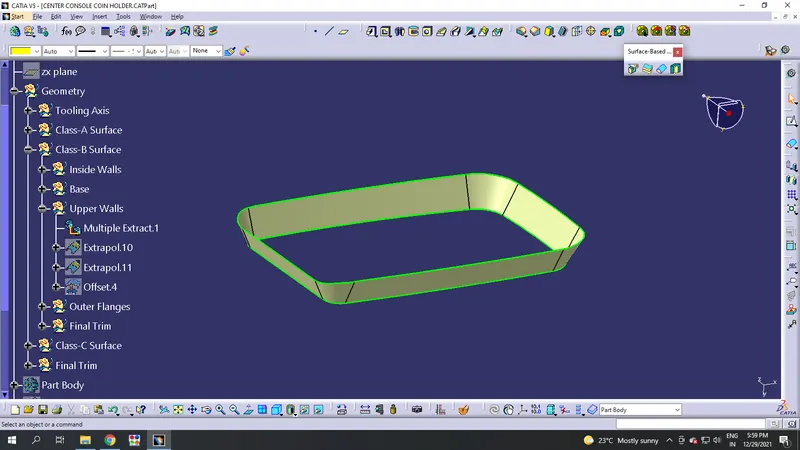
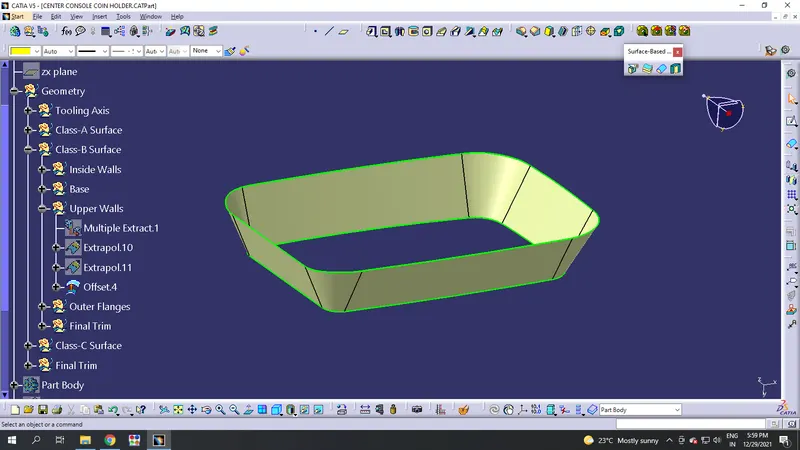
Step-5:
- Now take a geometry naming 'Base' inside the Class-B and define the work from it.
- Extract the base surfaces and and offset it for 2.5mm which acts as a thickness for the component.
- Untrim it to trim it and make it as a single surface.
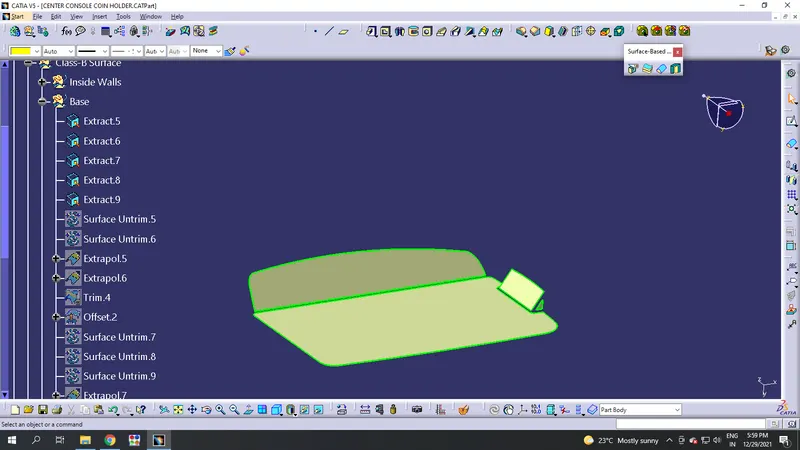
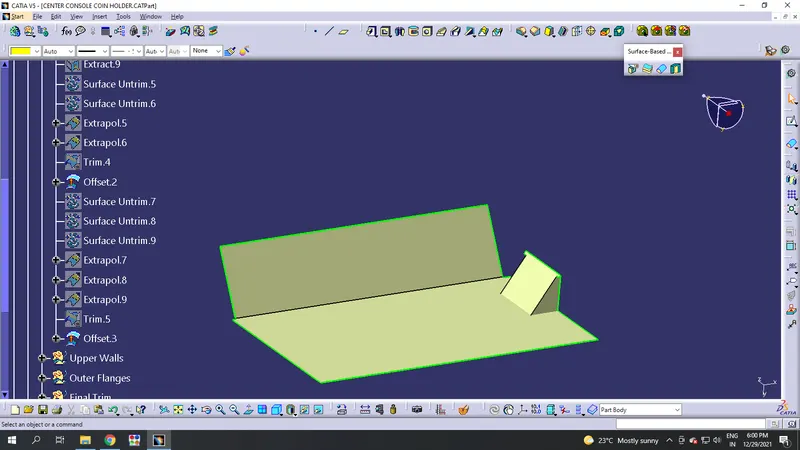
Step-6:
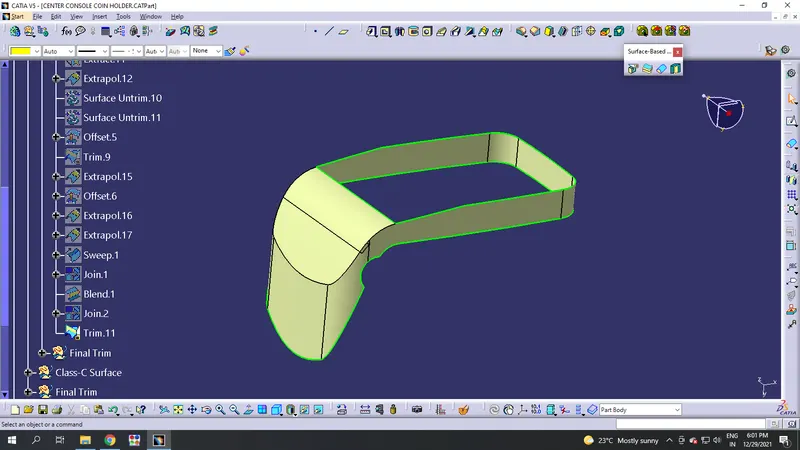
- Take a geometry naming 'Outer Flanges' inside the Class-B and define the work from there.
- Extract the surfaces and offset it for 2.5mm. Untrim & Extrapolate them to trim it as a single surface.
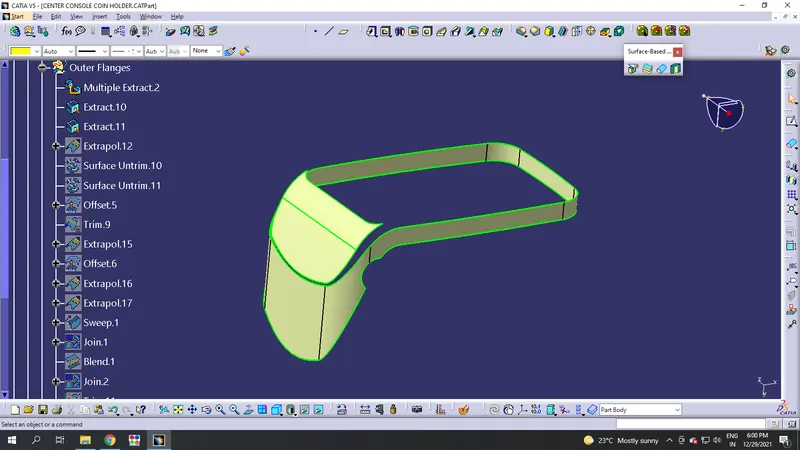
Step-7:
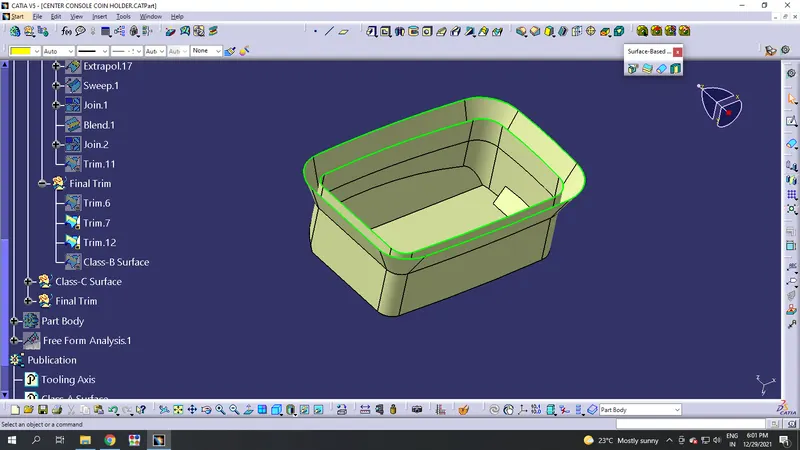
- Now take a geometry for the final trims of Class-B inside it.
- Trim one by one to make a final trim of the Class-B surfaces.
Creation of Class-C Surface:
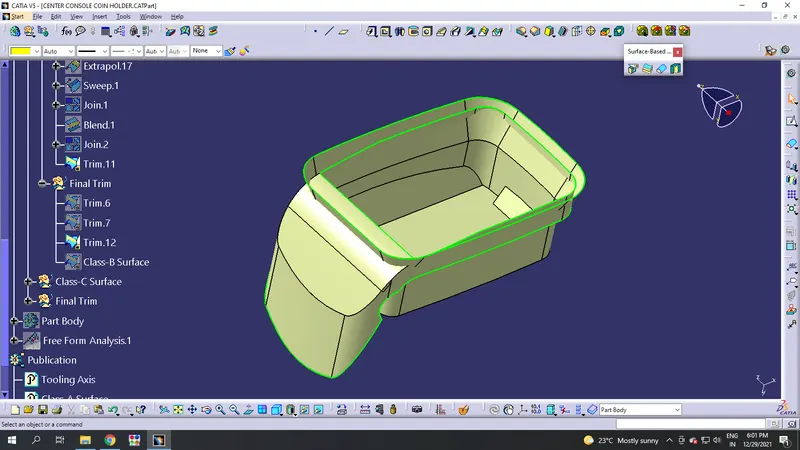
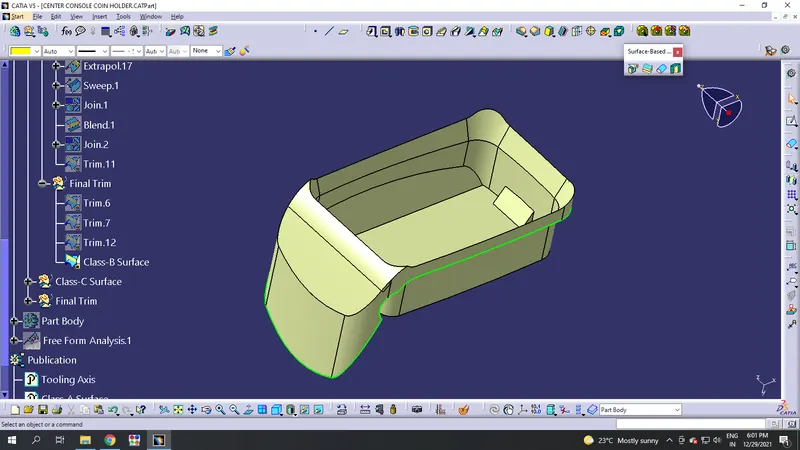
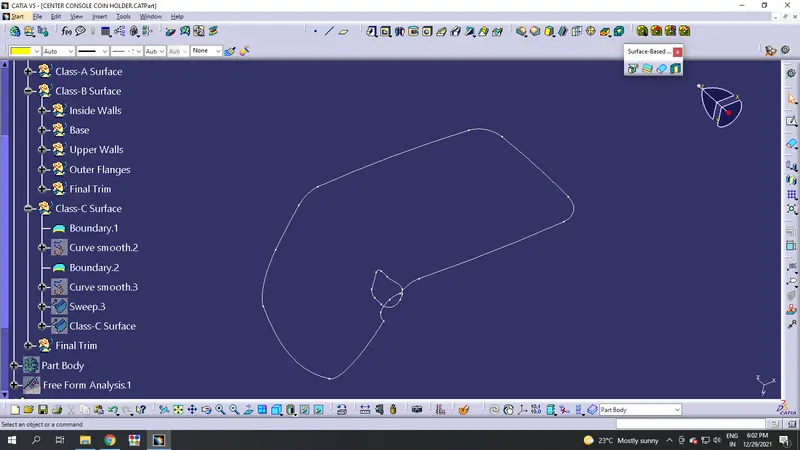
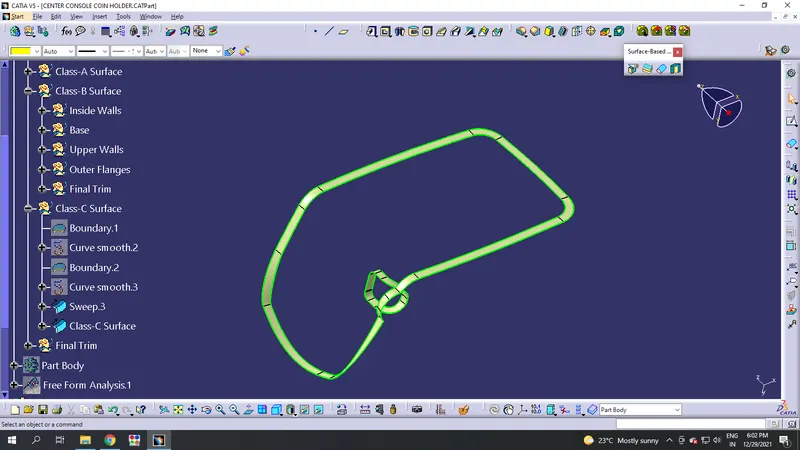
- The Surface which fills or connects the Class-A & Class-B is our Class-C Surface.
- Extract the boundary of the Class-A and sweep it perpendicular with the reference surfaces to intersect with Class-B Surface.
- Then the total surfaces and make it as the final trim inside a different geometry.
PartBody Creation:
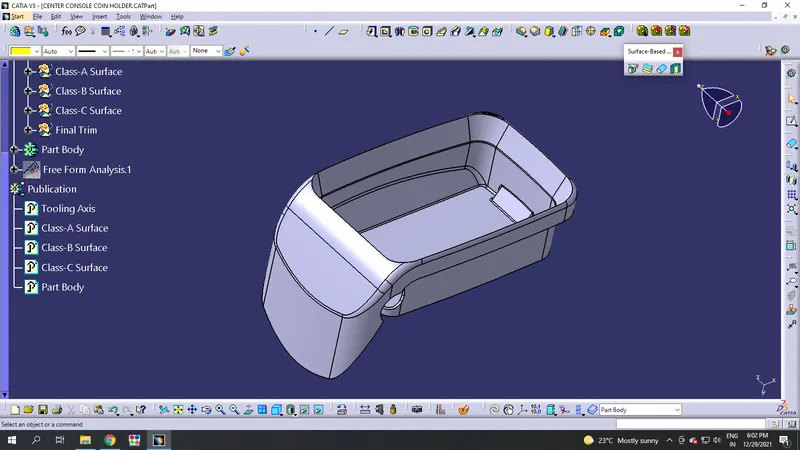
PartBody should be created for the final trim by doing 'Closed Surface' to it.
Draft Analysis:
Draft Analysis should be done to the model whether the required draft is provided or not. After the Draft analysis, The analysis provided will tell the model can be manufacturable or not.
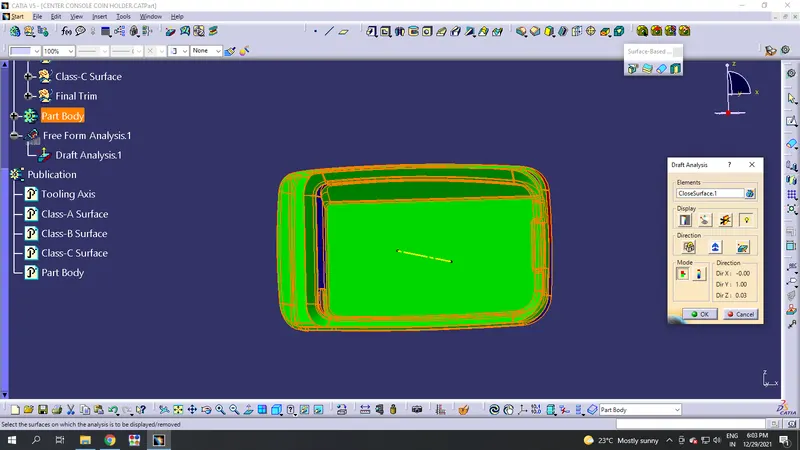
*Thus the model is approved to manufacture in the tooling axis.