Week 8 - Challenge 4 - Coin Holder Design
COIN HOLDER :
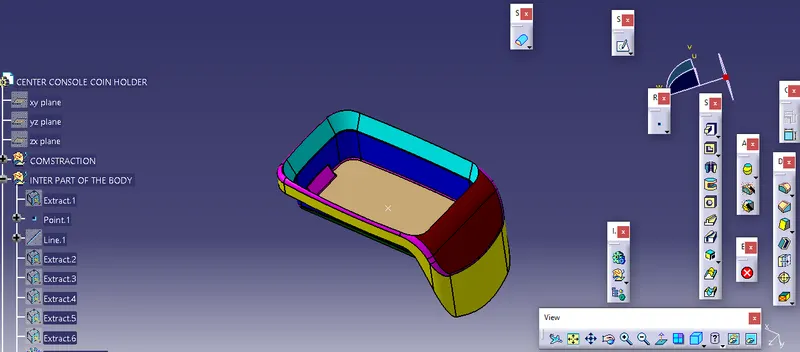
- Complete the overview of the surface body.
- create the point on the surface and the tooling line by using the part body.
- use the extract command to extract the surface of the body.
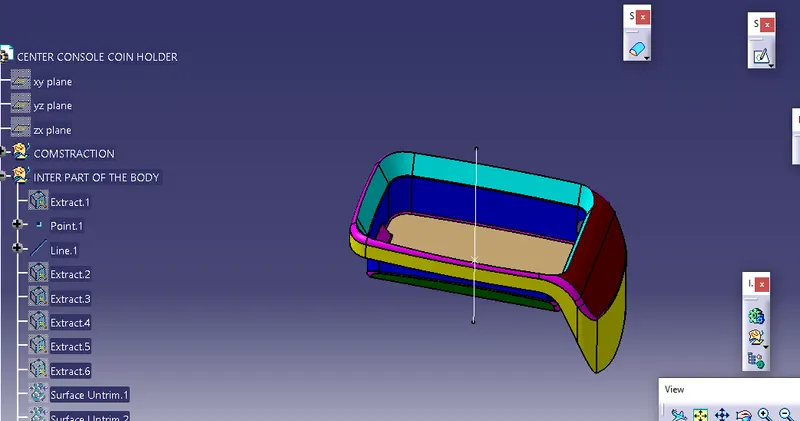
- select the wall by using the extract command and un-trim them and extrapolate.
- extrapolated are offset lengths of 2.5 mm in a similar operation done on another side.
- use fillet on the corners by the given value with added 2.5 mm to get a perfect shape.
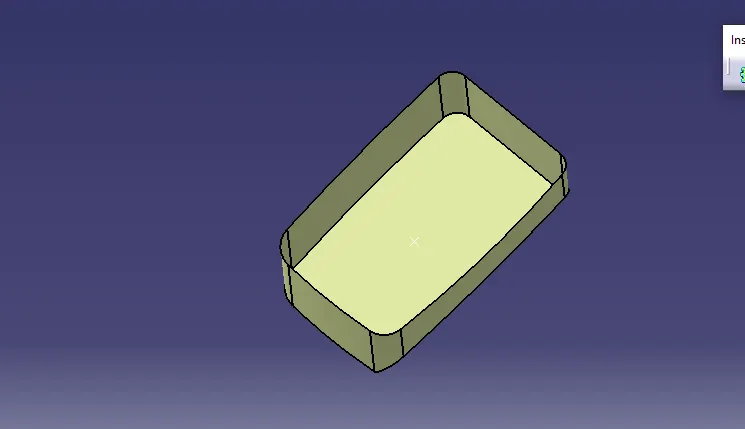
- on the upper side do the same operation by using the extract command, increase height on both sides.
-
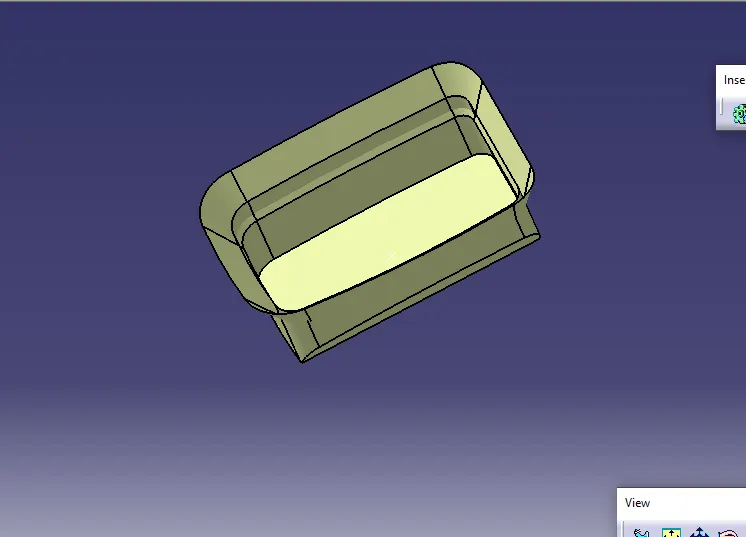
- the final surface of the B class surface.
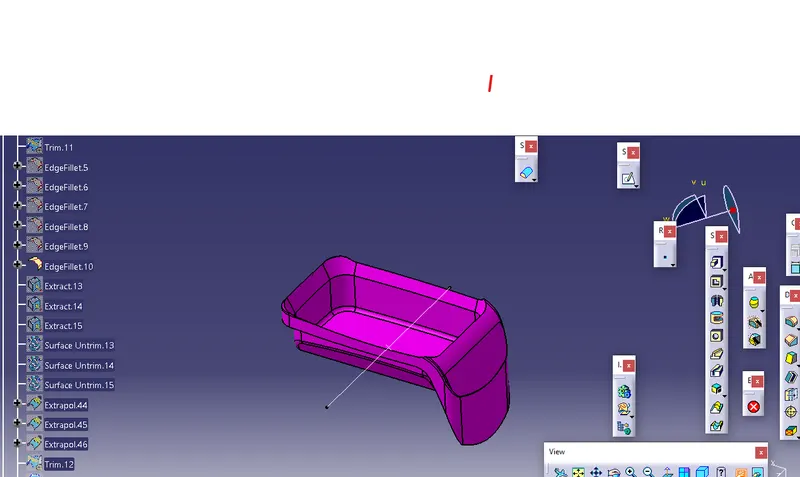
- by using the plane plate is used to trim the corners of the class B surface.
CLASS C SURFACE.
- creating the class C surface.
- select the boundaries of class A and use the swept command and reference surface at the angle of 90 degrees and required length.
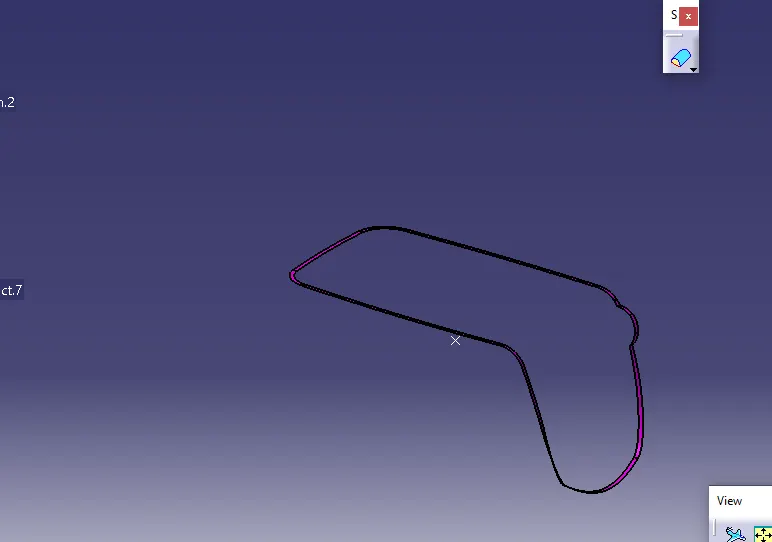
- join class A and class C.
- trim the combination of class A and c surface with class B.
- After trim gets final output.
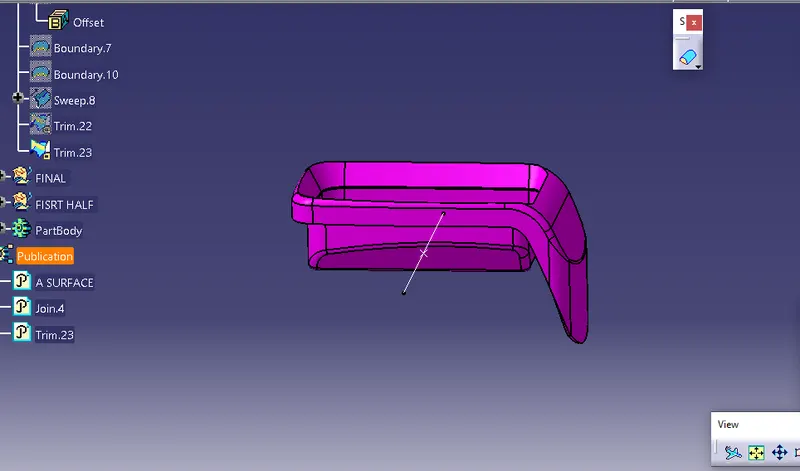
- select the boundary command.
- if creates the boundary is not a final body.
- it not created any boundary then it is a final body.
SOLID MODEL :
-
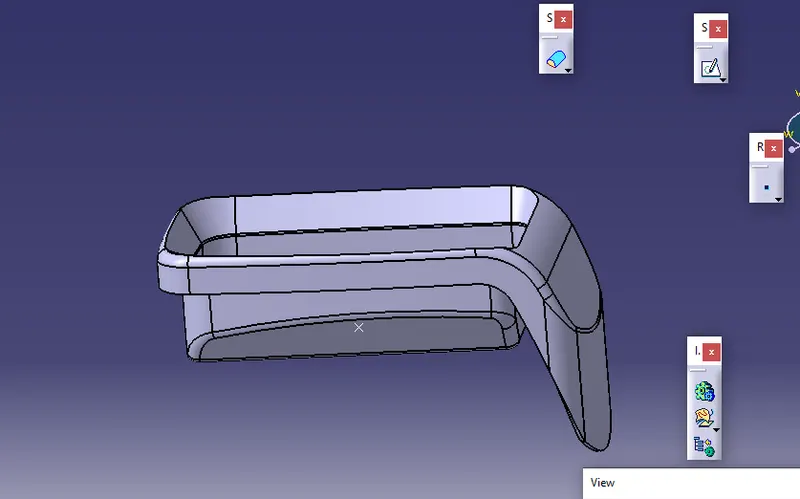
- The surface is converted into a solid part body.
Tree structure:
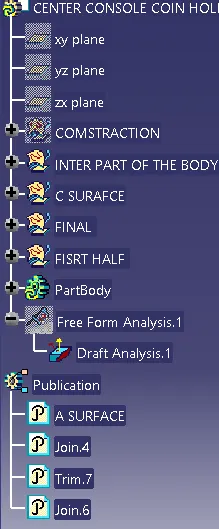
DRAFT ANALYSIS:
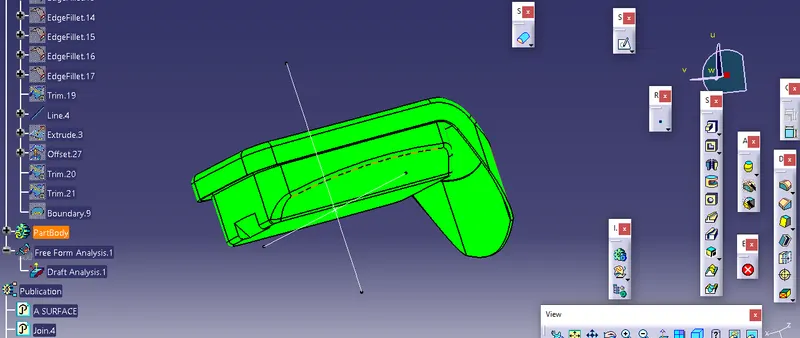
COMPASS PLACED ON THE TOOLING AXIS.
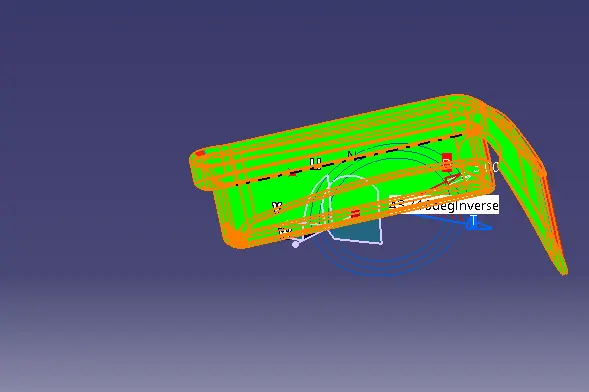
THEN UNLOCK THE COMPASS MOVE THE TIP OF THE COMPASS COLOR GET CHANGES.
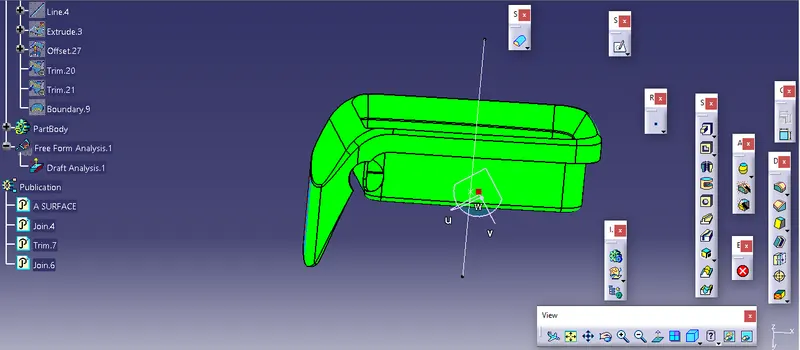
CHECK THE RUNNING POINT OF THE DRAFT ANALYSIS.
THANK YOU.