Week 8 - Challenge 4 - Coin Holder Design
AIM:Create a coin holder plastic component with using class A surface.and perform the draft analysis on the model.
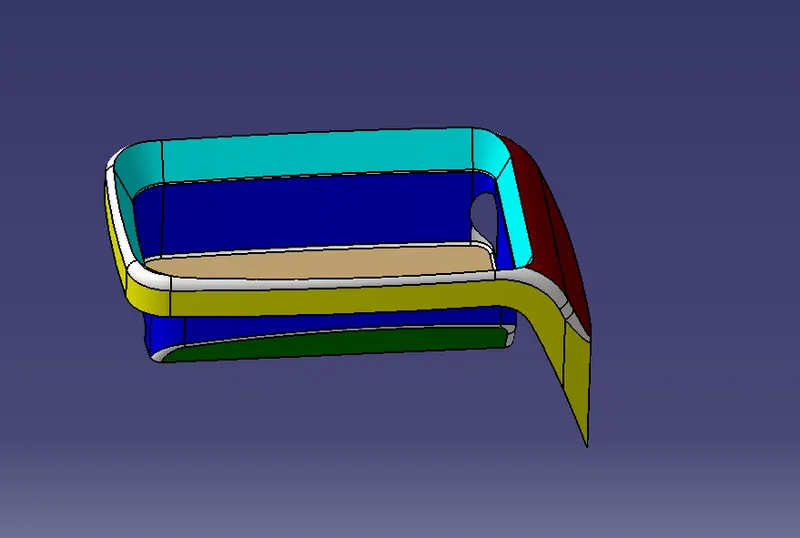
PROCEDURE:
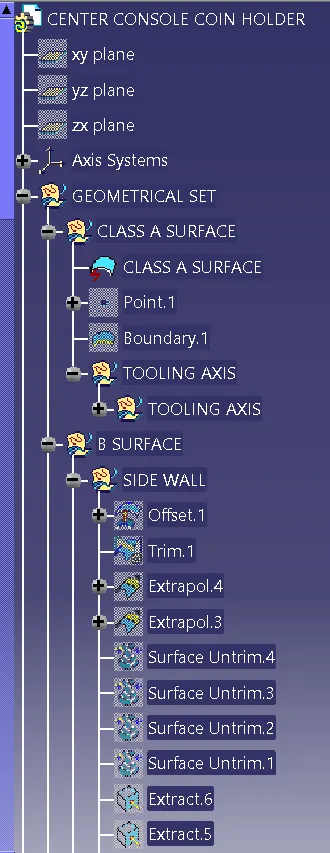
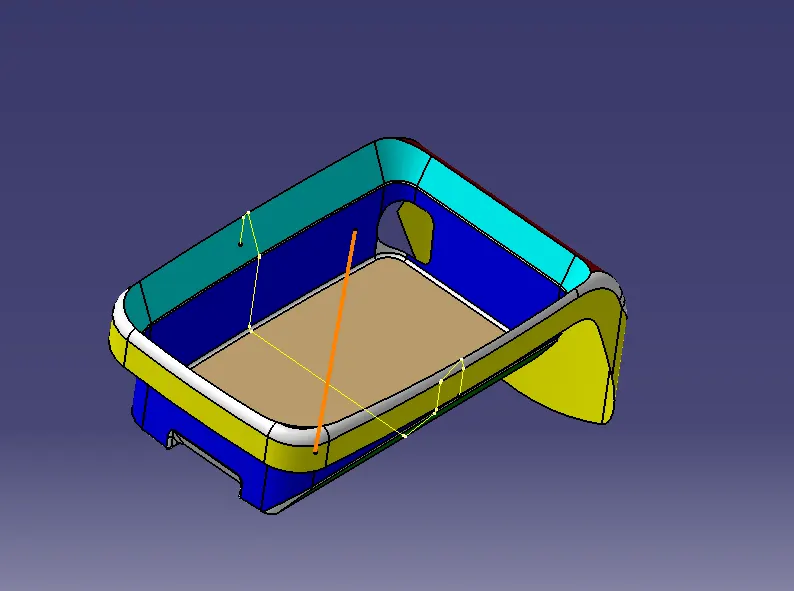
CREATE TOOLING AXIS:
- Insert the geometrical set and name it as tooling axis.
- Extract the base surface. and create point on the surface
- Create intersection between tghe walls.
- insert the tooling axis and create a line throgh XY plane
B SURFACEC CREATION:
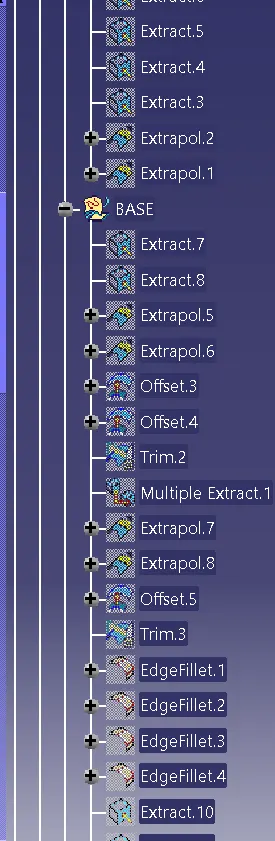
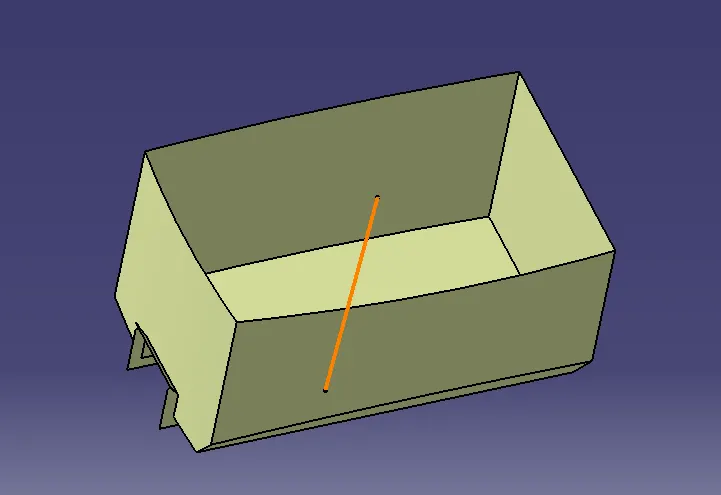
- Extract the four walls of the coin holder and extract the base also.and untrim the walls and Extrapolate up to 50mm.
- Than will trim the walls and offset 2.5mm out side the walls.
- After will extrude base and angular wall and do untrin extropate same as walls
- Top walls also same as like base extrude,untrim,offset of the walls.
- Create the outer flane .same like as base surface creation
- Give the edge fillets to side walls is radius value+thickness of the component
- Also gice all the edge fillets of the component.
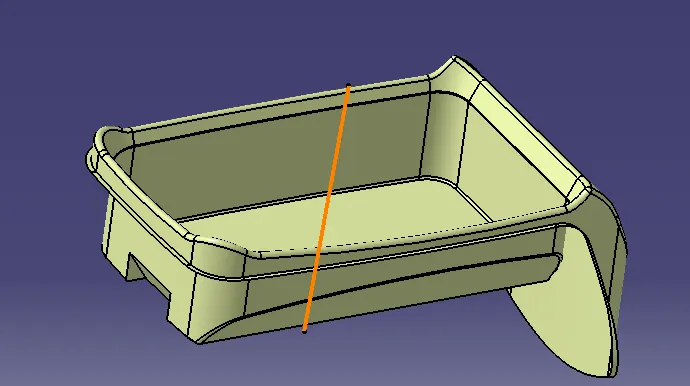
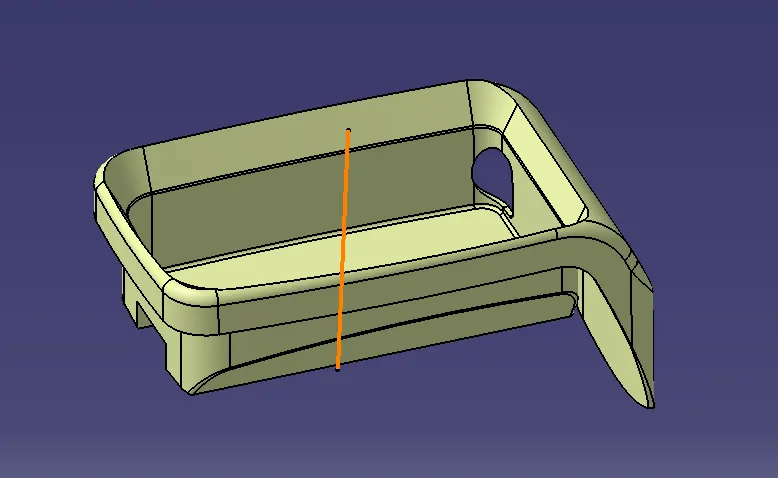
C SURFACE CREATION:
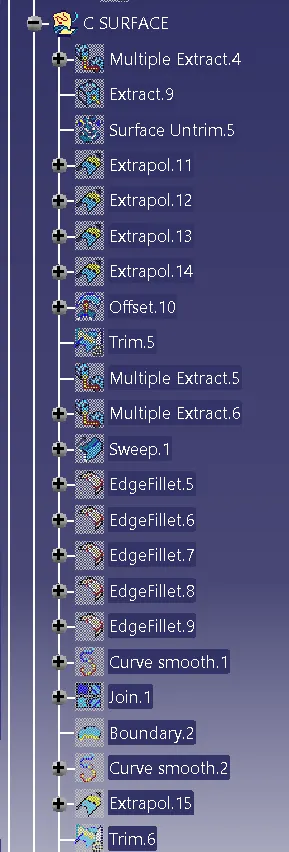
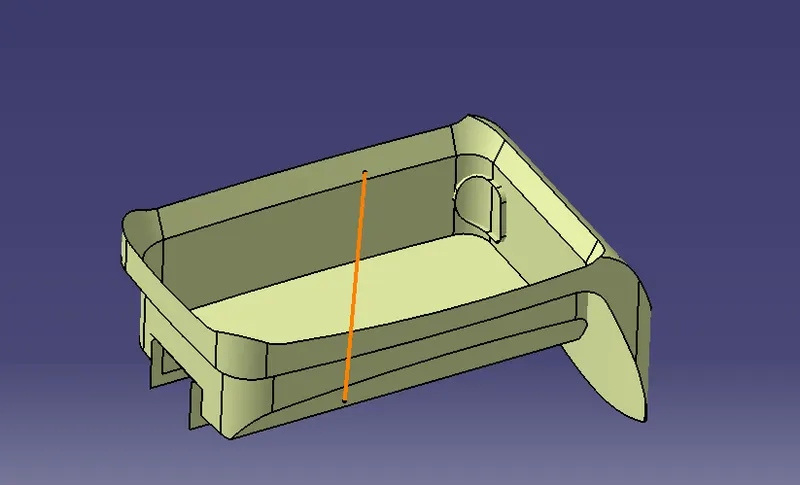
- Create the boundary on around outer flange.
- sweep the bounary with 90 degree angle.
- and create a bounadary on the hole its on the side wall. than will create sweep with 90degree angle
- trim the swaaeps witgh B surface
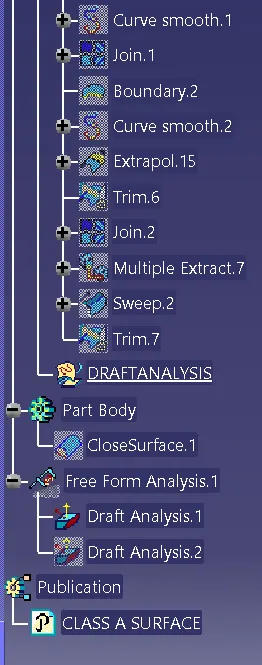
- join the A surface and C surface.for creating sold.
- GO to part design fill the surface and create solid of coin holder.
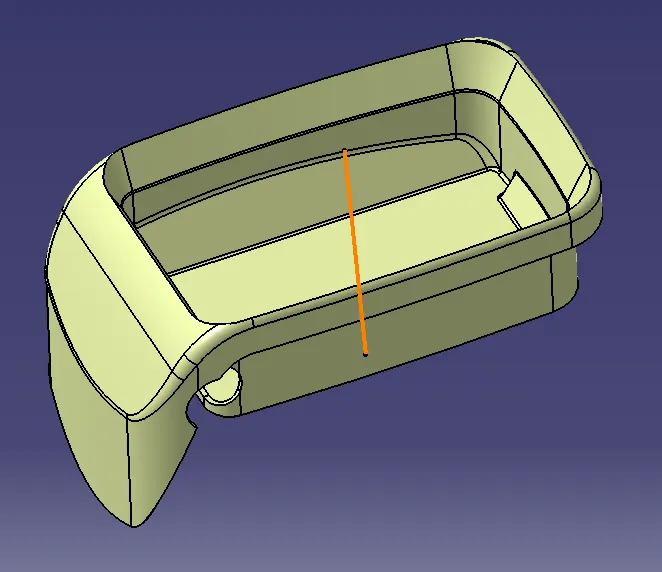
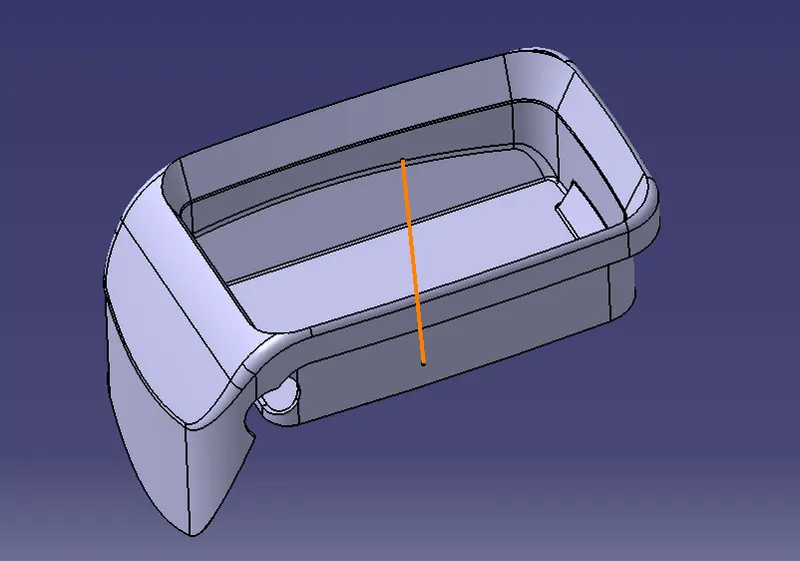
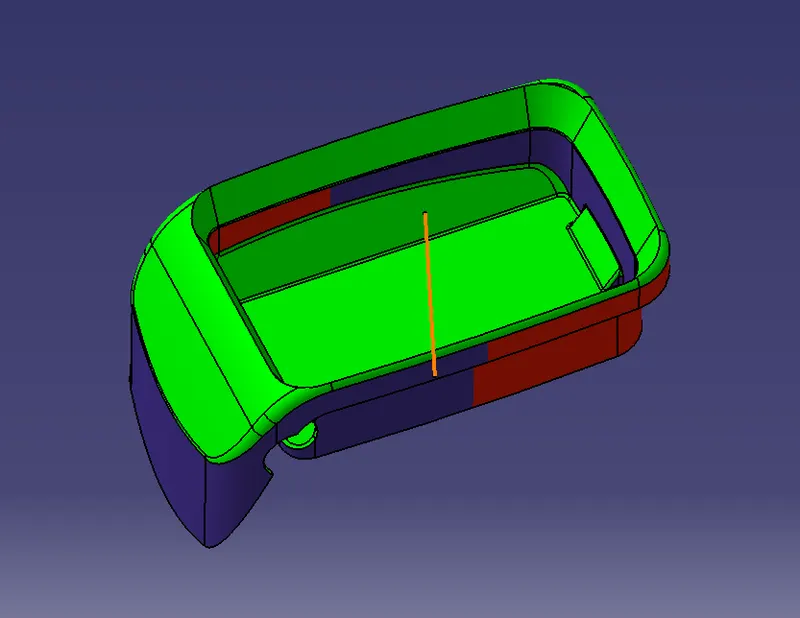
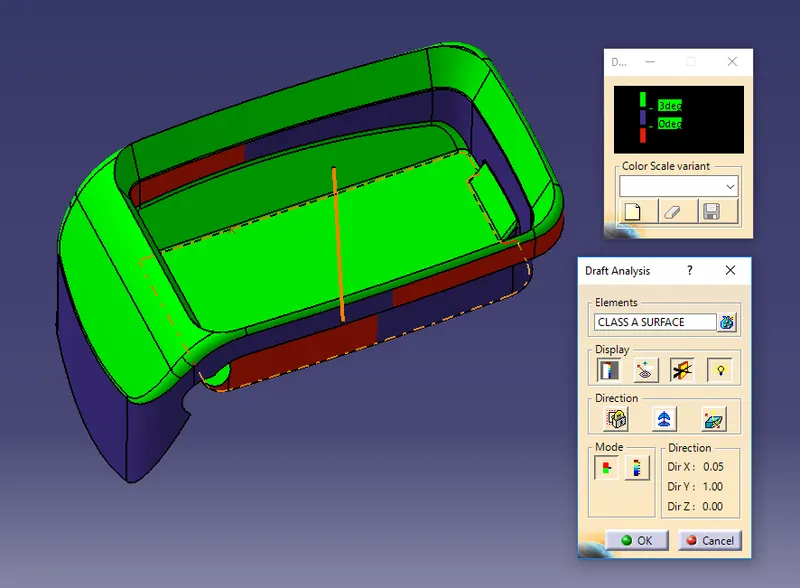
DRAFT ANALYSIS:
1.Open the Draft analysis by Insert > Analysis > Feature Draft Analysis.
2.Select the Compass - Direction in Draft Analysis and align it to the Tooling Axis and then lock it
3.After locking it a cross symbol will occur at the pointer,select the surface and the surface selected turns into green.
4.In Draft Analysis 2 box,select the green column to change the draft angle to 3 degrees.
5.The color should be green in colour.
CONSTRUCTION TREE: