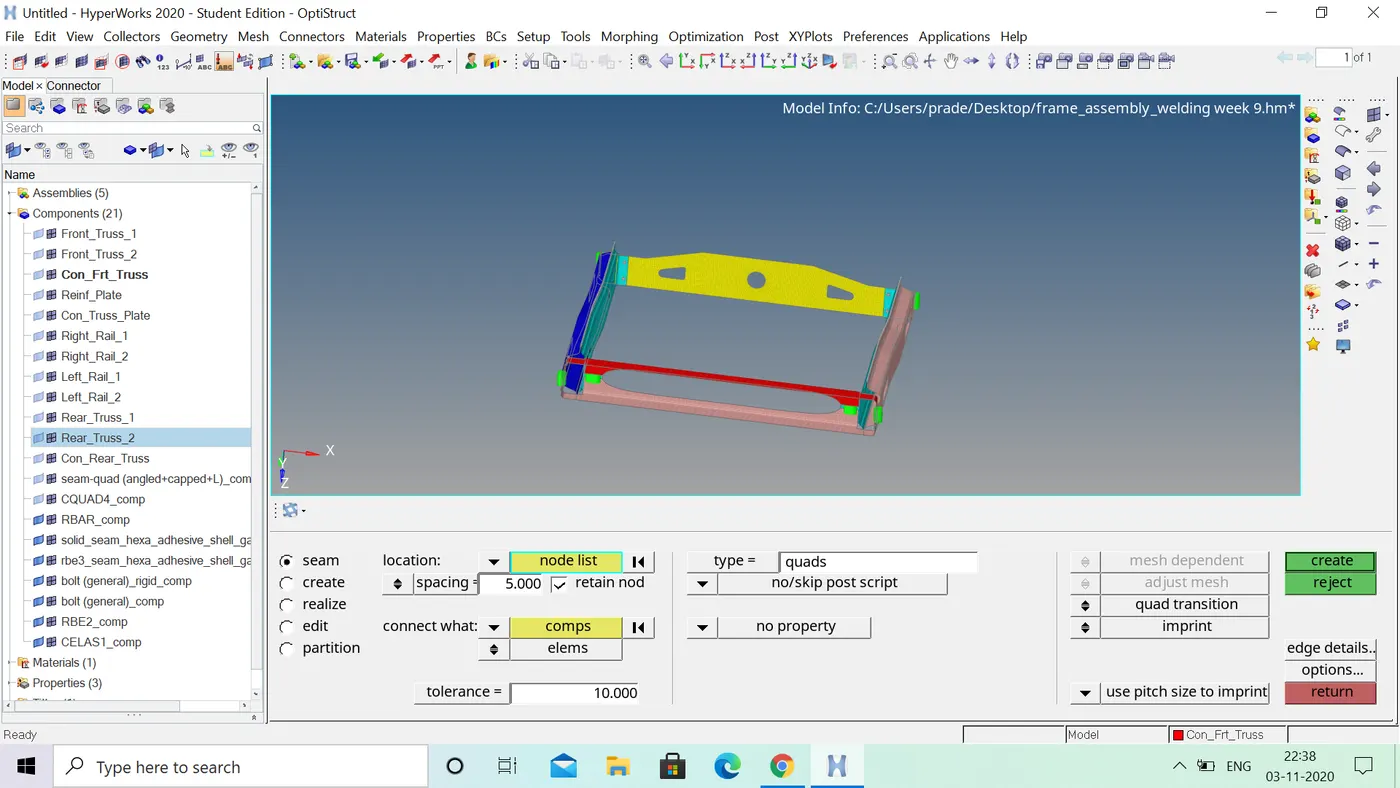
Week 9-Challenge
AIM:create connectors between thevarious paerts and attach the remainig parts of the given model
OBJECTIVE:
Create connector and Attach the various parts of the given model
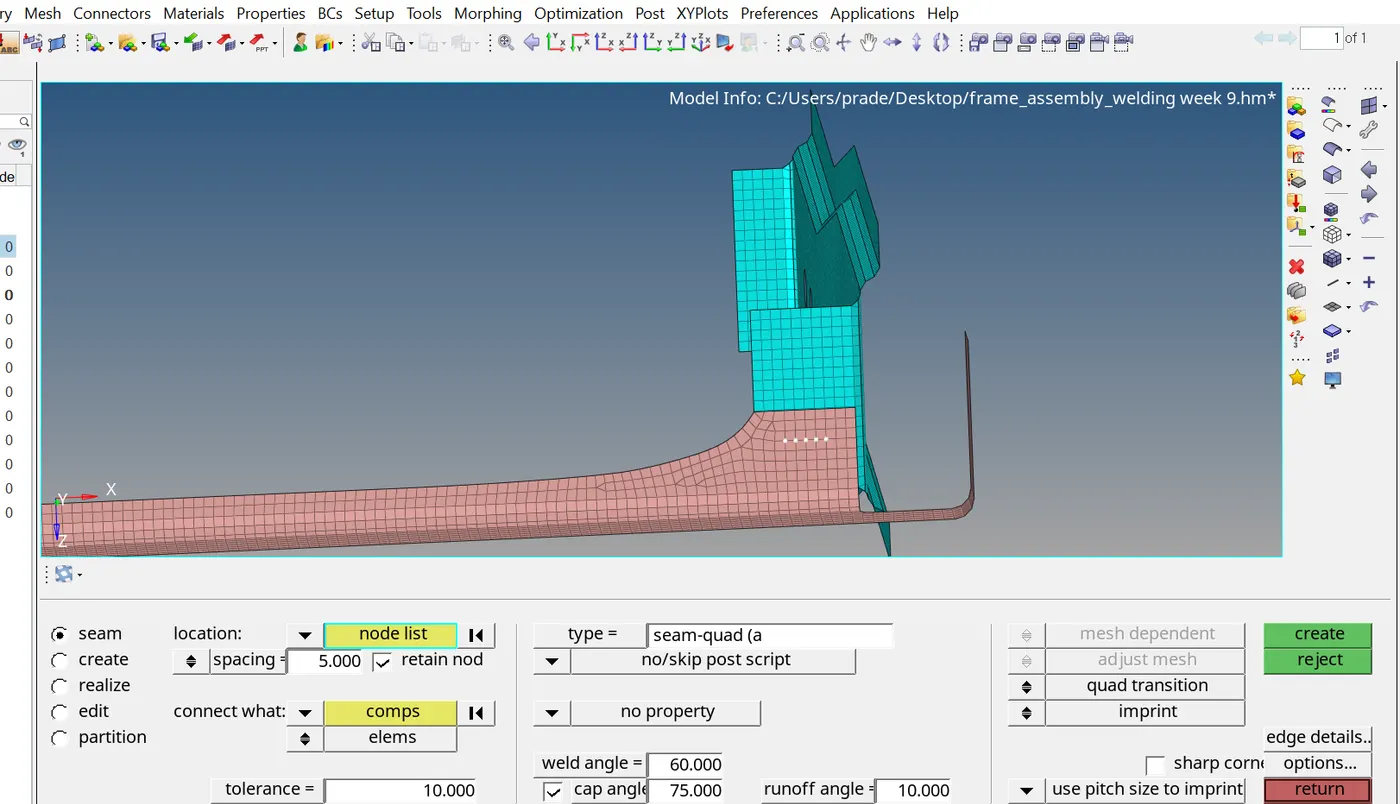
1. Right_Rail_2 & Front_truss_1:- Seam-Quad(angled+capped+L)
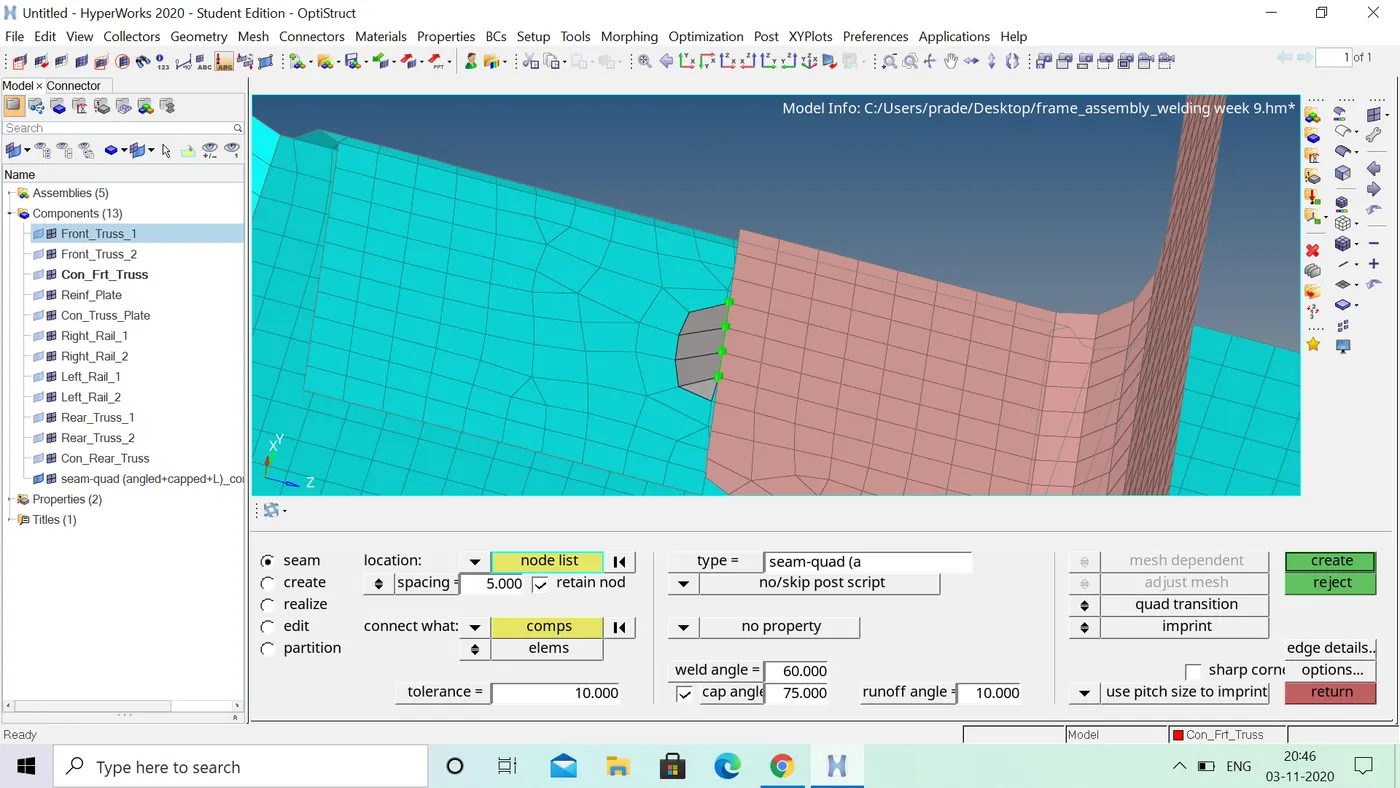
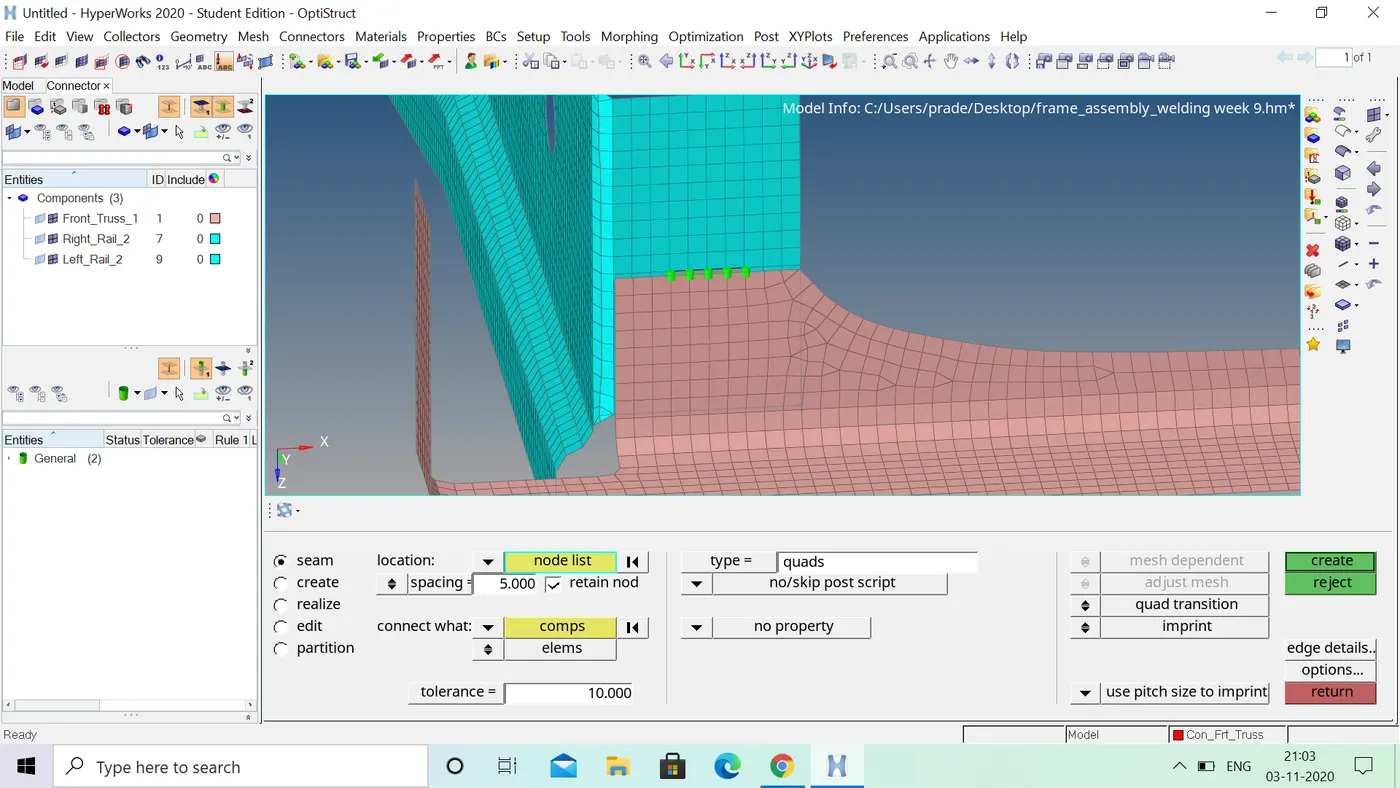
2. Left_Rail_2 & Front_truss_1:- Quad elements
3. Front_truss_2, Front_truss_1 & Right_Rail_1:- Spot weld with 3 Layers and 5 mm Diameter
4. Front_truss_2, Front_truss_1 & Left_Rail_1:- Hexa (Adhesive)
5. Rear_truss_2 & Right_Rail_2:- Bolt Connector
6. Rear_truss_2 & Left_Rail_2:- Bolt Connector
7. Right_Rail_1 & Right_Rail_2:- Spot-weld with Rigid Elements
8. Left_Rail_1 & Left_Rail_2:- Spot-weld with Spring Elements
9. Rest all the component left Join them with suitable connectors
procedure: will go to create a connectors with using seam weld between right rail 2 and front truss 1
- first mesh the total component than
- go to 2d and click on connectors than click on seam option
- select the location weld has to be created by node list
- tick the retain node option and and specify the spacing and tolerance and select seam+quad+L
- than select the components and creat the seam weld
- 2.creat a seam weld with quad elements between front truss 1 and left rail 2
- this weld also create a same as the above weld quads select the insted of angled+squad+L
- than select the the location has to be created a node list than select the components and create a seam weld between the components
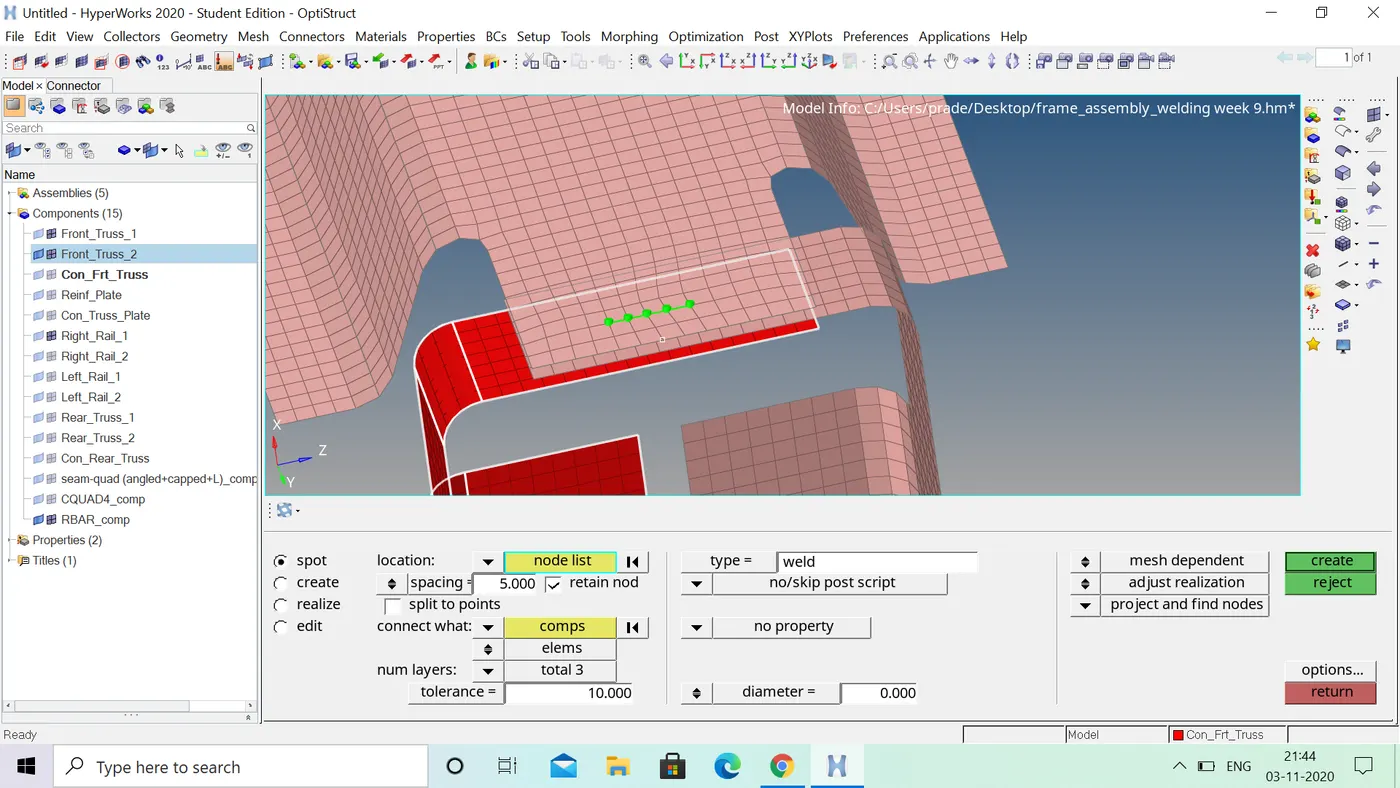
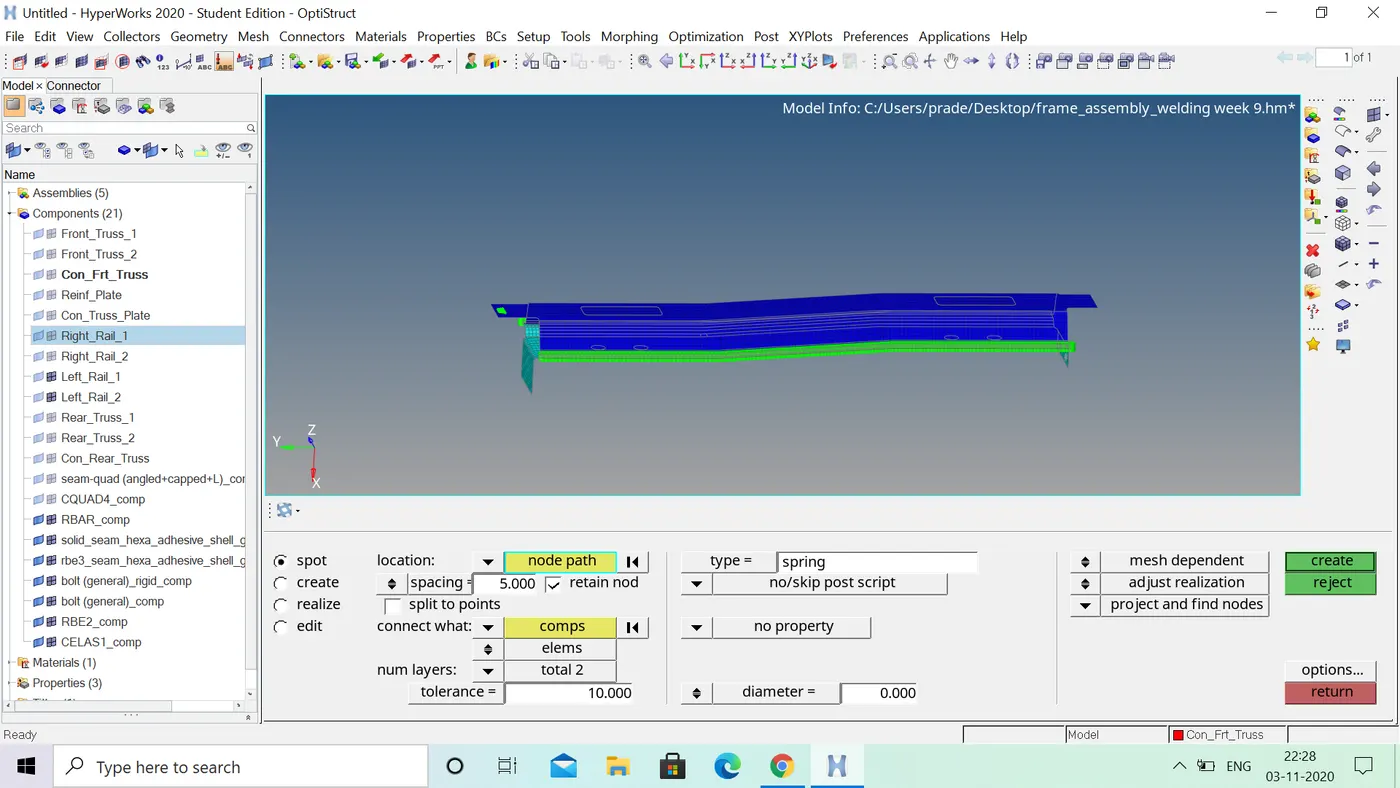
- 3.create a spot weld with 3 layers with 5mm diametere
- select the front truss 1 and front truss 2 and right rail 1 and mesh the 3 surfaces
- go to 2d and select the connectors and click on the spot
- select the location were weld has to be created and click on the retain nodes
- specify the spacing and number of layers 3 and also specify the tollerance and select the weld
- and creat the spot weld of the three components as shown in figure
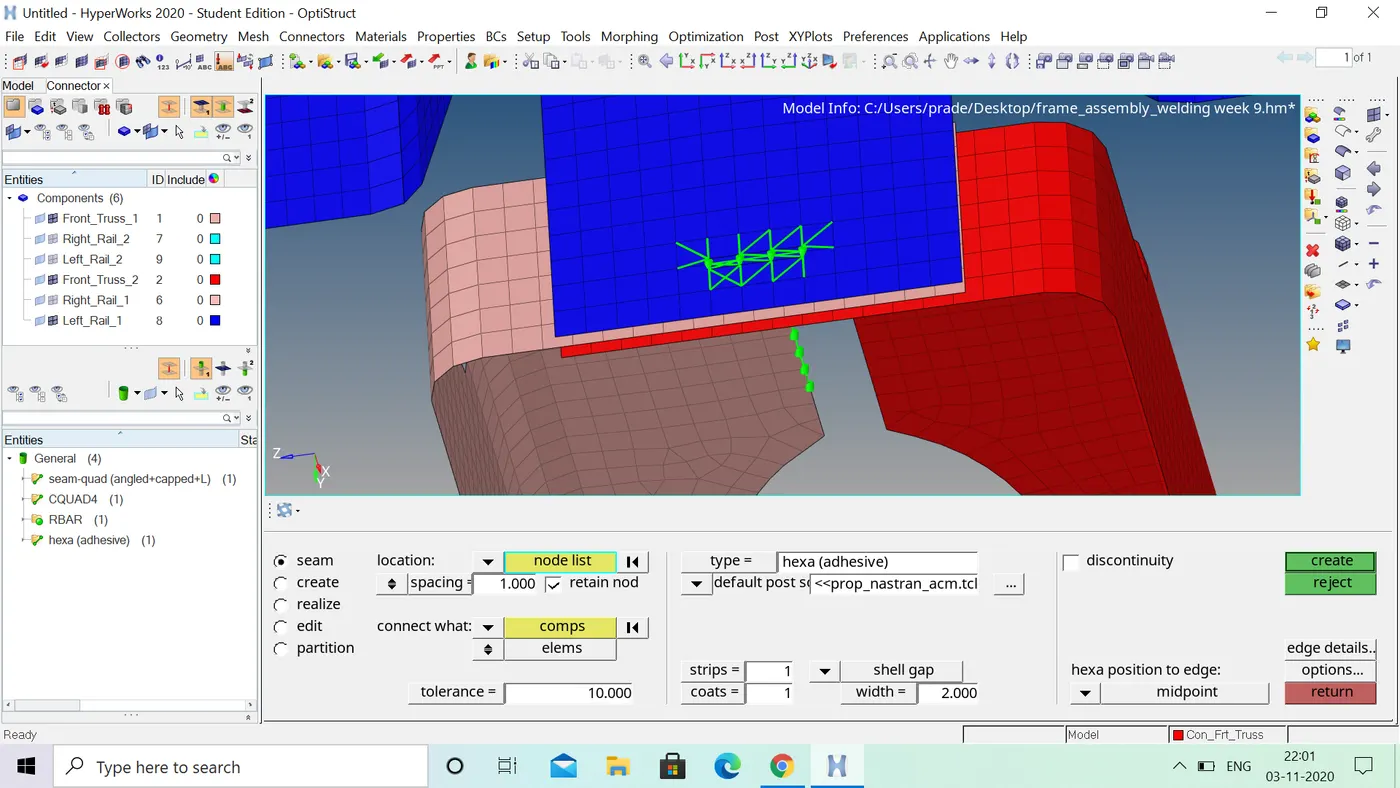
- 4. create a hexa weld between front truss 1,front truss 2 and left rail 1
- go to 2d and select the connectors and select the seam option and
- select the location were weld has to be created by noe list
- and tick on retain nodes and specify the spacing and select the components
- slect the weld type is hexa than create the weld
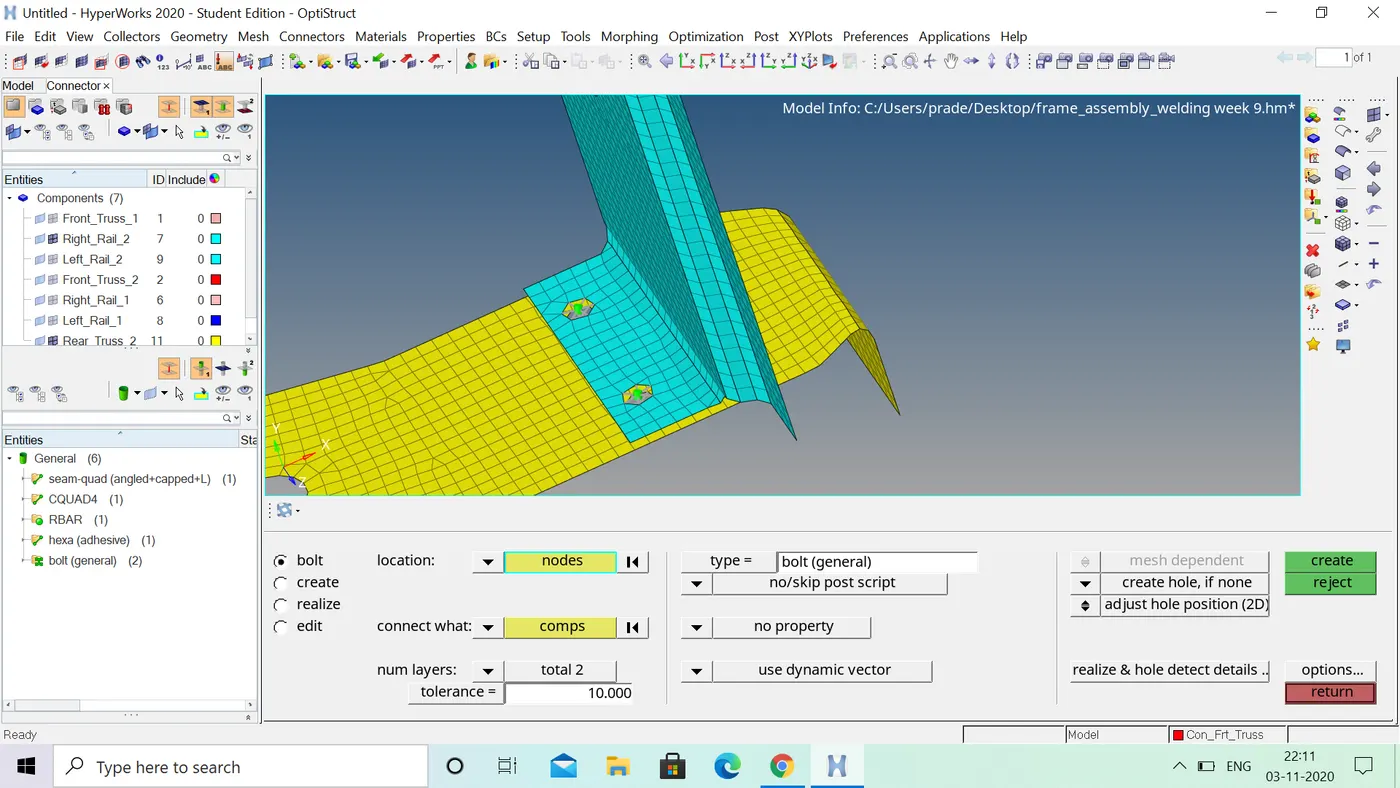
5.create a bolt connector between the rear truss 2 and right rail 1
- now click the 2d and go to connectors and click on the bolt option
- under the location and created the node and we alreadycreated a bolt option
- select the number of layers 2 and specify the tolarence 10
- select the type as bolt than creat the seam weld
6.creat a bolt connector rear truss 2 and left rail 2
- these bolt connector creat same as the above process .these bolt also created same
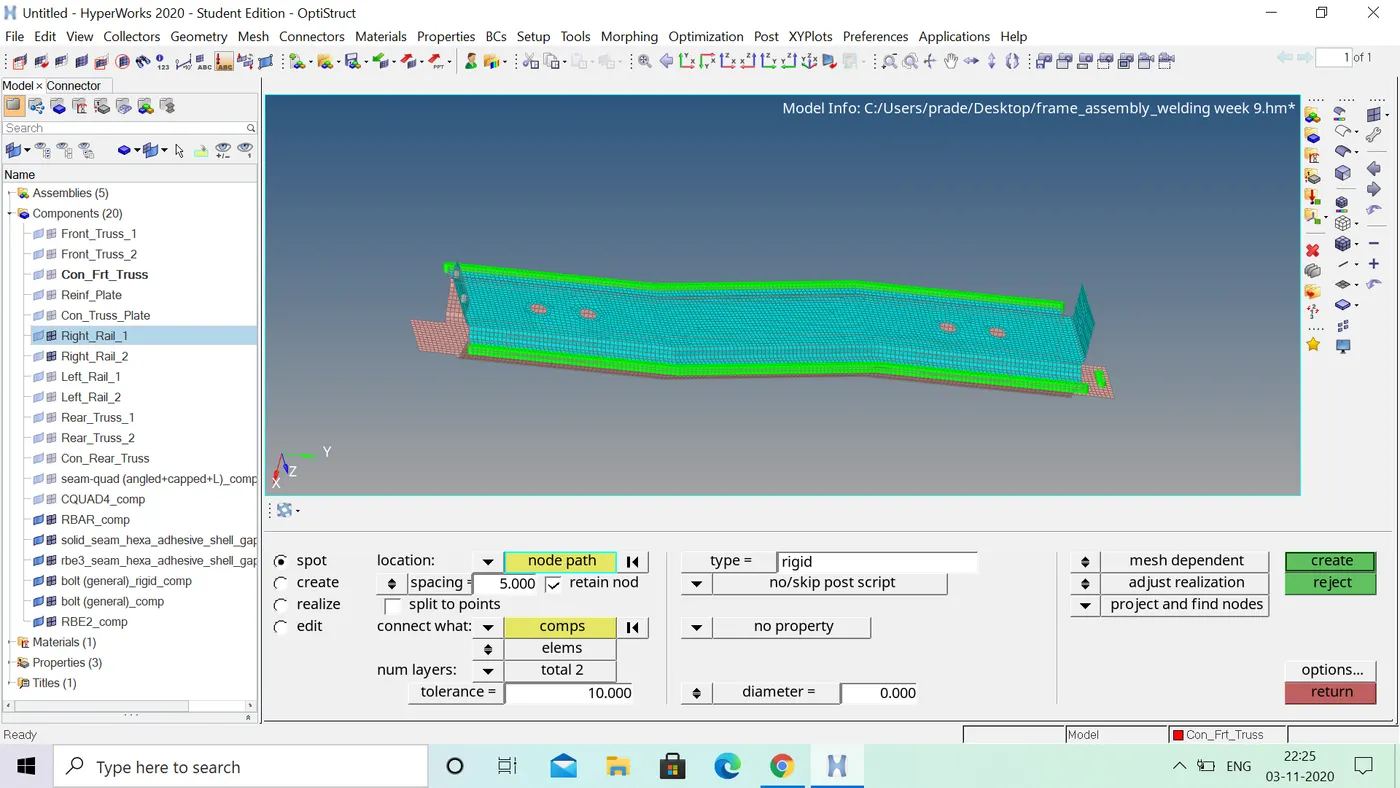
- 7.create spot weld between the right rail 1 and right rail 2
- select the 2d and go to connectos and click on the spot option
- select the location were the weld has to be created by the nodelist
- and specify the spacing and tollerance 10
- select the weld and created spot weld
- 8.created a spot weld between left rail 1 and left rail 2
- spot weld created also same as the above
- rest all the components connect to the spot weld
REASULT: