Week 8 - Challenge 4 - Bumper
AIM: Create the Bumper Plastic component through the given Class-A surface. To begin with, the tooling axis for the given Class-A Surface should be created meeting the requirements of the draft angle and at the end perform the Draft analysis on the model.
Take the Thickness of the component to be 3 mm.
GIVEN:
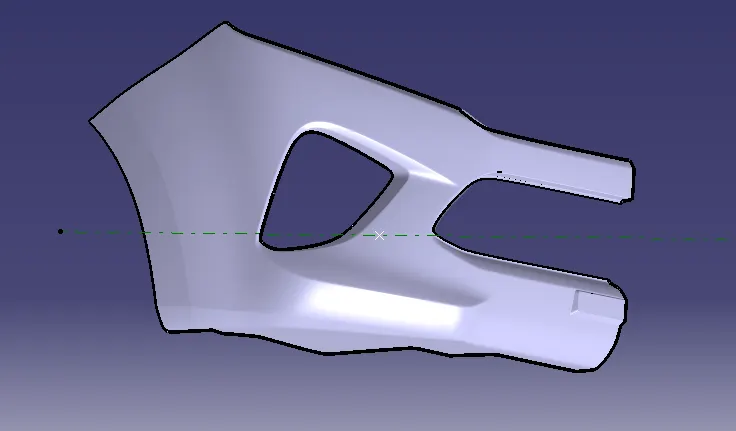
Class A surface:
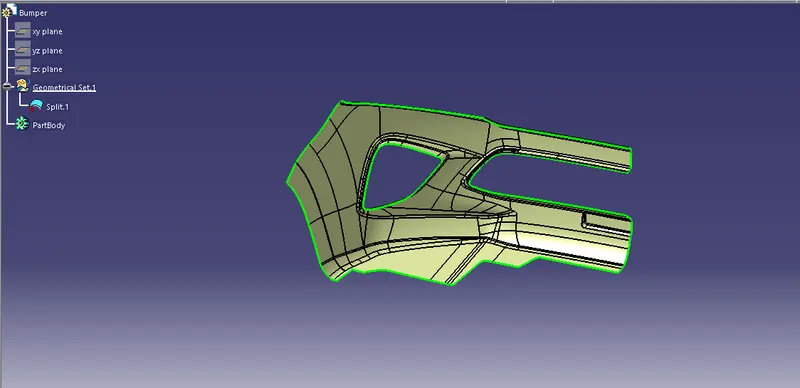
STEP 1: Create a tooling axis and check for the draft analysis of the given class A surface.
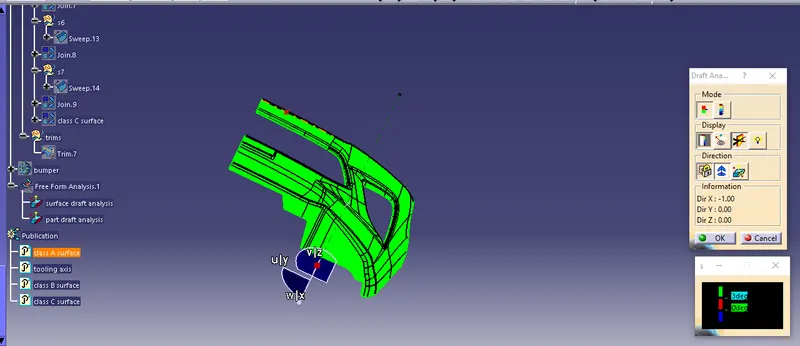
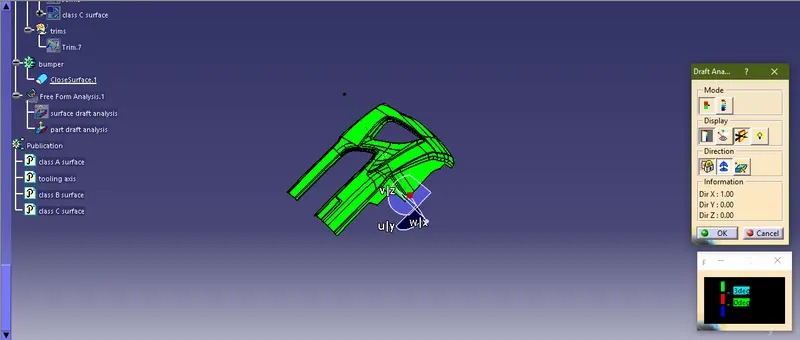
Since, the draft analysis shows green for the given class A surface, we can further proceed with the part development.
Step 2: Now we have to create B surface from the given A Surface.
Here, we first offset the A surface with 3mm. Now we can observe that few of the elements are missing after the offset.
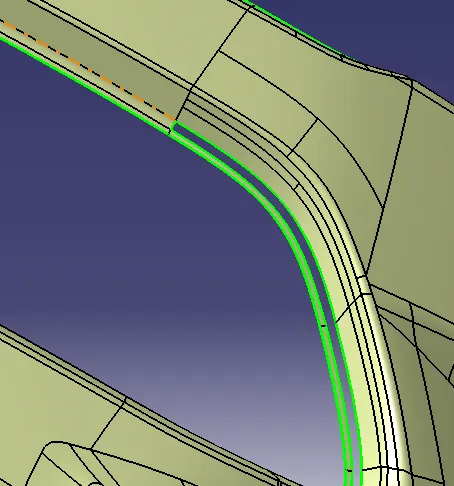
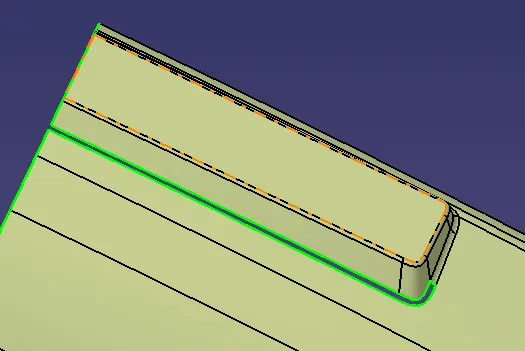
We try to fill the patches by extracting the elements and joining them.
Finally, we get the desired B surface as showm below.
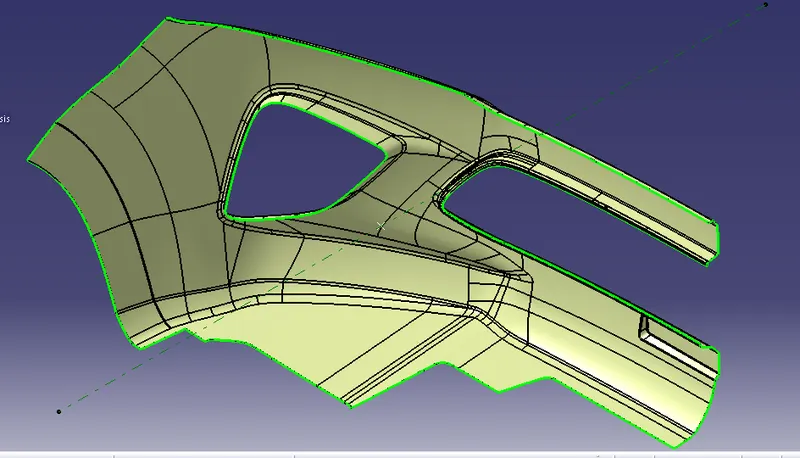
Step 3: Create the C surface, by using sweep command in the desired directions as per the model, and join with A Surface.
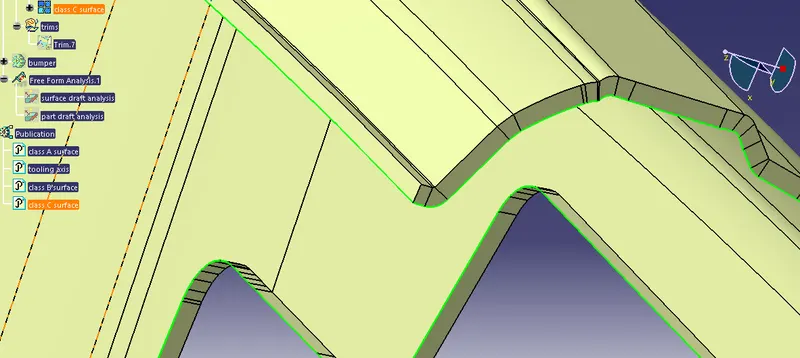
Step 4: Trim the joined Class A & C surfaces with Class B surface to achieve the outer surface of the part.
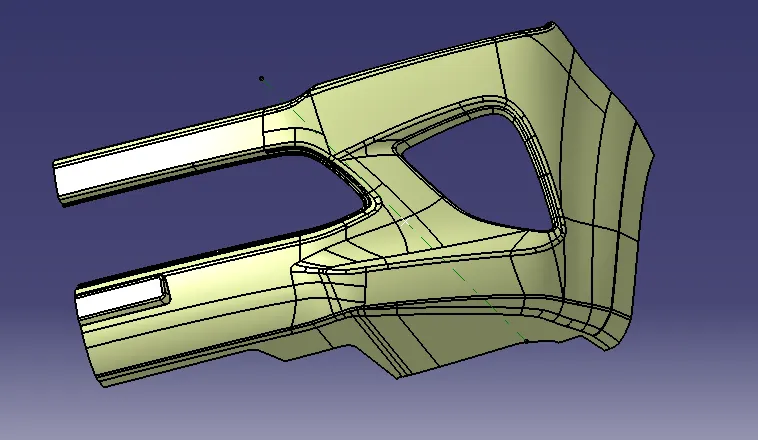
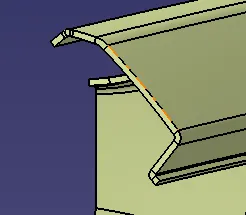
Step 5: Now using the above element, convert it into part using the "close surface" feature. Thus, we get the desired part as shown below.
Step 6: Perform draft analysis on the part body.
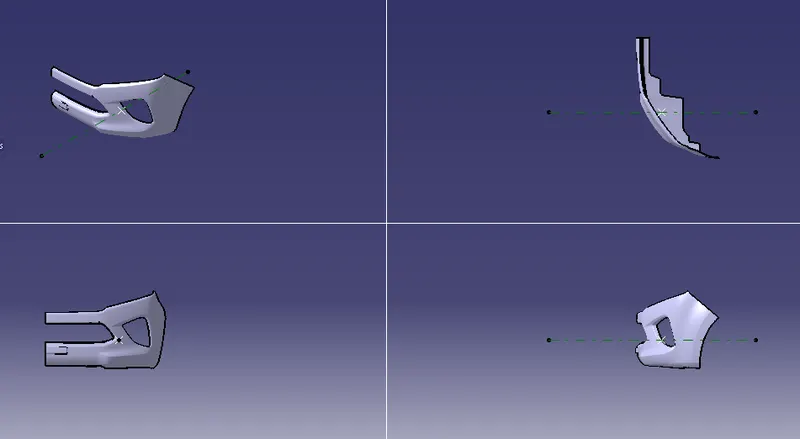
VIEWS:
CONCLUSION: Thus, the part bumper is designed using the given inputs.