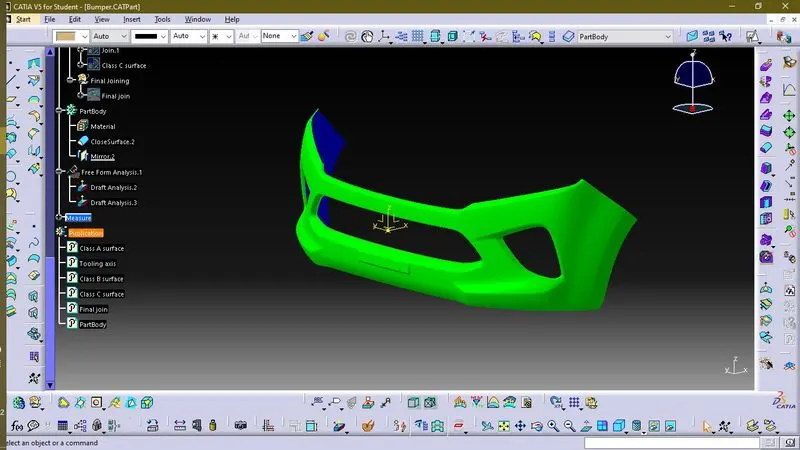
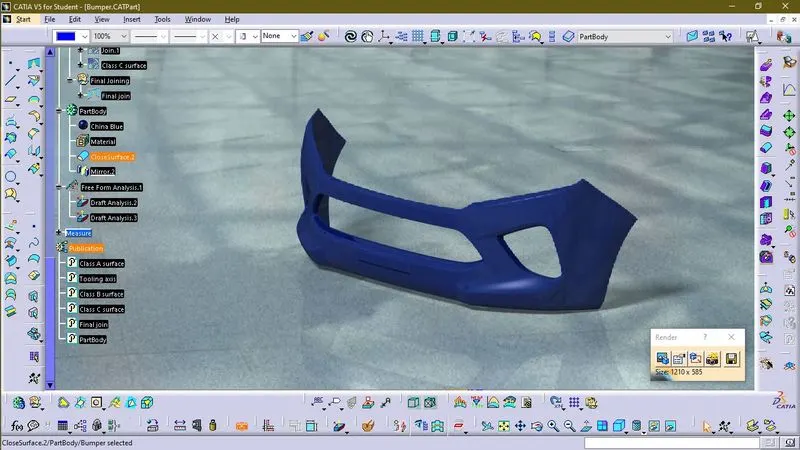
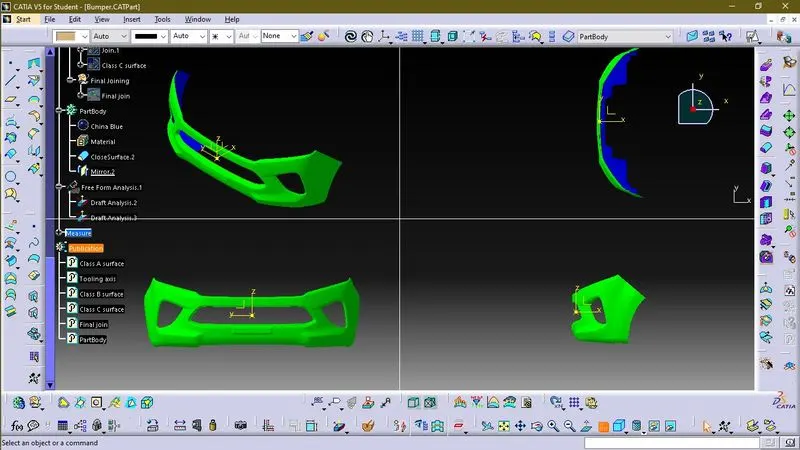
Week 8 - Challenge 4 - Bumper
Bumper
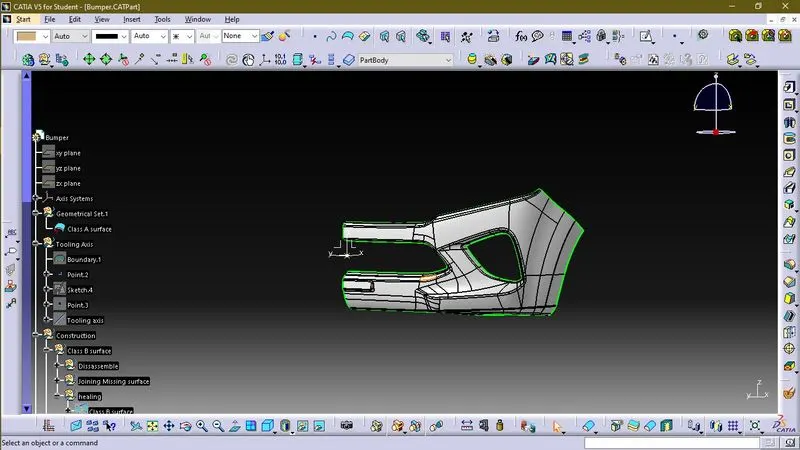
Procedure for creating Tooling Axis
To create tooling axis we have to analyse the given surface first. As the given surface is a half simitary of a car front bumper, therefore we create our axis from left end side surface which suppose to be the middle portion of complete bumper. Now we will create a point on left end side of surface and then provide axis system on this point. With this point we can create line.
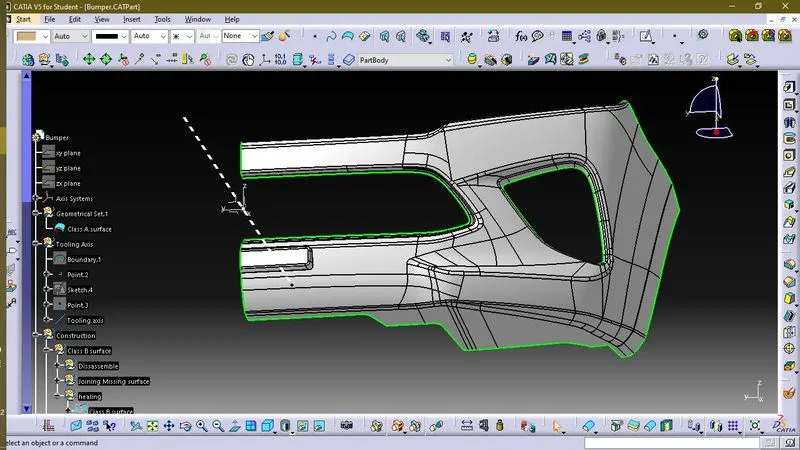
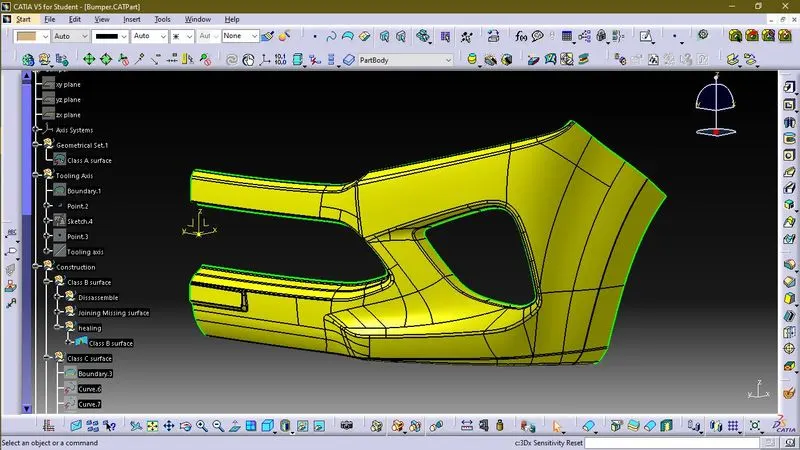
Procedure to create Class B surface
- First we will offset Class A surface in reverse direction to 3 mm.
- However, the surface A can not be fully offsetted and create some missing parts.
- Now we will repair our Class B surface and fill up those missing parts by using following commands:-
- Fill
- Blend
- Split
- Trim
- Isoparametric curve
- Heal
- Surface simplification
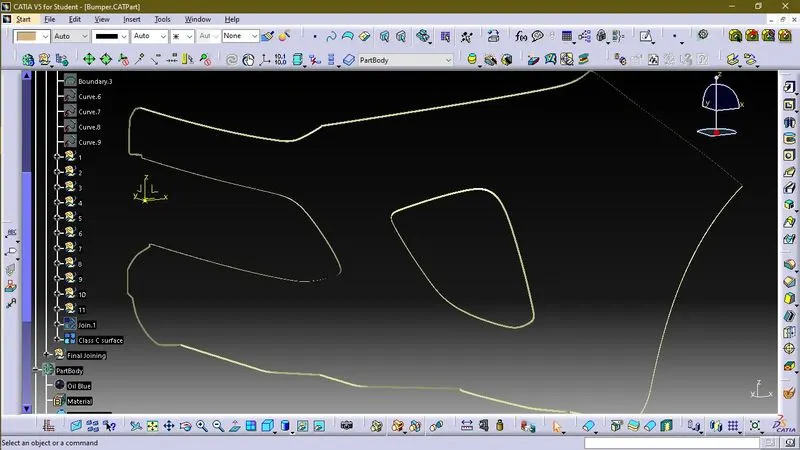
Procedure to create Class C surface
Now by using boundary command and blend command we will create Class C surface.
Final join command
By using heal command we will join Class A, Class B and Class c surface.
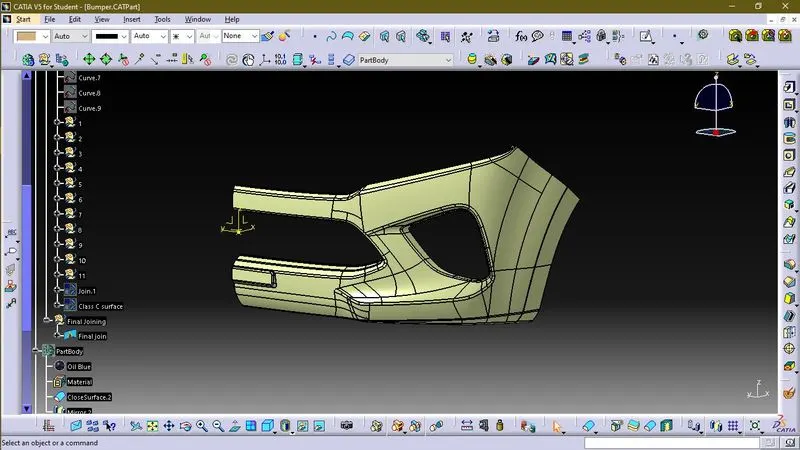
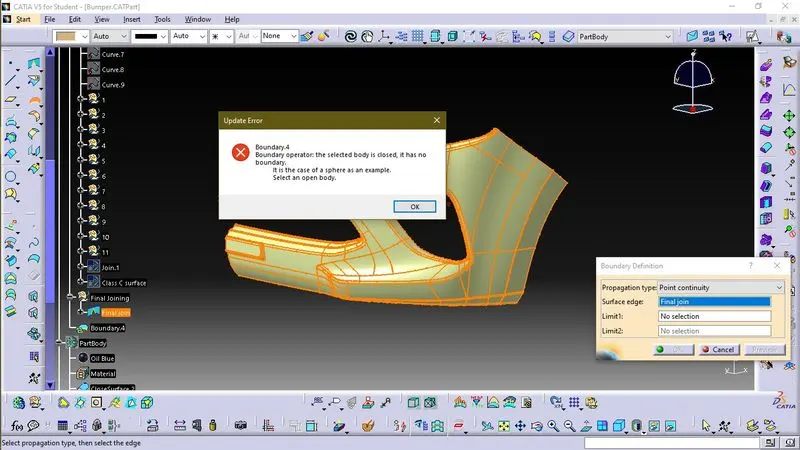
Creating solid part
By using close body command we will create solid part of final surface. Now by using Mirror command we will create other half of body.
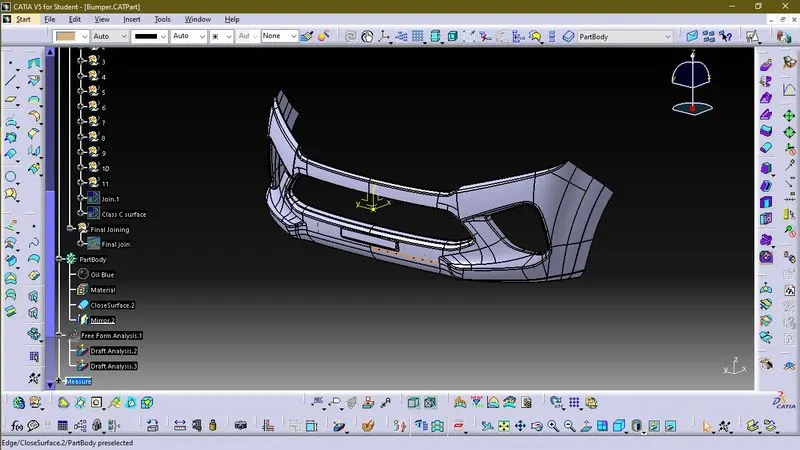
Draft Analysis