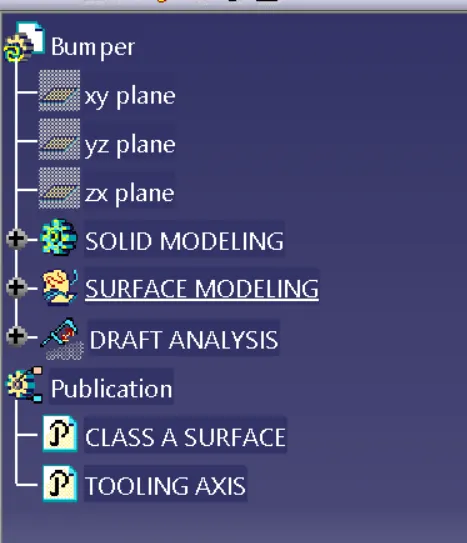
Week 8 - Challenge 4 - Bumper
BUMPER
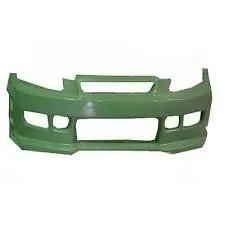
Bumper is one plastic component in automotive car. It's is located at front of car and more impact absorbed in this place. So the bumper it be in impact resistance.
To design a bumper we need to have class A surface, class b surface ,class c surface and tooling axis.
CLASS A SURFACE
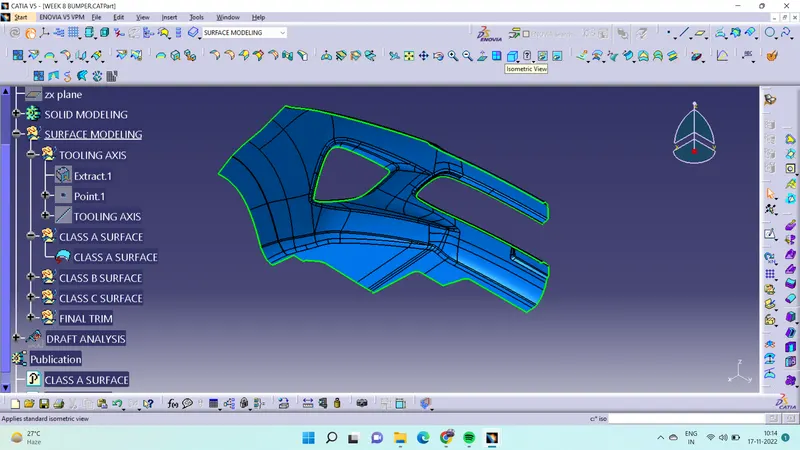
- Class A surface is input to make a plastic surface.
- It's the asthetic surface it is in top surface.
- Class A surface is make in ALIAS.
TOOLING AXIS
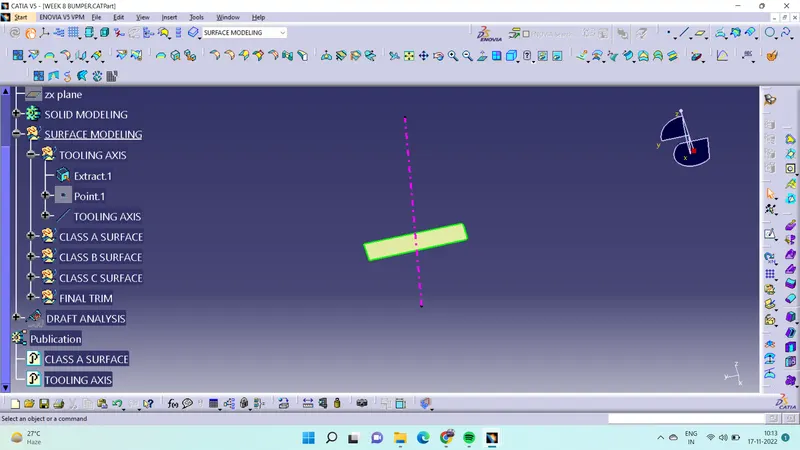
- To before create the tooling axis have to analysis class A. which place to tooling axis will be suitable.
- The tooling axis it will desided the core and cavity to located.
- To create a tooling axis we need the surface so that extract the surface were to place the tooling axis.
- After extract the surface place point and create line.
CLASS B SURFACE
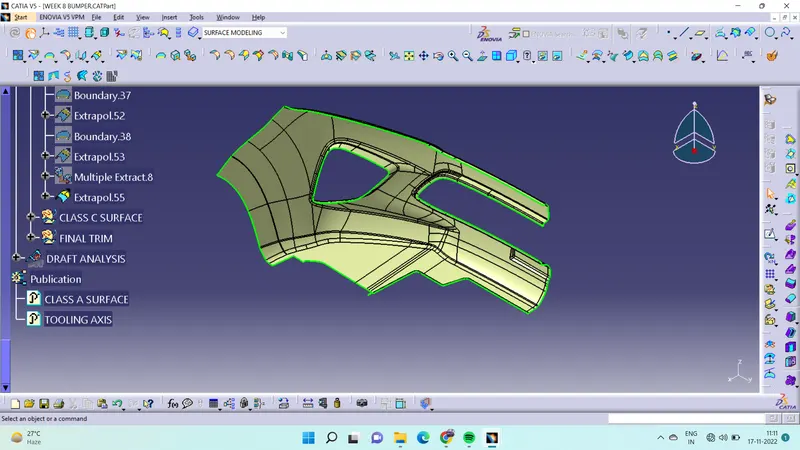
- Class b surface is the next surface of class A surface.
- It is the inner surface of the component
- To create class B surface offset the class A at the given thickness 3mm .
- In offset surface some surface it does not form.
- For that use multiple extract select surface which to need.
- After that use extrapolate which surface to extended.
- Extended the two surface then trim the two surface which side to need.
CLASS C SURFACE
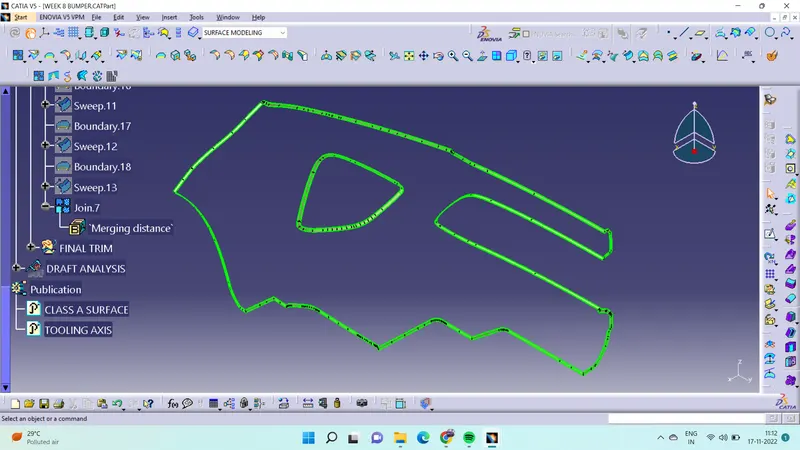
- Class c surface is act as the thickness of class A and B surface.
- To create the class c surface to extract the edge of class A sueface.
- Extract is to be in divided in two or more .
- Then use sweept command in that select the with referance surface create a sweept.
- After create sweept join the class A surface and class C surface.
- Then trim class A and C with class B.
- Then will create surface modeling of bumper.
- To get solid modeling of bumper go to part workbench then select close body.
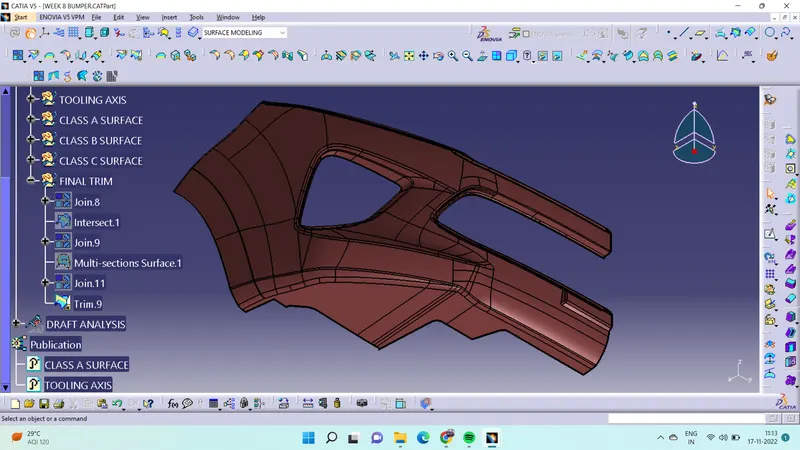
DRAFT ANALYSIS OF CLASS A SURFACE
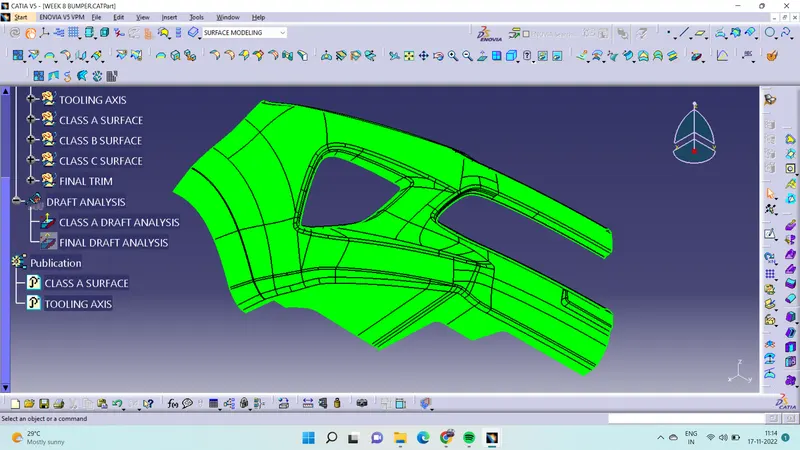
DRAFT ANALYSIS OF FINAL SURFACE
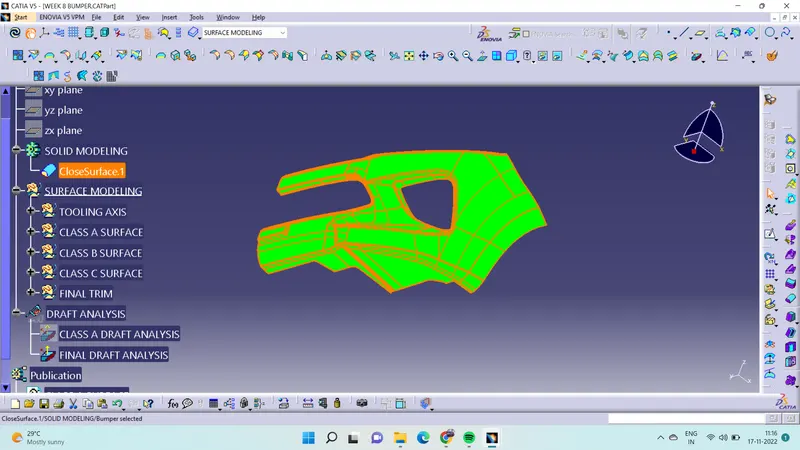
MULTI VIEW
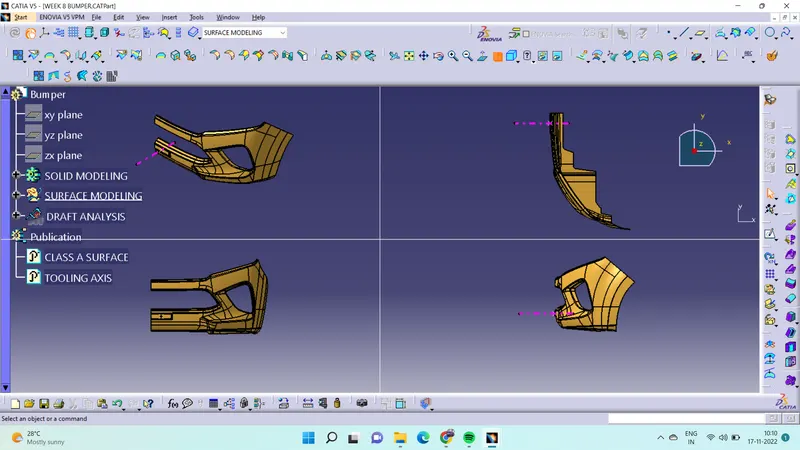
TREE STRUCTURE