Week 8 - Challenge 1 - Base Bracket Design
WEEK 8 CHALLENGE 1 BASE BRACKET DESIGN
STEP 1
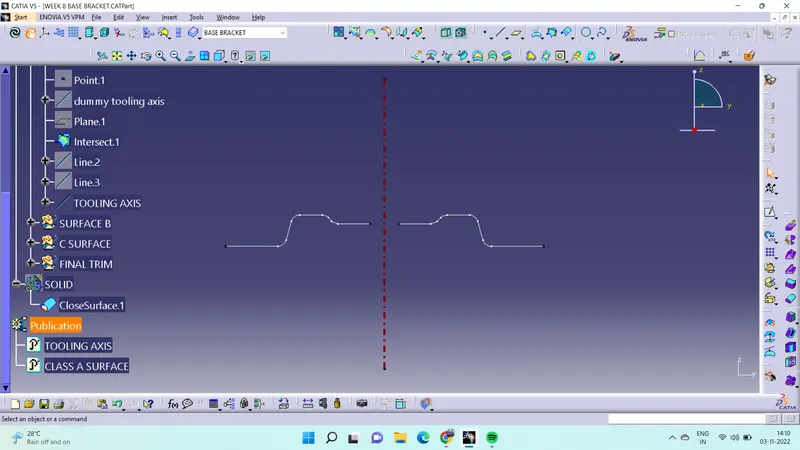
First step to analysis the CLASS A surface for selecting the tooling axis. For that to create a dummy tooling axis. And intersect the CLASS A surface bisecting line it create main tooling axis.
. 
STEP 2
After create a tooling axis analysis CLASS A surface for draft angle using draft analysis tool.Maximum draft angle is to be 3deg.
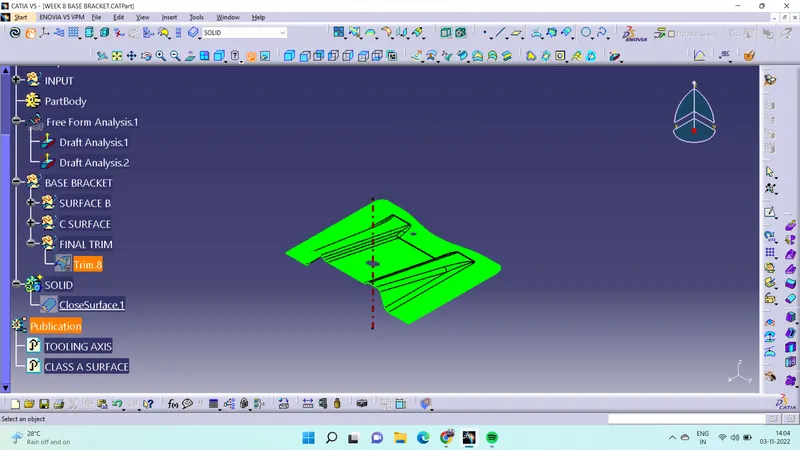
STEP 3
After analysis the CLASS A surface. Now inset the new geometrical set name that SURFACE B extract the side rib surface with thickness of 2.5mm
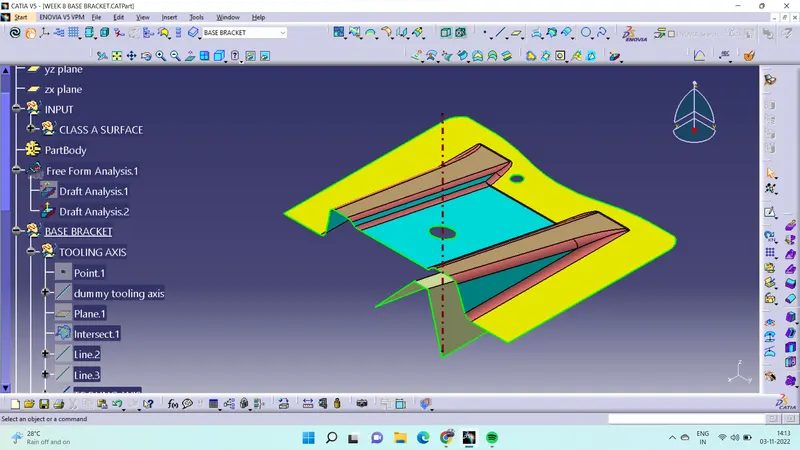
STEP 4
As same as done at other rib also and extract the top slop surface after that trim this two rib and top slop surface.
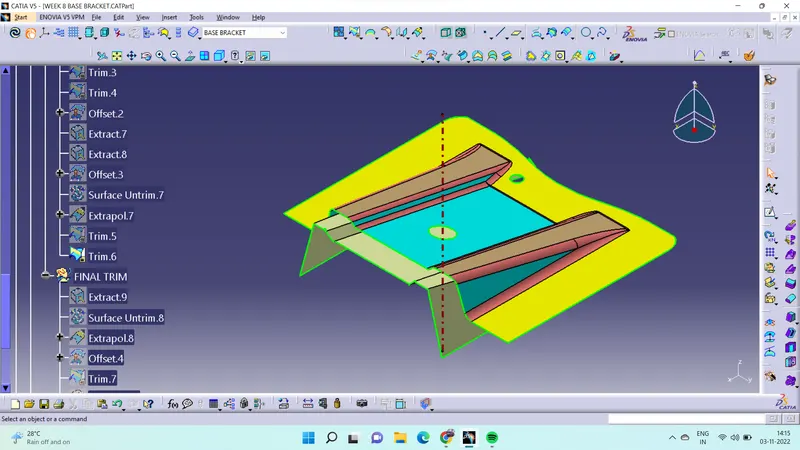
STEP 5
After that extract the bottam surface and trim the previous trim surface and this also. this surface be B surface.
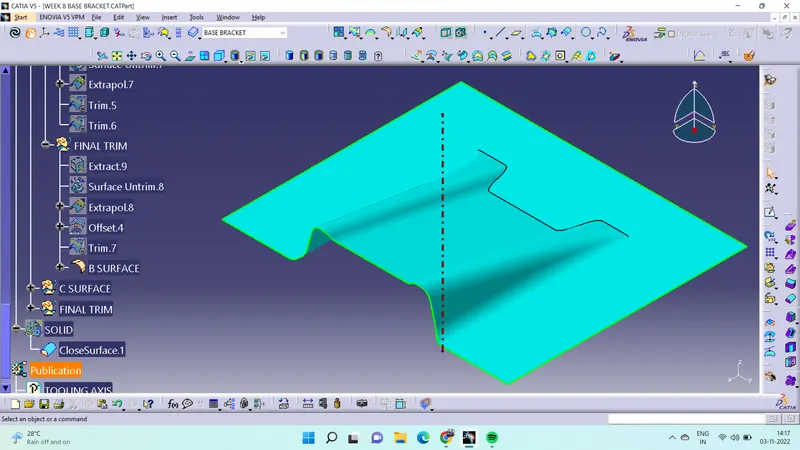
STEP 6
Then insert new geometrical set name that surface C. Create boundray of CLASS A surface then using the sweep tool C surface can create.
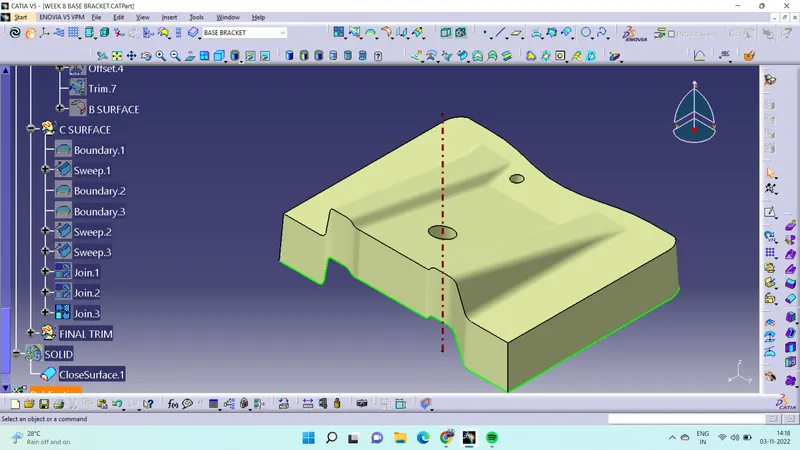
Step 7
Then trim the CLASS A surface and B surface it form base bracket surface. Then go to part body workbench insert new body select the close surface.
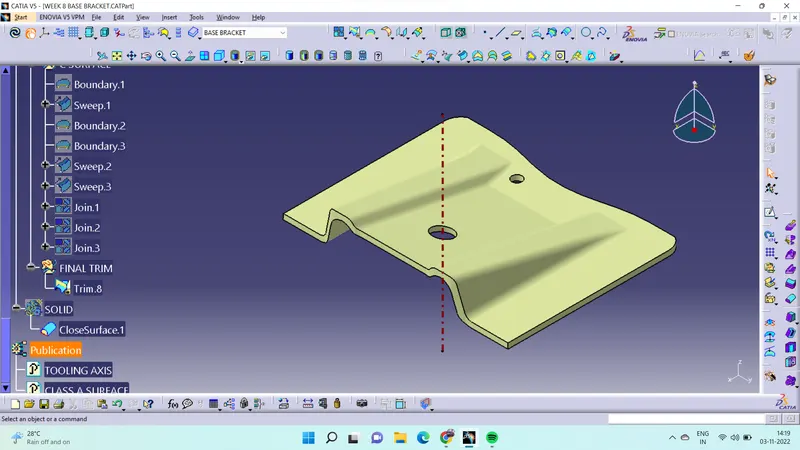
STEP 8
Analysis the final surface of draft angle using draft analysis.
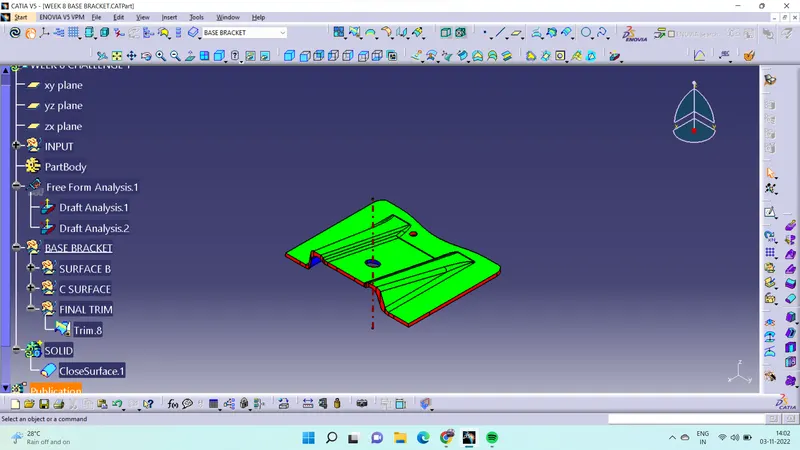
BASE BRACKET DESIGN VIEW
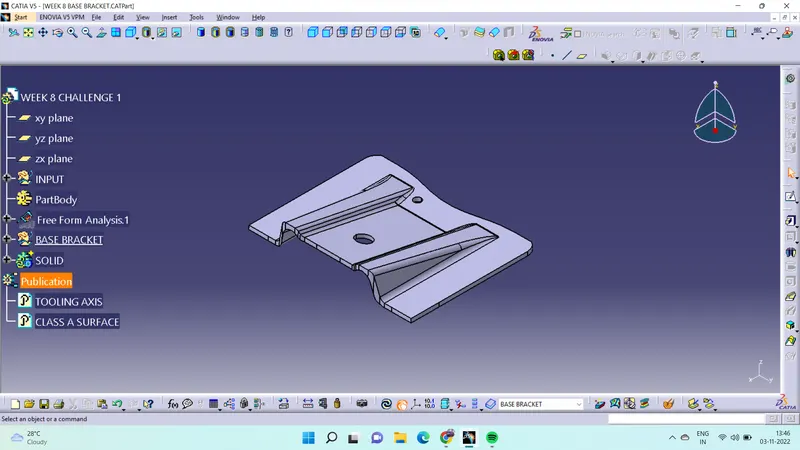
ISOMETRIC VIEW
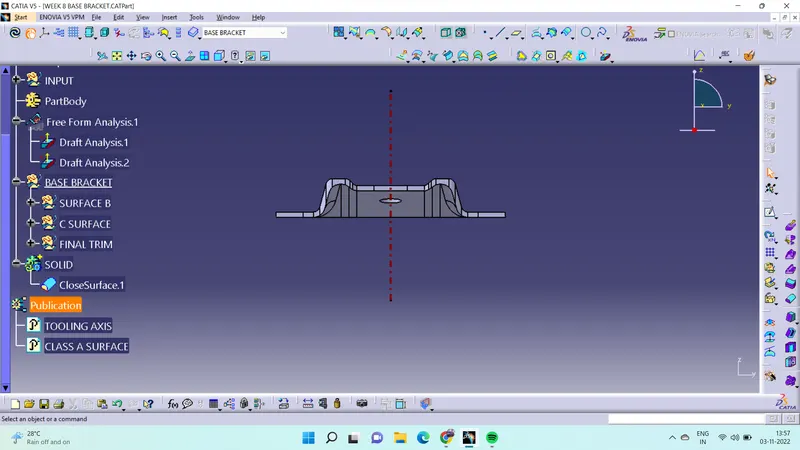
FRONT VIEW
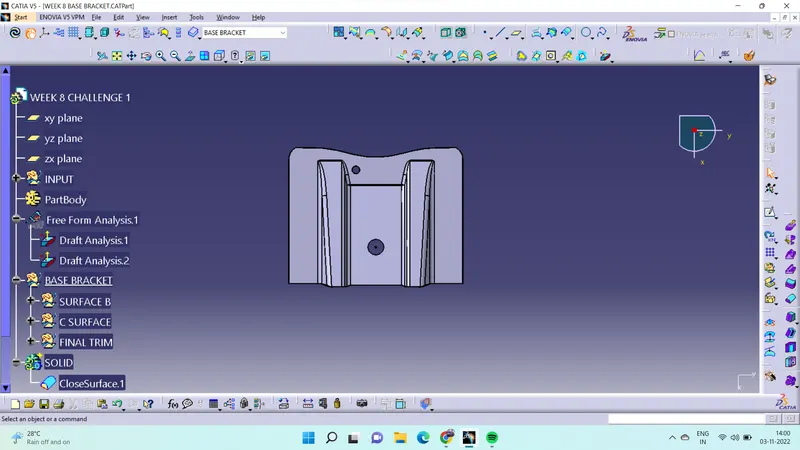
TOP VIEW
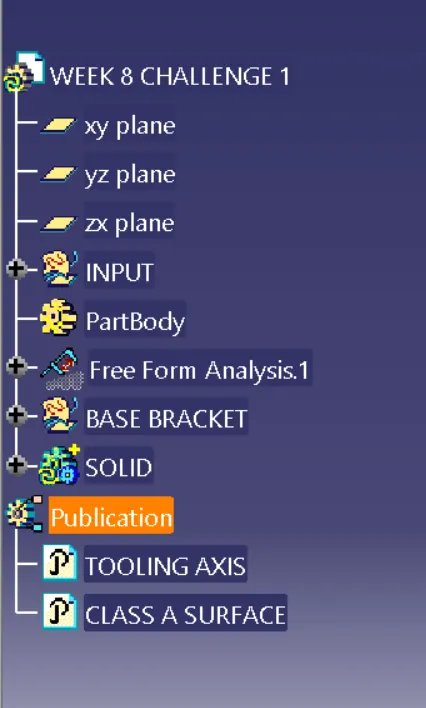
TREE STRUCTURE