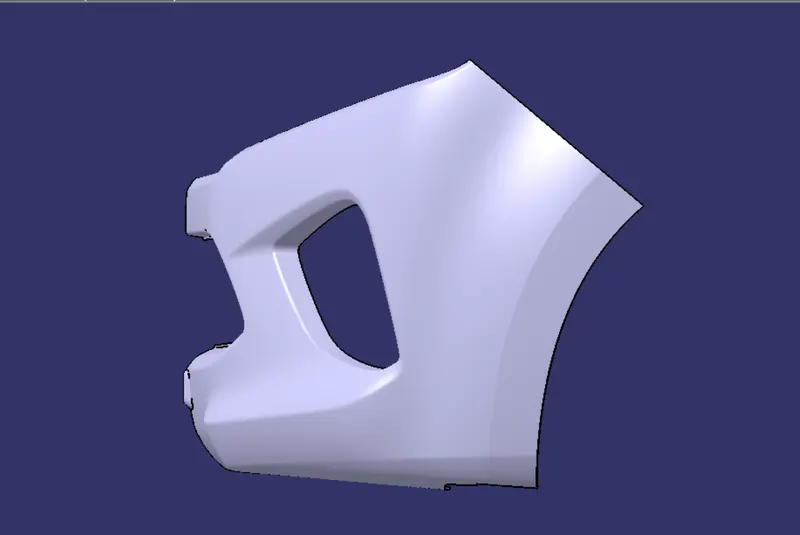
Week 8 - Challenge 4 - Bumper
CREATION OF MAIN TOOLING AXIS : POINT & DIRECTION METHOD
STEP FOLLOWED :
1) Extract a surface which is almost in mid of part and almost plane.
2) Create a point on this plane
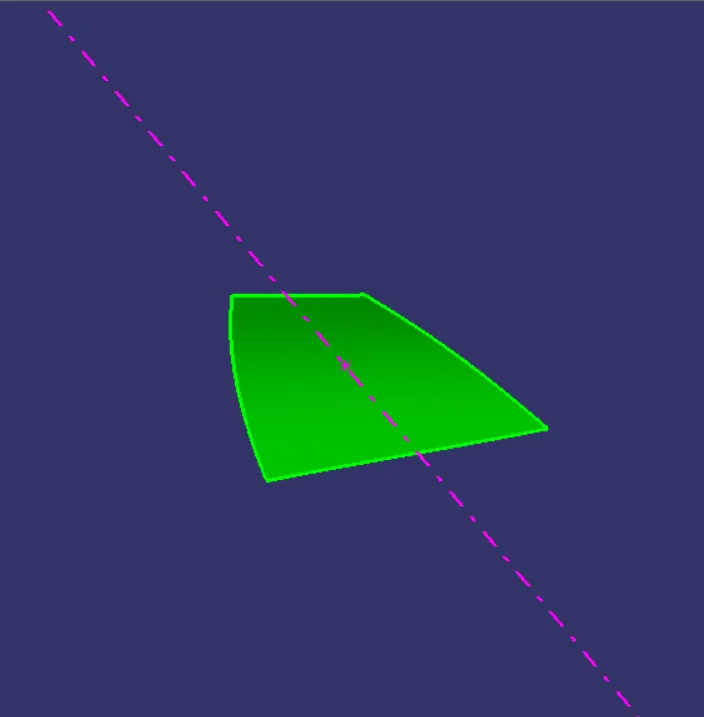
3) Now create a line on this point with Point and Direction option. Choose the appropriate tooling direction to create the line.
4) That resulting line will be the main tooling axis and we can change its properties.
extracted surface and point on it
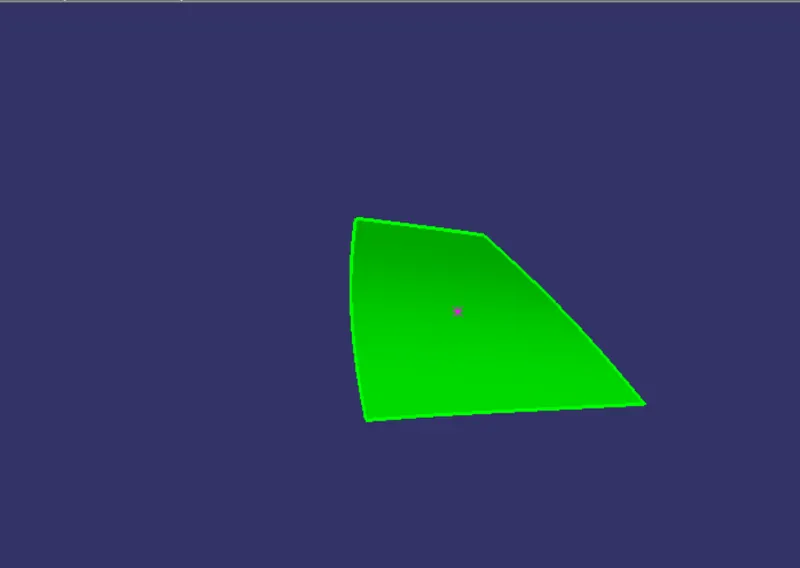
Tooling Axis From That Point
Tooling Axis With Class-A Surface
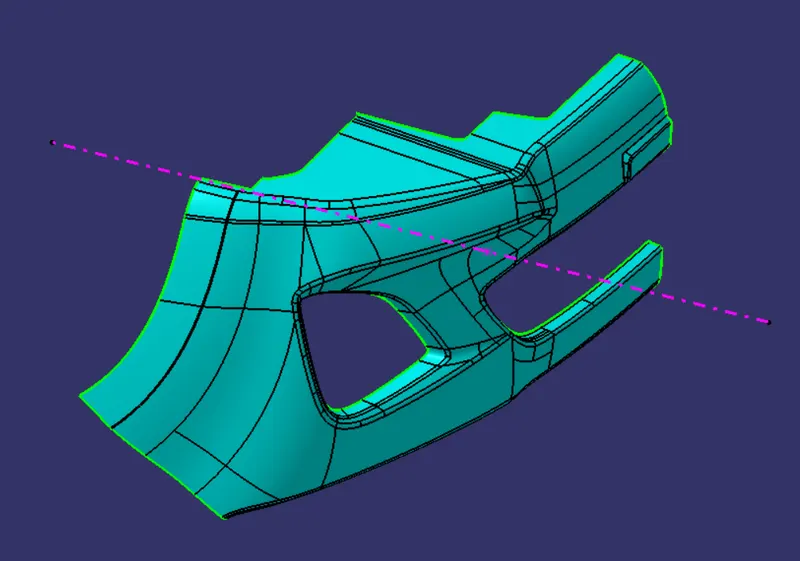
DRAFT ANALYSIS :
CLASS-A SURFACE
STEP FOLLOWED :
1) Create the main tooling axis.
2) Change the view mode : material
3) Select the draft analysis tool, and select the class-A surface.
4) Drag the compass on main tooling axis , lock the compass position,and check the compass position by drag it.
5) Now we can check the draft angle in various view mode.
QUICK ANALYSIS MODE
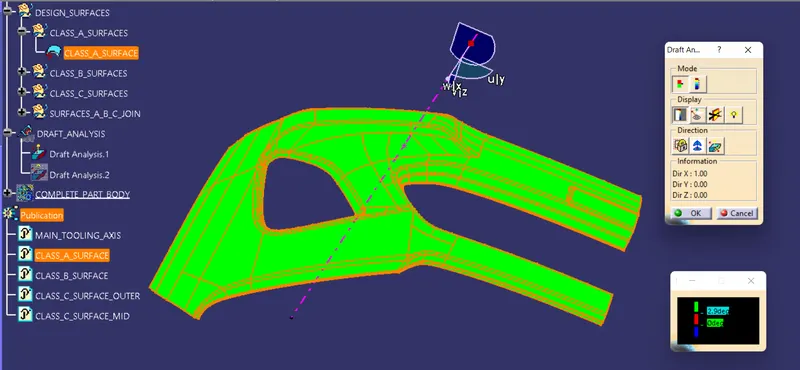
ANALYSIS UNDER RUNNING POINT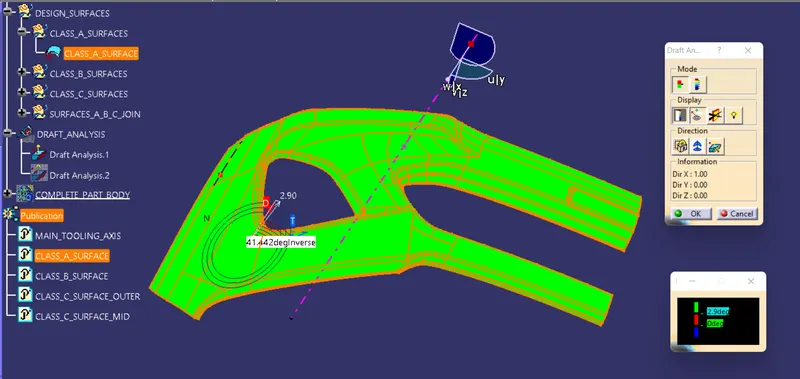
DRAFT ANALYSIS FOR COMPLETE PART :
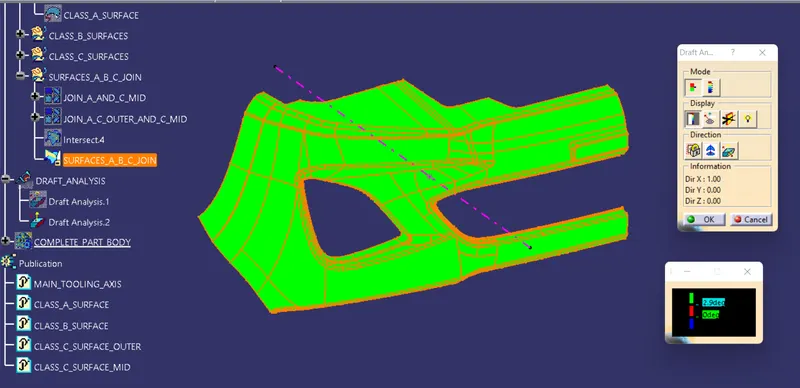
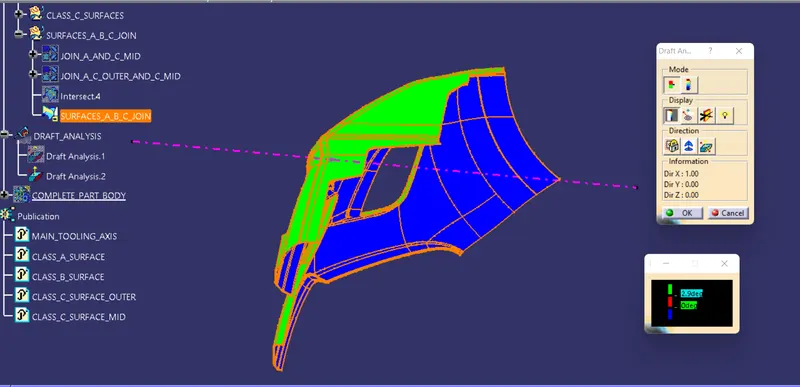
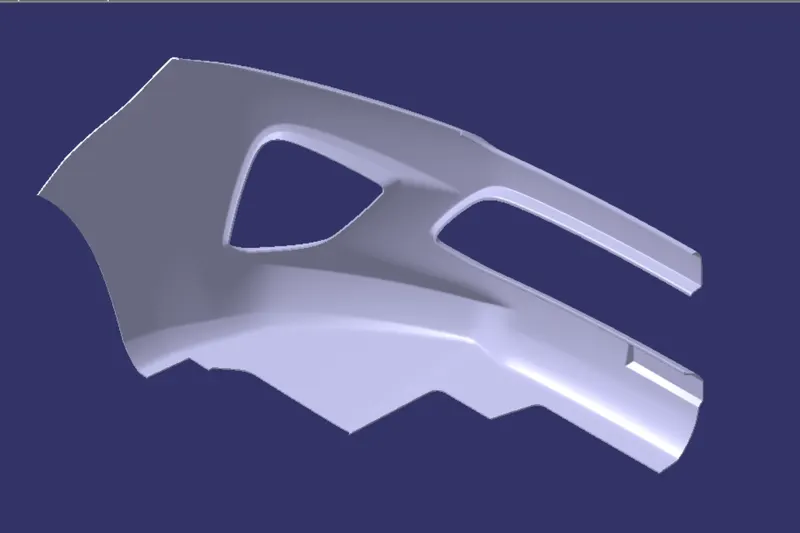
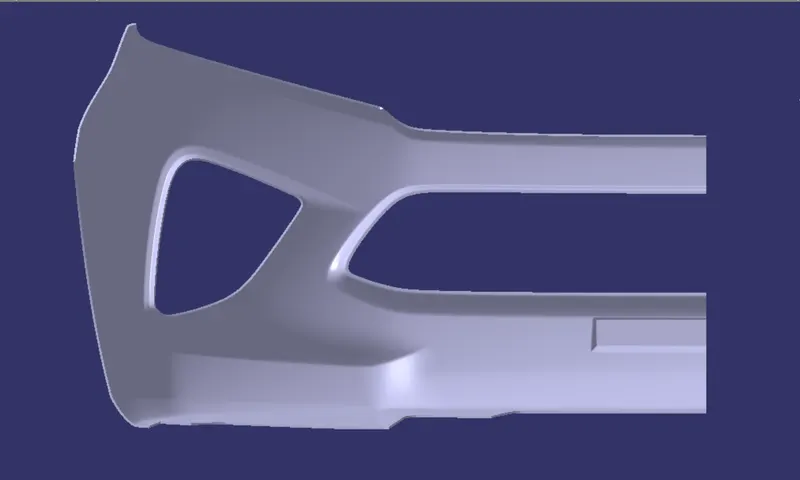
VARIOUS ORIENTATION OF PART :
ISOMETRIC VIEW :
FRONT VIEW :
TOP VIEW :
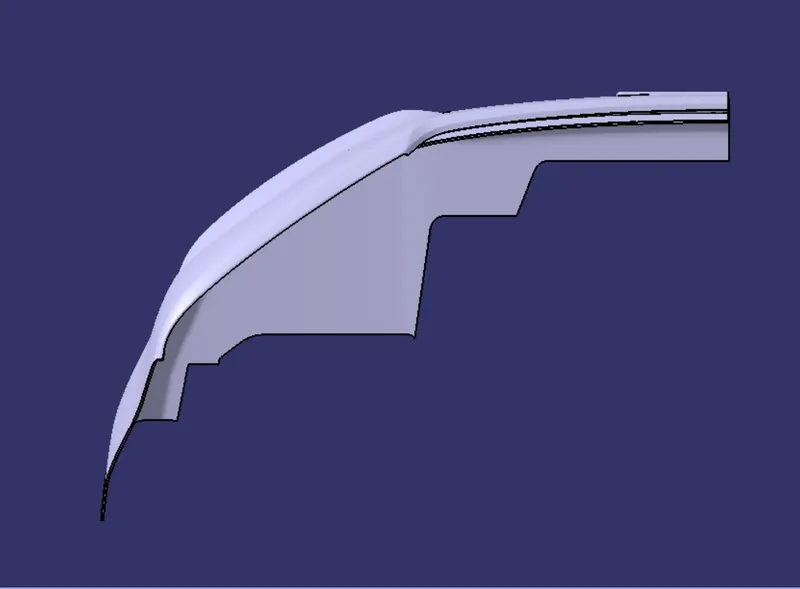
SIDE VIEW :