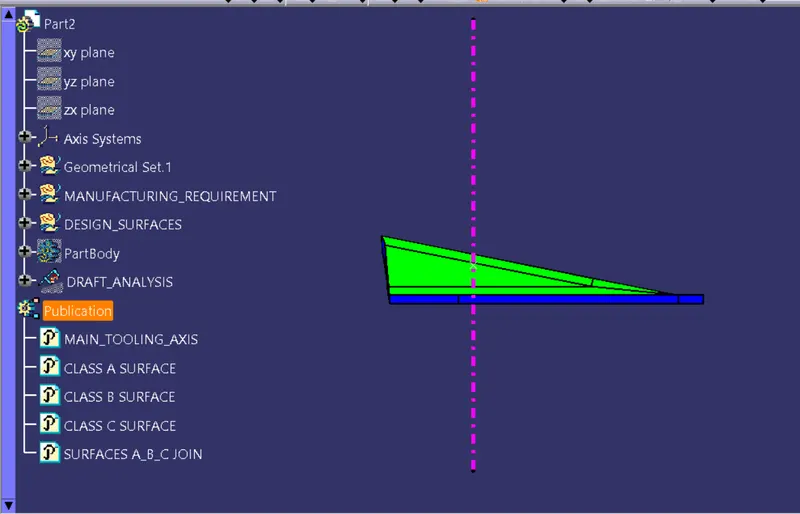
Week 8 - Challenge 1 - Base Bracket Design
CREATION OF MAIN TOOLING AXIS : Bisecting Method
Steps followed :
1) Create a point at the center of hole of given surface.
2) Create a dummy tooling axis ,which will be reference for tooling direction.
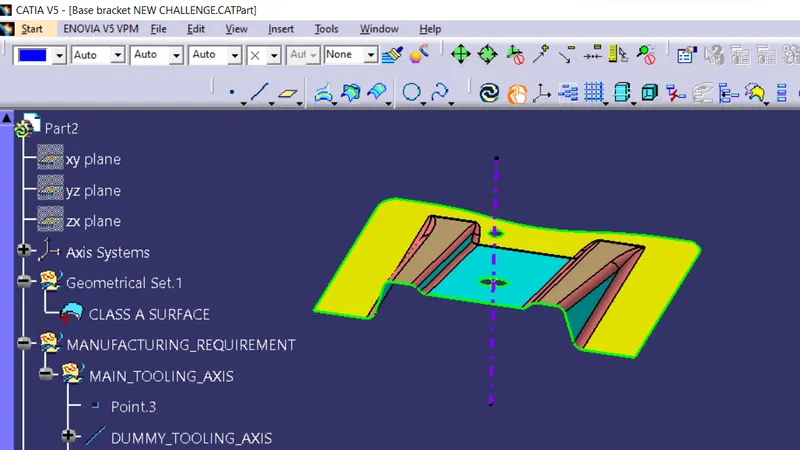
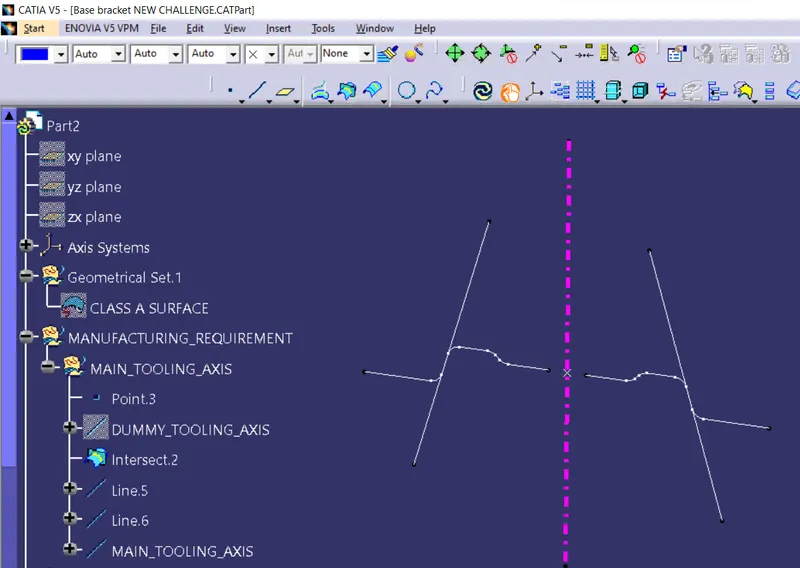
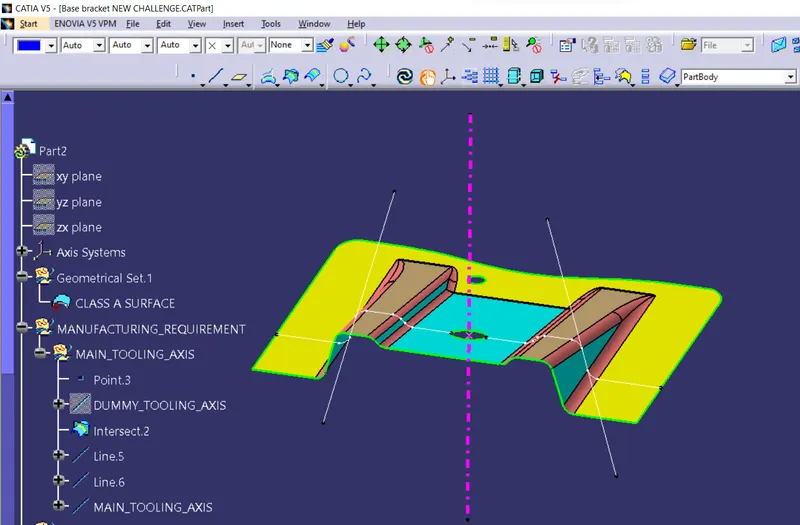
3) Insert an axis system at that point. And create the intersection of the Z-X plane on surface.Then create the line at both
inclined portion of line and find the bisecting line of both lines.
That bisecting line will be the main tooling axis.
DRAFT ANALYSIS :
STEP FOLLOWED :
1) Create the main tooling axis
2) Choose the desired view mode : Material mode
3) Pic the draft analysis tool : Insert : Analysis : Feature Draft Tool
4) Pic the compass and drag it into main tooling axis and now click on surface.
5) Now there are two analysis mode is available : Quick analysis mode & full analysis mode
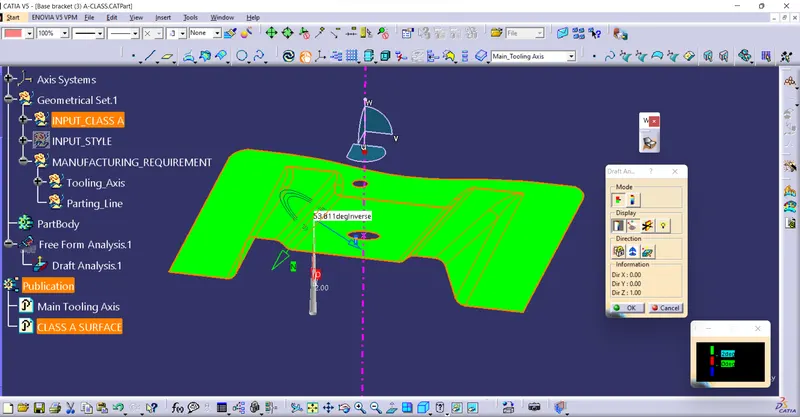
6) Now we can check the draft with the help of colour variation .To check the draft angle at any particular
point we can use the "analysis under running point" tool.
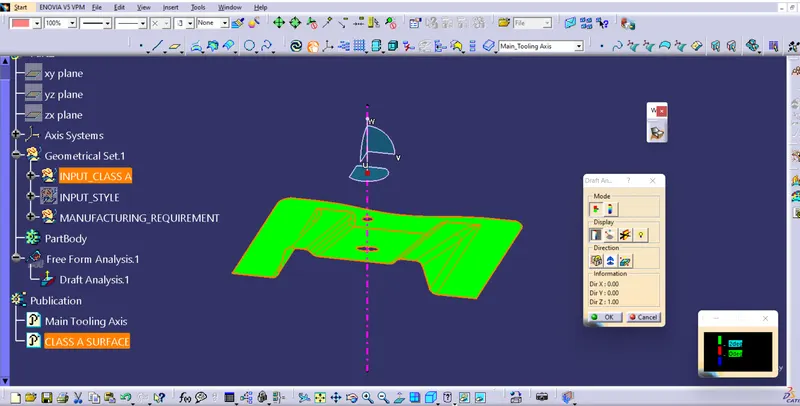
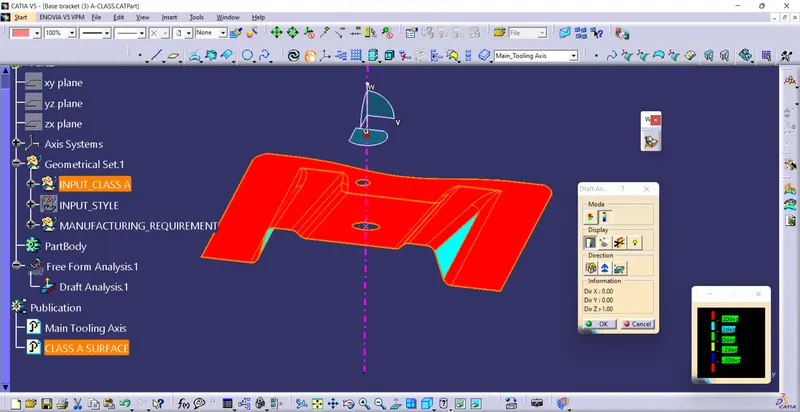
Draft analysis for CLASS_A SURFACE :
Quick analysis mode
Full analysis mode
Analysis under the running point
DRAFT ANALYSIS FOR COMPLETE PART :
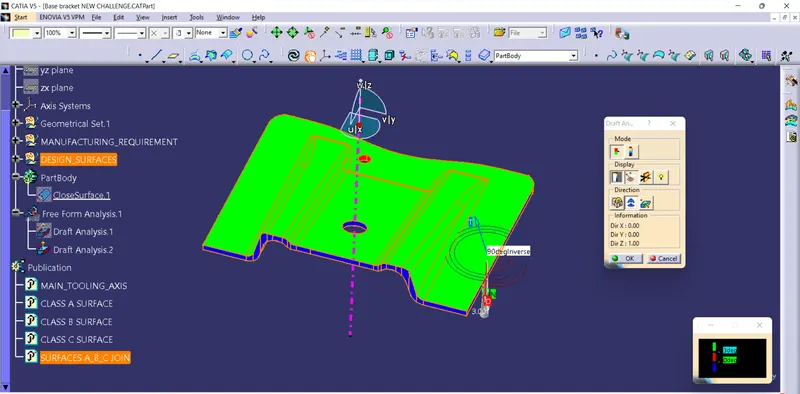
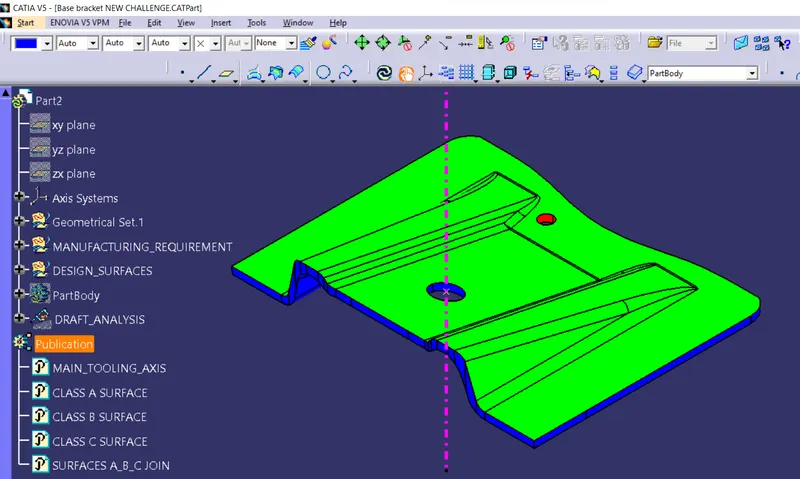
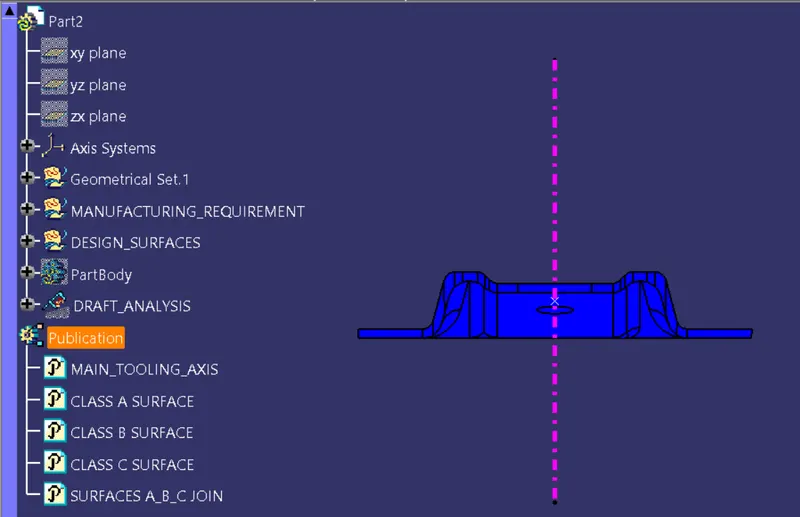
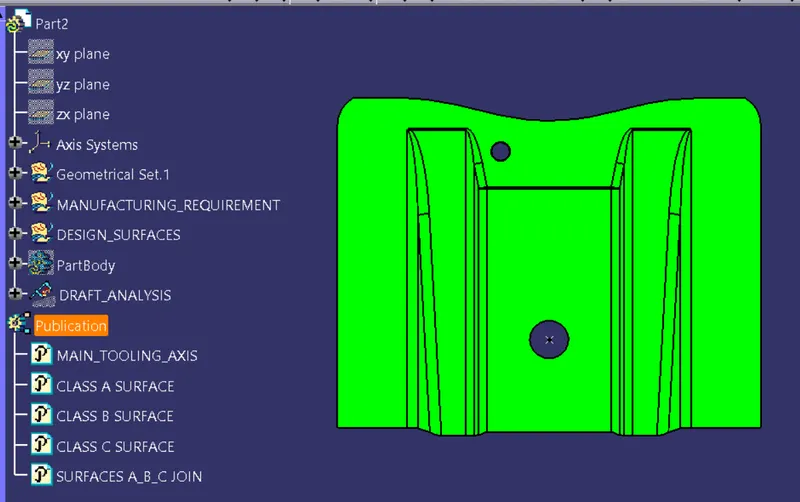
VARIOUS ORIENTATION OF PART :
ISOMETRIC VIEW :
FRONT VIEW :
TOP VIEW :
SIDE VIEW :