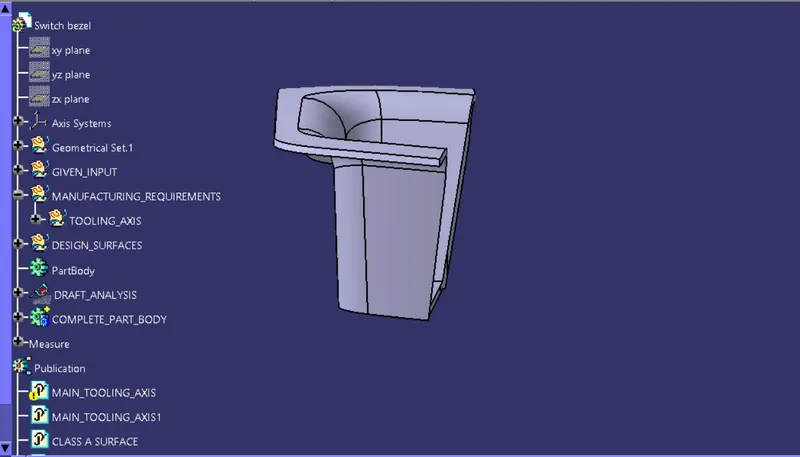
Week 8 - Challenge 2 - Switch Bezel Design
REPORT :
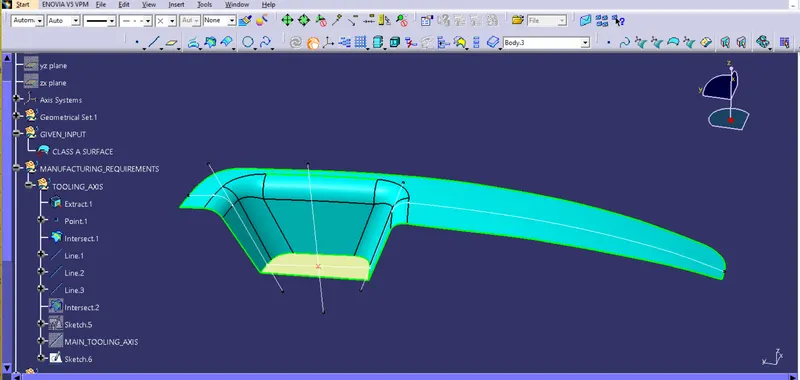
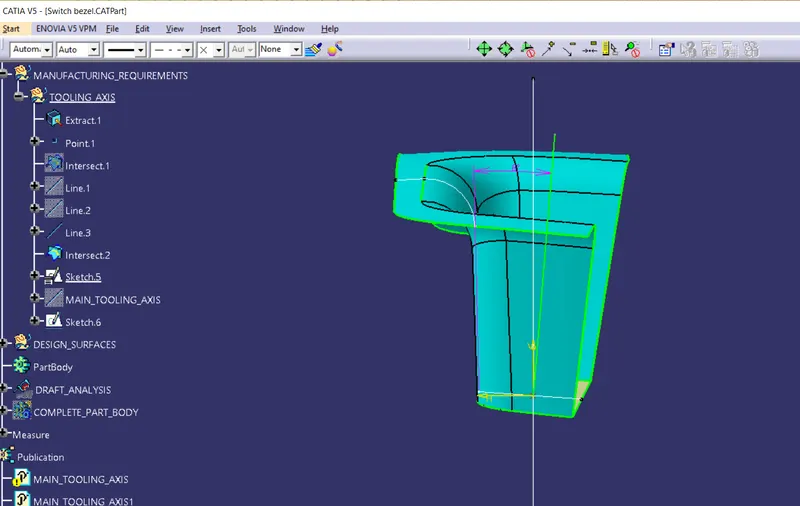
TOOLING AXIS CREATION : BISECTING METHOD
STEP FOLLOWED :
1) Create a point on base surface
2) Insert an axis system at that point
3) Find the intersection of Z-X plane at the A-Class surface.Then find the bisecting line of both line of intersection curve.
4) Find the intersection of Y-Z plane in the CLASS-A surface ,and create a line at 3-6 degree from it.(initally 3 degree)
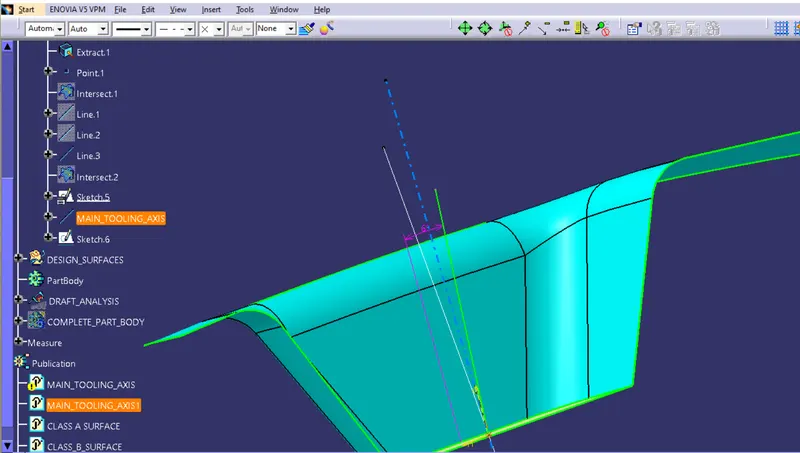
5) Find the bisecting line of this inclined line and above found bisecting line in Z-X plane
6) This final bisecting line will be the main tooling axis.
DRAFT ANALYSIS :
DRAFT ANALYSIS OF CLASS-A SURFACE
STEP FOLLOWED :
1) Find out the main tooling axis
2) Draft analysis tool : Insert - Analysis - Feature Draft Analysis
3) Drag the compass at main tooling axis & click on the surface
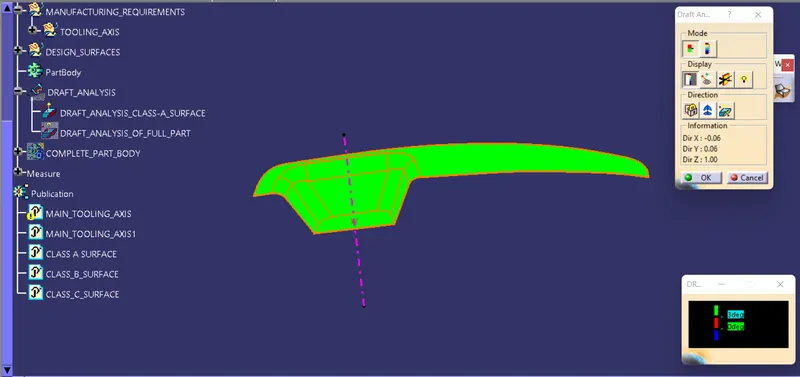
4) Now we can perform the draft analysis in various mode : Quick analysis mode, Full analysis mode ,
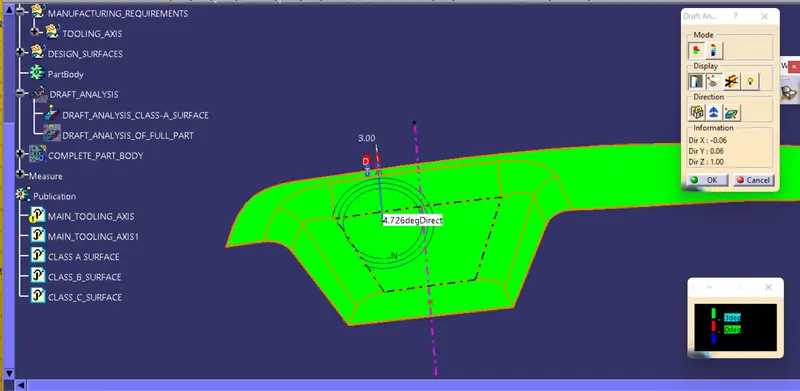
Analysis under the running point.
Quick Analysis Mode
Analysis Under Running Mode
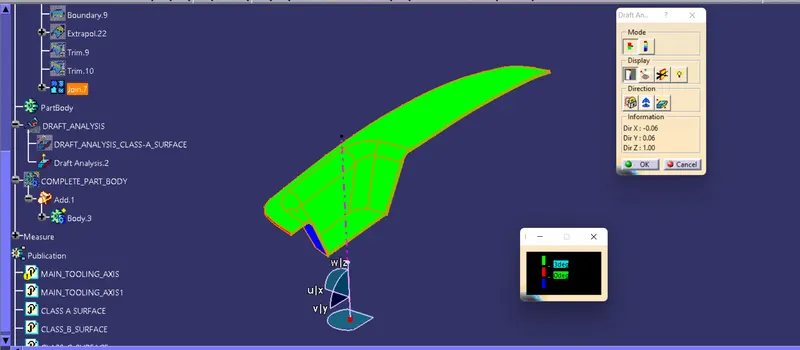
DRAFT ANALYSIS OF COMPLETE PART :
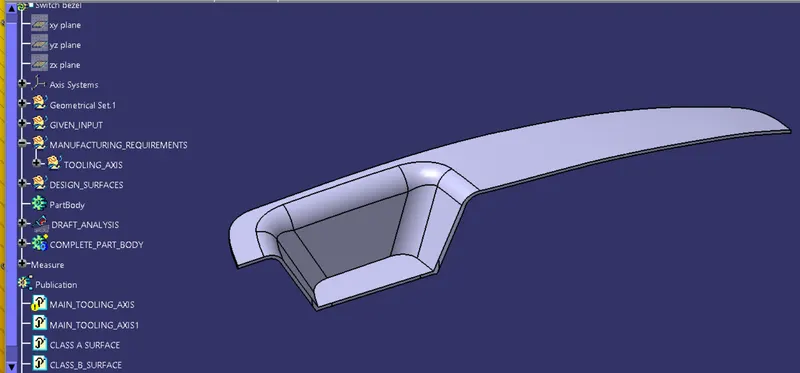
VARIOUS ORIENTATION OF PART :
ISOMETRIC VIEW :
FRONT VIEW :
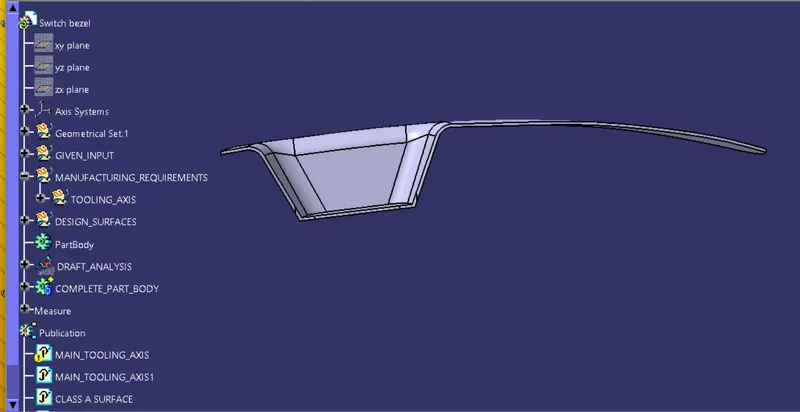
TOP VIEW :
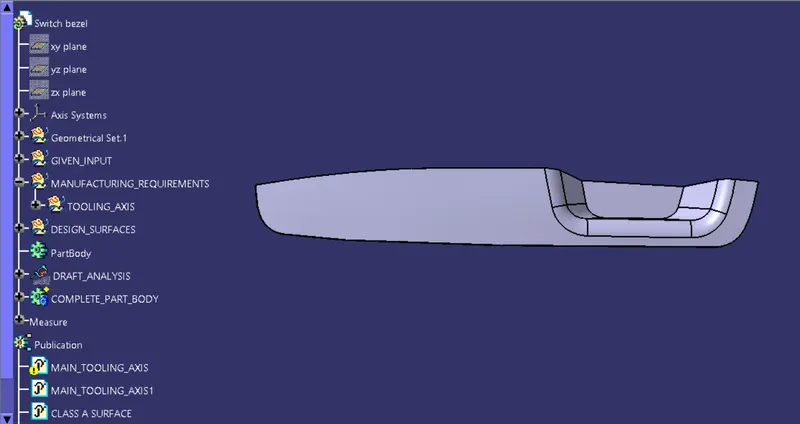
SIDE VIEW :