Week 8 - Challenge 4 - Bumper
Report
In order to create a tooling axis we need to first look for any hole or pocket or flat surface, in this case we have a flat surface from which we will take the perpendicular line
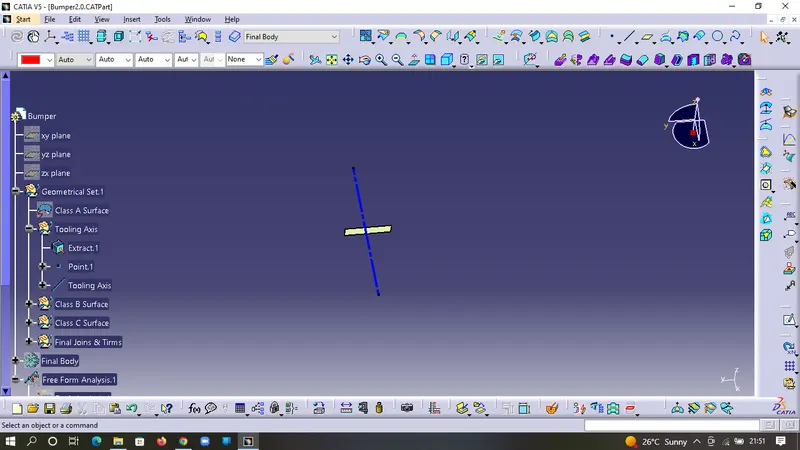
In order to make the perpendicular line we need to extract the base and take the center point and then make the line.
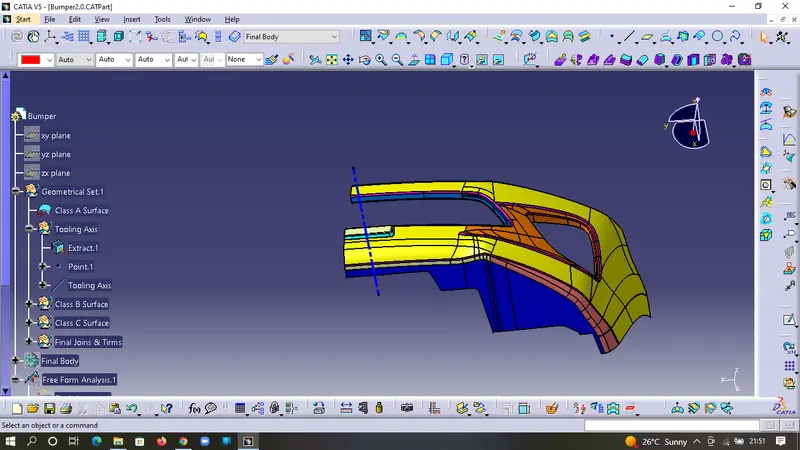
After making the line check for any lines parallel to it. If no plan found parallel (less than 3 degree draft), then mark the line as the tooling axis
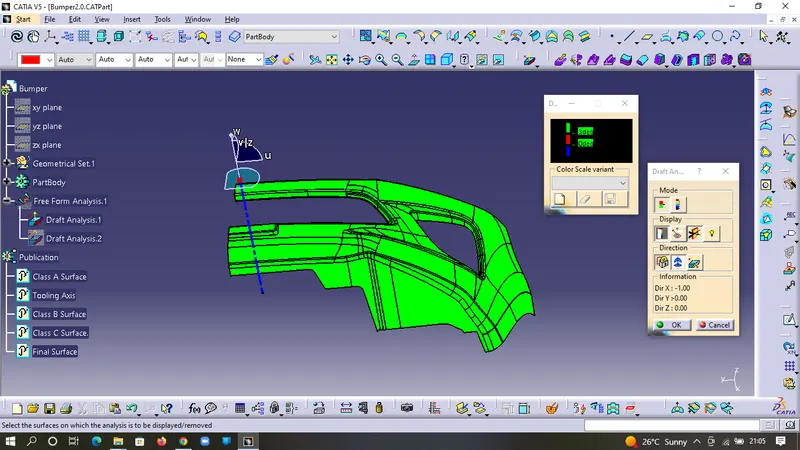
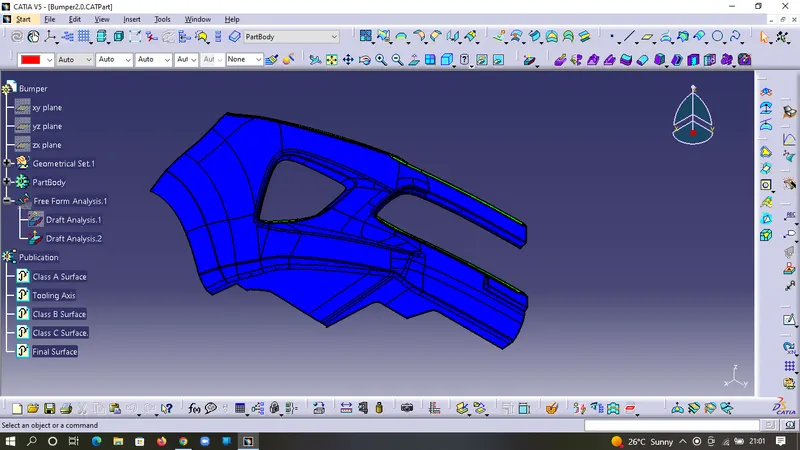
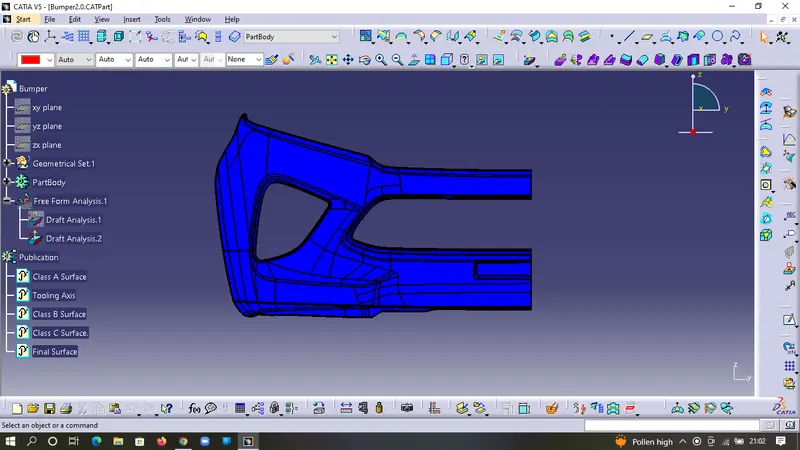
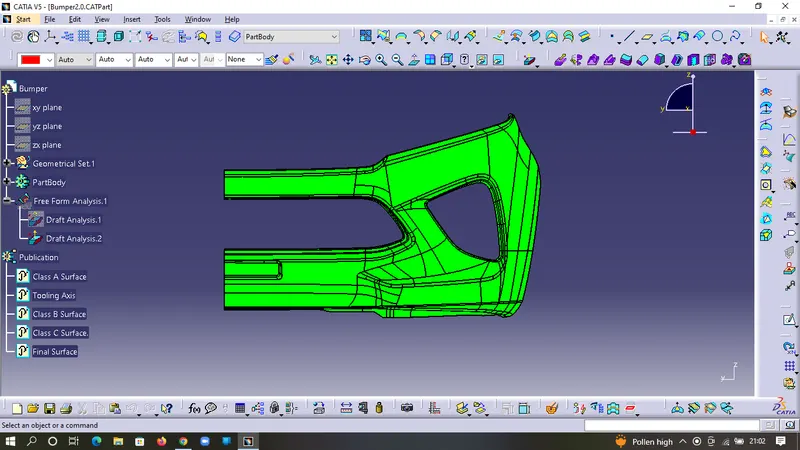
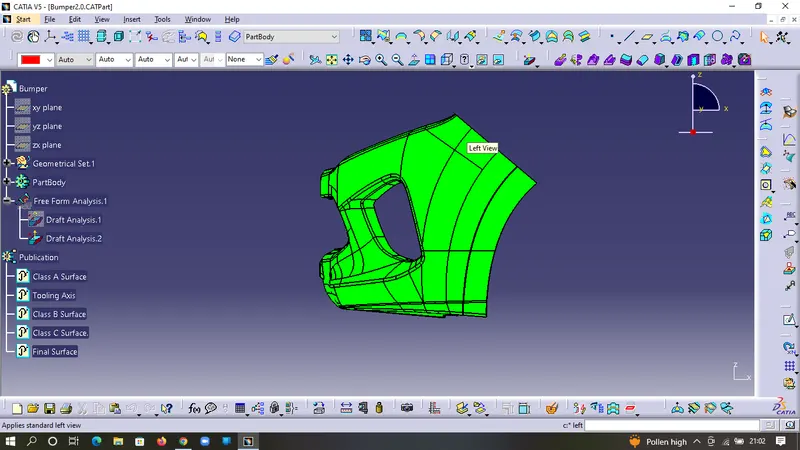
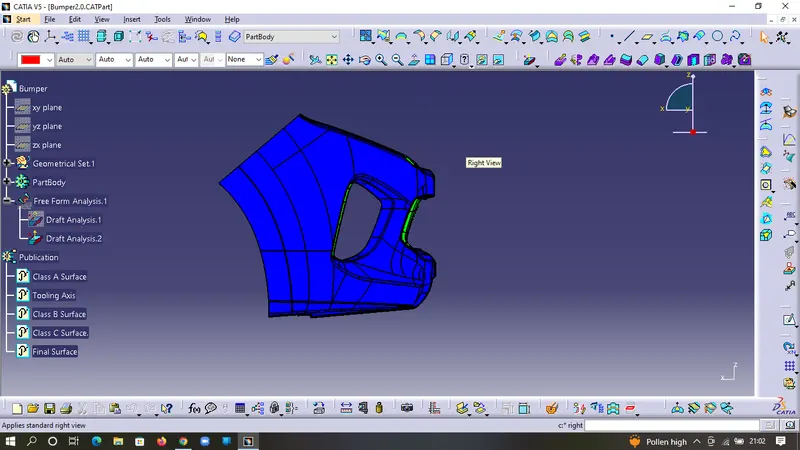
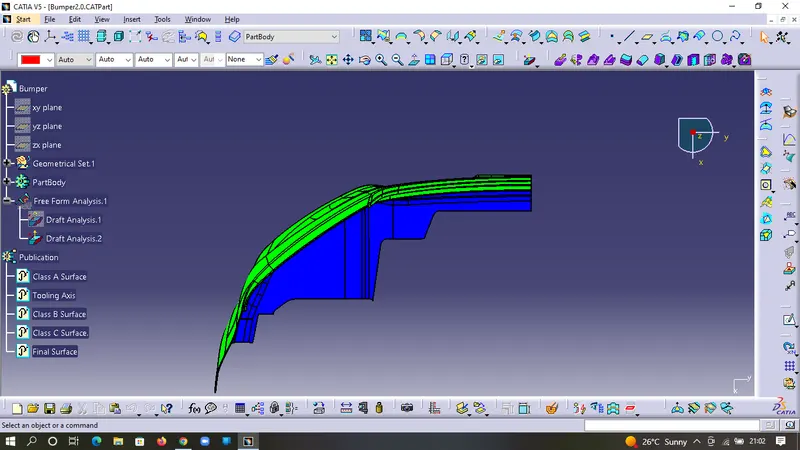
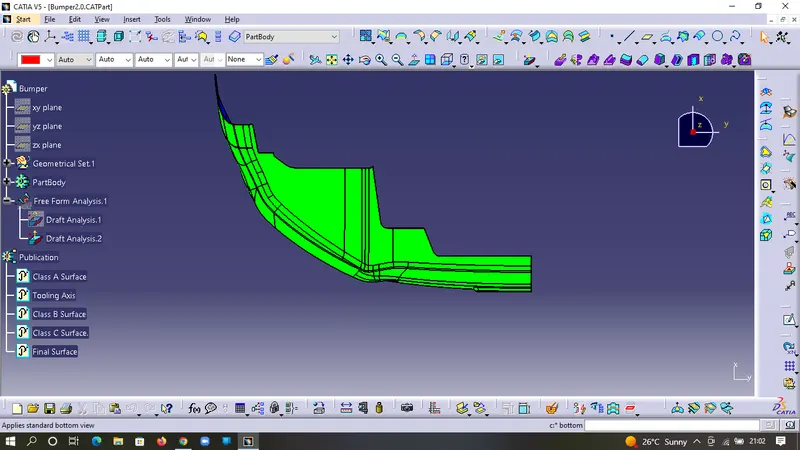
Screenshots of the Draft analysis report for both the given Class-A surface and the final plastic component
Class-A surface
The Final Plastic Component
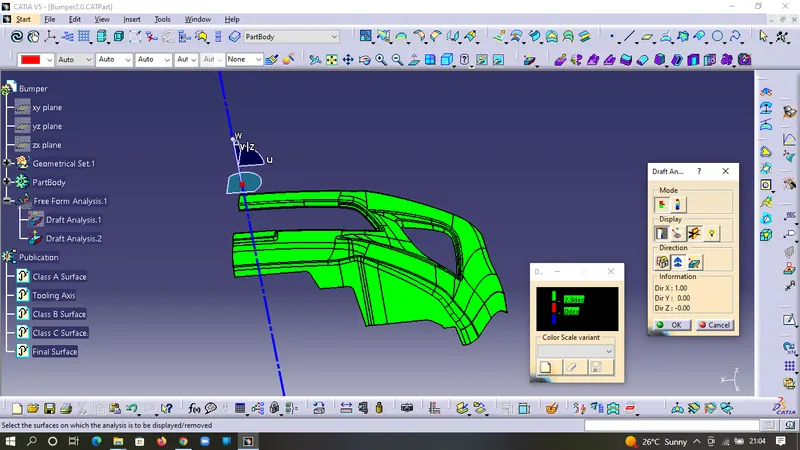
Screenshots of the solid model with the proper color code of the draft angle in various orientations (Isometric, Front, Side, and Top View)