Week 8 - Challenge 3 - Switch Bezel Design
Draft Analysis report
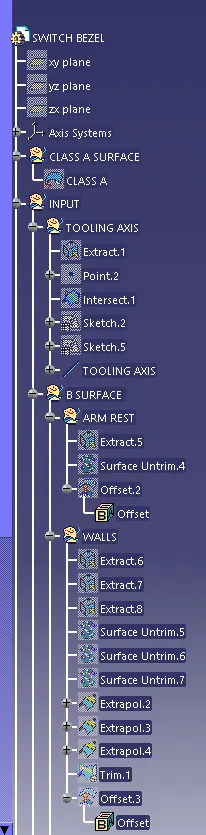
Creating the tooling axis:
Y-direction: Extract the base to get the center point for reference and get the boundary in yz plane
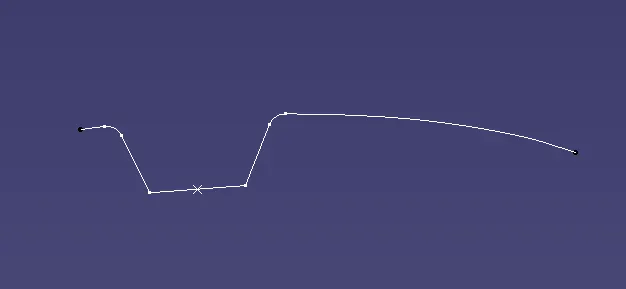
The other method for creating an axis is drawing the two lines and bisecting them in a sketcher workbench.
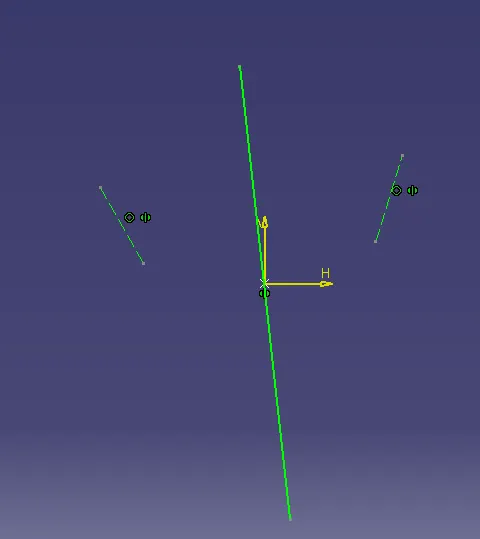
X-Direction: Take the cut section of the surface and draw the lines in a sketcher workbench on the curve and another line from the point and give the angle between them.
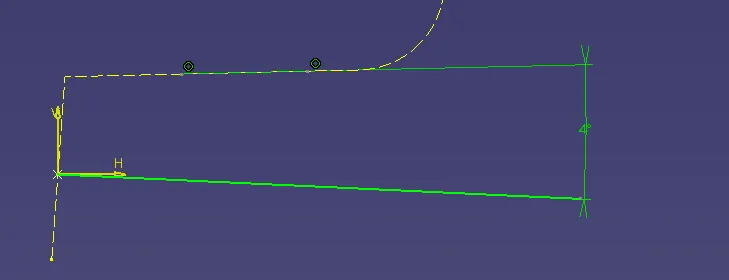
Finally, bisect the two-axis to get the final tooling axis.
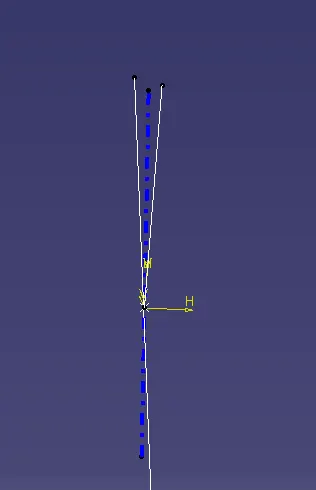
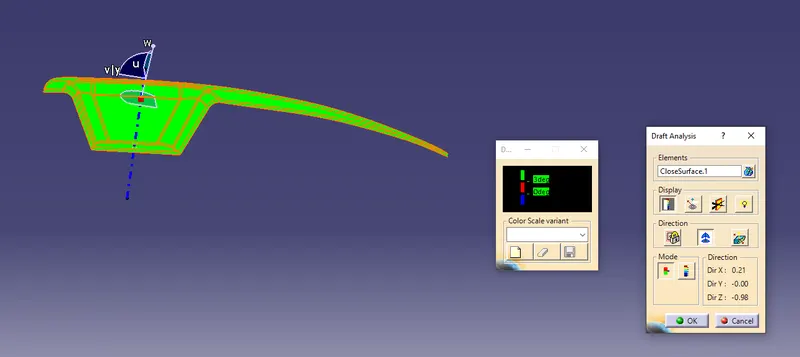
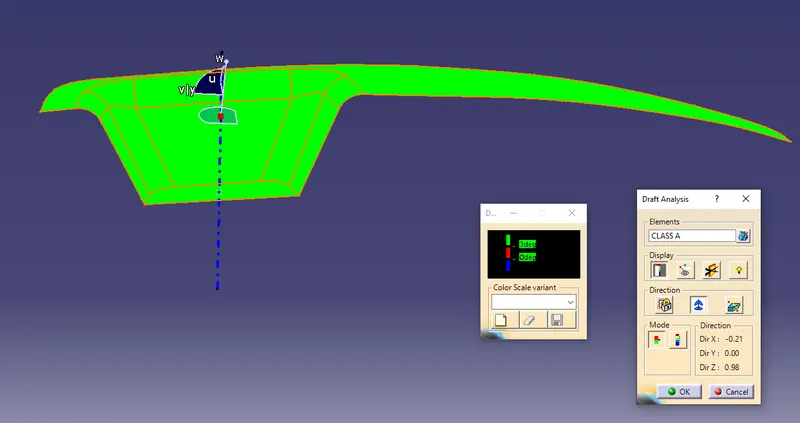
Draft analysis for class A :
Click on the feature draft analysis, move the compass near to the tooling axis and press the lock button and then select the surface to be drafted.
If the color shows green it's fine or else invert the draft direction to get correct analysis.
Creation of class B surface :
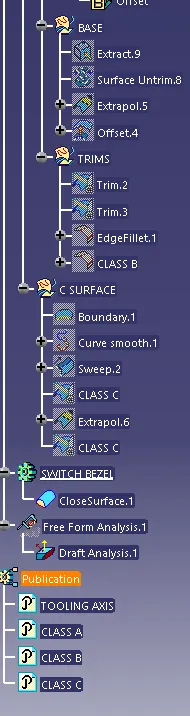
Extract armrest, walls, and base and then surface trim them and extrapolate them and after that trim them and finally offset them with 3mm.
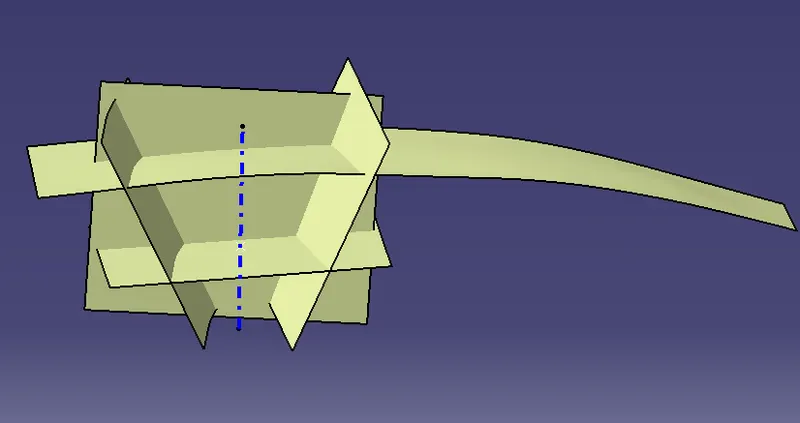
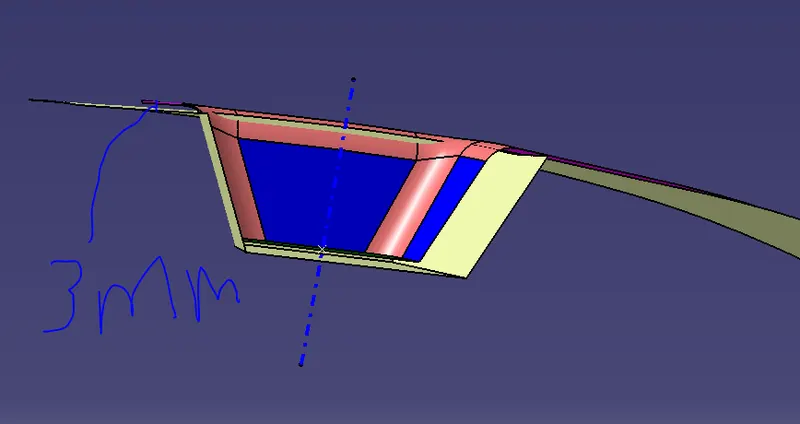
Give the fillets for the B surface
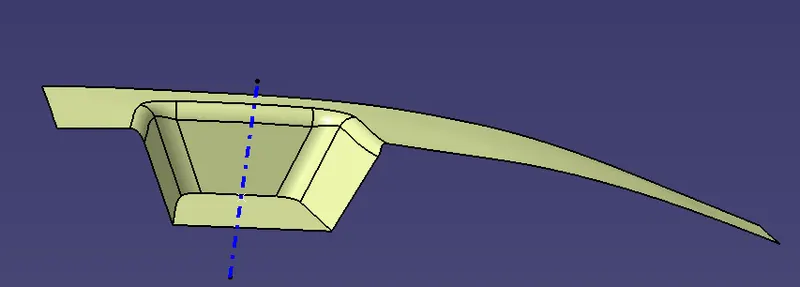
Creation of class C surface :
Select the boundary and then sweep it using draft with direction outside 3 degrees.
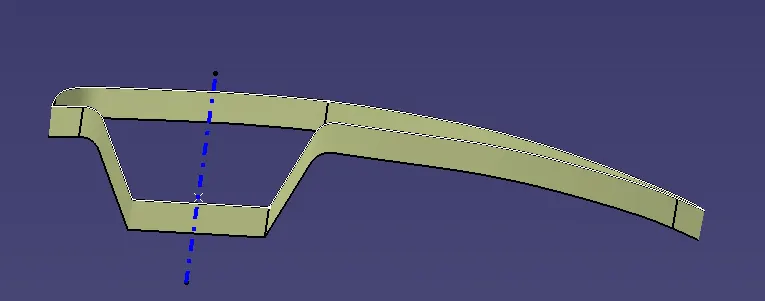
Trim with the other surfaces and then join the surfaces
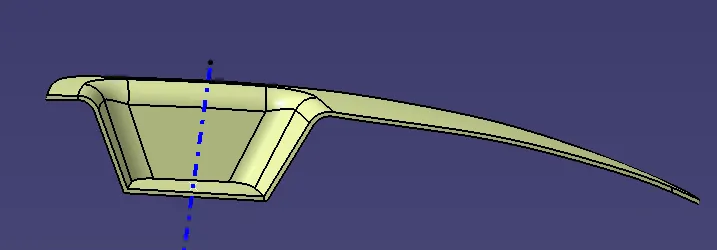
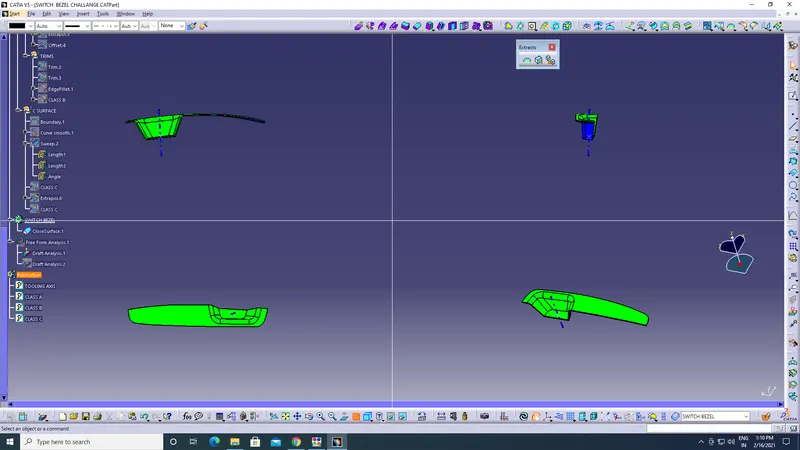
Create a closure from the part body for the draft analysis. Move the compass onto the tooling axis and then lock it. Select the surface of the body for draft analysis.