Week 8 - Challenge 3 - Coin Holder Design
Aim - Create the Coin Holder Plastic component through the given Class-A surface. To begin with, the tooling axis for the given Class-A Surface should be created meeting the requirements of the draft angle and at the end perform the Draft analysis on the model.
Given Class-A Surface.
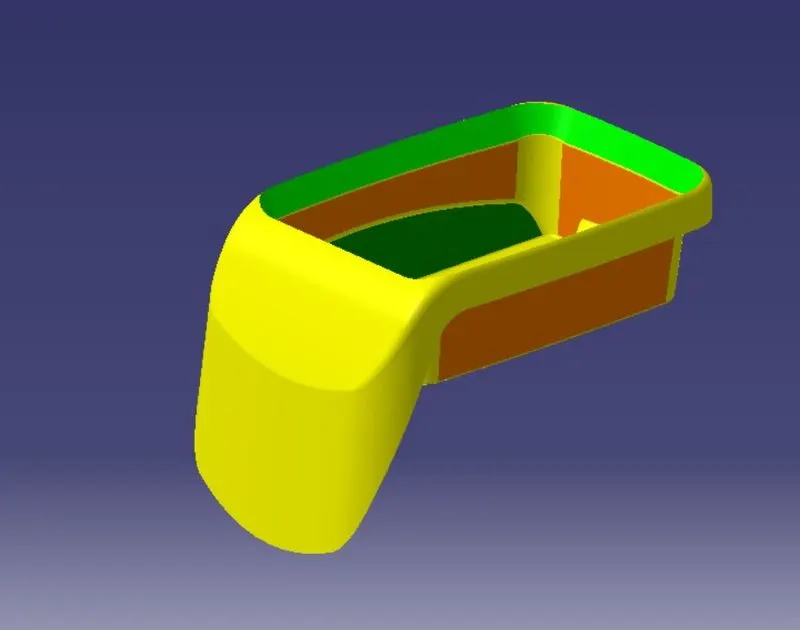
1. Generation of Tooling Axis.
If there is draft of 90 Degree for given class-A surface, Tooling axis should be normal to one of the flat surface. Not required to generate the tooling axis by bisecting method.
Below image shows the generated tooling axis.
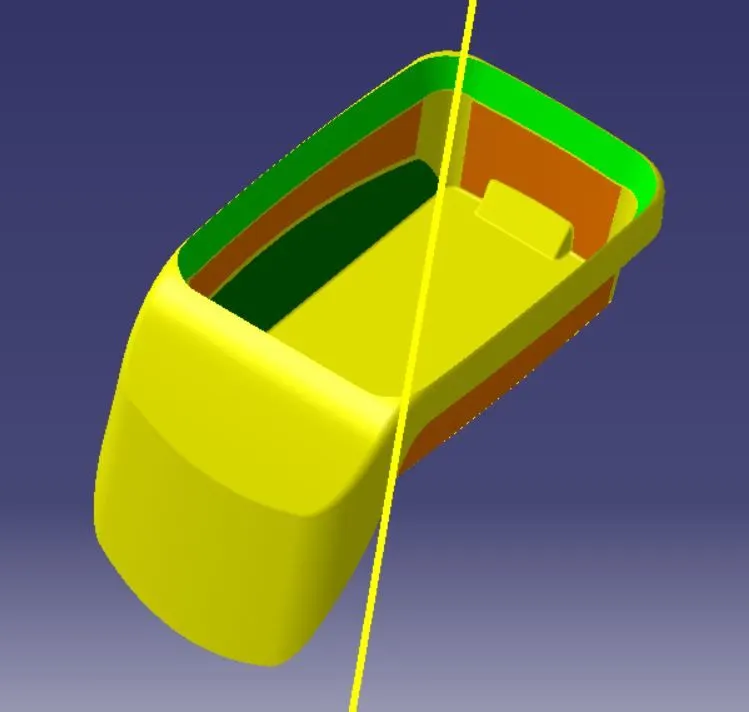
2. Generation of class-B Surface.
Once the tooling axis is generated, we can start to generate Class-B surface. Class-B Surface is nothing but offseted surface of required thickness. For generation of class-B surface, need to extarct the surfaces from given class-A surface. And then need to offset it of required thickness. Once it done we can say that class-B surface is generated.
Commands used for Class_B surface generation.
1. Extract.
2. Untrim.
3. Extrapolated.
4. Trim.
5. Fillet.
Below image shows generated Class-B surface.
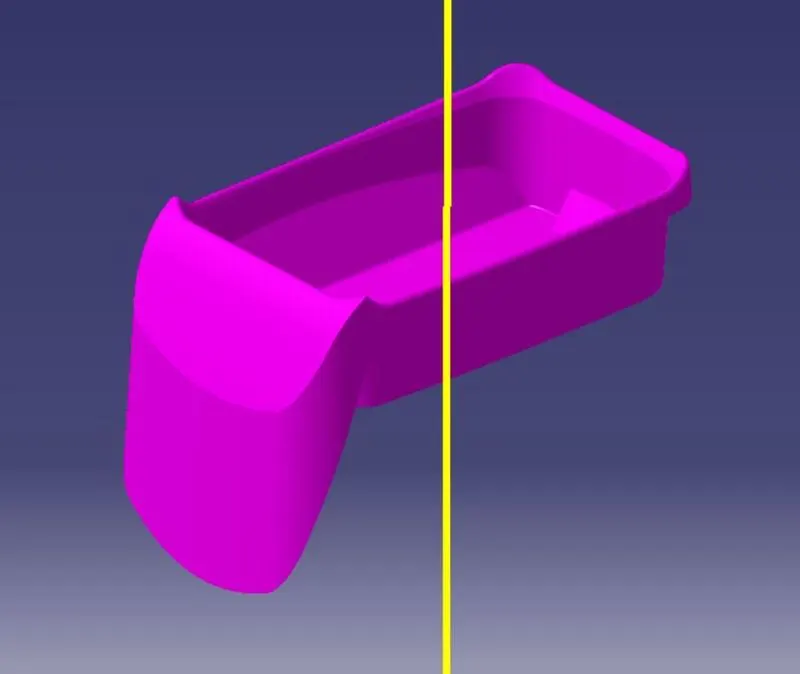
3. Generation of Class-C Surface.
Once the Class-B suface is generated need to generate the Class-C surface to thicken the component. And finally we can get solid part from that closed surface. Sweep commands is used to generate Class-C suface. Inputs required for sweep commands is referance surface and referance boundary. This required inputs can be extracted from Class-A surface. Once the sweep operation done properly need to join Class-A surface with the Class-C surface.
Commands used for Class-C Surface generation.
1. Extract.
2. Sweep.
3. Join.
4. Trim.
Below image shows the Class-C surface.
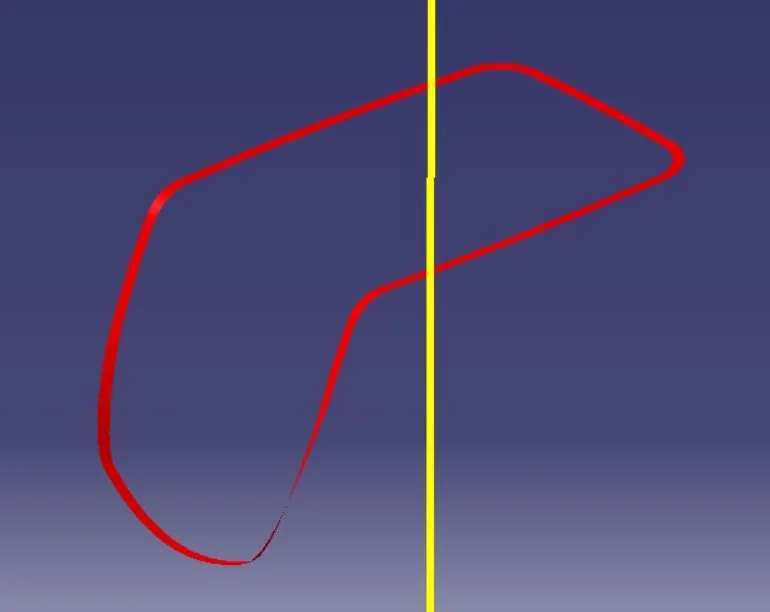
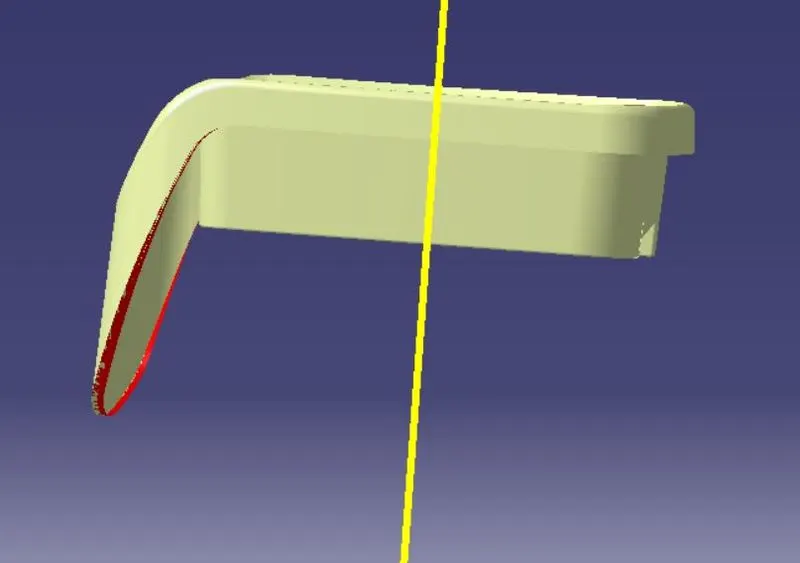
Above image shows joined Class-A and Class-B surface. Which will be used to make a closed surface.
4. Final Closed Surface.
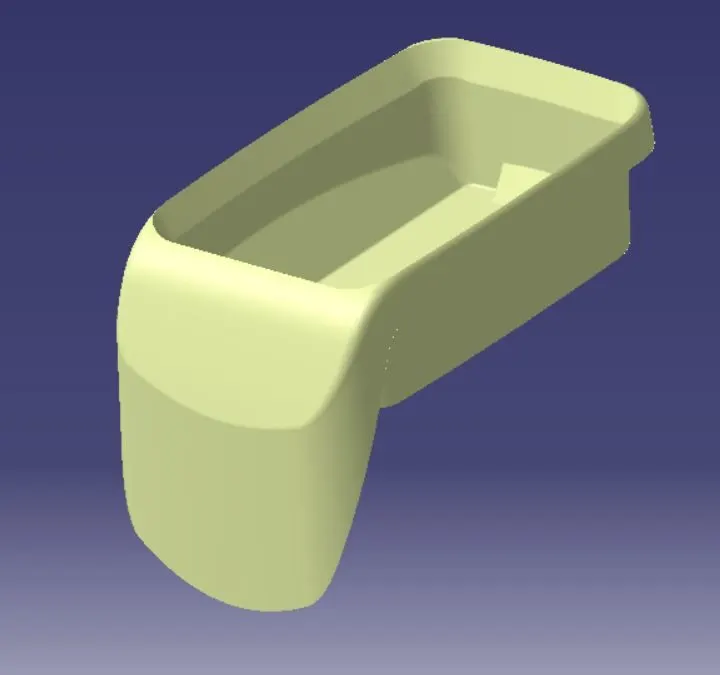
The final closed surface is obtained by triming Class-B surface with the joined surface Class-A and Sweeped surface. This closed surface further used for generation of solid part. Which will be the final plastic component.
Commands used for final closed surface generation.
1. Join.
2. Trim.
5. Final Part Generation.
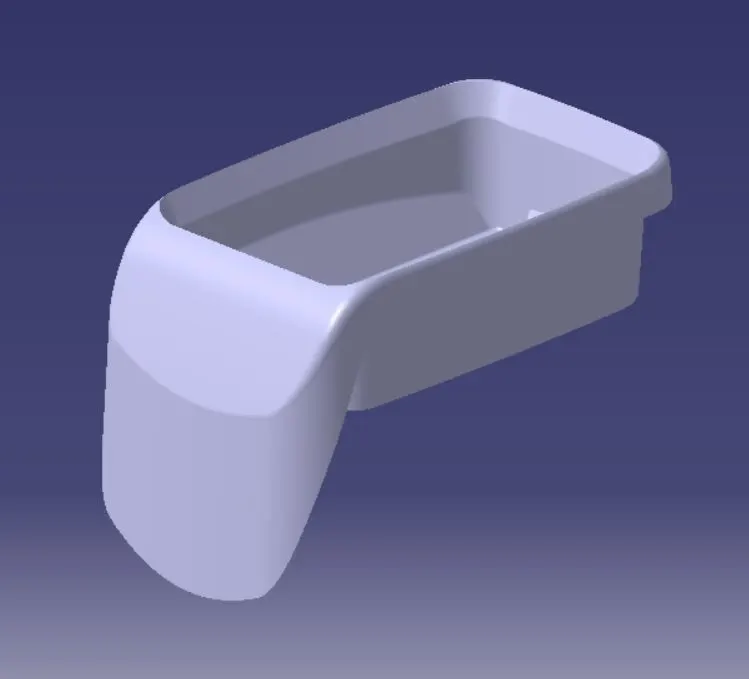
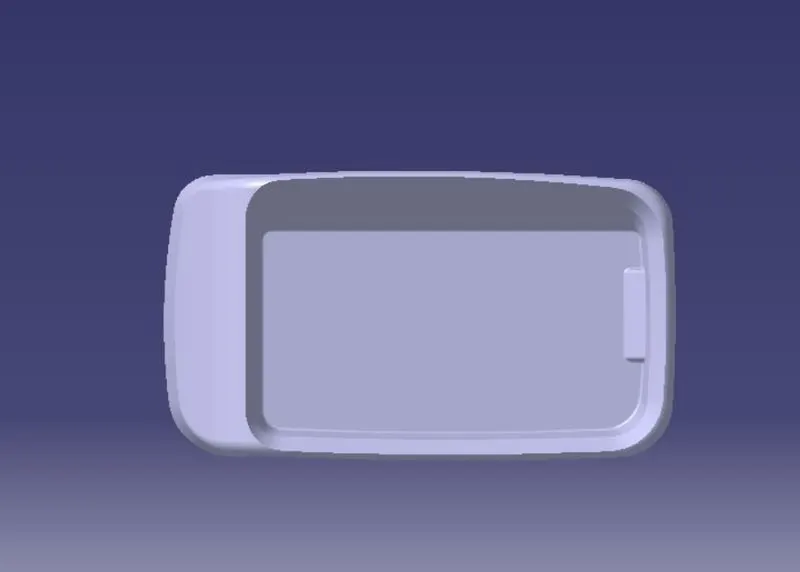
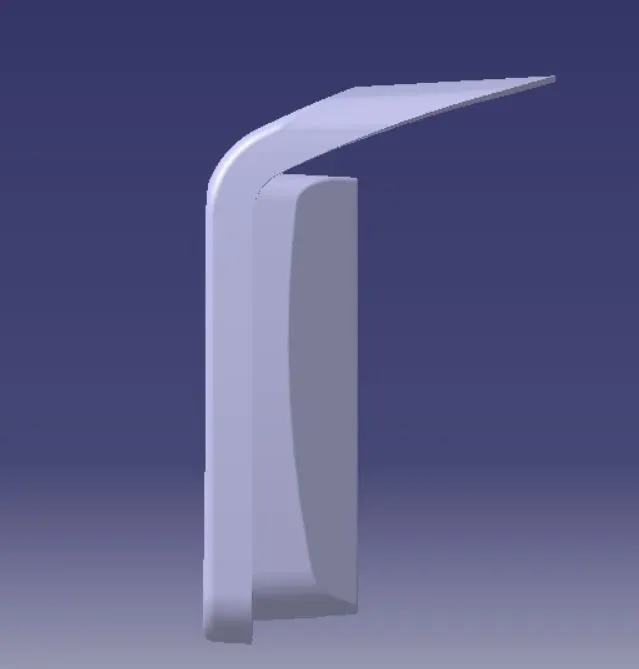
Once the closed surface is generated, by using this same closed surface final part is generated uisng closed surface command. But for that need to change the workbench from shape to part workbench.
Below image shows the final generated part.
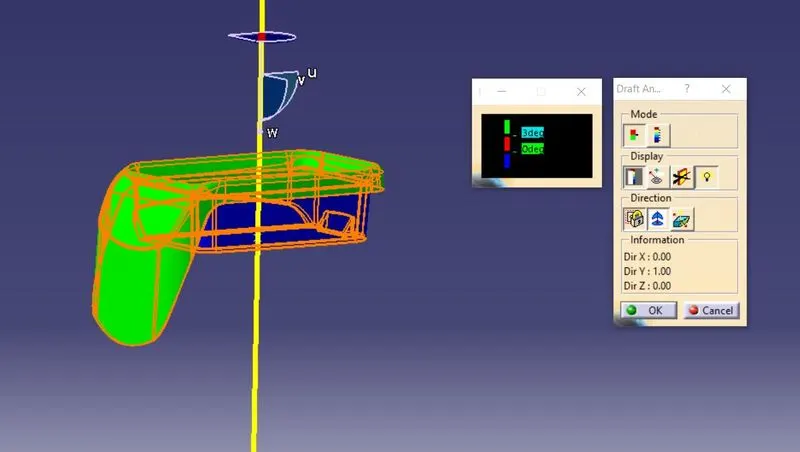
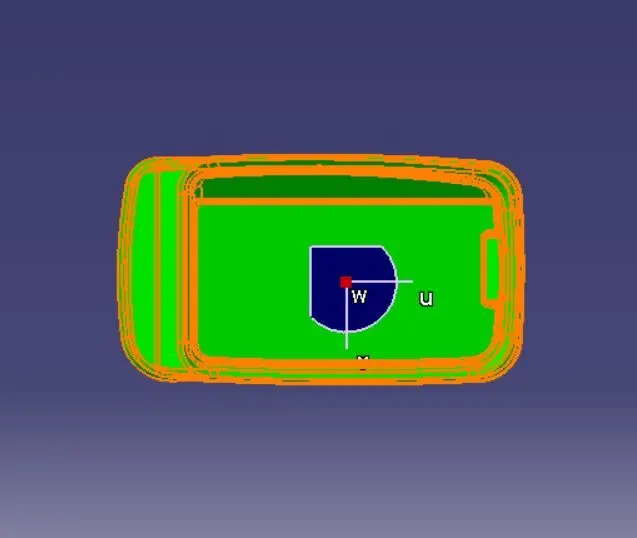
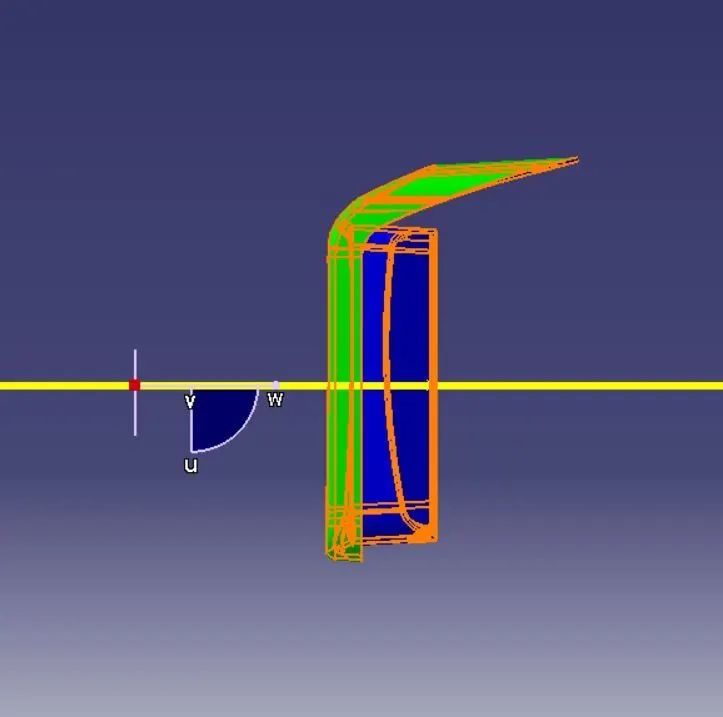
6. Draft Analysis of Class-A and final Part.
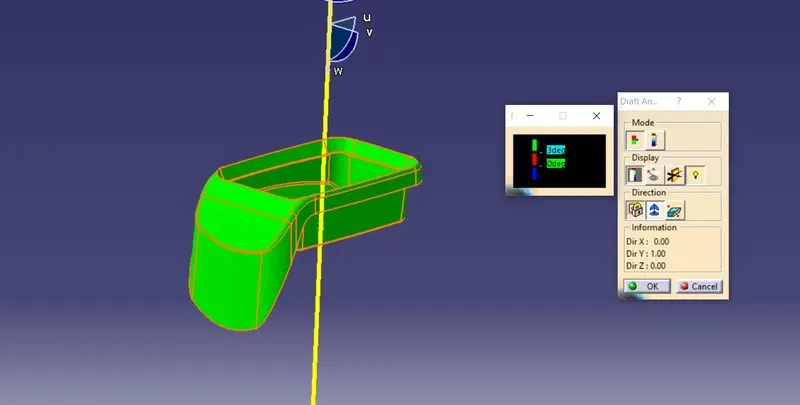
Below Images shows the draft analysis of class-A Surface.
Green color indicates the draft is acceptable. And Blue color indicates draft of negative value. We can flip the direction of draft axis. And check it whether it is proper one or not.
We can change the colors as per our convinience for better understanding.
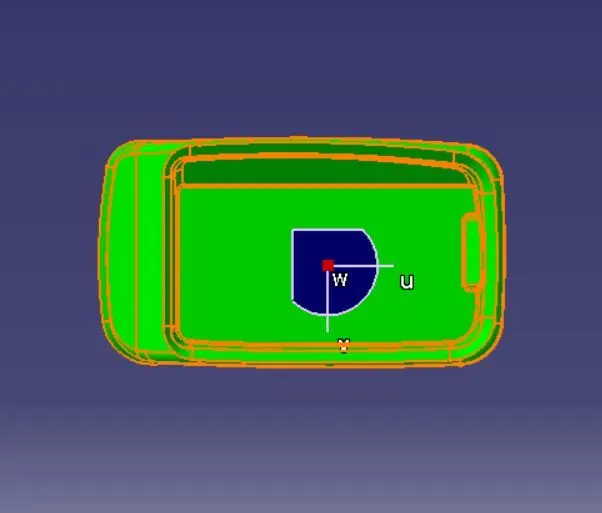
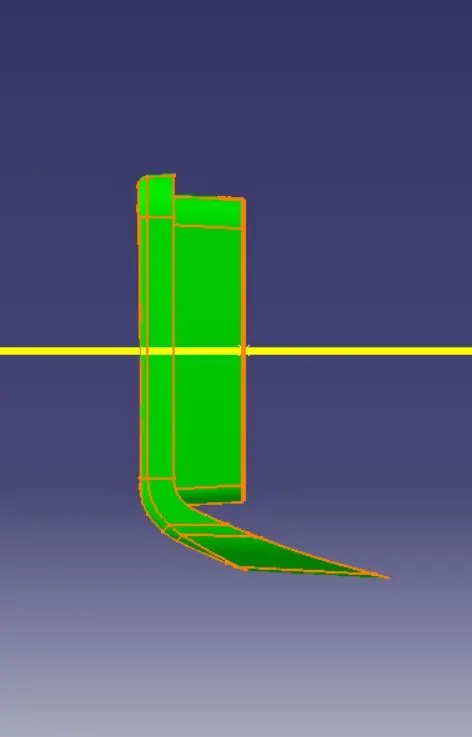
Draft Analysis of Final Part.
7. Conclusion.
The Plastic part for coin holder was created using given Class-A surface. And Finally Draft analysis was done on both Given Class-A surface and final Plastic part.
Please find attached link for part file.
https://drive.google.com/file/d/1bf_OBqq6QIhf1_A5NiHlNmPSnfvIgLJ2/view?usp=sharing