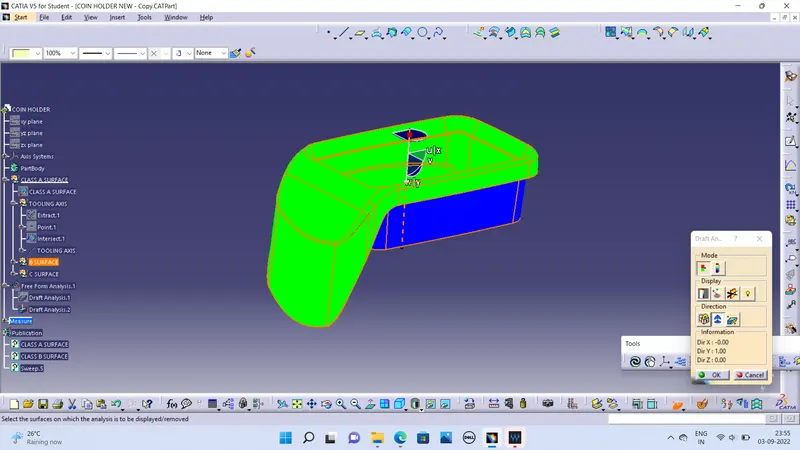
Week 8 - Challenge 3 - Coin Holder Design
OBJECTIVE
To create coin holder design through given class A surface and perform Draft Analysis.
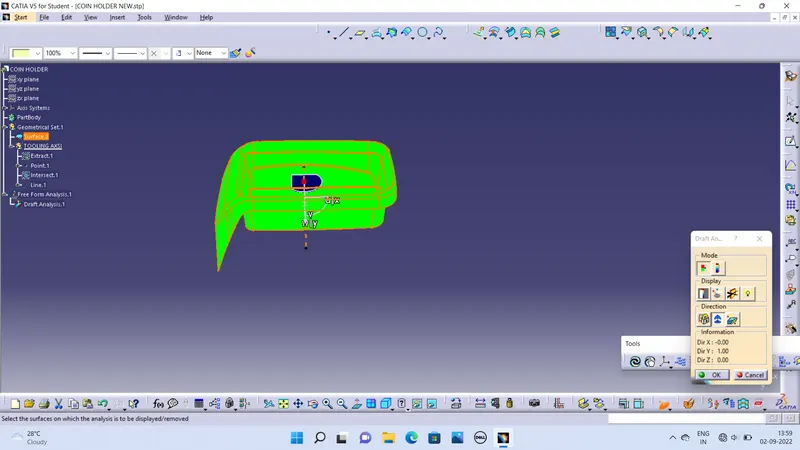
CREATION OF TOOLING AXIS
Multi extract the class A surface and create point on plane. Select the line defination- point direction drag the line.
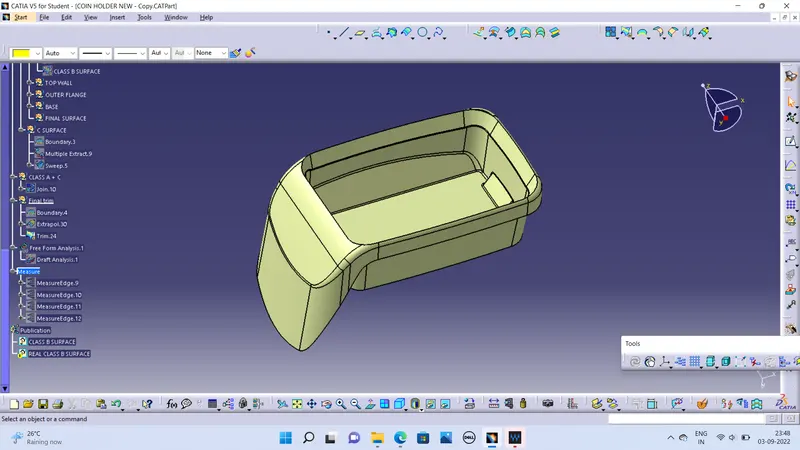
CREATION OF CLASS B SURFACE
Extract the side walls with no propagation in extract option.
Surface all Untrim them.
Extrapolate the walls with point continuity of distance.
Trim the walls to get the required shape.
Offset to those trimmed wall 2.5mm.
Extract the surfaces separately and untrim them.
Extrapolate the surfaces with required distances.
Offset them with thickness value.
Trim them for required shape.
Give the fillets value and add 2.5mm if offset is outside.
CREATION OF CLASS C SURFACE
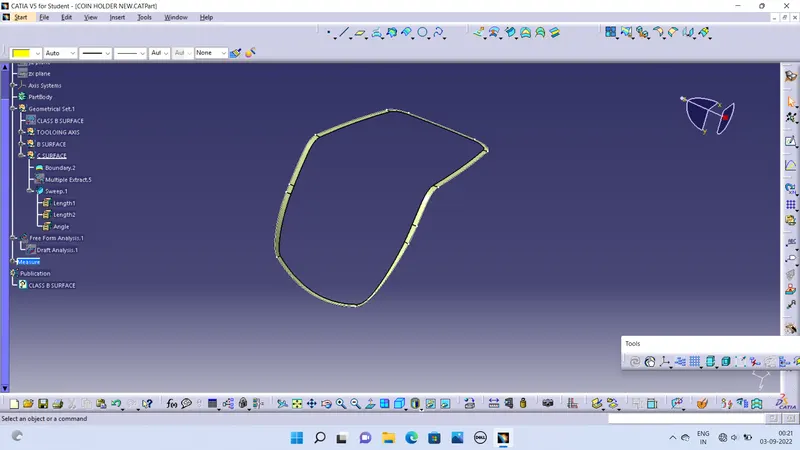
Select Class A surface using boundary commands
Sweep the curves with reference surface.
Guide curve - Boundary
Reference surface- Multi Extract
Angle - 90 Degree
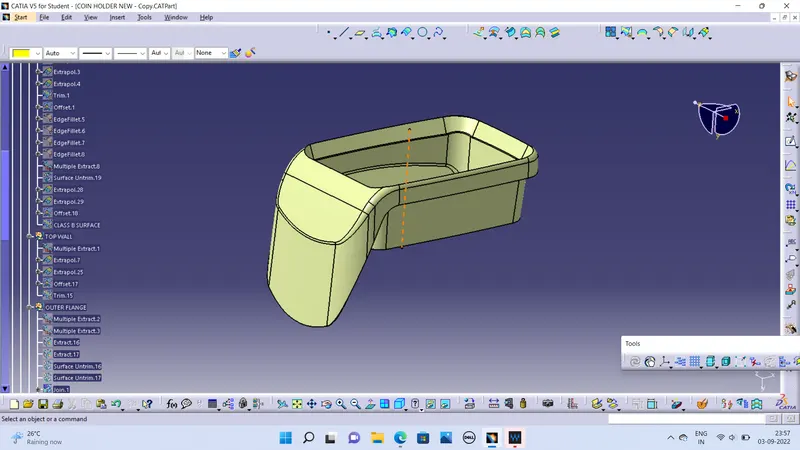
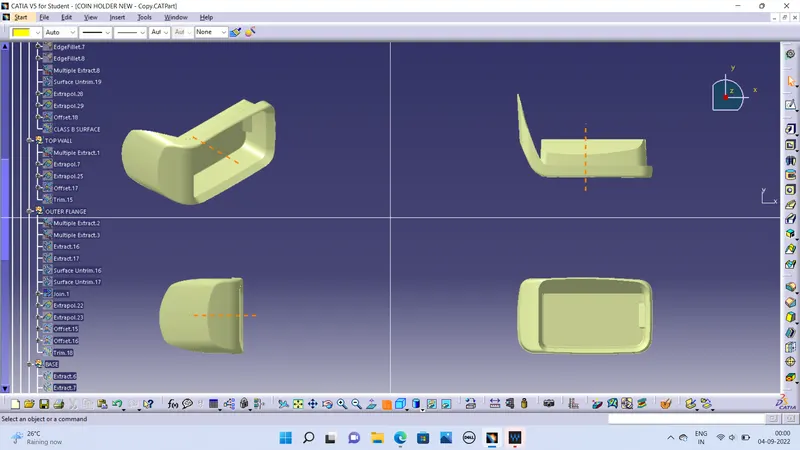 Draft Analysis:
Go to the Insert menu and select the Analysis option.
Select Feature Draft Analysis.
Select the Material option and select the surface.
Drag the compass and place on tooling axis.
Make sure that the top surface is in green colour as draft angle should not exceed 3deg.
Click on Okay after confirm the model.