Week 8 - Challenge 2 - Switch Bezel Design
OBJECTIVE:
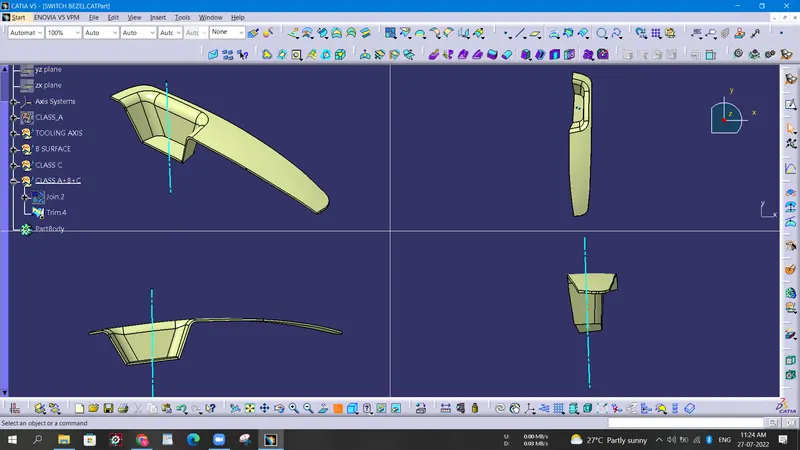
- To design the switch bezel from the given styling surface.
- Create the A-surface and tooling direction for the A-surface.
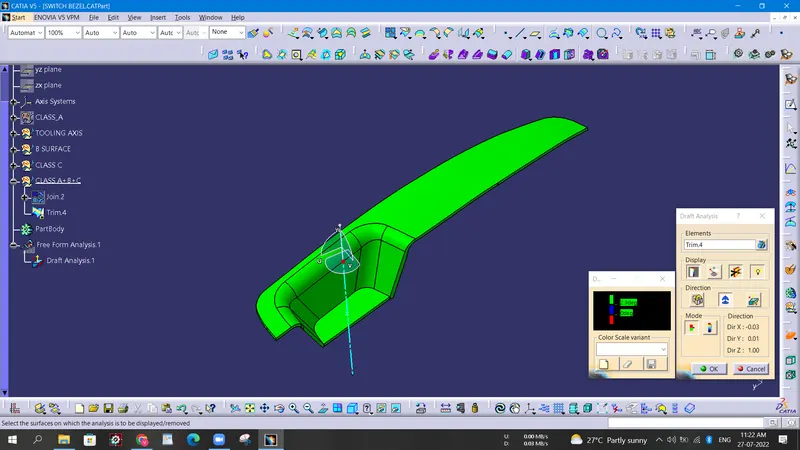
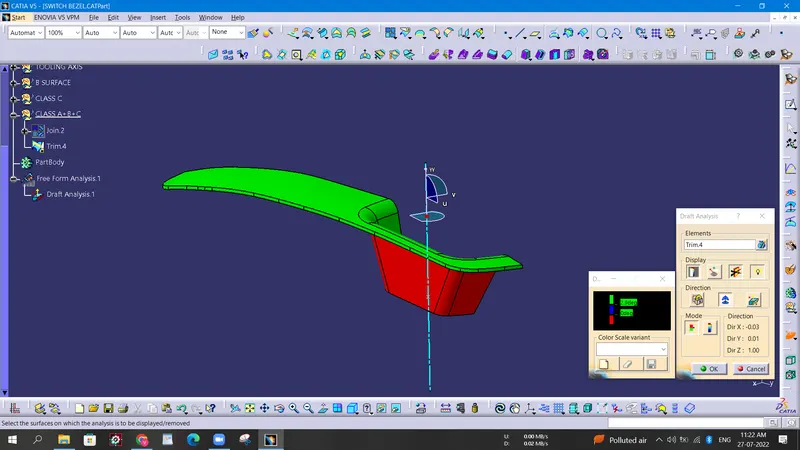
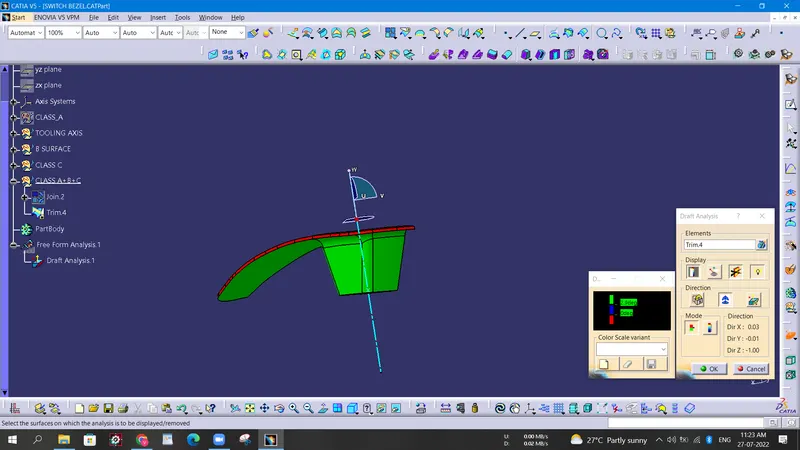
- Perform draft analysis on the A-surface.
- Create the B-surface and C-surface.
- Create the Core and Cavity for the Switch Bezel.
SOFTWARE USED: CATIA V5
DESIGN METHODOLOGY
Given: A-surface
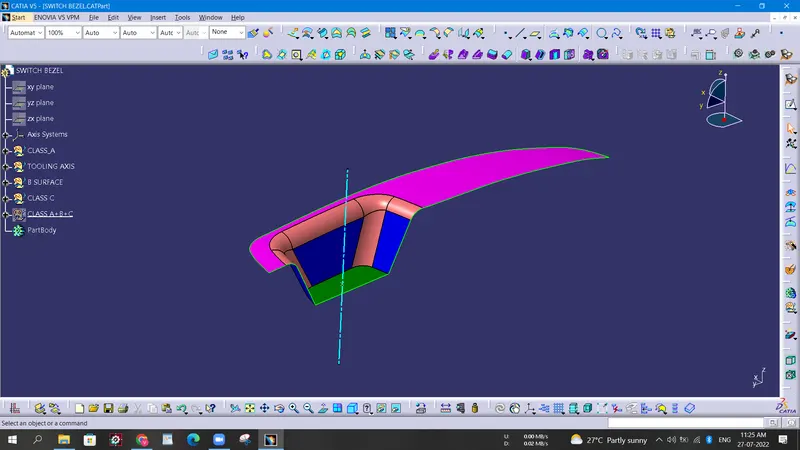
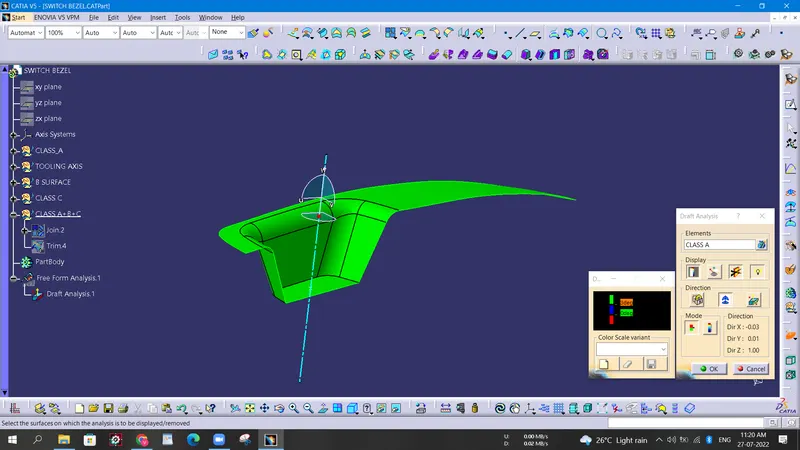
- First, we need to check the given A-surface for any surface errors like open boundaries or twisted surfaces. We can use the boundary command to check for any open boundaries.
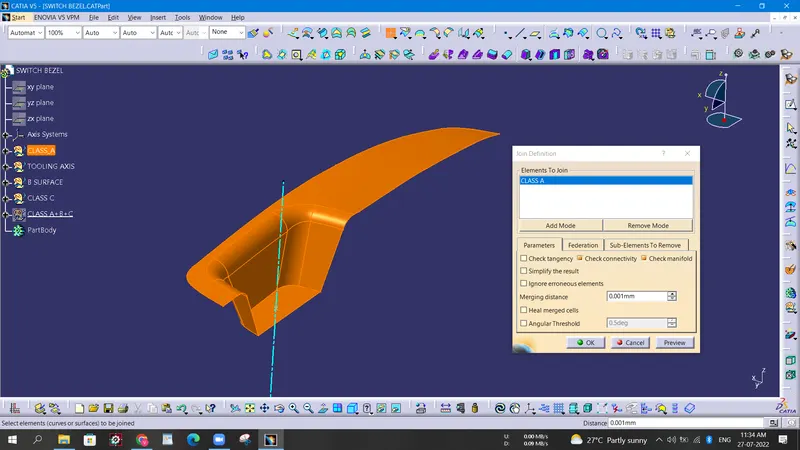
- TOOLING DIRECTION: Tooling direction is the direction in which the core moves away. It is necessary to find the tooling direction of the A-surface as the B and C surfaces will be created according to the tooling direction.
To find the tooling direction we need to clear the inner walls of the Bezel for 3 degrees. Draft analysis is needed to check the angles of the inner walls.
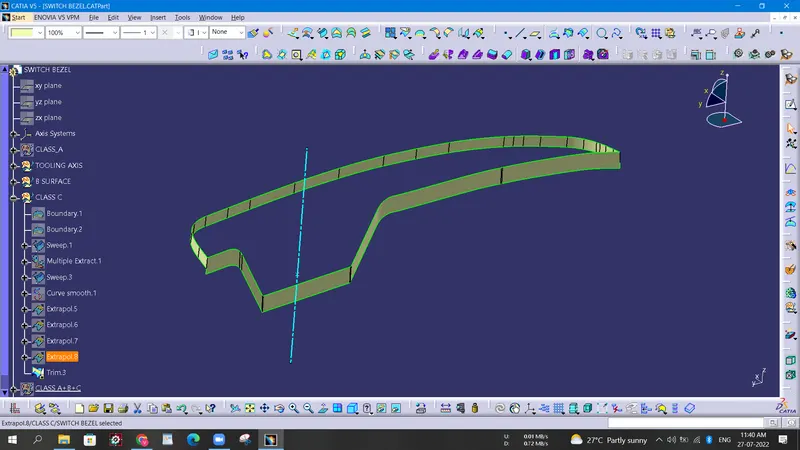
- B-surface creation: For the B-surface, we create an extrapolated surface which will be cut using the C-surface.
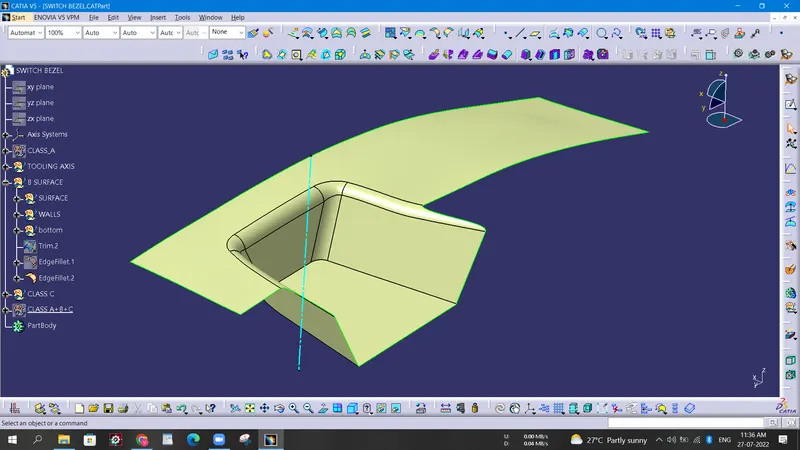
- C-surface creation:
- Draft analysis on the closed body: Draft analysis on the body is performed to check the draft on the A-surface, B-surface, and C-surface. Here the Closing surface follows the draft of the A-surface.