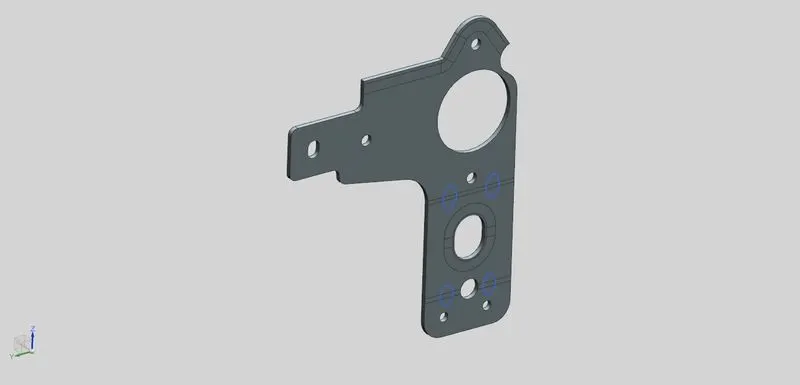
Advanced Sheet Metal Design Using NX Cad Challenge_7_ Metal bracket-II
BRACKET-II
Objective: To Create the basic model of sheet-metal with the basic knowledge of software.
Introduction: NX-CAD is a PLM tool in Design, where we have n number of option to tweek the software to get optimal solution. It is highly used in complex models and its developement.
| Visualizing the Model |
| Understanding the basic Approach |
| Designing the model with efficient process |
| Analysing Design with design Standard. |
| Final Aesthetic design |
| end |
Description:
SKETCHING: It is the basic requirement or boundry for a sheet-metal, where it is extruded to for a sheet metal plate/flats
Tab -It is used in closed sketch to form sheet metal or base flange.
Flange- this is used in side cut or Flanges to base metal.
Advance flange- this feature is used for complex/non-symitrical edges
normal cutout- It is used to cut normally through the sheet-metal surface.
Break corner- It is used to fillet/smooth the sharp corner of sheet-metal
Dimple: it is used to up raise the metal surface with respect the sketch
Gusset- It is used to stiffening the sheet metal/ to give regid support to the bend
CONCLUSION
At this stage I have learned and understood the different features and using it in standard way of designing
FRONT VIEW
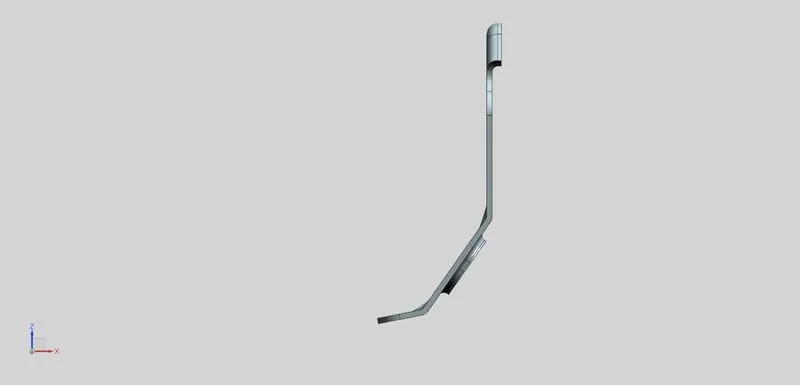
TOP VIEW
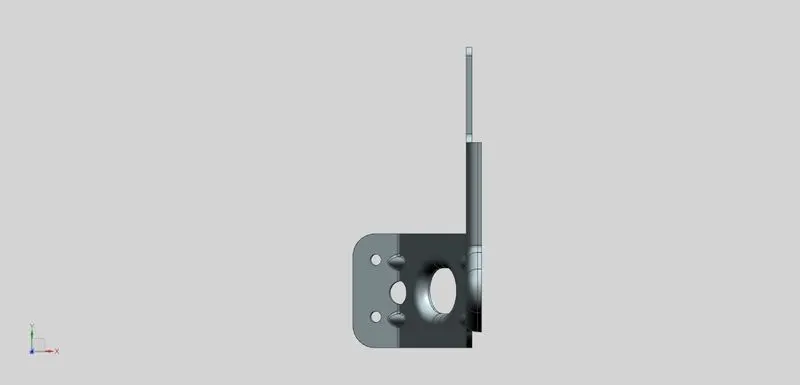
BOTTOM VIEW
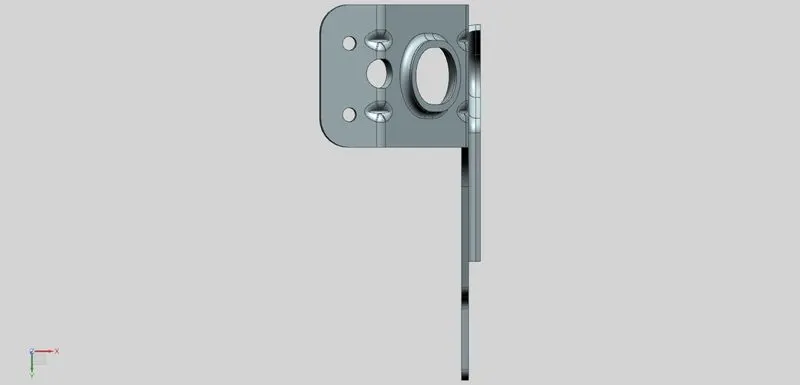
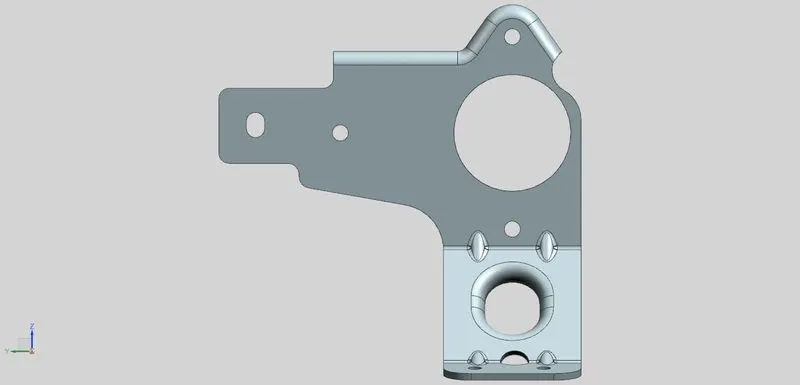
RIGHT VIEW
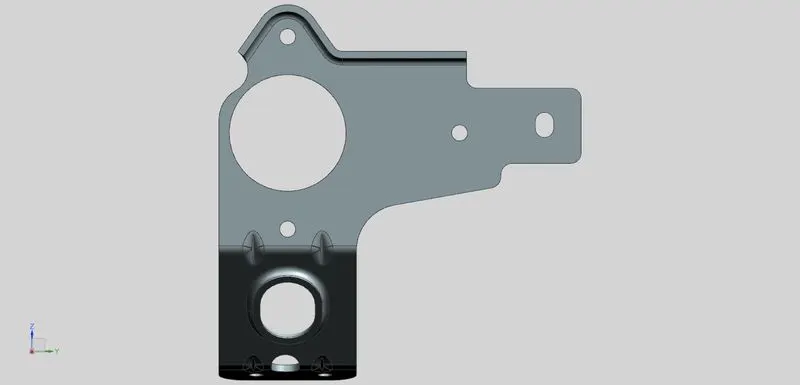
LEFT VIEW
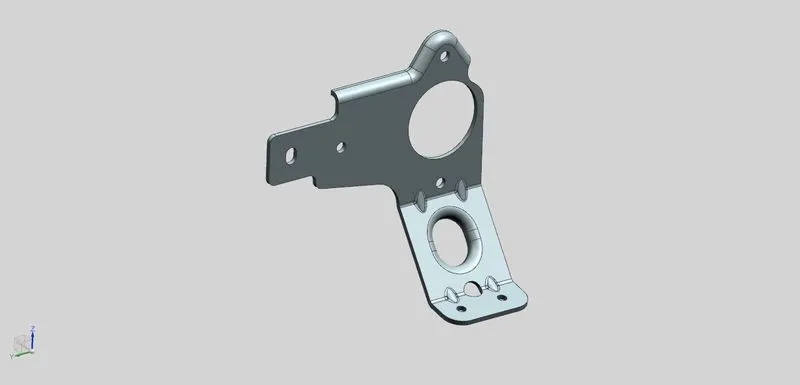
ISOMETRIC VIEW
ISOMETRIC VIEW- FLAT